Archives: Replies
Replies for tickets on suppota
Reply to: tickets(405691)
Yes, sorry I postet this on another post…
Reply to: tickets(406497)
It still there!
Reply to: tickets(406499)
Thanks but I have the last version available (v5.0.6)
Reply to: tickets(406312)
Thank Artem,
Rolling back to version 5.0.8 fixed the issue with clicking events. I see other users having this issue on the support site, so I will just wait on a fix for that.
I have re-enabled logging – I had looked previously and there is nothing related to eventon in it, I will leave it on for a couple days but I am not seeing PHP issues for the loading / cache problem unfortunately.
https://steelstringbrewery.com/errors.txt
Reply to: tickets(399934)
I meant in the Check-in Manager.
Thanks
Iain
Reply to: tickets(406133)
Ok we have removed the purchase from previous association with email ”hello@fica-oc.pt” Please proceed with the verification now.
Reply to: tickets(406500)
Hello,
1. We are aware of the issue and will be releasing a new version ASAP.
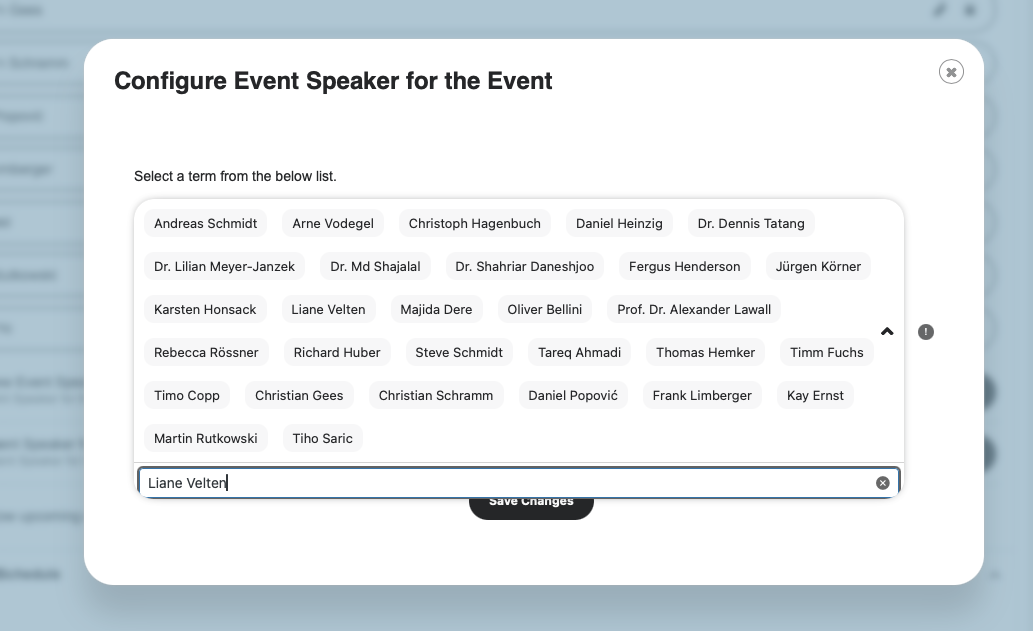
2. Could you try going to EventON > Time Settings > change Default Event Timezone to Toronto?
Like this:
https://wordpress-896289-5880709.cloudwaysapps.com/test/
Options selected:
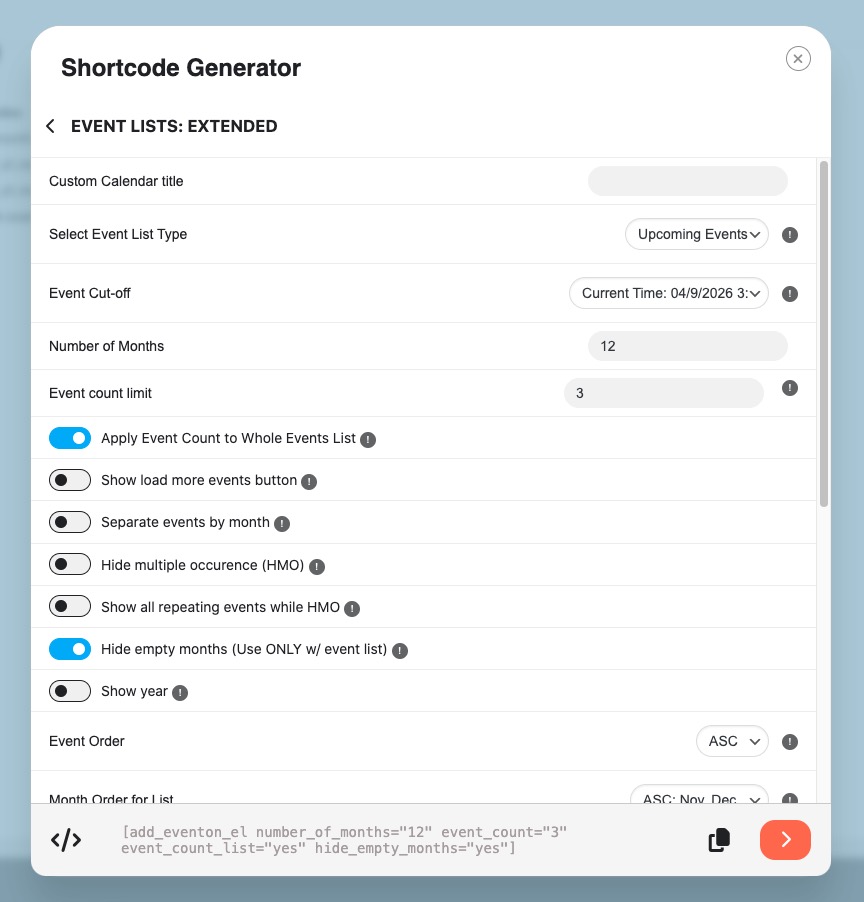
Reply to: tickets(406499)
Hello,
Please update EventON. The latest version fixes the issue.
To update eventon to latest version: (If auto update works, please try that from with your website plugins page)
1. If you purchased eventON from codecanyon > Go to EventON Full page and verify your purchase to get a free copy of eventON latest version and move your purchase over to myeventon.com.
2. If you already purchased eventON from myeventon.com go to My Account > Downloads and get the latest version copy.
Once you have the latest version zip file. Then you can go to your website > make sure ”Delete eventon settings & data when EventON is uninstalled” is De-slected from eventon settings, delete old eventon, install new one and activate. This link will further explain the process it. Follow us on X to get real-time announcements on updates!
Reply to: tickets(406497)
Ashan,
The same on dev2:
https://dev2.myeventon.com/events/block/
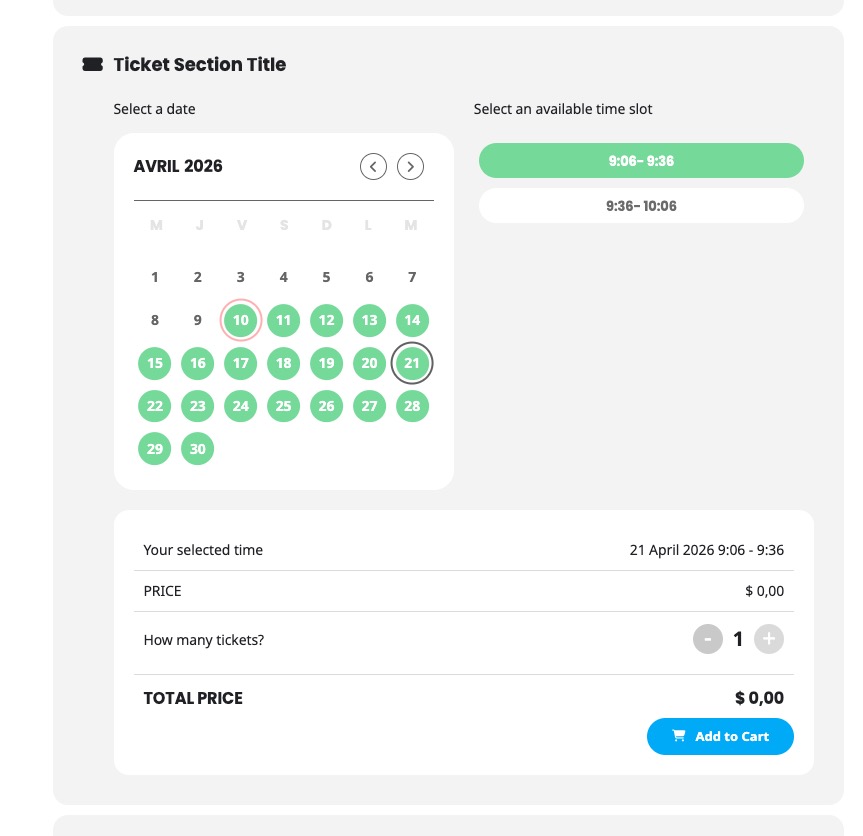
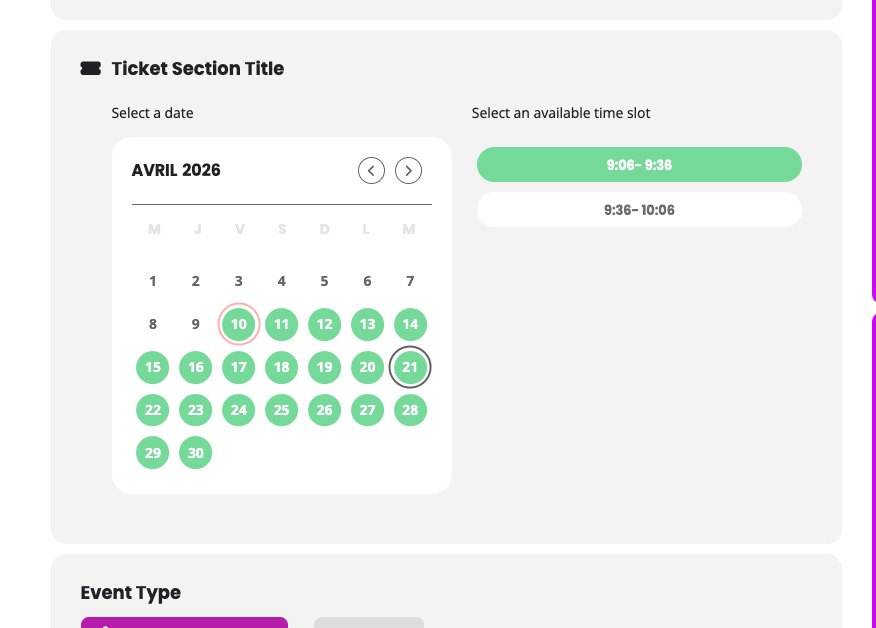
After you selected a booking block and clicked Add to Cart, it just removes the section: