Ah sorry, I misread your question, I believe.
Since your event goes from March 2 to Apr 17, then there is no way of hiding it on some days, since FullCal shows events daily.
It cannot just show a dot on March 2 and then don’t show anything because the event is also available on March 3, 4 and so on.
You can hide it if you want to by adding this to the shortcode
event_past_future=”future” hide_past_by=”ss”
The calendar will show only future events and classify Past Events based on Event Start Date/time.
Please check and let me know.
Good afternoon again. I have gone through the process of disabling and enabling all the plugins on my website. The culprit is the Divi Library Shortcodes plugin. I have reactivated the Advanced Custom Fields, and all seems to be working fine with it enabled. Fingers crossed EventOn will continue to work well.
Please follow the instructions in this documentation to activate debug in your site to see any PHP errors recorded that can provide insight on to whats going on. Please reply with a link to debug.log file. If you are not able to do this please send us FTP access to your site so we can do this for you.
Have you managed to fix the issue?
It seems to be working on my side:
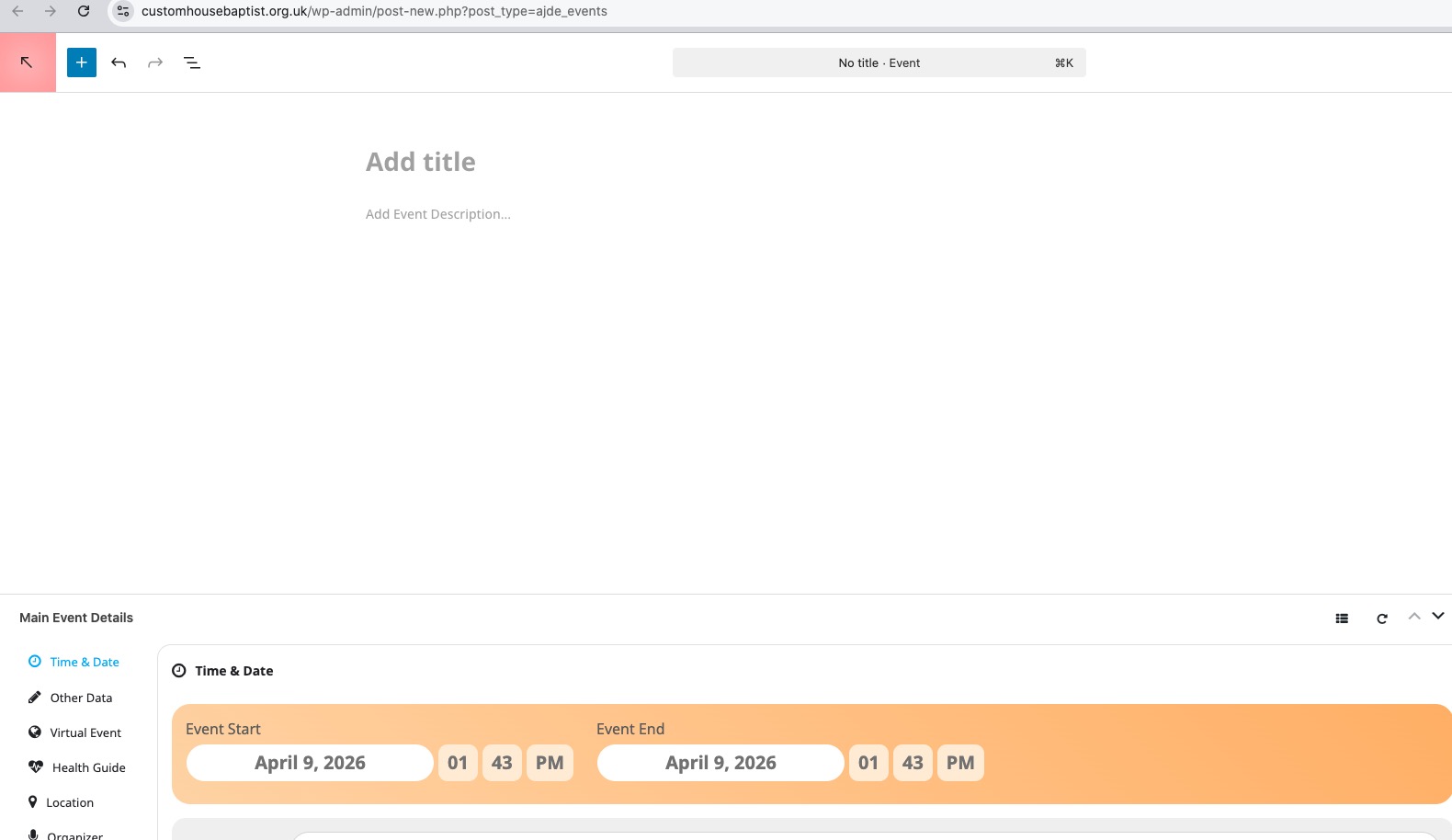
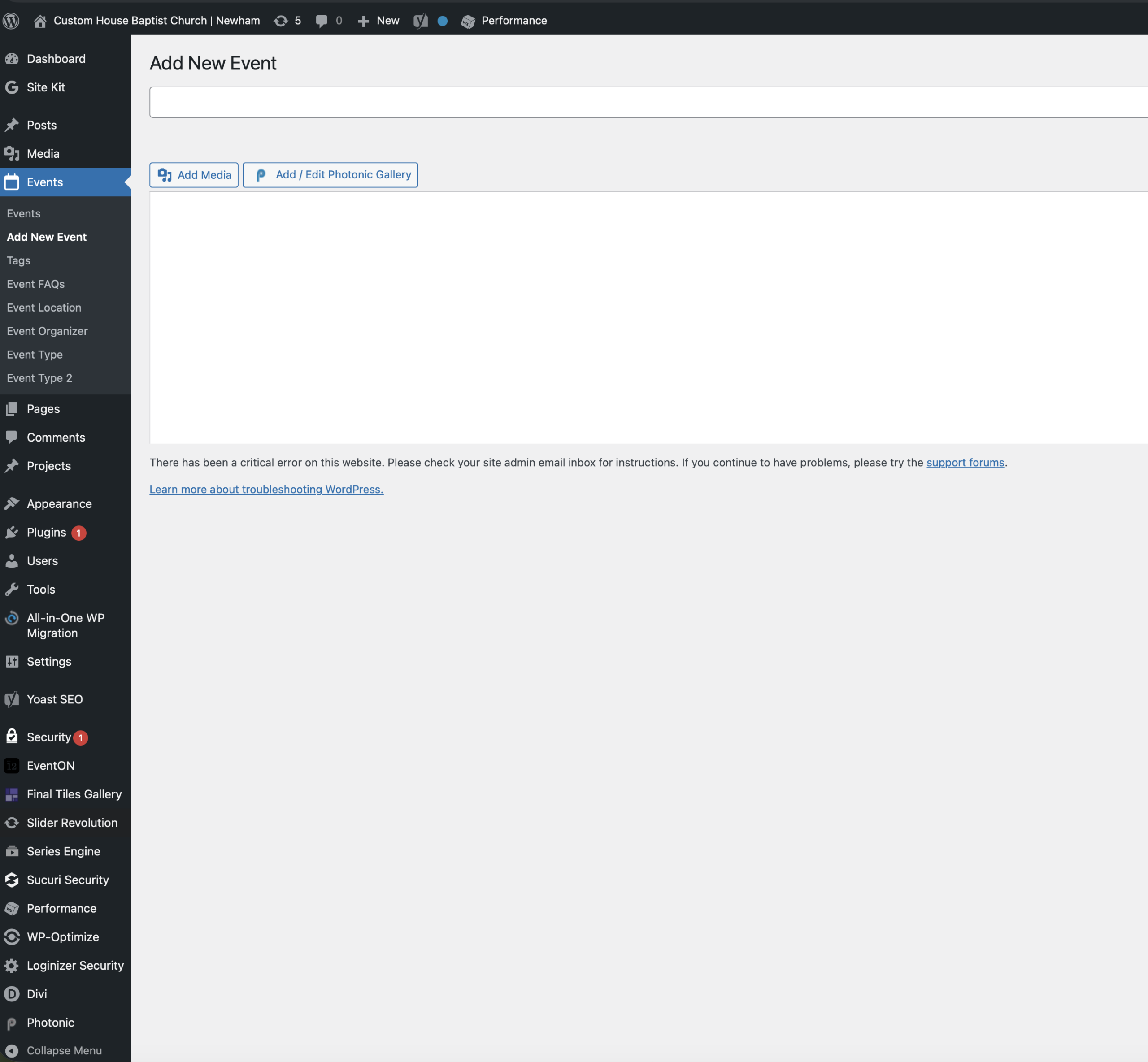
I have disabled advanced fields, but this has not solved the problem. When I click New Event or Edit, the interface I get is not the EventOn interface but a generic WordPress interface. I have attached the screenshot.
Hi Artem,
I’ve just run a few tests to help determine whether the issue could be related to order auto-completion:
Test 1
Variable ticket
Autocomplete plugin disabled, EventON autocomplete enabled
→ Ticket generated successfully
https://cambridgecookery.com/wp-admin/post.php?post=104897&action=edit
Test 2
Variable ticket
Autocomplete plugin enabled, EventON autocomplete enabled
→ Ticket generated successfully
https://cambridgecookery.com/wp-admin/post.php?post=104897&action=edit
Test 3
Variable ticket
Autocomplete plugin enabled, EventON autocomplete disabled
→ Ticket generated successfully
https://cambridgecookery.com/wp-admin/post.php?post=104897&action=edit
Based on these tests, it seems that ticket generation is working correctly regardless of how order auto-completion is handled, so this may not be the root cause of the issue. I will therefore re-enable the autocomplete plugin, as we rely on it for non-ticket products such as gift cards.
On a positive note, all three tests successfully generated tickets for a variable product, which suggests that the issue may have been resolved in a recent update. However, we are still quite concerned, as this problem has already caused real issues for us — on two occasions, customers arrived for classes that we had cancelled because we believed no tickets had been sold. This was understandably very embarrassing, and we had to compensate those customers.
For that reason, I would greatly appreciate it if your team could continue investigating this, so we can be confident it won’t happen again.
Many thanks for your help.
Best regards,
Jonas
Ok thank you, unfortunately I am seeing this morning as well that disabling the cache didn’t fix the calendar loading issue either sadly.
I can create a separate ticket for the other issue if needed.
That didn’t change anything. We have an event with a custom repeat that starts march 2nd and ends april 17th, but instead of just having a single dot on the 2nd and that being that, there’s a dot every single day on the calendar. When we have several events during the same dates it makes it seem like there are more events on specific dates when in reality you can only join it when the event starts, not afterwards.
If we were to set it just from march 2nd to march 2nd the calendar import function would not work, but it would make it not take as much space.
Hello,
Please try importing the data using this free plugin:
https://wordpress.org/plugins/wp-all-import/
However, please note that it’s not 100% compatible with EventON.
You can purchase our add-ons, then cancel the subscription:
https://docs.myeventon.com/documentations/how-to-cancel-addon-subscription-before-auto-renew/