what is your recommendation to have this issue I am having resolved. Thanks
Archives: Replies
Replies for tickets on suppota
Reply to: tickets(365627)
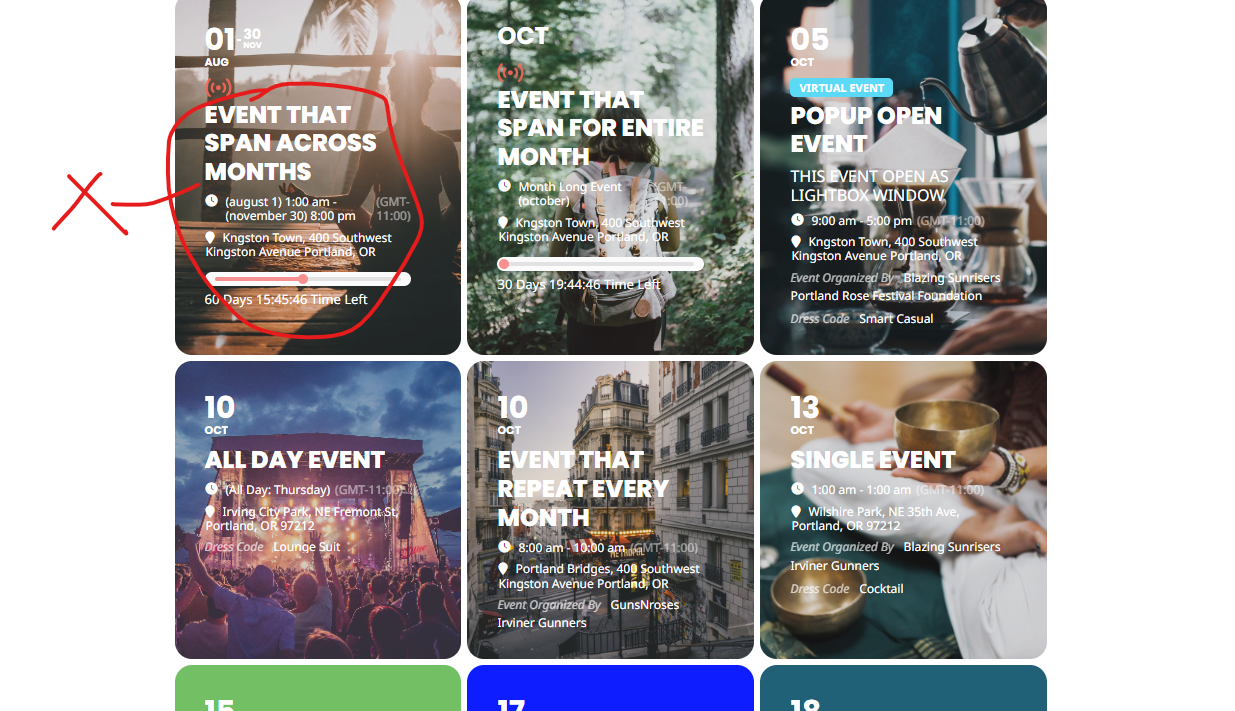
Hello,
I can’t reproduce..
Can you send me a screenshot of the result in this mode?
If it displays the image, it’s great but I would like to make sure that all the information does not come over the image…
Is this possible?
Reply to: tickets(365357)
Hello, do you have some news about my ticket?
thank you
Reply to: tickets(364567)
>> could you please tell me, what the small grey box underneath “ZOOM” is and how to make it go away – thank you!
Which event are you referring to? On my side:
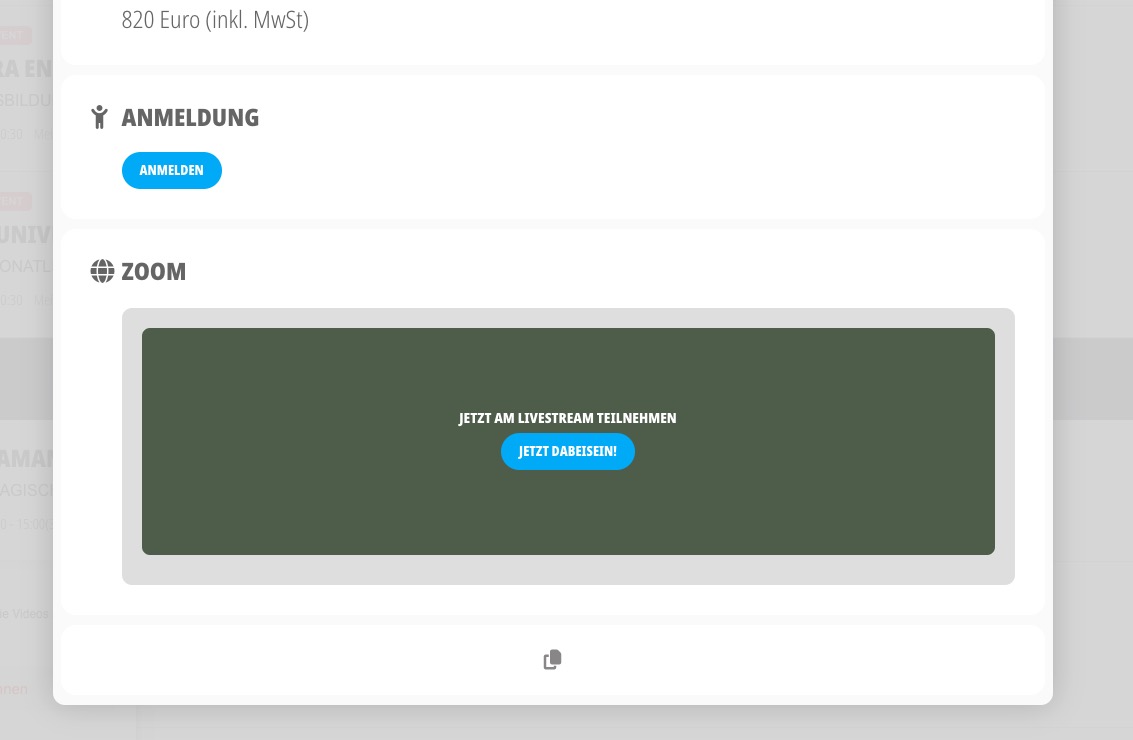
>> I just found out: the grey box contains the text: “event has already taken place”
when I set the correct date, the box was still there, but empty – anything I should deactivate to get rid of that function altogether?
Reply to: tickets(365719)
- Understood. Will check out.
- ok
- I would like to set up a button in front end, which will take a visitor to a page where she/he will be able to purchase event listing plans. So he/ she can publish events on our calendar. I was thinking of using something like paid memberships pro and do some custom coding to connect eventOn with this. However, if eventOn has something to offer, which would allow me to solve this without additional tools or coding, I’d be happy too.
- great, thanks!
Reply to: tickets(364567)
>> thx for your time and effort invested, artem!
Reply to: tickets(365571)
Ahhh ok damn – but we need this pulgin. Any ideas for a dirty fix? 😛
Reply to: tickets(365726)
Hello,
It seems that you can use MailChimp or similar plugin to sign users to receive their emails and other info and then use this add-on to invite them:
https://www.myeventon.com/addons/rsvp-events-invitees/
Reply to: tickets(365681)
Please take a look at
https://docs.myeventon.com/documentations/hook-eventtop/
You can add your own elements to EventTop.
Featured is visible when “Featured Event” is enabled. Event Status should be visible all the time.
Reply to: tickets(365719)
Hello,
1. Please take a look at Action User add-on:
https://www.myeventon.com/addons/action-user/
2. Action User’s shortcode allows users to see their events:
[evo_event_manager]
3. From the front or back-end?
4. This is basic EventON’s functionality.
Try on https://dev.myeventon.com/wp-admin/