Hello,
Could you try updating EventON to the latest version?
To update eventon to latest version: If you are unable to do autoupdate, you can go to codecanyon your account > download and get the latest eventon version as zip file. Then you can go to your website > make sure ”Delete eventon settings & data when EventON is uninstalled” is Deslected from eventon settings, delete old eventon, install new one and activate. This link will further explain the process it. Also you can follow us on twitter to get real-time announcements on updates!
Hello,
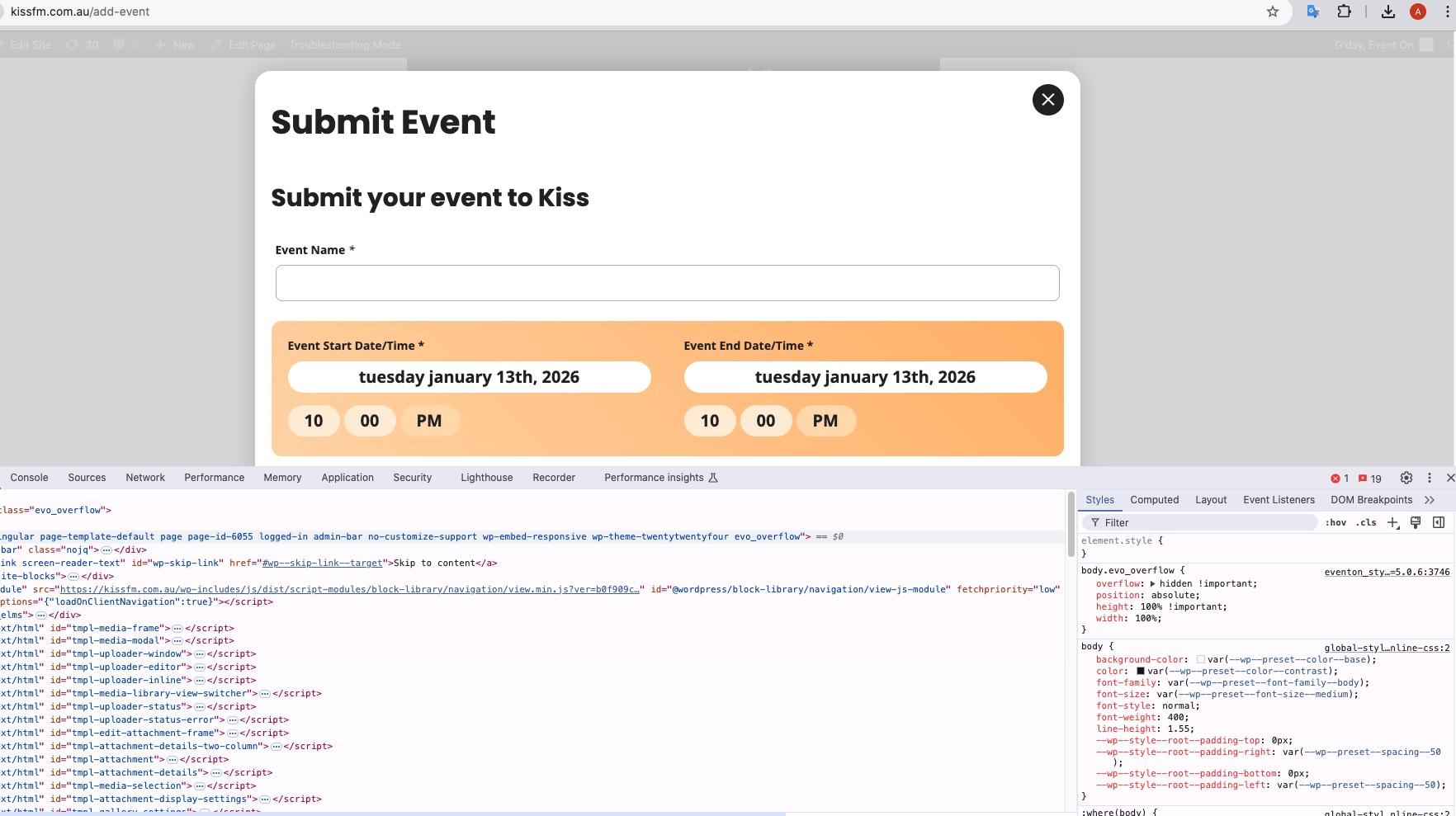
No files from Action User are being loaded on the page for some reason.
However, when I check the website in Troubleshooting Mode, it show the form correctly:
https://kissfm.com.au/wp-admin/site-health.php?tab=troubleshoot
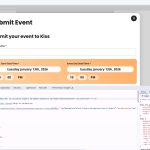
Could you please try the instructions mentioned in this documentation?
Hello,
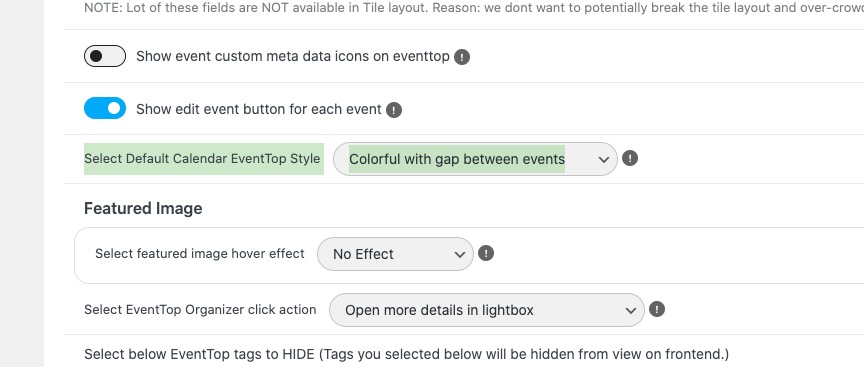
Please go to EventON > EventTop > set ”Select Default Calendar EventTop Style: Colorful with gap between events”:
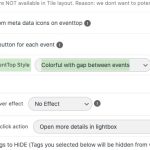
This will add gaps between tiles.
The rest requires a quite extensive customizatoin we unable to provide, I am afraid. Since it’s against Support Policy.
Please follow this guide on how to change CSS:
https://docs.myeventon.com/documentations/change-css-calendar/
Hello,
Please add this CSS code to EventON > Styles (If you don’t see any change, EventON > Scripts & Styling > turn off Write dynamic styles to header > save settings > turn on Write dynamic styles to header).
You can also add this code to wp-admin > Appearance > Customize > Additional CSS.
html.evo_overflow { overflow-y: initial !important; overflow-x: initial !important; }
Hello,
Could you tell us more about how do you add prices in titles?
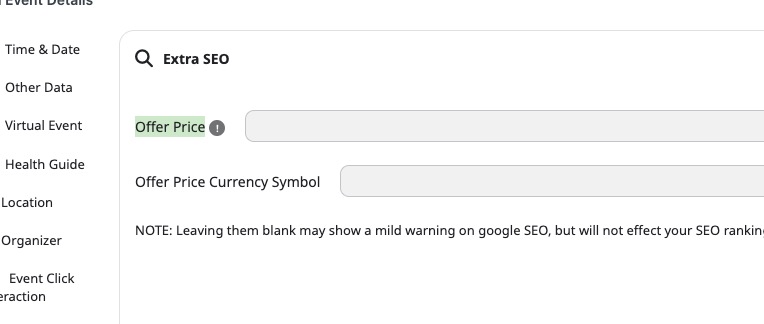
If you are referring to Offer Price, then please note that this is for SEO only:
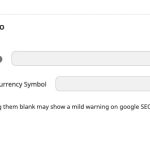
You can use Custom Meta Fields:
https://docs.myeventon.com/documentations/setup-use-custom-meta-fields-events/
And add the price manually to EventTop and EventCard.
Please check and let me know.
Hello,
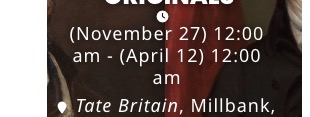
Do you mean remove ”12:00 am” from this part?
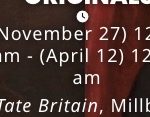
I believe that you can just go to EventON > EventTop > remove Event Time > add Event date block instead. Could you check and let me know?
Hello,
EventON is compatible with WPML at the moment:
https://docs.myeventon.com/documentations/wpml-eventon-front-end/
However, if you enable ”Language Corresponding Events”:
https://docs.myeventon.com/documentations/setup-language-corresponding-events/
And create a translation for each L1, L2 and then enabled it in your shortcodes as well by adding lang=”L1” and lang=”L2” it should show only translated events.
Activating/Deactivating the license doesn’t affect your data in any way. Only deleting the plugin with enabled ”Delete eventon settings & data when EventON is uninstalled”, deletes the data.
Not at the moment, I am afraid. It can only be downloaded if you purchased it from our website.