Hello,
No issues on my side:
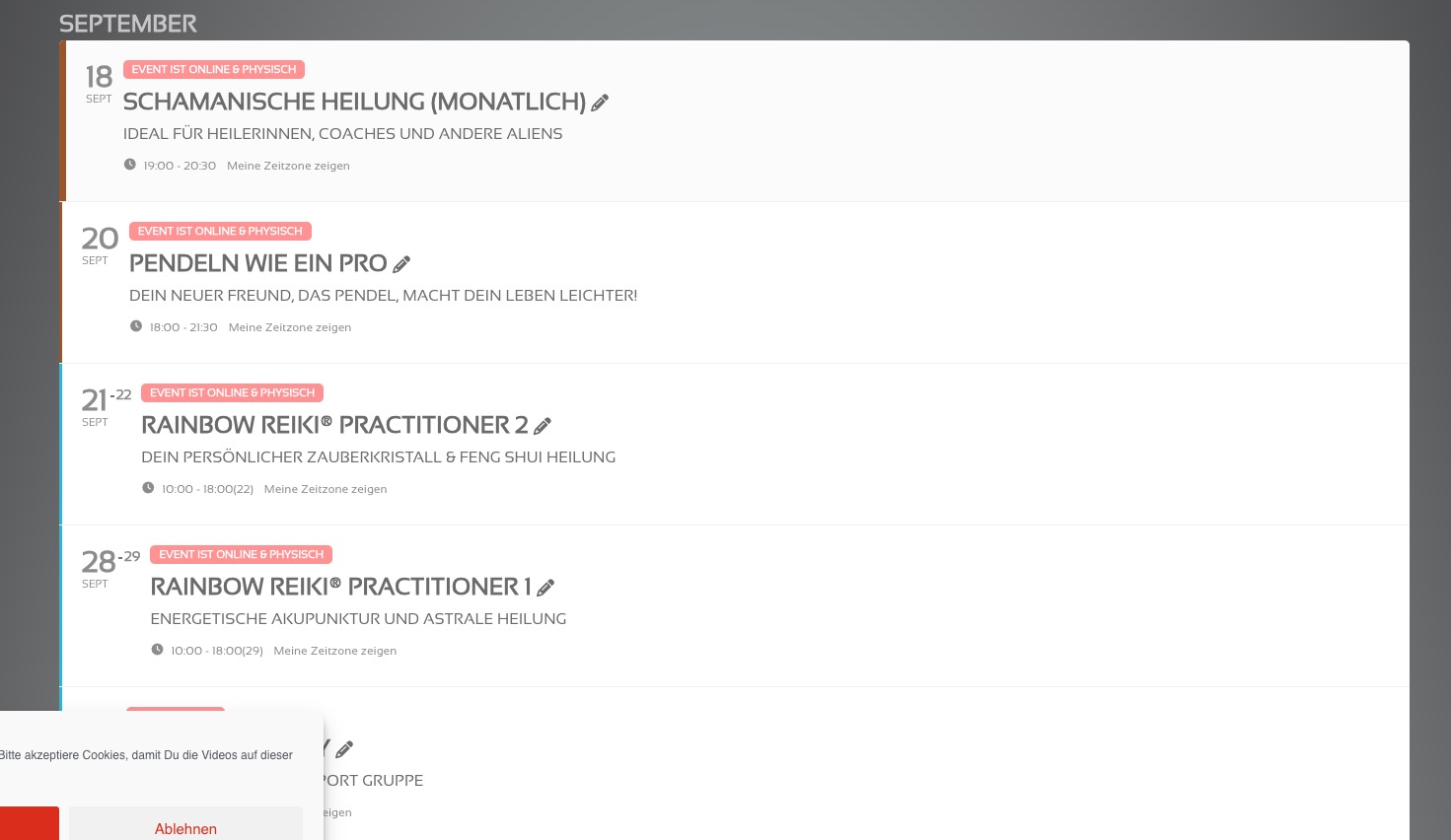
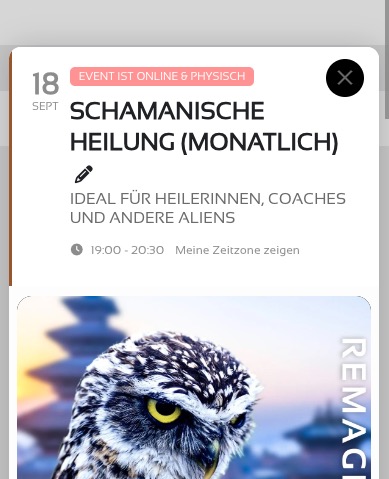
Have you managed to fix the issues?
Could you try going to EventON > Scripts > disabling Load eventON scripts and styles only on eventON pages as well as Disable Jitsi script?
Replies for tickets on suppota
Hello,
No issues on my side:
Have you managed to fix the issues?
Could you try going to EventON > Scripts > disabling Load eventON scripts and styles only on eventON pages as well as Disable Jitsi script?
This “misbehavior” was based on setting “Enable duplication event name check during importing” true. Disabling solves the thing.
Maybe the events with duplicate names should not count as “imported” in the report. Then it would be more obvious.
Sorry for bothering.
Another bug, coming with the latest update
Headlines in the event description are completely scrambled
Capital letters not capital anymore, fonts shifted, sizes…
Can you please look into that?
Sorry, but why is it that almost every update creates so much work for end users?
All is working as it should on lalelu.de. This is running with EventOn 4.6.7 and EventsMap 1.5.2.
Hi
I don’t think so, it sill stucks, you test it by our self:
https://swissotours.ch/ol-reisen/
something odd is going on with the pop up not happening on mobile-
Could you please try the instructions mentioned in this documentation to make sure your issue is indeed coming from eventon.
I have a feeling that something is stopping the pop up- when I visit I get a translate pop up at the top- it might be interacting with the eventon pop up as the translate option only appears on mobile
as for the update
To update eventon to latest version: If you are unable to do autoupdate, you can go to codecanyon your account > download and get the latest eventon version as zip file. Then you can go to your website > make sure “Delete eventon settings & data when EventON is uninstalled” is Deslected from eventon settings, delete old eventon, install new one and activate. This link will further explain the process it. Also you can follow us on twitter to get real-time announcements on updates!
I would download all files from codecanyon and then unzip that larger download file- and inside that is the eventon folder for the latest
could you consider this development?
Thanks in advance
could you consider this development?
Thanks in advance
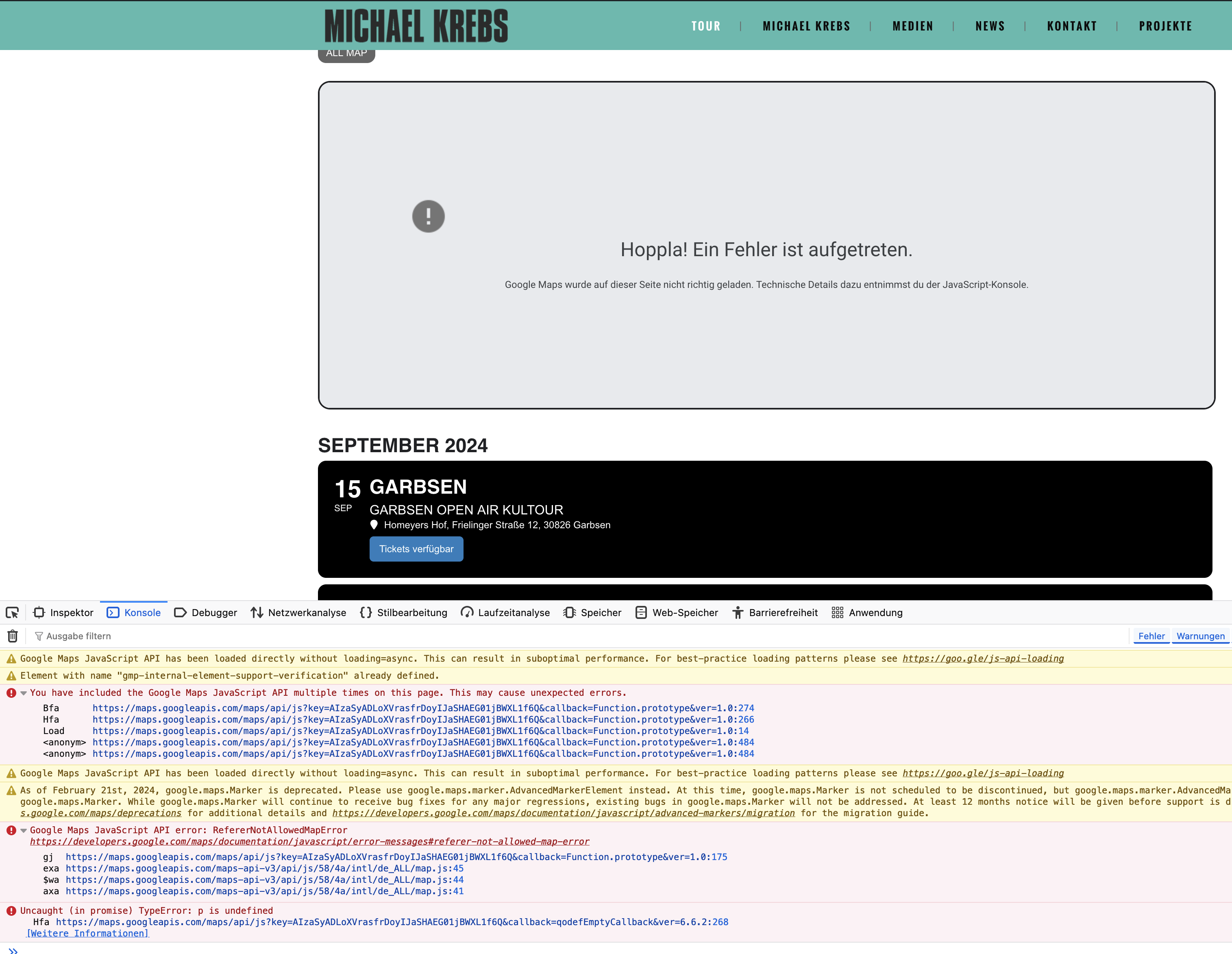
The “multiple use of google maps was caused by the Theme. I have deactivated this. This is not coming up anymore. Unfortunately no change in EventOn’s behavior.
This is current status with error messages.
If the page is loaded for approx half a second the starting pin appears on the map. Sometimes for another half second or less you can see the crowd of pins as it should be. Then you get the grey error prompt as attached.
URL is restricted with syntax as recommended. As described without URL restriction it works.