Aren’t you the developer of the Tickets plugin? The WooCommerce Payments doesn’t have a problem unless this plugin is active!
Thank you!
Replies for tickets on suppota
Aren’t you the developer of the Tickets plugin? The WooCommerce Payments doesn’t have a problem unless this plugin is active!
Thank you!
Dear Artem,
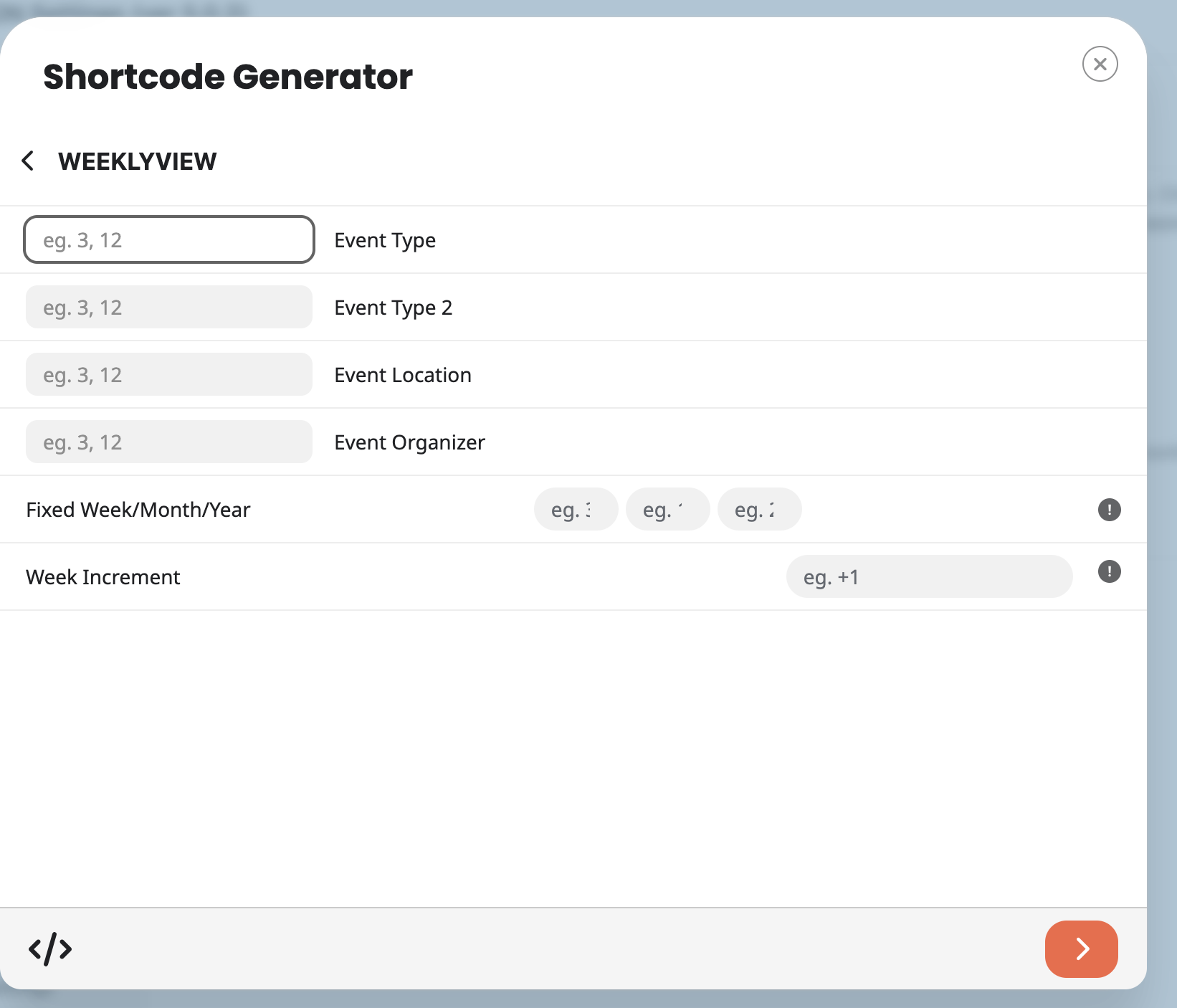
Just found the WeeklyView option.
Now it’s asking for setting some details (see screenshot).
Can you please explain what to fill in those fields, or possibly refer to the explanation in the manual?
Thank you so much for your help.
Dear Artem,
Thank you for your fast response.
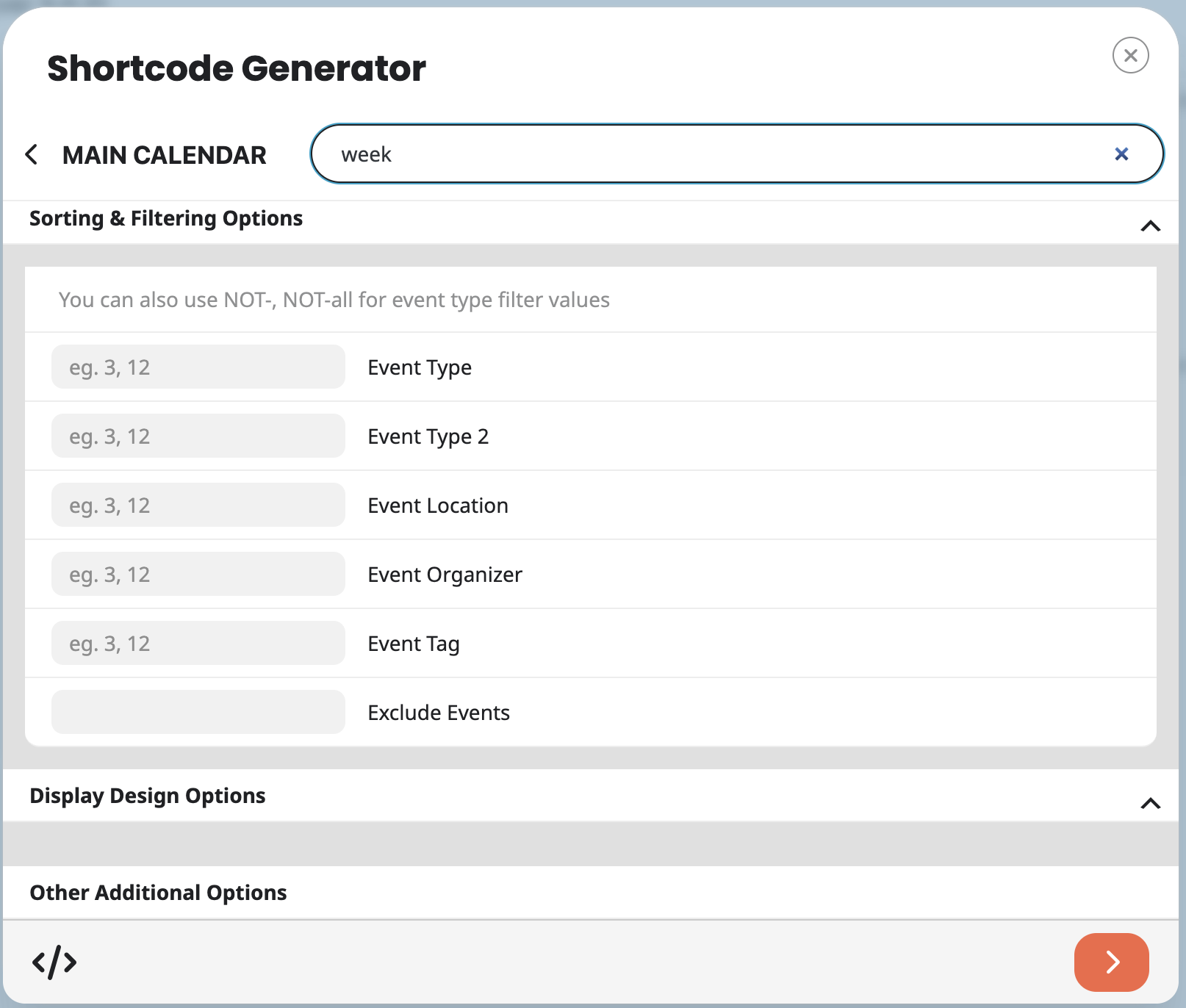
Quick question. When I click on the Configure Calender button, I can’t find the WeeklyView option.
For instance searching for ’week, weekly or WeeklyView (see screenshot).
Can you please guide me through this, step by step?
Maybe by sharing some screenshots or by recording a short video.
Thank you so much for your help!
You can find the calendar at the bottom of the home page. The problem occurs when you open the entry and then click on “More” under Event Details.
Thank you for your efforts and your support
thanks, that worked 🙂
Ashan,
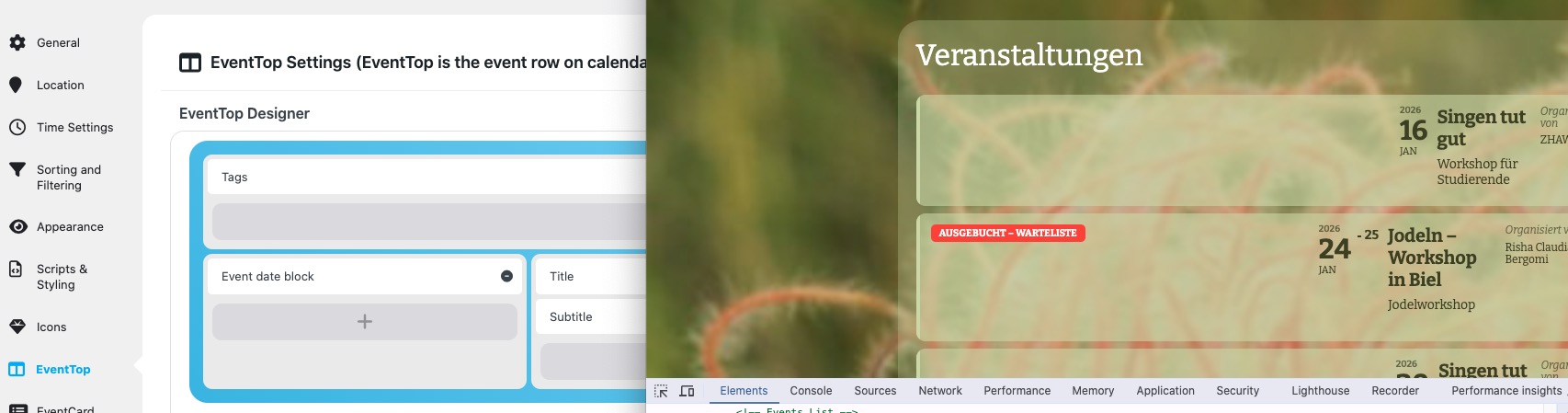
When I add Tags to the top area of the designer, it moves all other content like the top part is another column:
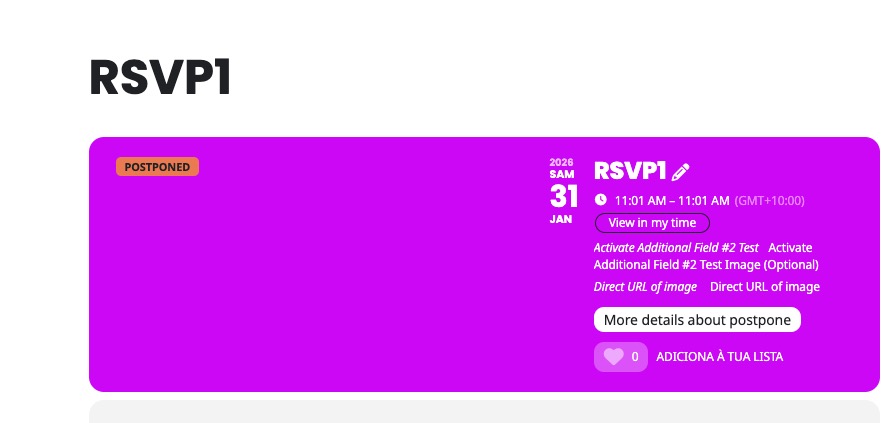
The same on dev2:
https://dev2.myeventon.com/?ajde_events=rsvp1
Thank you for your messages!
I am going to escalate this ticket to development to help in here. Please allow us some time to address this, and we truly appreciate your patience. Thank you for being a valued EventON customer!
Additionally, if your site has any IP blocking or security restrictions in place, kindly disable them temporarily to facilitate our support process.
Unfortunately, not sure why the plugin removes a standard functionality of WooCommerce in the first place. Could you contact the plugin developer and ask about this?
Hello,
1. Please go to EventON > EventTop > set Select Default Calendar EventTop Style: Colorful with gap between events.
You can also change EventTop’s background by going to EventON > Appearance > EventTop > Background Color. If you don’t see any change, EventON > Scripts & Styling > turn off Write dynamic styles to header > save settings > turn on Write dynamic styles to header.
2. Please add this CSS code to EventON > Styles (If you don’t see any change, EventON > Scripts & Styling > turn off Write dynamic styles to header > save settings > turn on Write dynamic styles to header).
You can also add this code to wp-admin > Appearance > Customize > Additional CSS.
.ajde_evcal_calendar.boxy.boxstyle2 #evcal_list .eventon_list_event .evcal_desc span.evcal_event_title, .ajde_evcal_calendar.boxy.boxstyle2 #evcal_list .eventon_list_event .evcal_desc span.evcal_event_subtitle { overflow-wrap: normal; word-wrap: normal; overflow: unset; white-space: pre-wrap; text-overflow: inherit; }
3. Your locations don’t have Location Address filled in. Each location must have it, I am afraid.
There is no compatibility between EventON and Import facebook events plugin from our side. So please contact the plugin developer about this issue.
Hello,
This code will fix the margin/padding issue. Please add this CSS code to EventON > Styles (If you don’t see any change, EventON > Scripts & Styling > turn off Write dynamic styles to header > save settings > turn on Write dynamic styles to header).
You can also add this code to wp-admin > Appearance > Customize > Additional CSS.
.single-ajde_events .evosin_event_title.evottui {margin-top:0} .single-ajde_events .eventon_main_section.summary.entry-summary {padding-top:0} .single-ajde_events .content_wrap .content { width: auto !important; } .single-ajde_events .evo_page_body { max-width: 1140px !important }
EventON uses it’s own Single Event Page template, but you can customize it by following this guide:
https://docs.myeventon.com/documentations/customize-single-events-page/
Please let us know what other styling issues you would like to fix.