seems to be working for me- perhaps clear your browser cache
Archives: Replies
Replies for tickets on suppota
Reply to: tickets(364200)
Please send us wp-admin access to your site as a private message for us to further assist your situation.
Reply to: tickets(364097)
you have ux_val=”3″ in the calendar shortcode which is to pop up events- this will overide anything you set for each individual event.
so remove that from the shortcode- clear your cache and then whatever you set on each event will be the interaction
Reply to: tickets(364199)
please try the solution in this video
https://vimeo.com/1001240375
if you are using the latest version you may need to simply resave myeventon>>>>settings>>>event card
Reply to: tickets(364205)
its a different thing
the updates is for the manual emails you can send to rsvp guests using the built in emailer see video below
Reply to: tickets(364097)
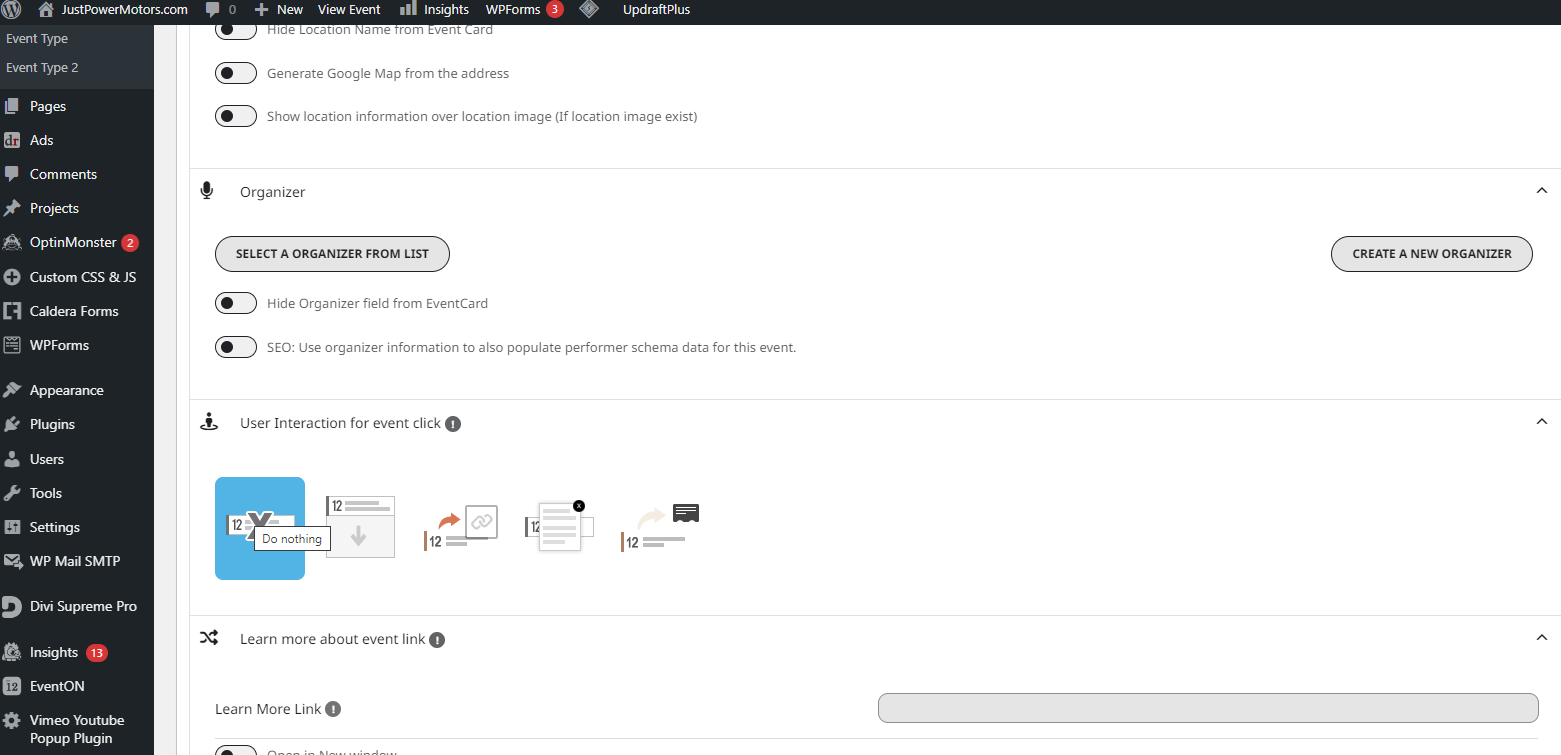
got the images loading fine now. The User Interaction for event click options doesn’t seem to be working. I sent one as a test to do nothing, on the Calendar page it still opens up. I cleared all cache as well.
Reply to: tickets(364124)
Thank you for the prompt reply! I was able to restore a site backup that still had the 3000+ events in the trash and will re-enter the 25 events we’ve added since then. I installed the plugin to set a date for the trash to be deleted based on the article link you sent. We’re still not sure why after over a year of sending old events to the trash the trash was suddenly completely cleared! Until a few days ago, the trash behaved exactly as desired – past events were sent to trash and remained there for a year; events older than a year were permanently deleted. This kept the number of events in the trash around 3000-3500, but it never grew bigger than that. If you know of a way to keep that behavior, other than the plugin that empties the trash completely after a set amount of days, please let us know. We appreciate your support!
Reply to: tickets(364097)
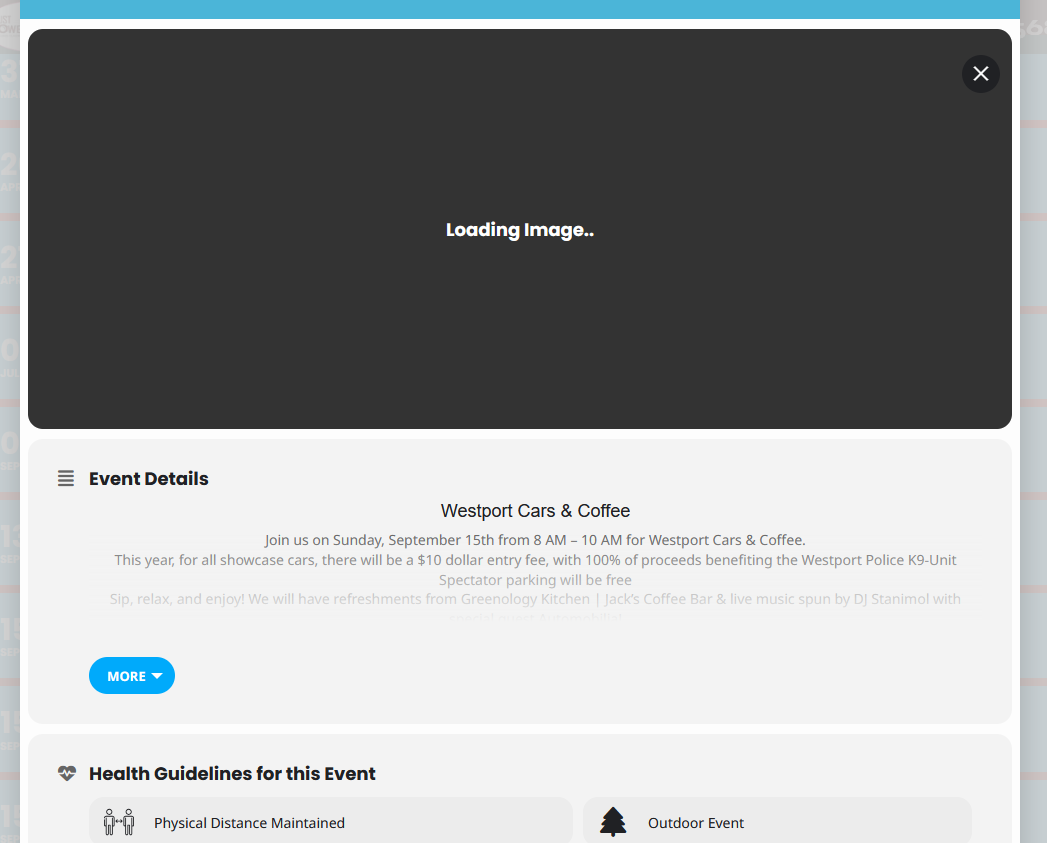
I think I figured it out
Reply to: tickets(364097)
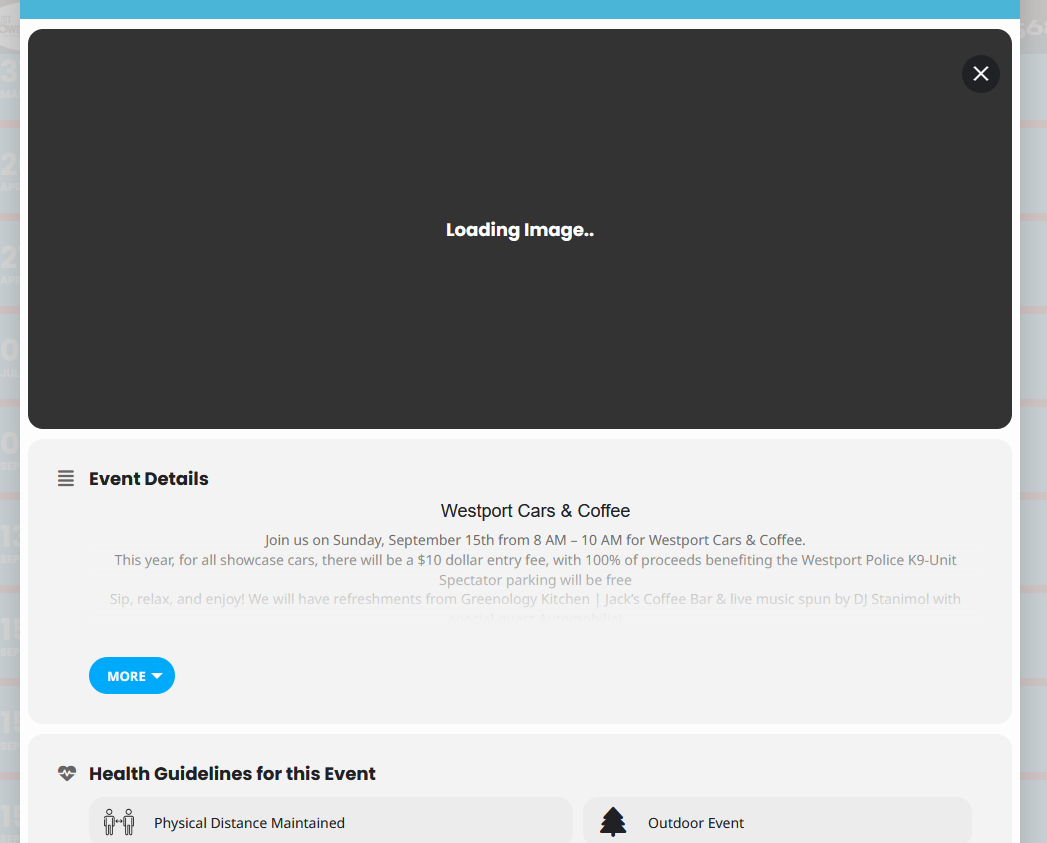
I updated it to ver 4.6.8 and tried all 3 options for the Feature image display style. Still broken I’ll leave it as 4.6.8 so you can look at it
Reply to: tickets(364145)
Yes go ahead!