I did the update, but nothing has changed. I have version Version 2.6, but I have been getting updates all the time I have used the calendar. I tried to get a new version to delete and reinstall, but I can’t figure my account information. That version seems to be 4.something. Will I need to pay for a new version? If so, will my calendar events move over?
Archives: Replies
Replies for tickets on suppota
Reply to: tickets(364050)
Maybe instead of your current plugin you can use our own variations and options plugin:
https://www.myeventon.com/addons/ticket-variations-options/
Could you try the add-on on:
https://dev.myeventon.com/wp-admin/
Reply to: tickets(351924)
Hello,
What’s the current issue? Could you send us a screenshot?
Is your client trying to update the plugin manually or with autoupdate?
Reply to: tickets(364122)
Ashan,
We are encountering an issue when creating events with assigned seating. Specifically, when we use Greek letters for row or seat names (e.g., Γ1 or Δ1), the system does not recognize them correctly. After saving, it generates random names with numbers instead of keeping the Greek characters.
Already sent you the ticket with the issue.
However, if we prepend an English letter to the seat name (e.g., sΓ1 or sΔ1), the system saves it correctly. Despite this workaround, we face another issue with the PDF generator—it does not display any Greek characters and instead shows “????” in their place.
The same on dev2:
https://dev2.myeventon.com/wp-admin/post.php?post=55246&action=edit
https://dev2.myeventon.com/wp-content/uploads/2024/09/Ticket_order_55245.pdf
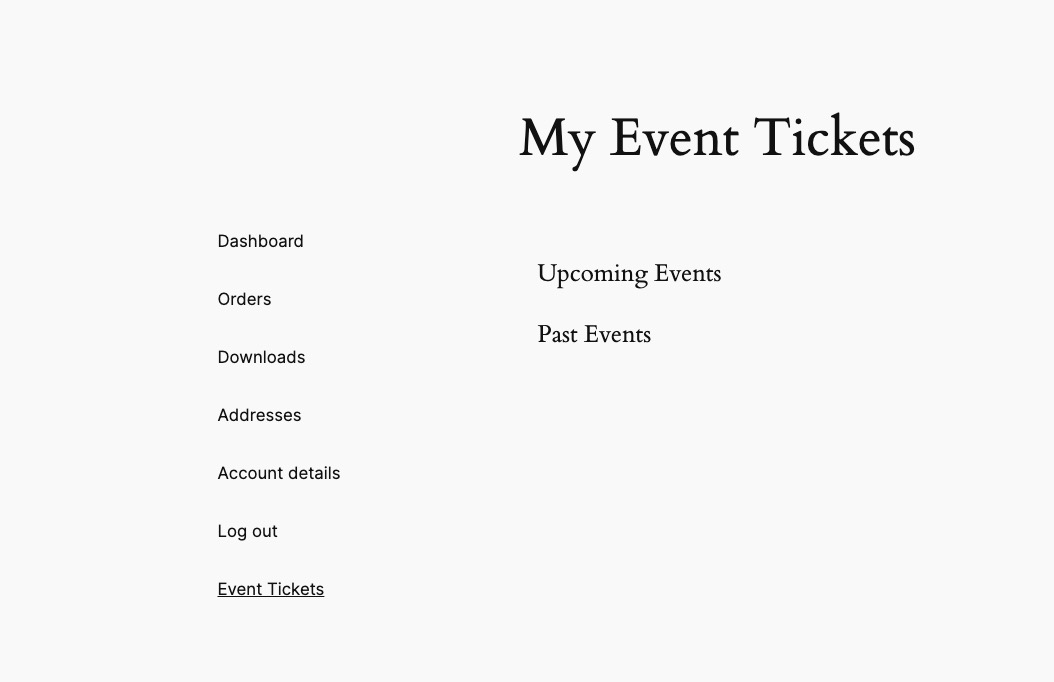
Also when you order a ticket check also here https://ticket.satirikotheatro.com/my-account/evo-tickets/ dont display it.
In Troubleshooting Mode:
https://ticket.satirikotheatro.com/wp-admin/post.php?post=1378&action=edit
https://ticket.satirikotheatro.com/my-account/evo-tickets/
Reply to: tickets(364122)
Hello,
Thank you for your messages, I am going to assign this ticket to Ashan and he will be able to take it from here and find you a solution. Please allow some time for him to get back to you, we greatly appreciate your patience and thank you for being a eventon customer! Also please disable any IP blocking on your site if there are any.
Reply to: tickets(364145)
Hello,
Could you try disabling your cache plugin and try to check the issue again? Or can we?
Reply to: tickets(364134)
Hello,
Unfortunately, we don’t have any suggestions. You can ask here and if it’s covered by our support policy we will help.
Reply to: tickets(364128)
Hello,
Please add this CSS code to EventON > Styles (If you don’t see any change, EventON > Scripts & Styling > turn off Write dynamic styles to header > save settings > turn on Write dynamic styles to header):
.single-ajde_events #left-area { width: 100%; float: none; } .single-ajde_events #main-content .container:before { content: none; }
Reply to: tickets(364124)
Hello,
EventON only has “Auto move events to trash when the event date is past” option:
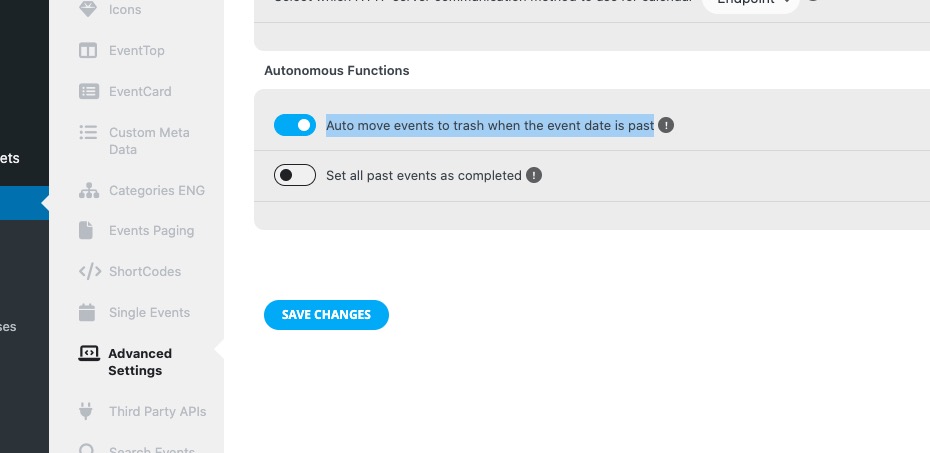
But WordPress itself empties Trash.
Please take a look at this guide on how to change the time:
https://www.wpbeginner.com/wp-tutorials/how-to-automatically-empty-your-wordpress-trash/#aioseo-method-1-automatically-empty-wordpress-trash-with-wpcode-recommended
Reply to: tickets(364097)
But you need 4.6.8 version.