Order ID 192138 for ticket is a single site license.
Order ID 192782 for qr code is also a single site license.
If you have already activated the license in your one website it should work in there. Let me look at your site.
The login info you shared is not working.
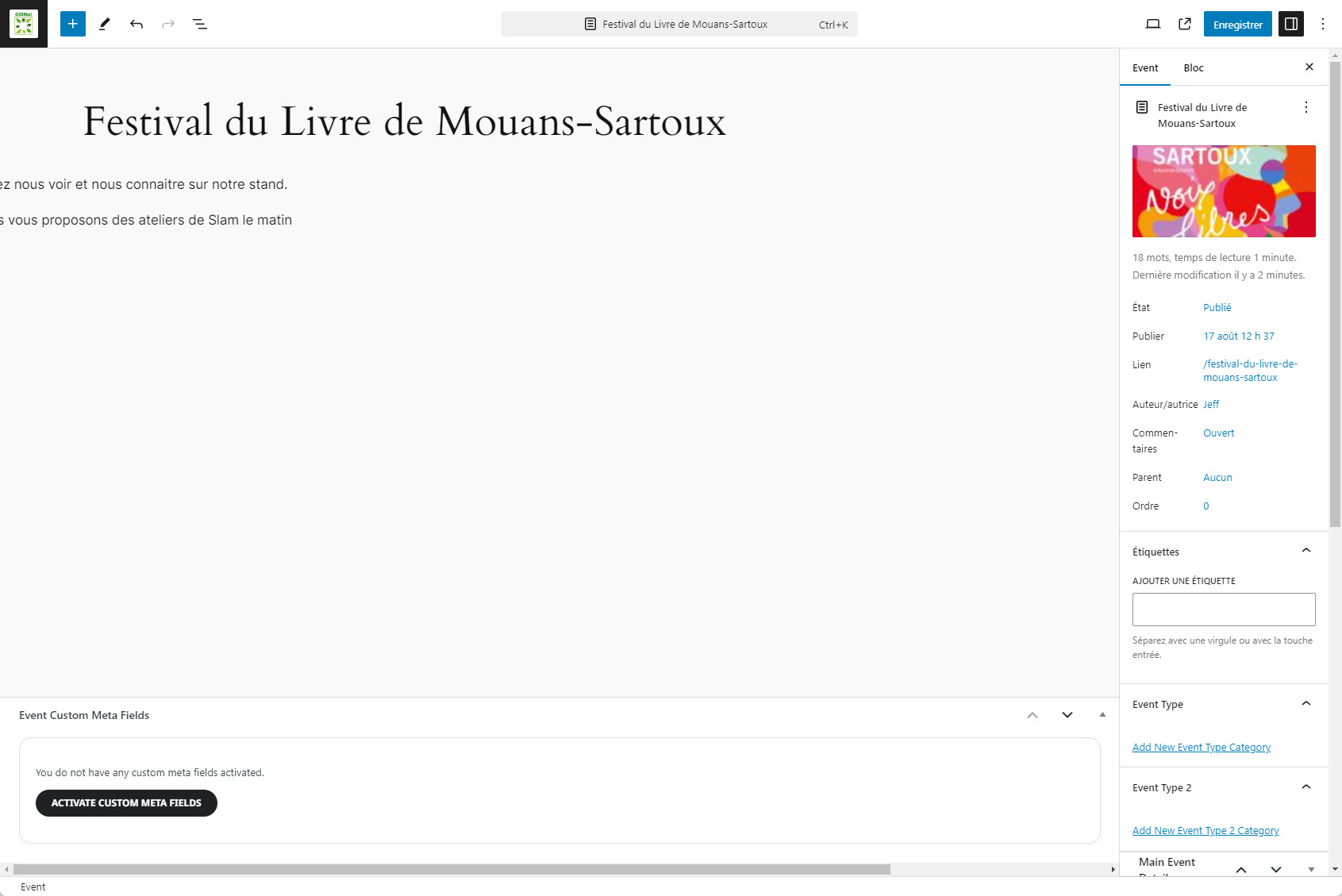
thanks, i am able to see the description now.
But the display is still strange, i cannot change the event content.
see attachment
Hi Dave. I thought I had already answered this saying that I managed to set up the Guestlist page and it seems to work well. It’s getting views so it has served a purpose. Thanks for your help with that.
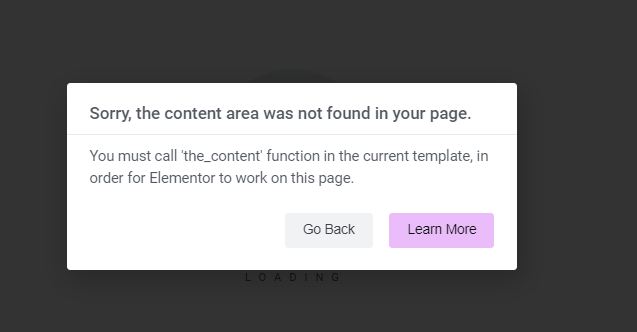
However, I wanted to set up a Form from elementor on a couple of event pages, but I can’t seem to access elementor on any event page. (Error image attached) I delved into it and tried a few things stated on youtube, but to no avail. I then contacted an elementor forum and someone just said maybe eventon doesn’t work with elementor, and that I should ask eventon. So here I am asking, is elementor compatible with eventon? Is it possible to edit an eventon age in elementor?
Thanks
Hi Artem. Has the autoupdate now been fixed? Thanks
best way is simply to create a dummy event and RSVP to it
you then are testing- if the email is working and what it looks like
then you un-rsvp and see if that email works and then rsvp again
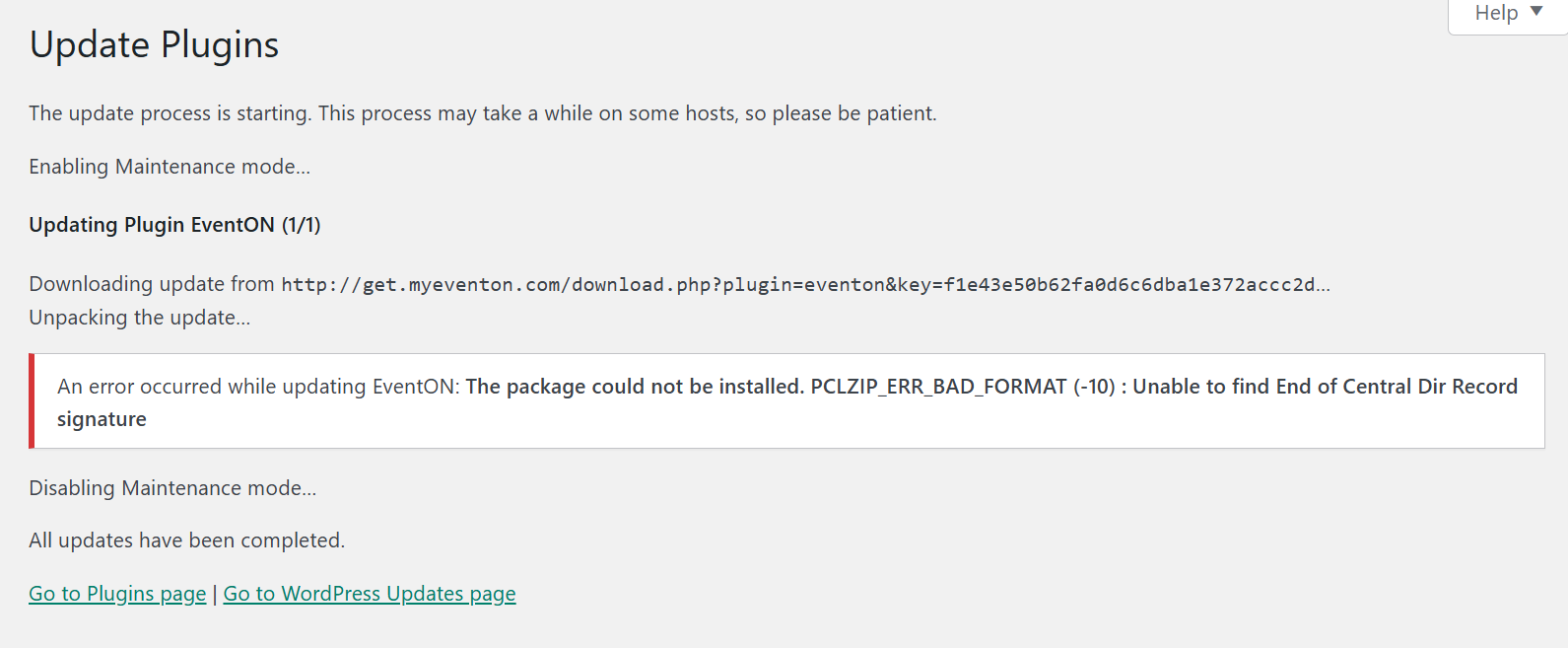
Hi I have always updated via WordPress updates page, it is the core program I do not have any addons.
This is the same site I had issues in the past when the maps stopped displaying properly after an update and you had to login to fix it for me.
I have not logged in to CodeCanyon for over 7 years as I no longer need to. When I try to login with what I thought were my details it says no account found.
Have added a couple of screen shots.
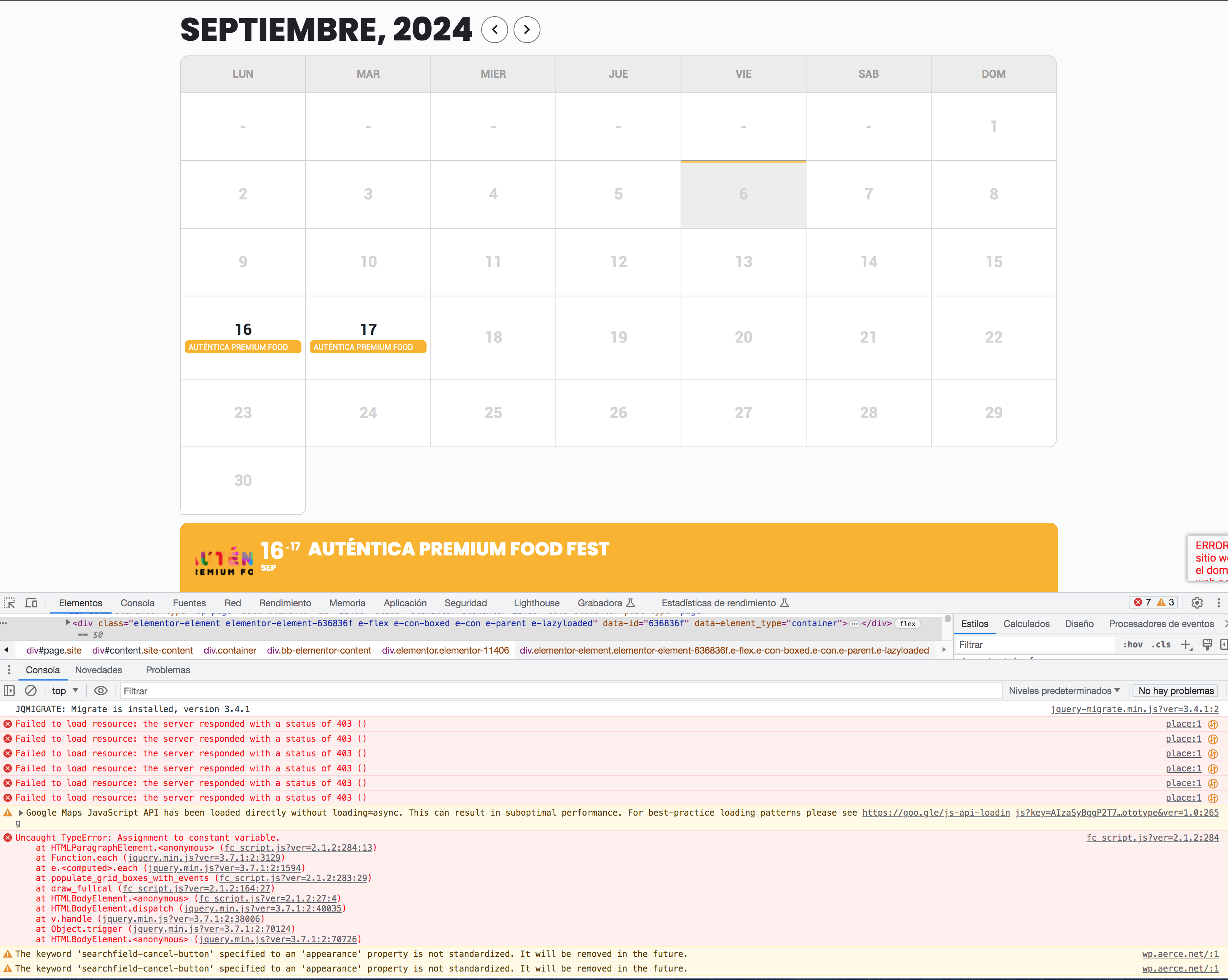
I send to you a wp-admin access to our developer site
https://wp.aerce.net/wp-admin/
User:
ashanjay
Password:
$hPkIn#B597osoFKj6F65x9X
and the URL for the calendar without wp-rocket cache:
https://wp.aerce.net/calendario/?nocache
and i attached image from javascript error
Thank you
Best regards
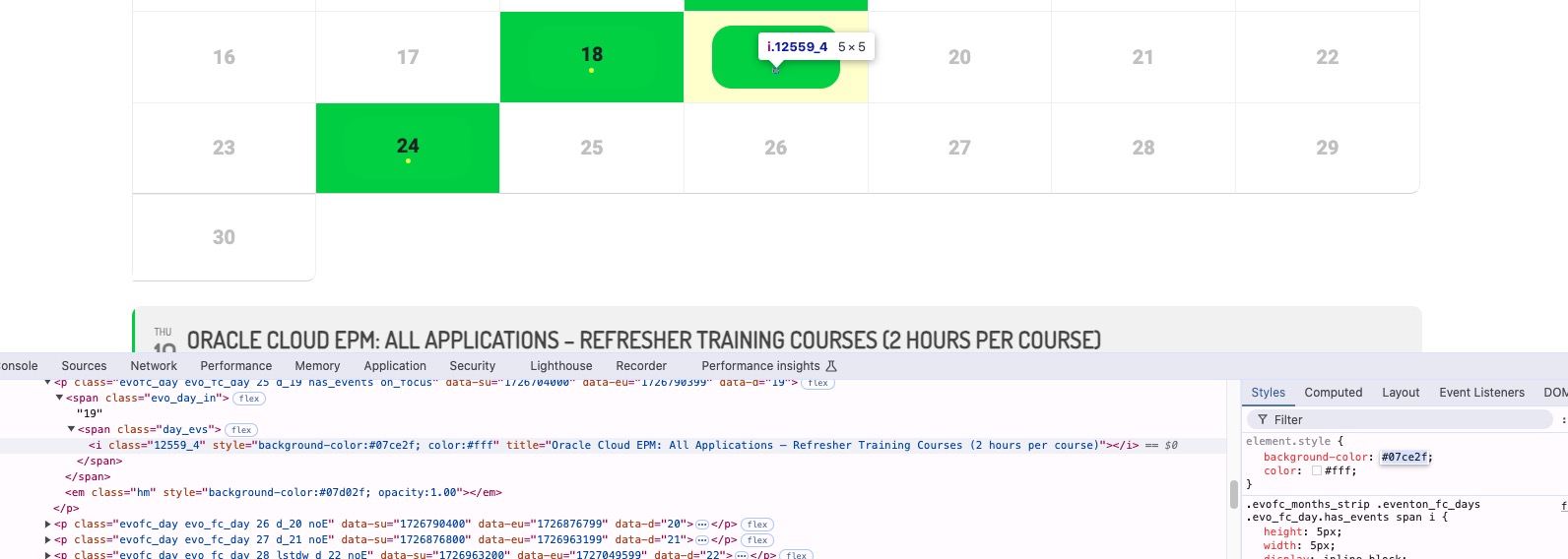
2. Dot color is the same as Background color:
Dot takes it’s color from Event Color.
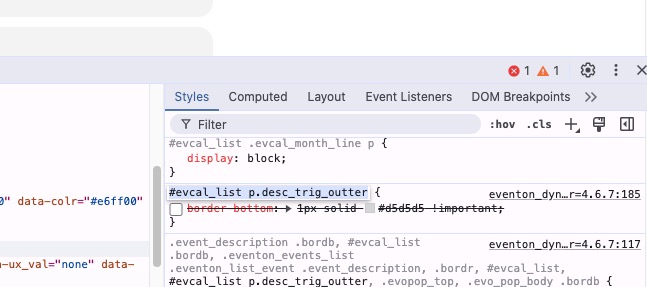
3. This style adds the bottom border:
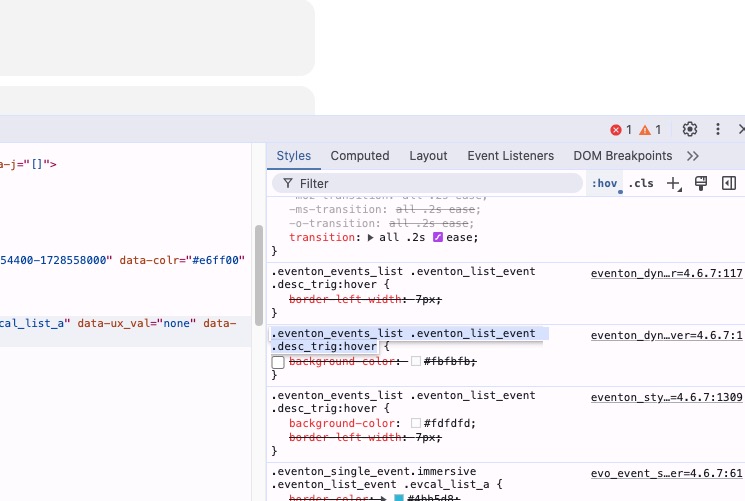
Also this style adds on hover EventTop grey backround:
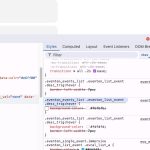
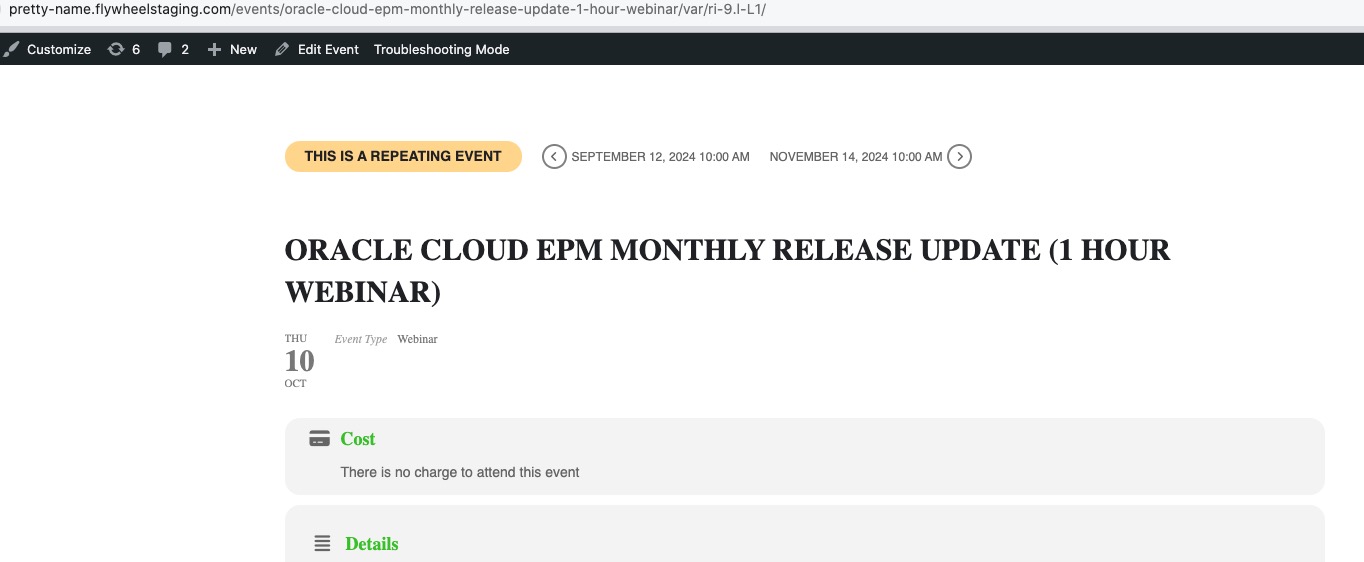
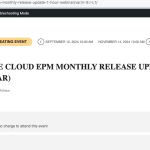
In Troubleshooting Mode the event looks like this:
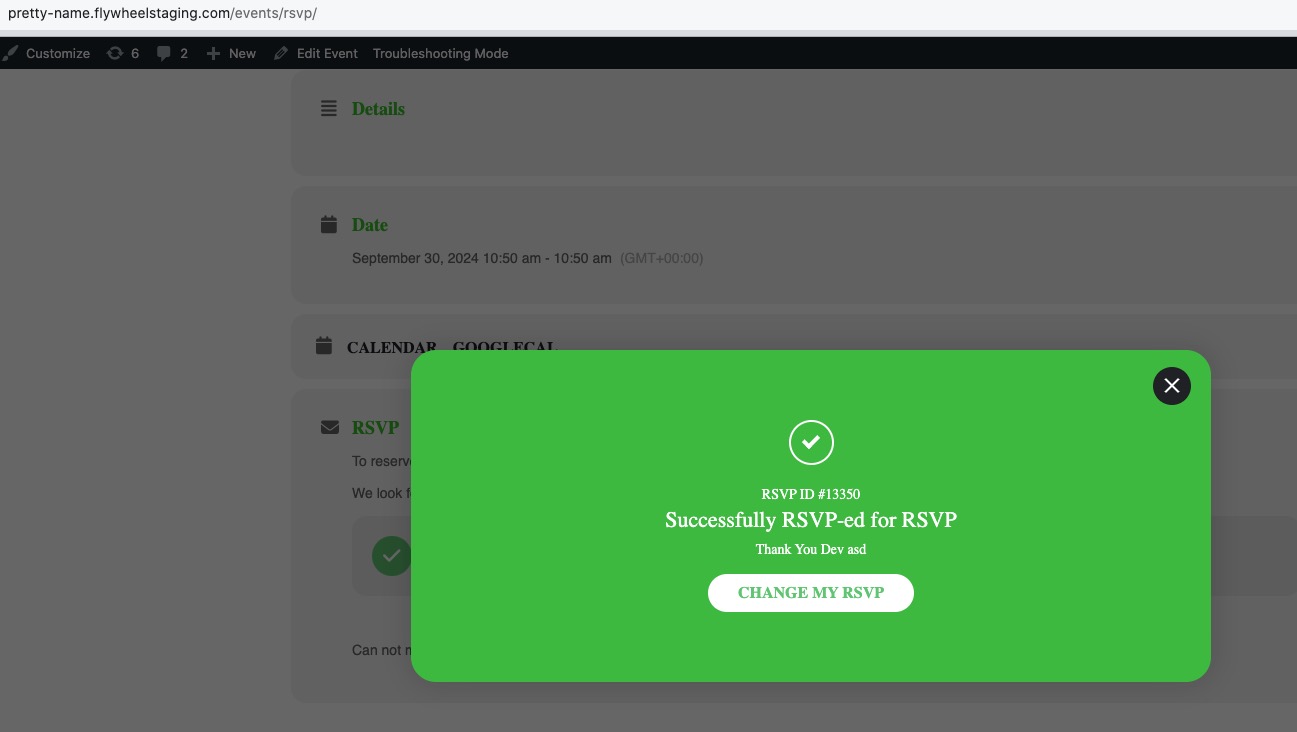
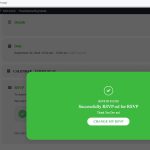
4. Also in Troubleshooting Mode RSVP works:
 Could you please try the instructions mentioned in this documentation to make sure your issue is indeed coming from eventon.
Hello,
Please click on Title and then press Enter to show Event Details:
Hello,
It seems that your orders aren’t Ticket Orders like they should be:
Is this your Checkout page
https://motikdong.com/wp-admin/post.php?post=5505&action=edit
Or
https://motikdong.com/wp-admin/post.php?post=13&action=edit
Please note that Tickets add-on only works with the default shortcode
https://woocommerce.com/document/woocommerce-shortcodes/#woocommerce-shortcodes