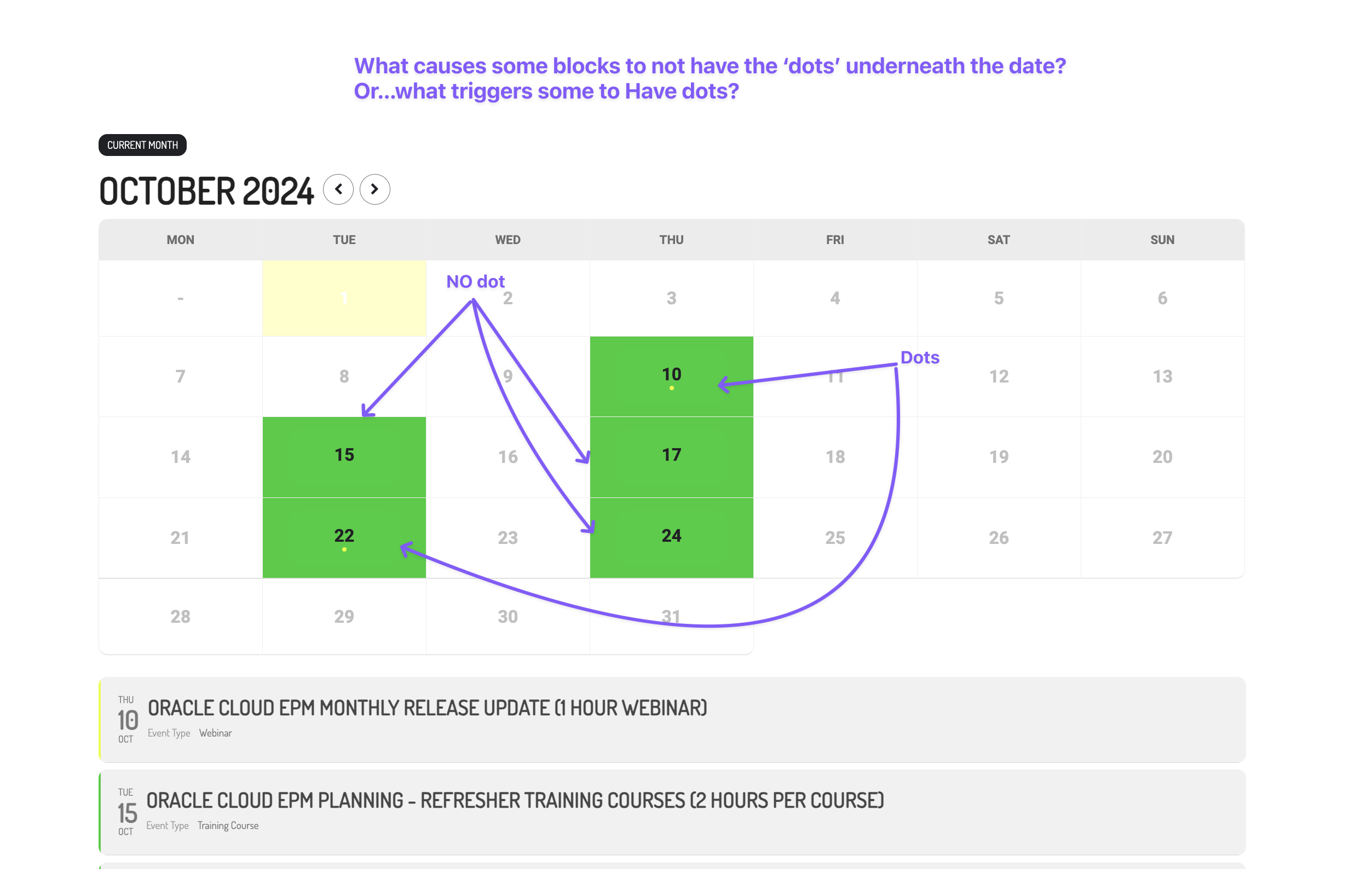
you could also then use some of the other unused tags- tickets selling fast, be quick, only a few tickets left
Members discounts etc early bird special, for one night only, back by popular demand, fastest selling tickets on spotlight
how many letters you use- you’ll want to test on desktop and mobile to see if they all fit in
yeah nah. sorry . you can change it- but the class is the same as the date field so whatever you change in sold out will effect the date line
but there is an alternative which might interest you- the sold out is right at the top and you can tweak it to your hearts content
see video below on how to do that: (not exactly what you are after but potentially will get the job done)
and if thats something you like we can help you css tweak the heck out of it
thats good to read.
We are glad your issue is resolved, if you have any further questions or concerns please create a new ticket.
3. I am referring to the page you see after clicking one of the Future event dates (repeating event) on the staging server. You can view the problem page on the staging server here. You can view how it should look on the Production server here.
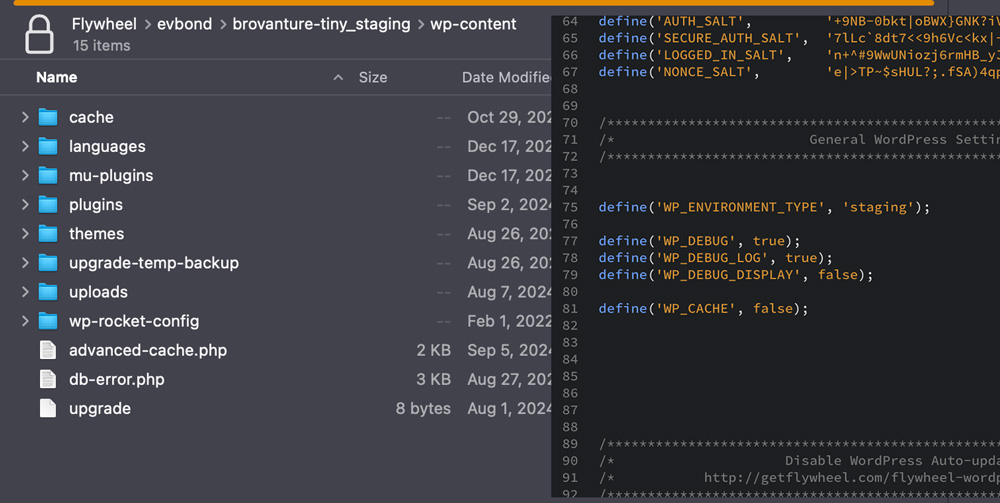
4. I followed the instructions and added the snippet to the wp-config file. I cleared cache >> went to an Event and clicked “RSVP” >> completed the form and clicked Submit. Although the RSVP was stored in the backend the form does not leave the page after Submit and no confirmation email is sent. I then went to the wp-content folder but do not see the error. See attached for clarification.
I will need an email address to set the FTP. The host is Flywheel and they need to email you FTP instructions.
Thanks,
Slade
I am not sure why you created another ticket.
Anyways. what is the order ID for this? we can not see this purchase under your current email from our system. You must have used a different email to purchase the addon.
Please take a look at this guide:
https://docs.myeventon.com/documentations/auto-complete-ticket-order/
Ashan will check this ASAP.
The easiest solution is to use CSS to change their colors. Follow the css customization guide to further edit style changes.
I assigned the other ticket to Ashan, he’ll reply ASAP.