I am really sorry to inform we have not added those changes. It may take longer than we expect as they are very much involved and changing them effect various other functionalities and need meticulous code changes.
Will take more time. We do not have an ETA at this moment.
Thanks Artem! I’ll mess around with it. Thanks for your help.
Feel free to close this ticket.
Charles
Also can you please send us updated wp-admin access to your site. previous logins do not work any more for us to create a page without elementor and test this.
Hello Lorena, that is a typical response I would expect from them 🙂 they don’t wanna take the blame.
I would suggest trying another page editor plugins or even wordpress’s own block editor is very powerful now.
Try creating a page with WordPress block editor without elementor and see if eventON calendar works that way.
Alright got it working. I edited your form javascript code to run inside a setTimeout function for 2 seconds delay. That seems to have done the trick 🙂

It is very strange sometimes the script runs, but sometimes it doesn’t.
I editted the code here.
https://apriodev.wpengine.com/wp-admin/plugin-editor.php?file=eventON%2Fincludes%2Fcalendar%2Fclass-calendar-event-structure.php&plugin=eventON%2Feventon.php
line 1095
Just to output the custom field content without running through any filters, that artem mentioned in eventON settings.
That seems to get the form working on single events page

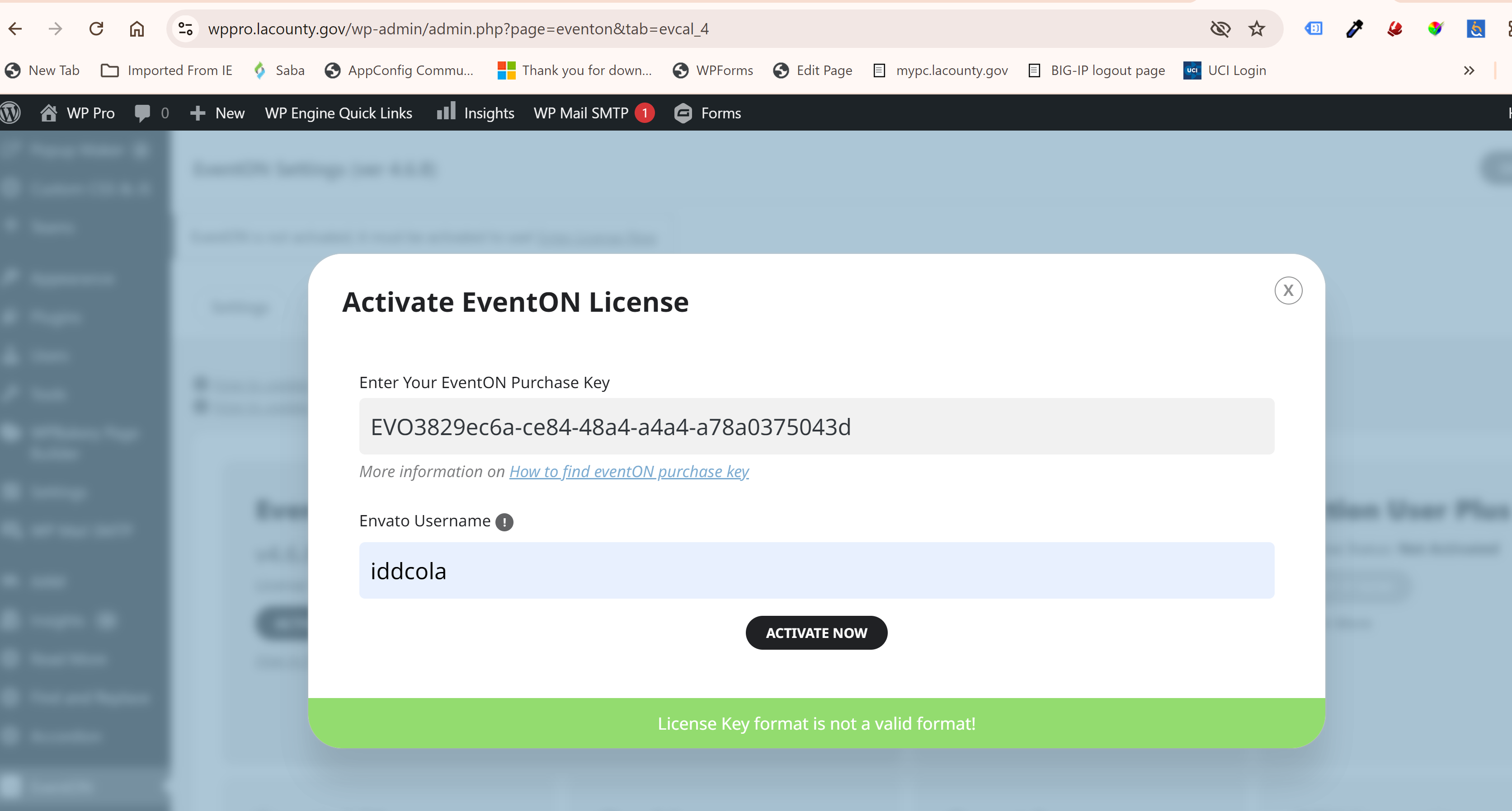
It is an intranet site so you cannot access the site from outside the network.
Thank you for pointing me in the right direction. I was able to do it with Rank Math plugin.
Cheers!

