Thanks so much for solving all the issues. Have a beautiful day 🙂
Archives: Replies
Replies for tickets on suppota
Reply to: tickets(317965)
Thank you Ashan!
Reply to: tickets(363650)
Username: outsidewphelp
Password: Ayudame1876
Reply to: tickets(363706)
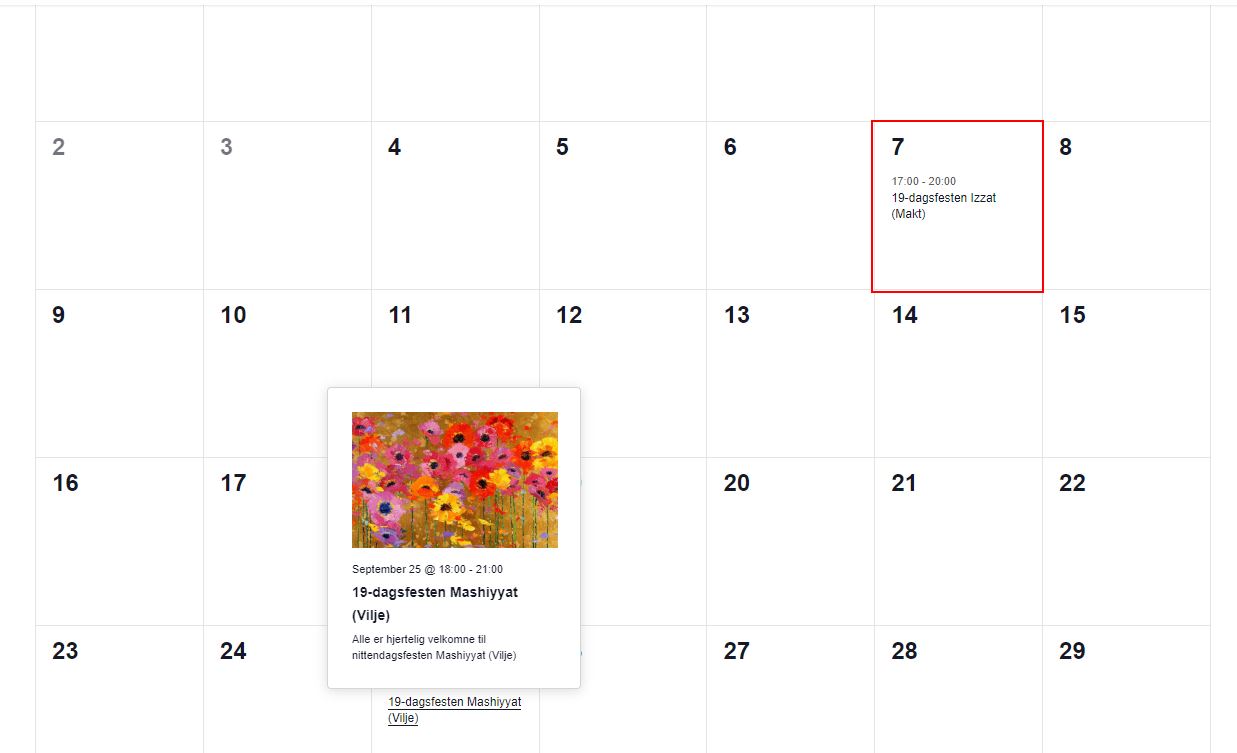
like this example:
Reply to: tickets(363623)
hello, after checking with my client, it turns out that he did not use the correct email with which he purchased the pass.
An error on his part, the problem is therefore resolved, sorry for the inconvenience.
Reply to: tickets(363701)
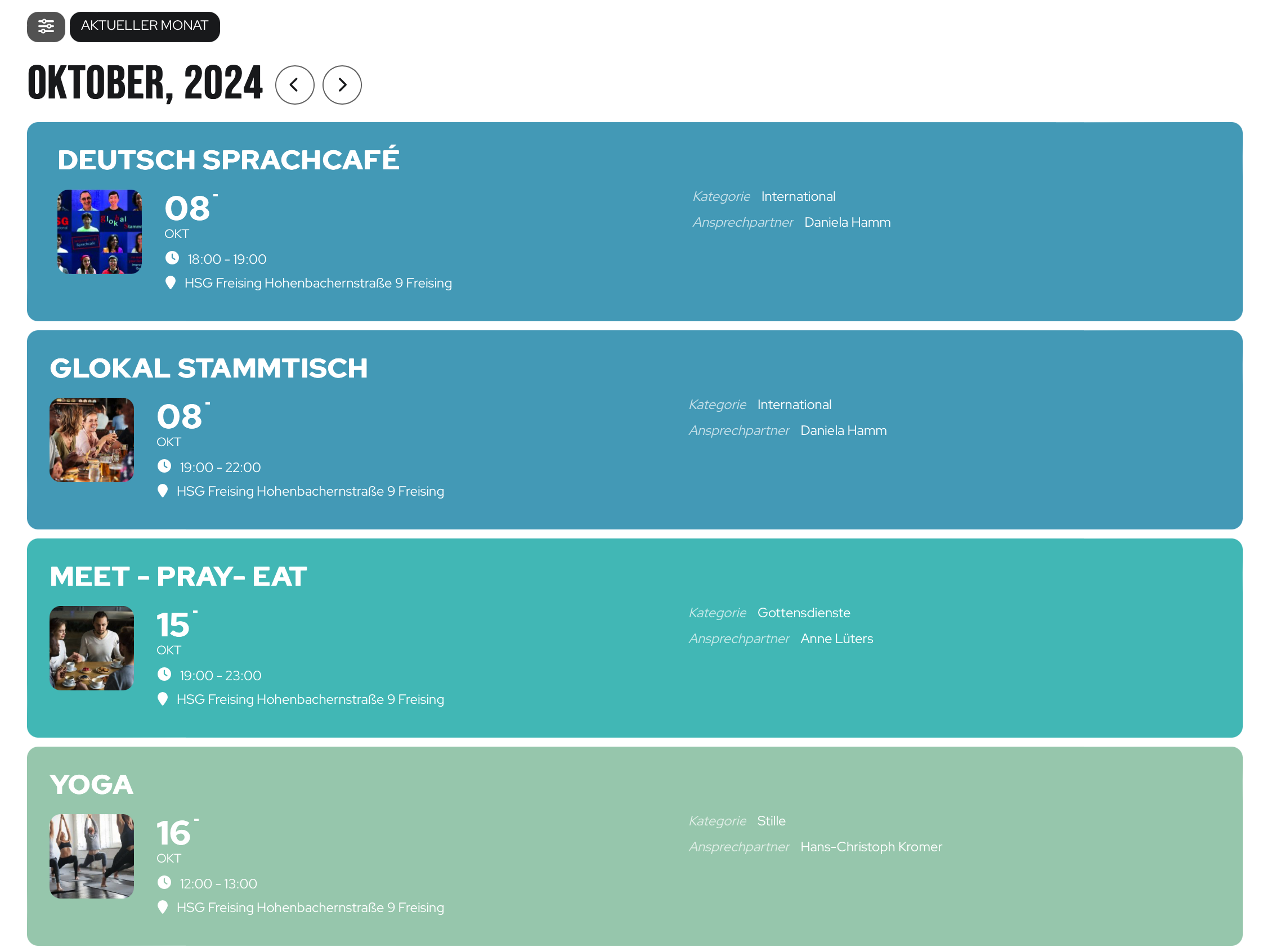
you have to click on october for the event preview
Reply to: tickets(363683)
Hello,
Please take a look at Yoast plugin that allows you to block certain pages:
https://yoast.com/help/how-do-i-noindex-urls/
Reply to: tickets(359218)
Hi,
Do you know anything about my problem?
Regards
Lorena
Reply to: tickets(361705)
Hello,
Please follow this instruction:
To update eventon to latest version: If you are unable to do autoupdate, you can go to codecanyon your account > download and get the latest eventon version as zip file. Then you can go to your website > make sure “Delete eventon settings & data when EventON is uninstalled” is Deslected from eventon settings, delete old eventon, install new one and activate. This link will further explain the process it. Also you can follow us on twitter to get real-time announcements on updates!
Reply to: tickets(360102)
1. You can change Event Color from Edit Event. Also go to EventON > EventTop > select Select Default Calendar EventTop Style: Clear with left border colors and gaps. This way you can change the background color from EventON > Apperance > EventTop. If you don’t see any change, EventON > Scripts & Styling > turn off Write dynamic styles to header > save settings > turn on Write dynamic styles to header.
2. On my side dots are on all days where events are available:
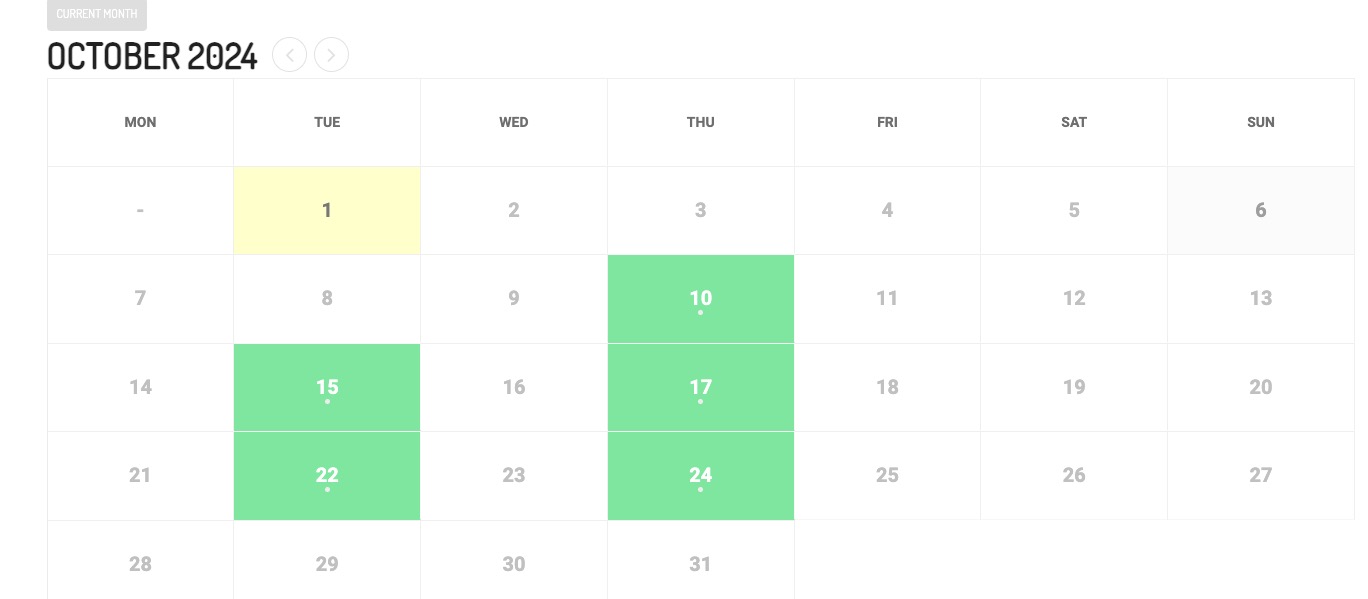
Could you try clearing your cache?
3. Are you referring to this part?
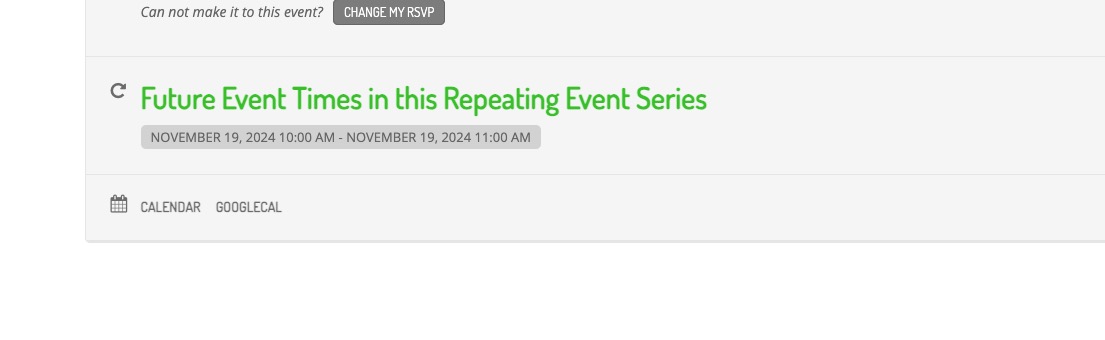
Looks completely normal to me. Have you managed to fix this?
4. Please follow the instructions in this documentation to activate debug in your site to see any PHP errors recorded that can provide insight on to whats going on. Please reply with a link to debug.log file. If you are not able to do this please send us FTP access to your site so we can do this for you.