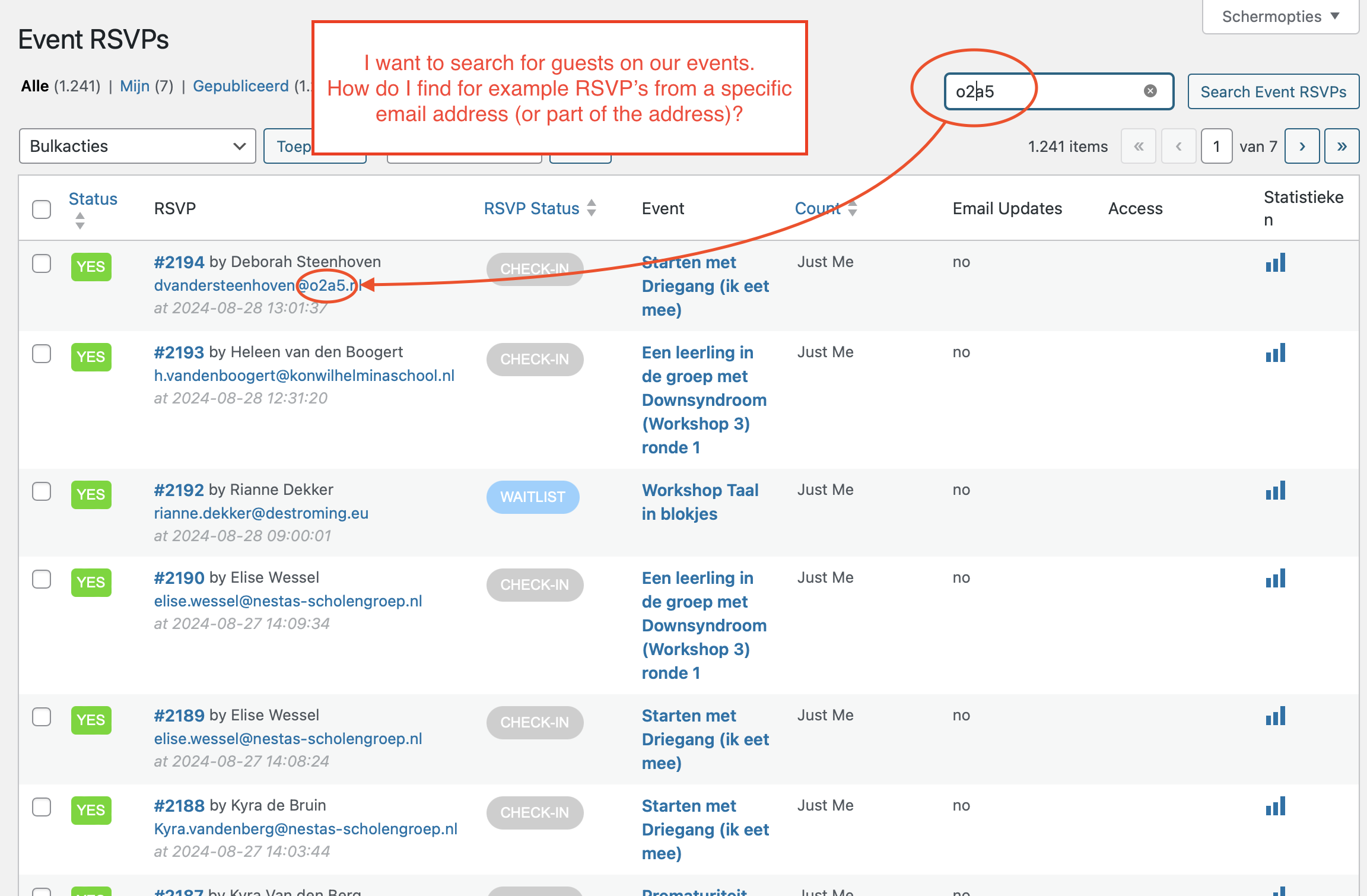
Here an example to explain what I mean.
Replies for tickets on suppota
Here an example to explain what I mean.
https://driegang.nl/cursusaanbod/wp-admin/
eventon-servicedesk
password:
qitsas-9teBsu-nycsaf
Hi Artem, I updated to the new version of Eventon but some issues are not solved.
3. The option to change the date and time of an event has been fixed
4. Once a ticket is purchased through the calendar, where can I download a list with all the attendees of the event? In Events > All Event Tickets, you will not find anything. Likewise, within each event, under event tickets > other ticket options > view attendees, there is nothing there either.
5. On the other hand, every time an order is placed, the order enters as pending confirmation. The customer receives an email indicating the details of the product they have purchased (the ticket) and it says ‘We hope to be able to fulfil your order soon’. Then, when the order is put into completed status, an email is sent to the customer saying ‘We have finished processing your order.’ This is confusing as nothing physical is going to arrive to the customer, it is simply the ticket for an event. How can we fix this?
6. Where in loco Translate you find that? I’ve looked up themes and plugins but i cannot find where you got that screenshot.
Thanks.
could you please take a look at plesk panel ?
Hi again Artem –
Thanks for your patience. I updated the Slider with version 2.1. It’s working on my homepage now, but it’s not pulling in the event set for tonight at 7:00 PM PST. Can you take a look at it and see why this is happening?
If you could let me know how you did it, I would appreciate that, too. Thanks very much for your time and help today.
Thanks again,
Charles
This solved my issue, thank you!
The plesk username: esterva, password : &5Gjus326
How do you explain this attribute? show_et_ft_img=”yes”
Hi Artem –
I had no idea. So sorry about this! Can we keep this ticket open until I figure out what to do?
I appreciate your time.
Charles
OK, i think I can see what the problem is.
Our first developer (who is now completely out of sight) bought it when he build our website
I cannot access his codecanyon account
I can purchase a new licence, I see we already have maybe one
the one that shows on MyEventOn
(finishing in 404e700d3f43- and probably showing Matteo Ferrando as a buyer?)
is different from the one that shows in the upgrading link (f109a3a0d6fe2d69a23aa2af7ed84f61 ).
I cannot access the first codecanyon account.
I need to keep all the events that are loaded, anyway.
So I can purchase, deactivate and replace the licence, if I need to do this to not have this problem again, but I want to be sure we don’t loose the work we’ve done.
It’s also the worst time ever to lose them.
Please let me know how we can solve this.
Thank you.
PS. what about the error logs? Do they have any explanation signs? Moreover: is it the file you asked for?