Arten, thank you for your help and patience.
I hope Ashan contacts me.
All the best
Lorena
Archives: Replies
Replies for tickets on suppota
Reply to: tickets(361698)
Could you try going to EventON > Advanced > try a different Select calendar event content filter type?
Also where the calendar is? Could you send us a link to the page?
Reply to: tickets(362793)
Our Slider is
https://www.myeventon.com/addons/event-slider/
And what you are using is a completely different product:
http://www.eventonslider.com/
So this shortcode cannot work:
https://helpdeskx.s3.amazonaws.com/wp-content/uploads/2024/08/27071404/Screenshot-2024-08-27-101307.png
Could you check and let me know?
Reply to: tickets(361758)
For the main plugin, please go to
https://codecanyon.net/downloads
Here find “EventON – WordPress Virtual Event Calendar Plugin” among your downloads.
Reply to: tickets(359218)
Ashan,
The issue is with Elementor, but maybe we can help.
https://helpdeskx.s3.amazonaws.com/wp-content/uploads/2024/08/27091943/Screenshot-2024-08-27-at-18.19.09.jpg
As you can see I was able to fix the issue on old customer’s website, but not sure why the same fix doesn’t work on the current website:
https://formacionugt.greenhatworkers.com/wp-admin/post.php?post=4096&action=elementor
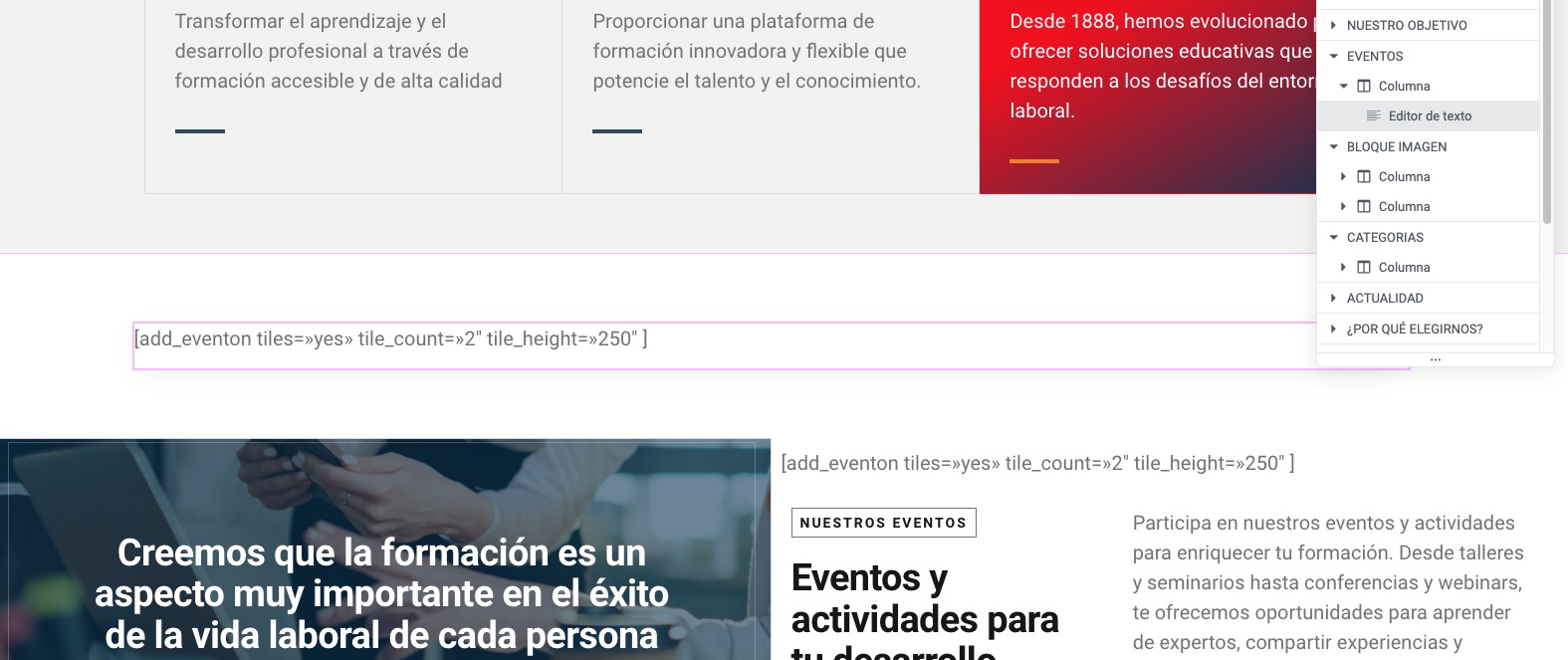
Duplicated Home page you can change.
Reply to: tickets(359218)
Thank you for your messages, I am going to assign this ticket to Ashan and he will be able to take it from here and find you a solution. Please allow some time for him to get back to you, we greatly appreciate your patience and thank you for being a eventon customer! Also please disable any IP blocking on your site if there are any.
Reply to: tickets(363046)
Hello,
Please follow the instructions in this documentation to activate debug in your site to see any PHP errors recorded that can provide insight on to whats going on. Please reply with a link to debug.log file. If you are not able to do this please send us FTP access to your site so we can do this for you.
Picture issue. Please go to EventON > EventCard > try a different Feature image display style.
Sold out badge. Let’s fix the backend not works first.
Reply to: tickets(362707)
Please update manually by following
To update eventon to latest version: If you are unable to do autoupdate, you can go to codecanyon your account > download and get the latest eventon version as zip file. Then you can go to your website > make sure “Delete eventon settings & data when EventON is uninstalled” is Deslected from eventon settings, delete old eventon, install new one and activate. This link will further explain the process it. Also you can follow us on twitter to get real-time announcements on updates!
Reply to: tickets(358414)
When I check this page in Troubleshooting Mode, it’s working:
https://chainsandcoffee.com/wp-admin/post.php?post=467&action=edit
https://chainsandcoffee.com/wp-admin/site-health.php?tab=troubleshoot
I also was able to change the time as well to 18:00.
About the calendar not loading. Could you check debug.log for more memory limit errors? Is WP_DEBUG still enabled?
Reply to: tickets(359218)
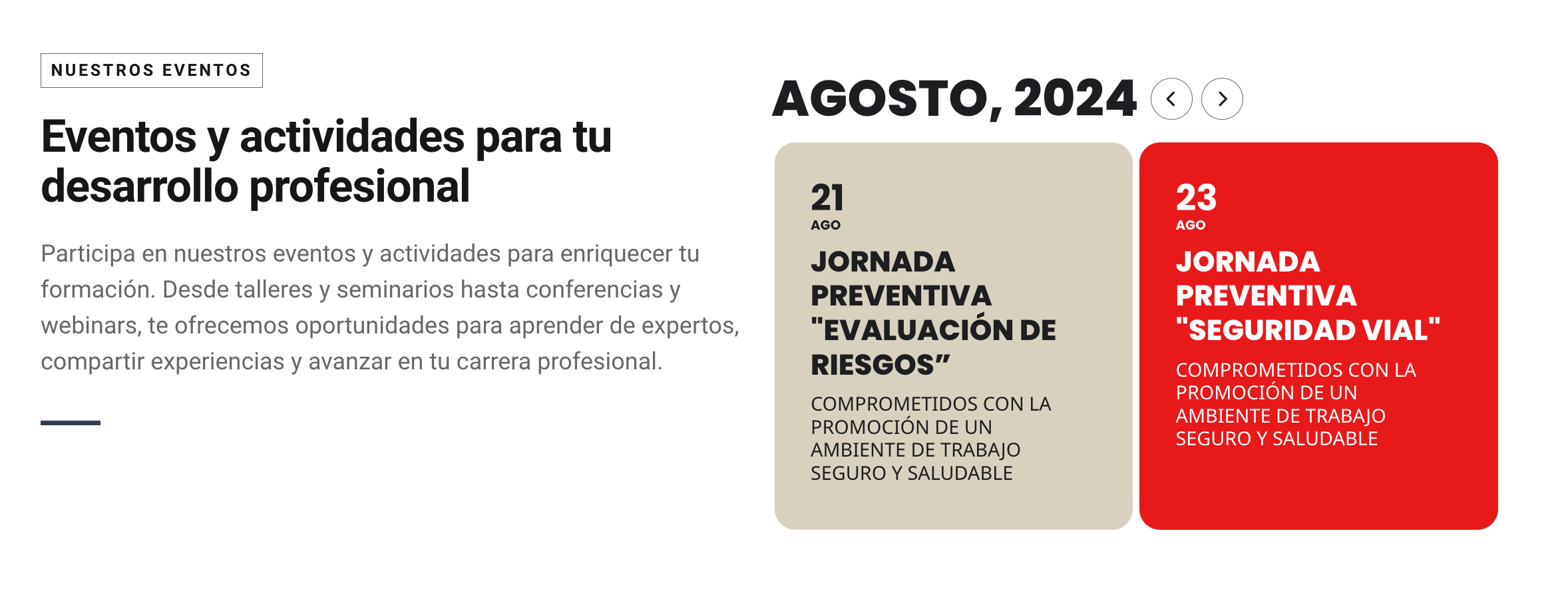
https://formacionugt.greenhatworkers.com/home-2/
Your page duplicated and published and it still does not work.