Please go to EventON > Tickets > set ”Default event ticket stop selling time base” to ”When Event Ends”.
Archives: Replies
Replies for tickets on suppota
Reply to: tickets(406103)
Hello,
Could you go to EventON > Language > Ctrl + F and look for lines to translate?
All of them should be available, just not only within the QR Code section but also in General Calendar and so on.
Reply to: tickets(406045)
Ashan,
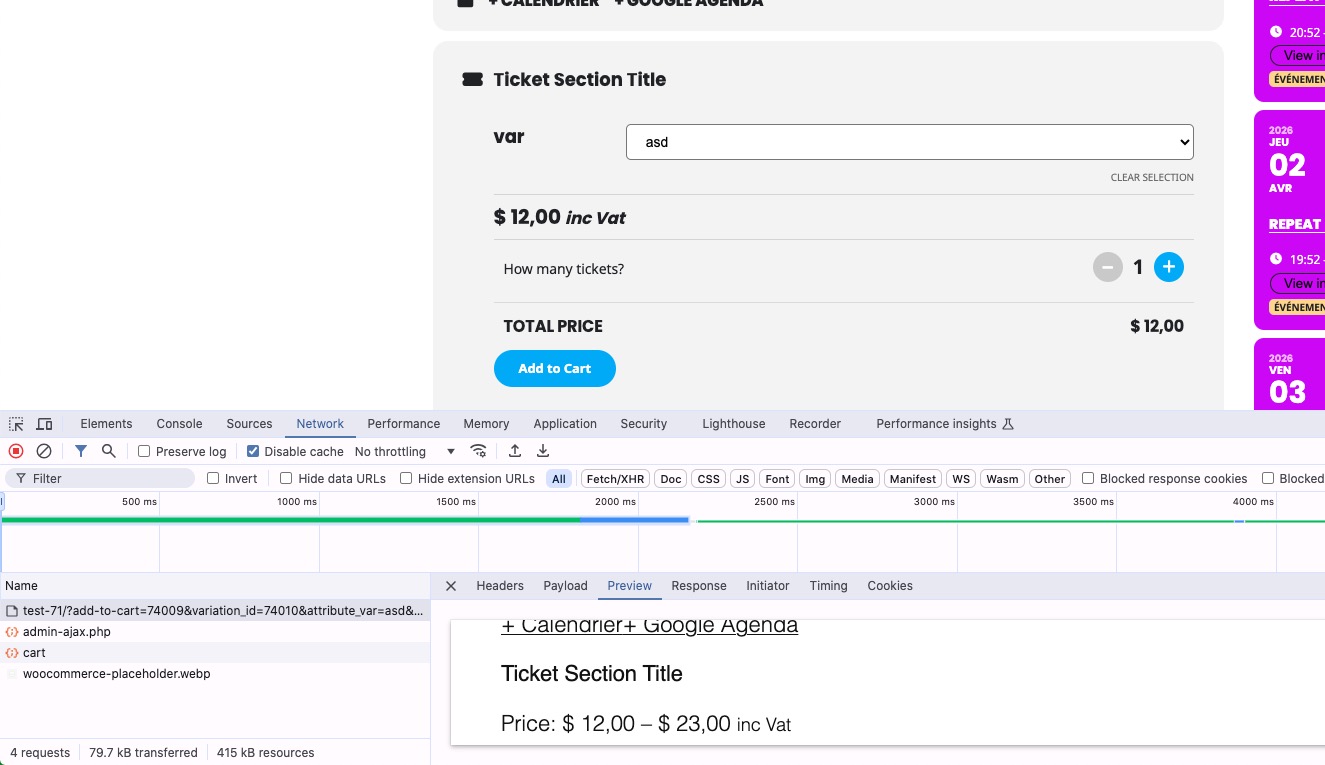
Variations created by following this guide don’t work anymore:
https://docs.myeventon.com/documentations/set-variable-prices-tickets/
Event:
https://dev2.myeventon.com/events/test-71/
Reply to: tickets(406045)
Please note that we do have an add-on for variations:
https://www.myeventon.com/addons/ticket-variations-options/
As for the current issue, I am going to escalate this ticket to development to help in here. Please allow us some time to address this, and we truly appreciate your patience. Thank you for being a valued EventON customer!
Additionally, if your site has any IP blocking or security restrictions in place, kindly disable them temporarily to facilitate our support process.
Reply to: tickets(406021)
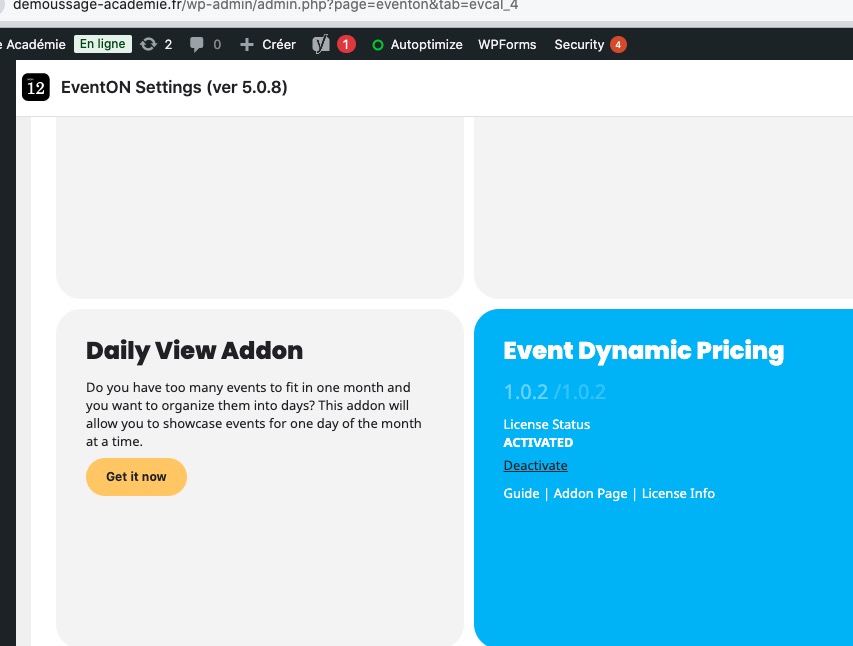
I’ve managed to activate it:
Browser cache can cause such issue.
Could you check and let me know?
Reply to: tickets(406045)
It’s done. Still cannot place classes in cart when I book now.
Reply to: tickets(406103)
- Ticekt Holder name
- Ticket purchased by
- Count
- Order Id
- Event time
- Ortder status: cancelled, completed, …
- REFUNDED
Reply to: tickets(406021)
Hello,
The dynamic add-on licence has been purchased on my company email adress : compta@guepes-controle.fr
The invoice is 44863
Thanks
Reply to: tickets(404267)
Sorry for the issue, we are finalizing few things in the 5.0.9 version and hoping to get it out in the next few days. We will be sure to include that in the next version.
Reply to: tickets(406020)
Thank you Carrie, our system was using your billing email address from those old orders, which was the old email. I have change the billing email to new one, so from now on you should get the emails to your new email. 🙂
– Jason