Hello Artem,
Thank you for your previous guidance.
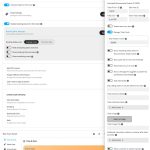
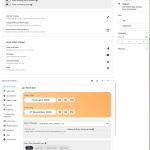
I followed all the steps you mentioned:
-
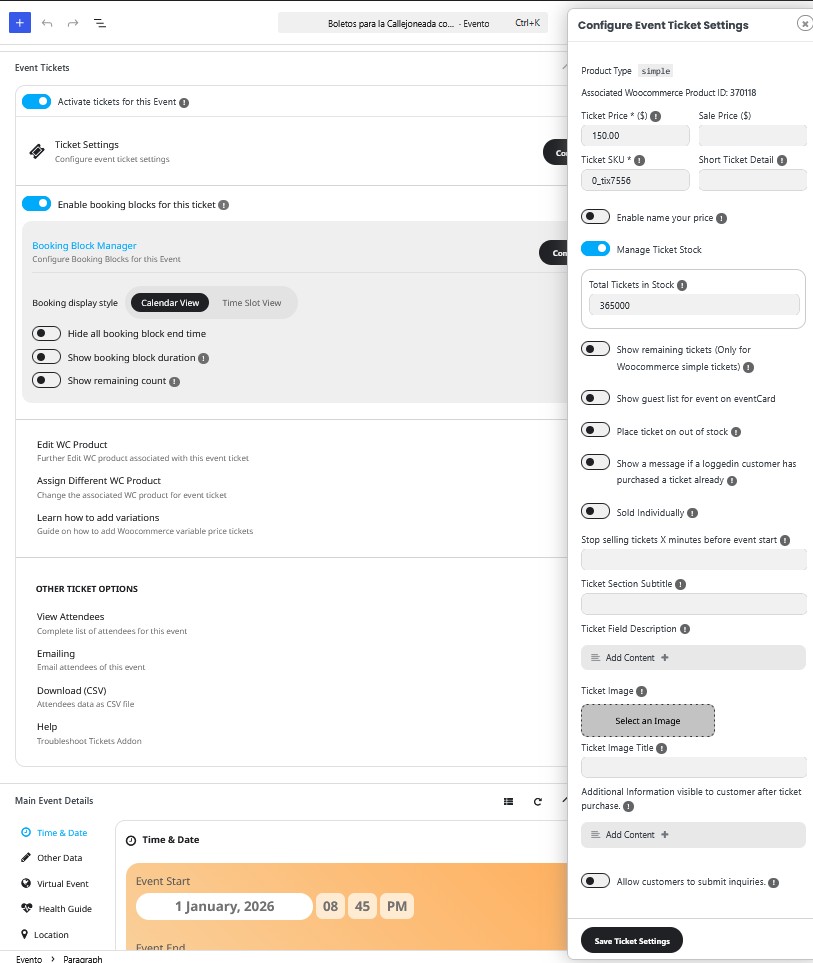
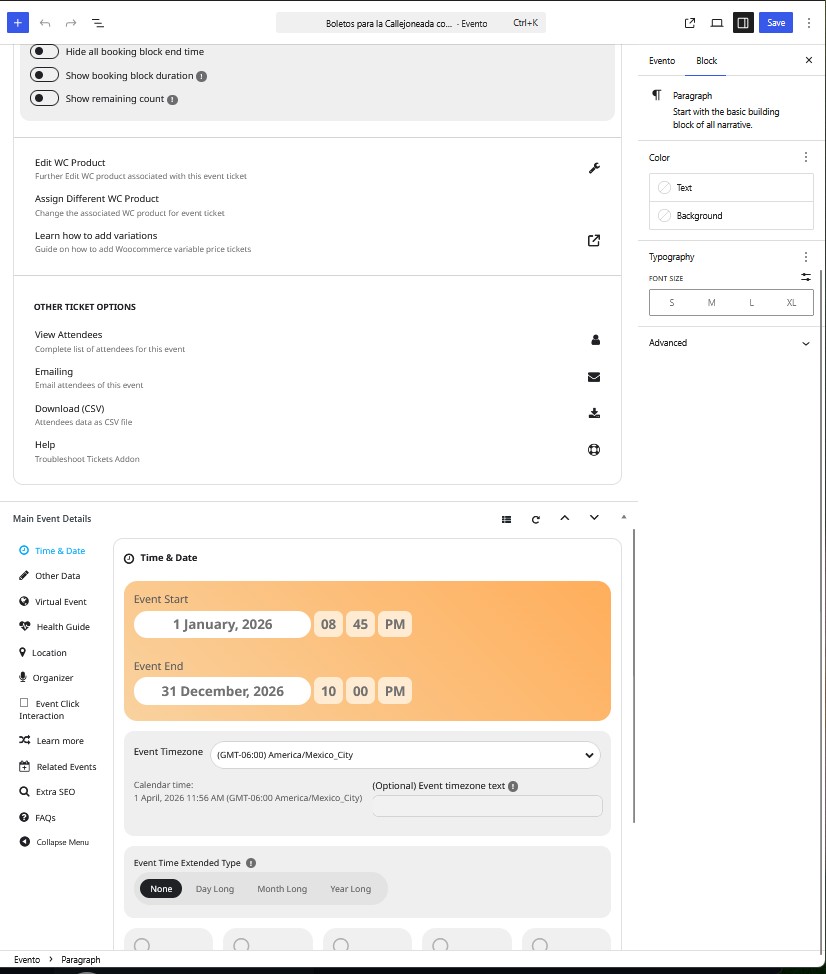
I created an event from January 1 to December 31
-
Enabled tickets and refreshed the page
-
Activated “Enable booking blocks for this ticket”
-
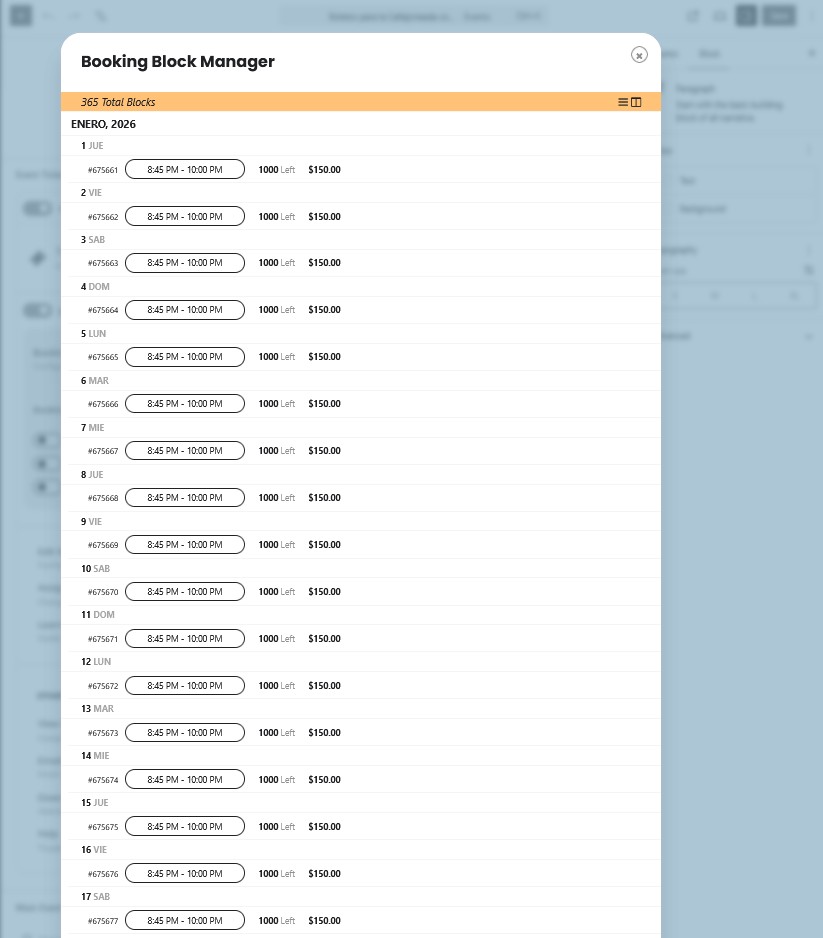
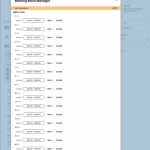
Went to the Bookings section and clicked “Generate”
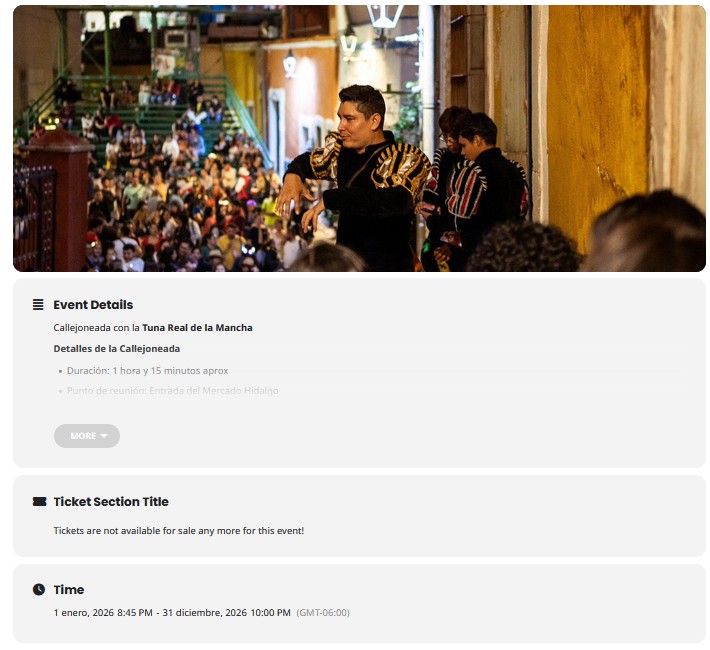
However, I’m still not seeing any daily ticket availability on the frontend.
I’m attaching some screenshots of my current configuration so you can review:
Could you please help me identify what might be missing or incorrectly configured?
Thank you very much for your support.
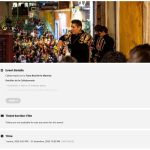
The email our account is under is communications@imaginecm.org. It was originally created under amyj@imaginecm.org. We just renewed our subscription from invoice #44887 and order #223868. It says our subscription ID #205052 is on hold.
Again, the reason for contacting you is that we need the zip file of the current version of the plugin sent to the new developer of our new website. Can you please send this to us ASAP? We cannot upgrade our website further, this is why we’re getting a new site.
If you can’t find our account, what other info do you need?
If our current settings don’t allow us to get the download, what level or subscription is that available?
Hello!
I finally found why it auto-scrolls when you click on an event. On the event under Main Event Details > Event Click Interaction I had it set ”Slide down EventCard”.
Seems like to update I need to renew my licences, will re-purchase in the coming months.
We are sorry for the delay. Our devs will check this ASAP.
Hello,
The best and easiest solution is to create a clone website and update everything there first to see if any issues will occur.
I also see that your current version of EventON is 5.0.6 while the latest is 5.0.8.
Could you go to and click ”Verify Codecanyon Purchase” to get the latest version:
https://www.myeventon.com/full/
Hello, thank you for fix. If you add phone into overview would be great 🙂
About users i understand, but i tried this shortcode, and it doesnt work, it looks: [evo_event_manager users=”1,2”]
https://prnt.sc/wMaDUoFYPr2y
Thank you.
Lukas
Ashan,
I can find this on dev2:
Reply to: 406012
But the customer says that they cannot in their EventON 5.0.8.
The login info stopped working. Could you check?
I am also going to contact our devs about this.
Hello,
I cannot find EventON purchases associated with your email.
Could you go to and click ”Verify Codecanyon Purchase” to get the latest version of EventON:
https://www.myeventon.com/full/
Hello,
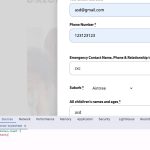
Since you put only 1 to ”Limit maximum capacity count per each RSVP”, then you can go to EventON > RSVP > RSVP Form > uncheck RSVP Count — (If unckecked system will count as 1 RSVP).
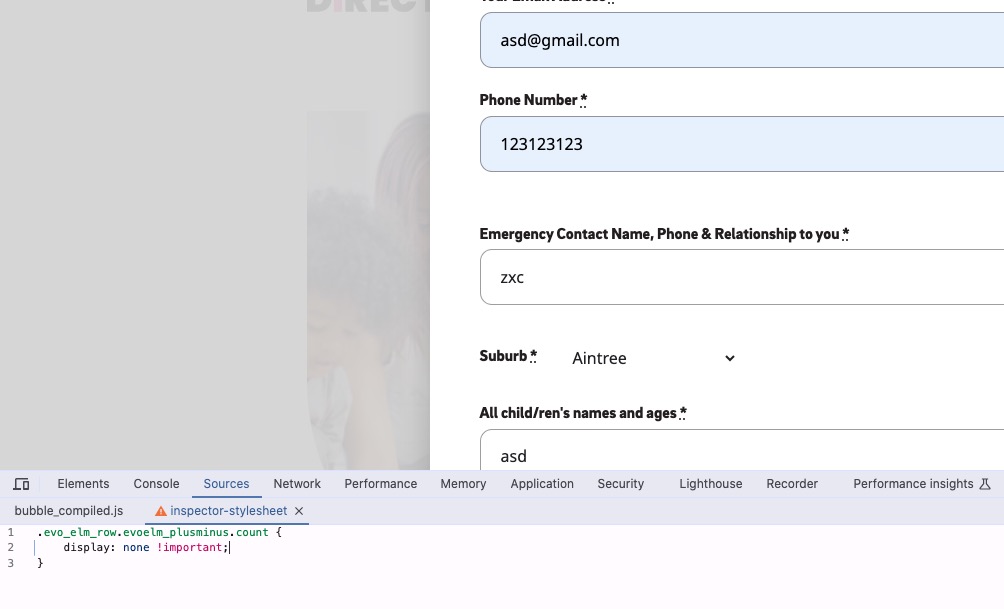
Or use this CSS code to hide it completely on the form:
.evo_elm_row.evoelm_plusminus.count { display: none !important; }
Please also create a new ticket and select Feature Request as category so others can vote on your idea and get it moved into development faster.