Hi Nick,
Please follow the instructions in this documentation to activate debug in your site to see any PHP errors recorded that can provide insight into what’s going on. Please reply with a link to debug.log file. If you are not able to do this please send us FTP access to your site so we can do this for you.
…and replacing the current plugin with the zip file, but that also failed.
Could you tell us more about the issue? This should work.
Hello,
Autoupdate isn’t available at the moment.
Please follow:
To update eventon to latest version: If you are unable to do autoupdate, you can go to codecanyon your account > download and get the latest eventon version as zip file. Then you can go to your website > make sure “Delete eventon settings & data when EventON is uninstalled” is Deslected from eventon settings, delete old eventon, install new one and activate. This link will further explain the process it. Also you can follow us on twitter to get real-time announcements on updates!
Hello,
Instead of
return array_merge($statuses, $new_statuses);
try
return $new_statuses;
The code I am referring to can be found in this guide:
https://docs.myeventon.com/documentations/how-to-add-custom-event-statuses/
However, please make sure to test this first.
Hello,
We don’t provide support over the phone, I am afraid.
Please send us wp-admin access to your site as a private message for us to further assist your situation.
You can simply create a video of your issues and we can help.
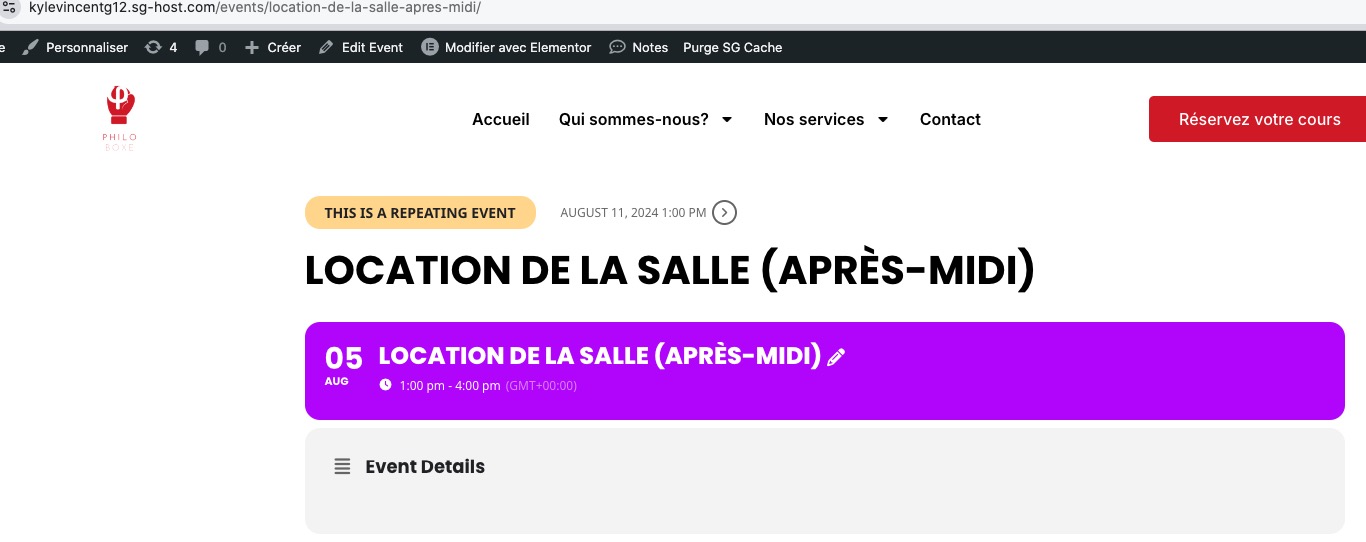
Seems to be working for Single Event Page:
https://kylevincentg12.sg-host.com/’s calendar doesn’t show any events. Could you send us a link to where the issue is?
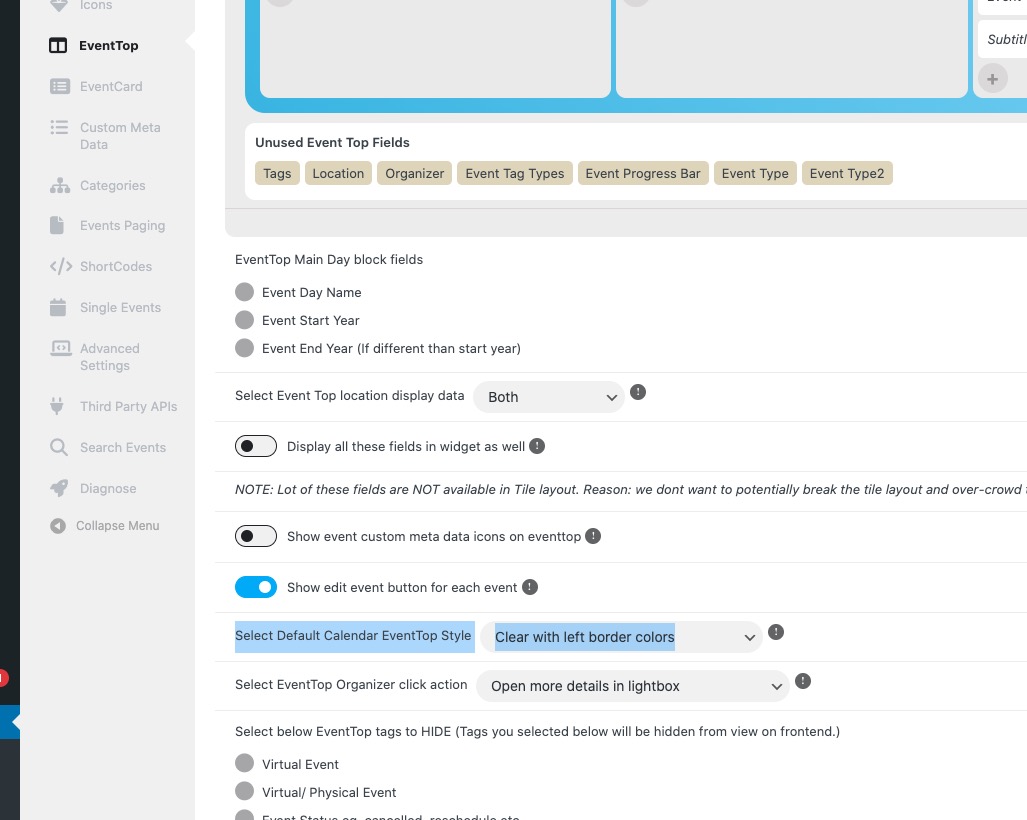
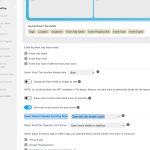
Please note that “Select Default Calendar EventTop Style: Clear with left border colors” changes the color of EventTop to white and with left border:
Hello,
Please remove filter_show_set_only=”yes” from the shortcode. Or add event_type=”” to your shortcode because the parameter shows only the set filter values for selection on the calendar, other filter values will not show for selection on calendar.
Hello,
Please send us wp-admin access to your site as a private message for us to further assist your situation.
What are your versions of Tickets and QR Code add-ons?
Please check for latest version of this software from here Your issue might be related to an older version you are running and we might have resolved this already in the newer version update. If you are on latest version of our software and the issue still persist please let us know.
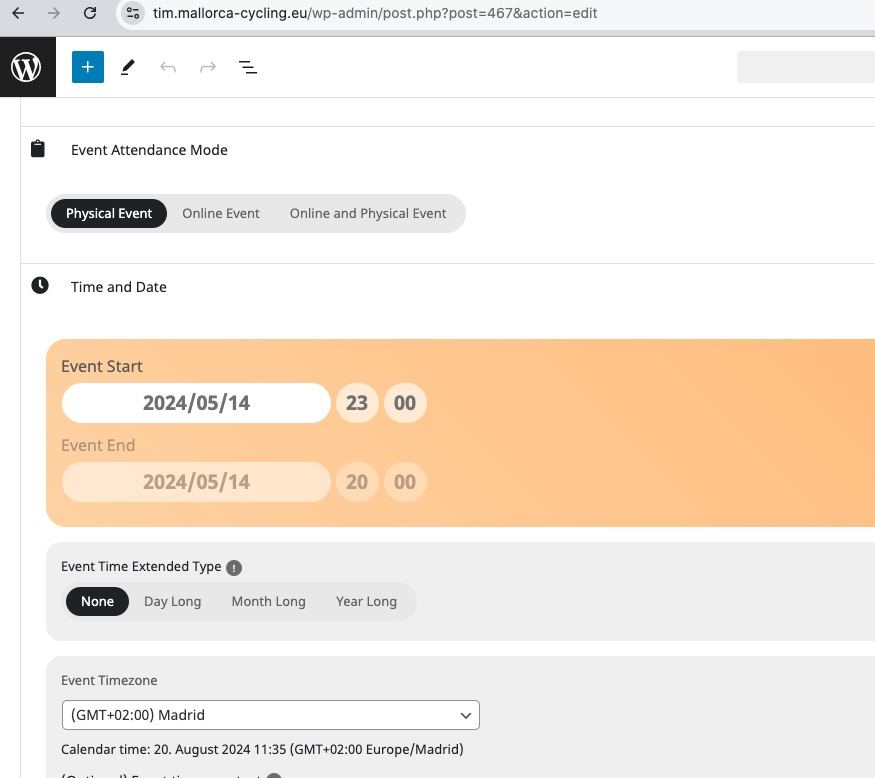
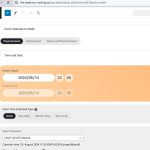
I only was able to access the testing environment. Managed to change the time here:
https://tim.mallorca-cycling.eu/wp-admin/post.php?post=467&action=edit
Tried this login info
Site: https://chainsandcoffee.com/wp-admin
User: office@chainsandcoffee.com
Pass: egQqJqmUH#tt(ekbdLjcLBs7
But it doesn’t let me to access wp-admin.
1. If you are trying to update using autoupdate, please note that it’s not possible at the moment.
To update eventon to latest version: If you are unable to do autoupdate, you can go to codecanyon your account > download and get the latest eventon version as zip file. Then you can go to your website > make sure “Delete eventon settings & data when EventON is uninstalled” is Deslected from eventon settings, delete old eventon, install new one and activate. This link will further explain the process it. Also you can follow us on twitter to get real-time announcements on updates!
2. Please go to EventON > Time Settings > add only Y to “Calendar Header month/year format.”.