“It seems” or “there is” a javascript error caused by something else?
I read through your guide and it seems mostly this applies to things on the front end. This is a backend issue. Further, the calendar date chooser works just fine for creating the event and ticket details and it is the exact same date selector as this. The fact that the times work and can be clicked also make this response from you that it is a javascript issue seem to not actually be the problem, else, none of the selectors would be working, let alone maybe not even display that popup at all, which it is.
I feel your response is incorrect and essentially a “we don’t know” response, based on the terms “seems” but yet you offer no actual proof of this being the case, what plugin is causing it if any, etc. Everything else about EventOn works, so I would kindly request someone else take a look at this ticket or escalate it. I found nothing in the guide that helps me.
Hello,
1. Please go to EventON > Single Events > enable Hide event title on single event page.
2. ux_val overrides https://app.screencast.com/tKKeAJU7ZdWYc, so please remove ux_val from shortcodes.
3. Please send us a link.
Hello,
Did you follow this guide:
https://docs.myeventon.com/documentations/customize-single-events-page/
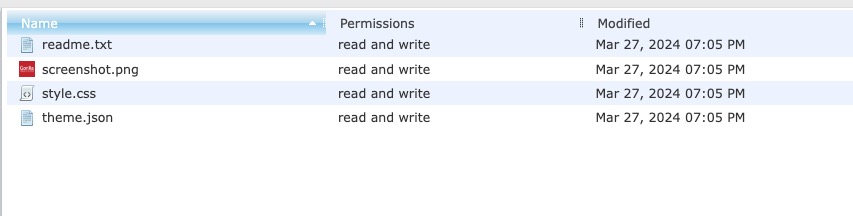
I cannot find the new custom template in the theme folder:
Could you check and let me know?
Hello,
Social icons. Please go to EventON > Single Events > disable Show social media share icons only on single events.
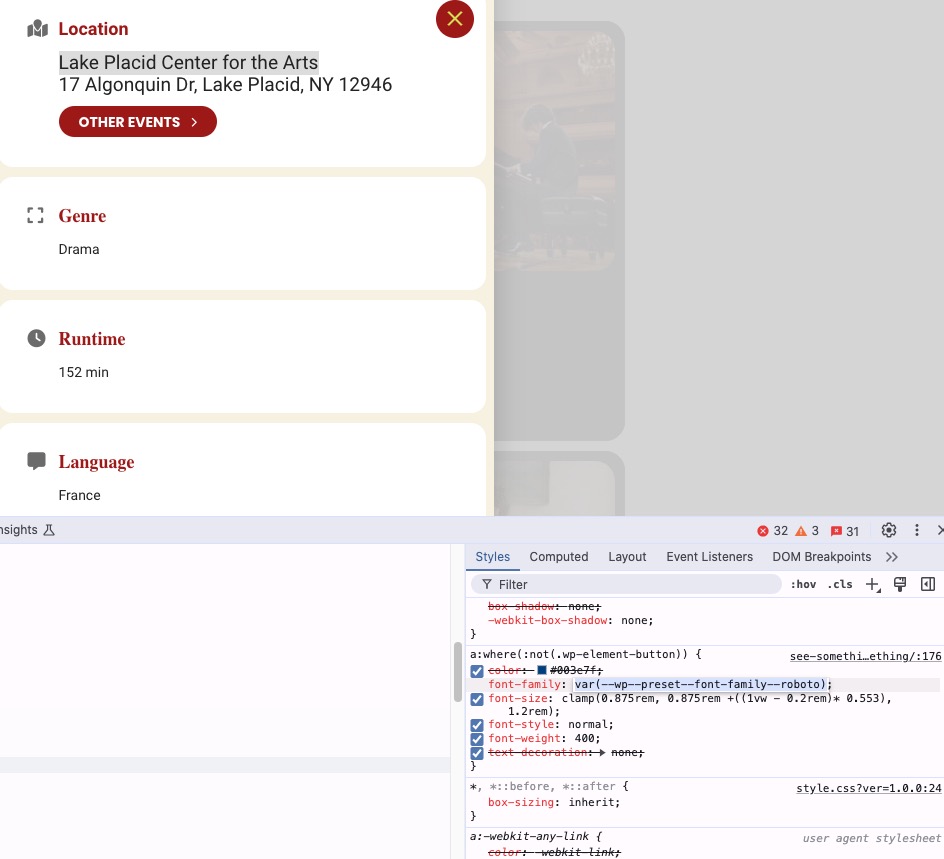
1. Location uses this style, which isn’t EventON’s:
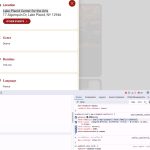
2. Please see 1. The font-size also comes from the same style I’ve shown you on the screenshot.
3. Please use these styles:
p.evo_card_organizer_more { display: none !important; } span.evo_btn_arr.evolb_trigger { display: none !important; }
Hello,
The only way is to customize the source code. Unfortunately, we unable to help with such customizations since it’s against CodeCanyon’s Support Policy.
I need to access wp-admin to fix this. Still cannot do that, I am afraid.
Please update Tickets to 2.3.3. Then please send us the working login/pass.
Hello,
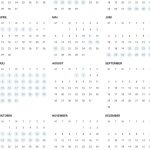
Could you send us a screenshot? On my side:
Hello,
I cannot check the wp-admin because it requires login/pass for the modal window Sign-In.
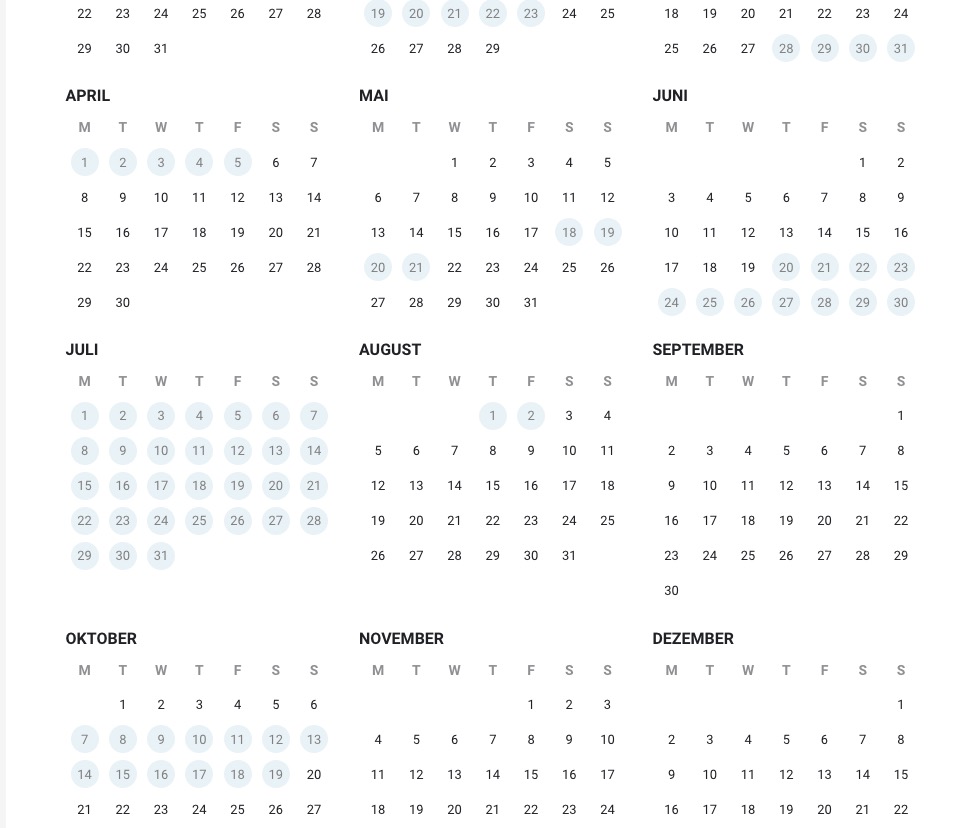
Make sure that EventON > Appearance > YearlyView Styles > Background is the one you like. If you don’t see any change, EventON > Scripts & Styling > turn off Write dynamic styles to header > save settings > turn on Write dynamic styles to header.
Please also try this CSS code:
.evoyv_year_grid .month_box .day_box.he .day_box_color { background-color: #0273be; } .evoyv_year_grid .month_box .day_box.he .day_box_in { color: white; }
Thank you. Your plugin rocks. I rarely feel compelled to give praise (for anything), but in your case – really good job.
Hi Artem,
thanks for the working temporary solution! 🙂
Best,
Martin