Der Artem,
im sorry for the problems, trying to fix it!
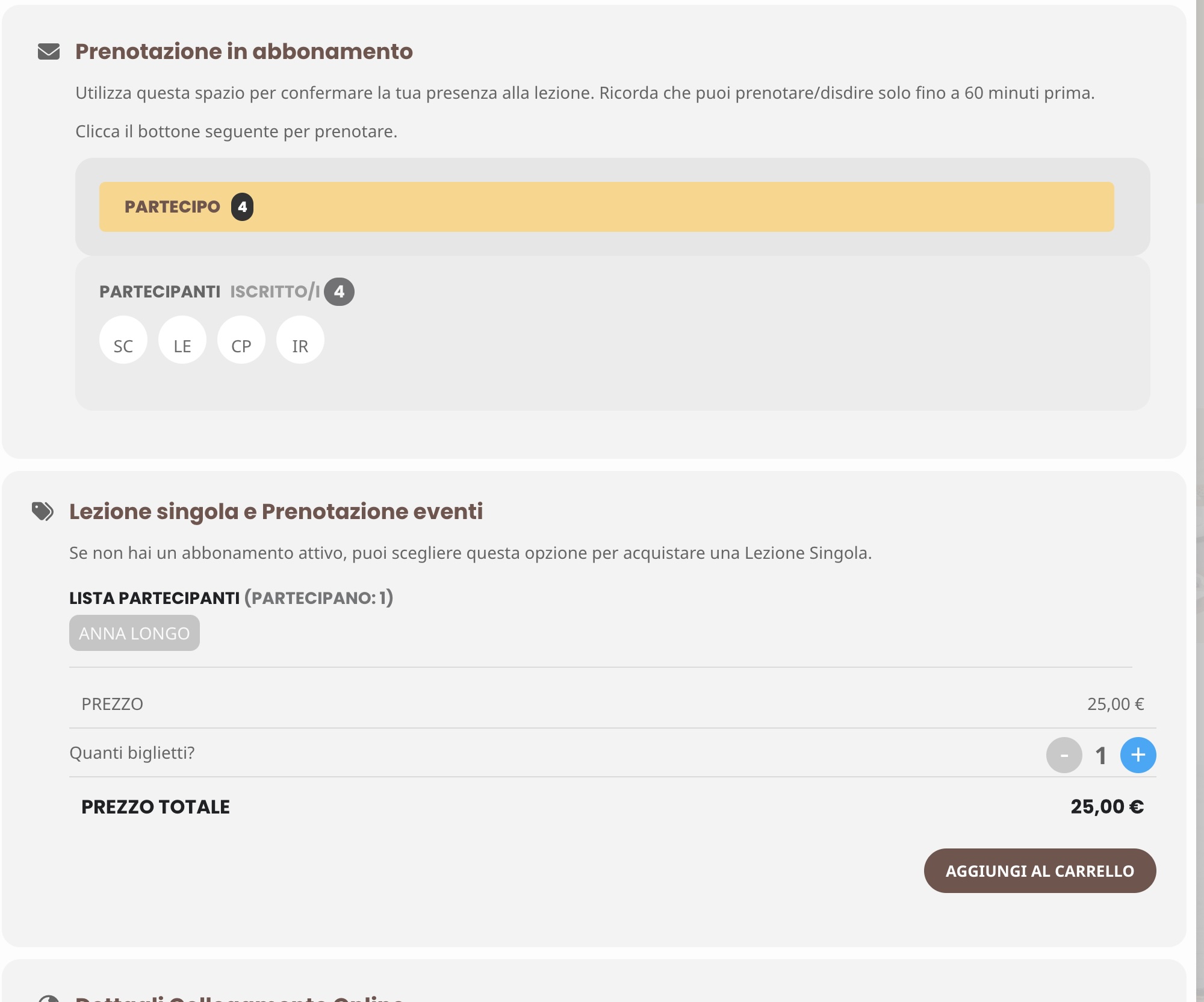
The (test-3) Error is not the same. You will see it on this page, there are no tickets for sale, even tho i added 150. And if i put the price on 1€, it shows tickets for sale.
https://euth.at/events/kick-off-30-jahre-oe-ropa
EventON – Version 4.6.7
Event Tickets – Version 2.3.2
Hello,
So how to solve this error because only this plugin show this error.
Hello,
That seems to have fixed the issue. Thanks!
Hi Ahsan Perera,
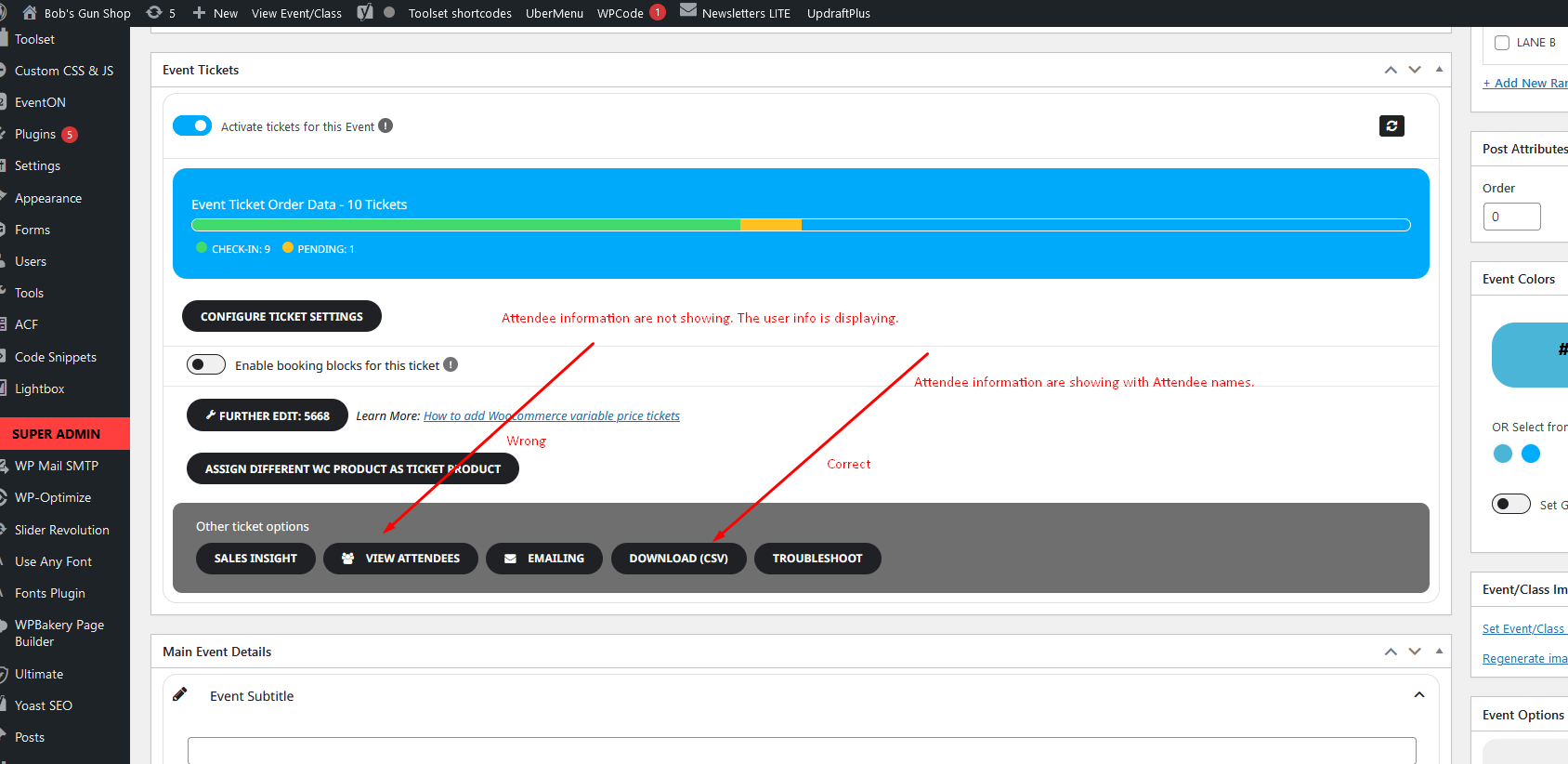
Thanks for the update. As you mentioned, updating the Event ID with the correct information is necessary. However, the issue is not limited to changing the Event ID. This problem occurs with all orders. Specifically, when someone purchases tickets for multiple people and adds attendee details, the attendee names appear correctly in various places, such as in the CSV download. However, when someone clicks the “View Attendees” button, the system shows user information instead of the attendee names. The attendee names should be displayed correctly as they are in other parts of the plugin. The issue is exclusively with the “View Attendees” button.
See my screenshot.
I am trying to find a way to have repeated information, and have been using this pattern function in Gutenberg. I tried another solution to have repeated information – using the multi data type. This also happens when using multi-data type if i go on the “other events from organizer” and open an event from there. Therefore i believe that the problem is not coming from the pattern block in Gutenberg?
Perfect! If you have any further questions or concerns please create a new ticket.
Hello,
Autoupdate isn’t available at the moment. Please update the main plugin as well as add-ons manually by following:
To update eventon to latest version: If you are unable to do autoupdate, you can go to codecanyon your account > download and get the latest eventon version as zip file. Then you can go to your website > make sure “Delete eventon settings & data when EventON is uninstalled” is Deslected from eventon settings, delete old eventon, install new one and activate. This link will further explain the process it. Also you can follow us on twitter to get real-time announcements on updates!
To update eventon addons: You can download latest eventon addons from myeventon > my account. Then you can go to your website, deactivate old addon and install new one and activate then delete the old addon. This link will further explain the process. Also you can follow us on twitter to get real-time announcements on updates!
The same issue, unfortunately.
Please take a look at
https://dev.myeventon.com/event/test-3/
Could you recreate similar event on your test site?
There is also a new version of Tickets add-on available. Could you update?