Ok, I got feedback from my provider (all inkl.)
Hello Mr. Schwan,
the plugin requires more memory_limit than the set 512 MB. 512 is the maximum value in shared hosting tariffs, so you need to find out why the plugin needs so much. plugin needs so much. Increases above 512MB are only possible in managed server tariffs.
Yours sincerely
Gerard Pajewski
support team
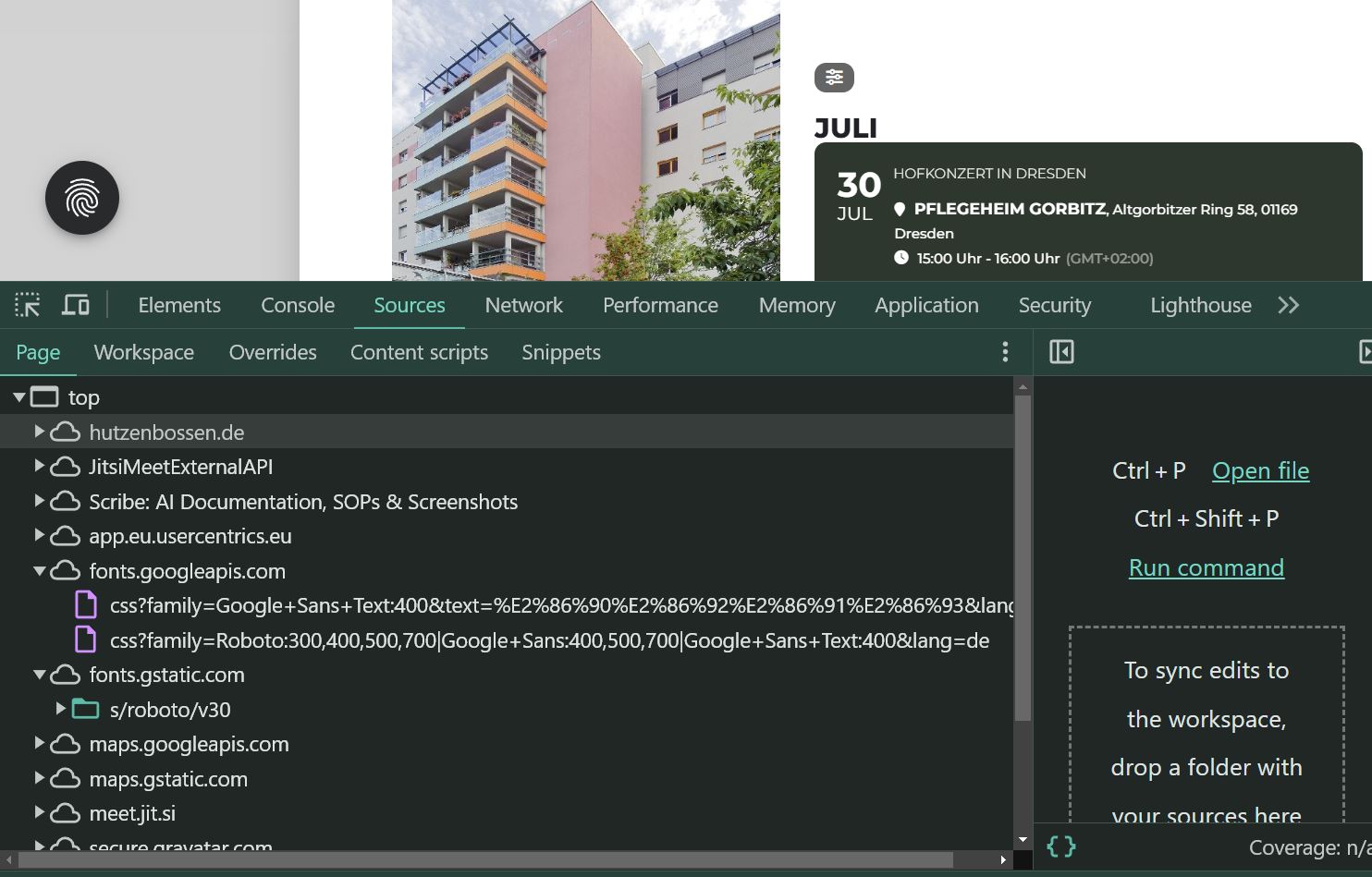
Hallo,
hier wie gewünscht das Bild wo die GoogleFonts geladen werden.
Good idea. This is exactly what I did yesterday.
define(‘WP_DEBUG’, true);
define(‘WP_DEBUG_LOG’, true);
define(‘WP_DEBUG_DISPLAY’, false);
define(‘WP_MEMORY_LIMIT’,’512M’);
But it dont work.
the page is working with activated:
EventON – Action User
EventON – Event Lists
EventON – Weekly View
only when I start the main event on plugin, the page is crashing. this was happen after updating the plugin.
Morning and sorry for delay. It all seems to be working and i am m onitoring, thank you.
I would however still like a refund if possible until i feel confident to offer tickets.
Is there somewhere i could see a demo of how someone adds the featured option when adding events please, thank you
hmm the audio didn’t work
but the way I set up those 2 calendars
is you simply choose the event type and thats all when adding events
with any new event type 1’s you’ll want to make them black color
OK see video below
see shortcodes on this page
https://kylevincentg12.sg-host.com/eventon-testing/
you can use those shortcodes:: when adding events just select the right event type and the event will go into the right calendar with the right color
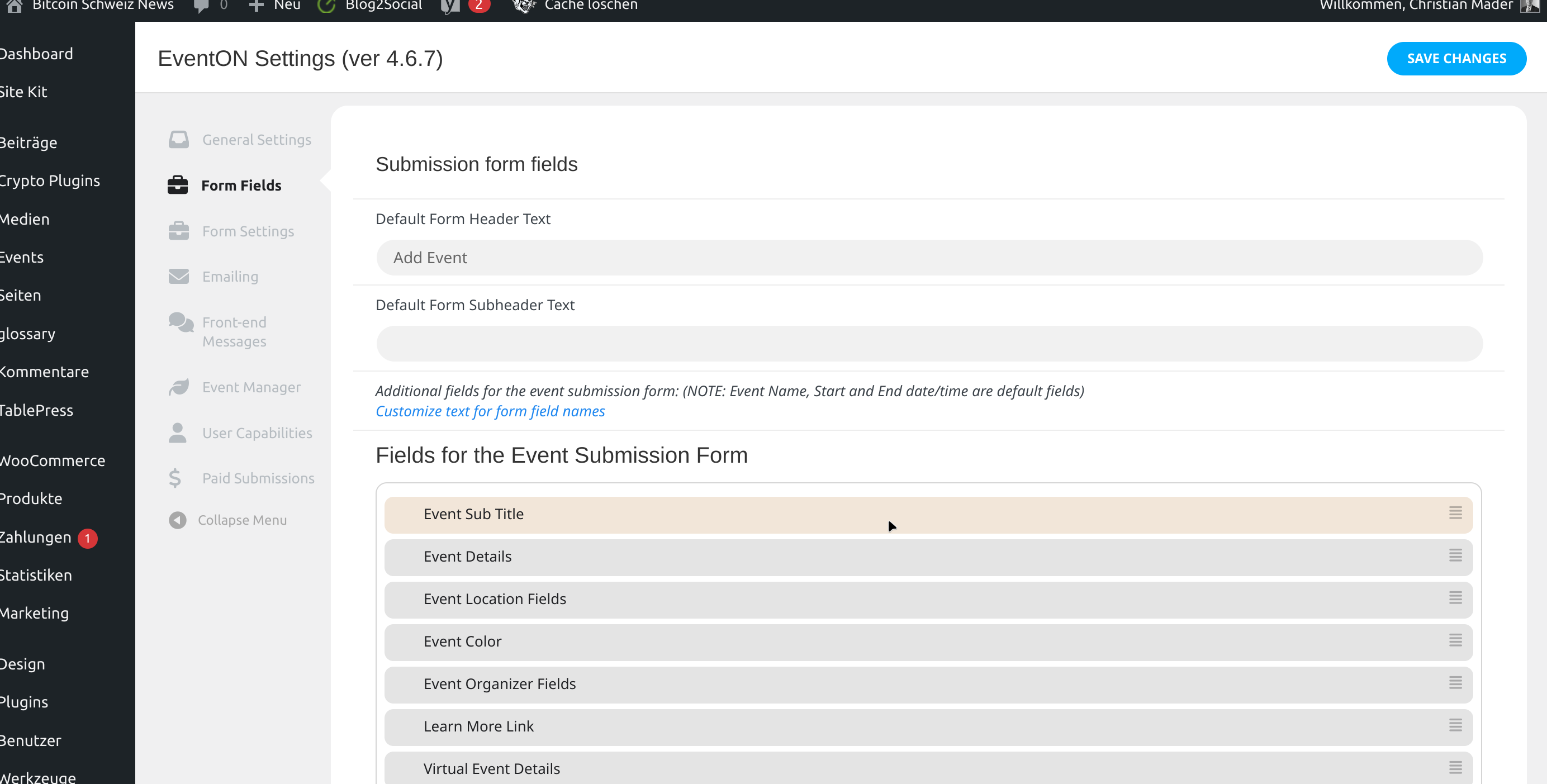
.. i see all the fields here, but how to add some of those into my form?
yes, but how to add it there? I see there are many, but how can I add some of those?