Hello,
Could you go to EventON > Scripts & Styling > make sure that “Disable Moment script” is disabled? Try also disable the rest of settings on the page.
Replies for tickets on suppota
Hello,
Could you go to EventON > Scripts & Styling > make sure that “Disable Moment script” is disabled? Try also disable the rest of settings on the page.
Sorry Cheryl for the long wait and much appreciate your patience.
Kindly update to latest version of actionUser 2.4.7 which will resolve this actionUsrr plus form category selection issue. If you still need a refund kindly let us know.
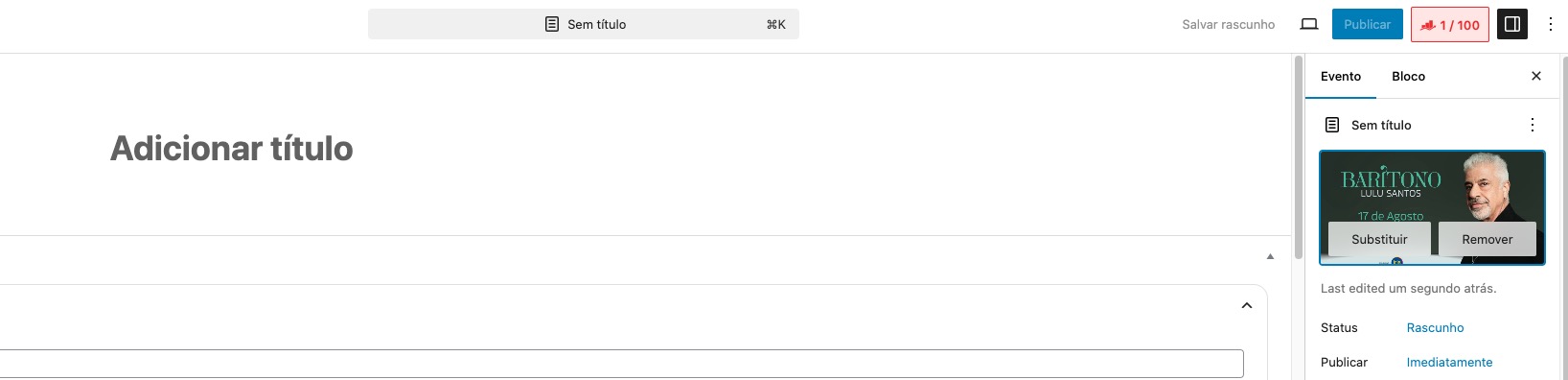
Could you let me know more about second 22 of the video?
It seems that they are clicking on some kind of extension of the browser and then try to assign an image what leads to the issue.
Works for me completely fine:
Hello,
Please follow this guide:
https://docs.myeventon.com/documentations/customize-eventtop-date-format/
However the guide only works on [add_eventon], [add_eventon_el], [add_eventon_list],…
There is no way of changing the date format for [add_eventon_sv].
Hello,
Have you imported the data with CSV Import add-on?
Could you send us the file you imported?
Hello,
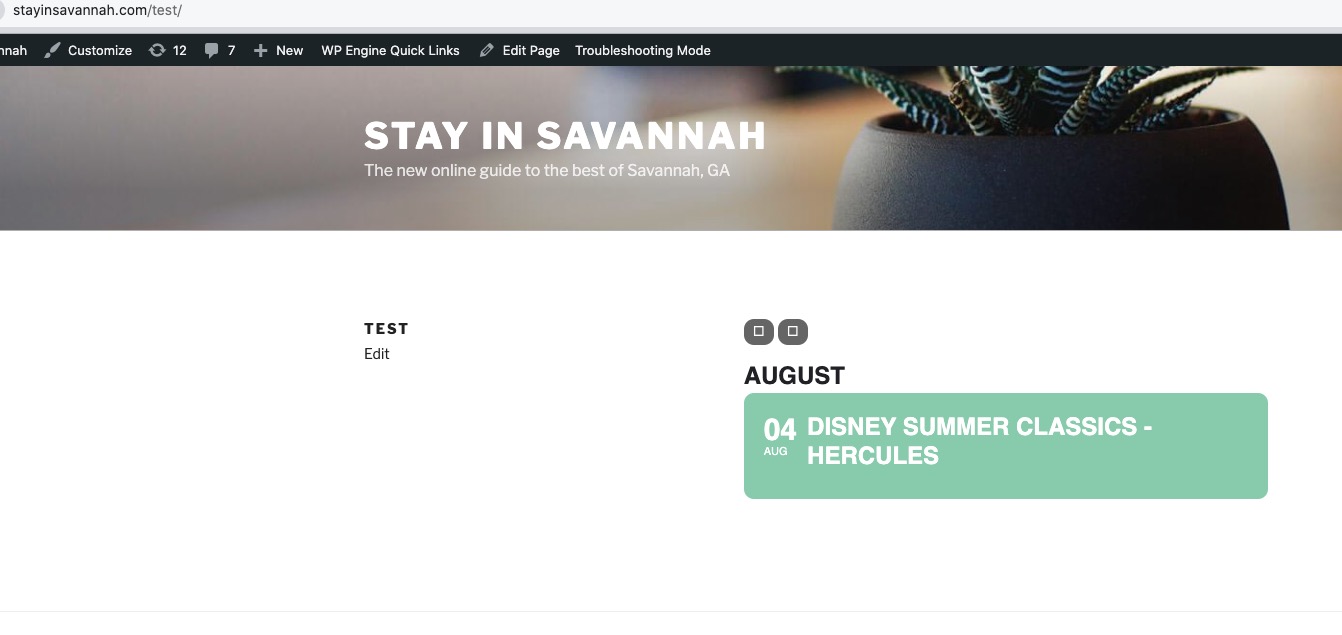
Have you customized any of EventON files or added a custom code? For example,
https://docs.myeventon.com/documentations/customize-eventtop-date-format/
It seems that it’s working in Troubleshooting Mode:
My apologies Cheryl I am working on this issue right now. Will get a resolution soon!
Hello,
After you updated EventON, you also need to update every single add-on that you have.
Please also follow this guide on how to update the plugin:
To update eventon to latest version: If you are unable to do autoupdate, you can go to codecanyon your account > download and get the latest eventon version as zip file. Then you can go to your website > make sure “Delete eventon settings & data when EventON is uninstalled” is Deslected from eventon settings, delete old eventon, install new one and activate. This link will further explain the process it. Also you can follow us on twitter to get real-time announcements on updates!
To update eventon addons: You can download latest eventon addons from myeventon > my account. Then you can go to your website, deactivate old addon and install new one and activate then delete the old addon. This link will further explain the process. Also you can follow us on twitter to get real-time announcements on updates!
Also note that you have custom templates that also need to be updated:
https://brovanture.com/wp-admin/theme-editor.php
Ashan, you still have not resolved this issue.
Our license just renewed and we cannot do what we initially were doing. We need to be able to sell ticket variations. We have many upcoming events and we still cannot create Adult, / Teen / Children tickets. When can we resolve this case so that the client is happy and able to sell ticket variations ?