Hi Nina,
Please follow the instructions in this documentation to activate debug in your site to see any PHP errors recorded that can provide insight on to whats going on. Please reply with a link to debug.log file. If you are not able to do this please send us FTP access to your site so we can do this for you.
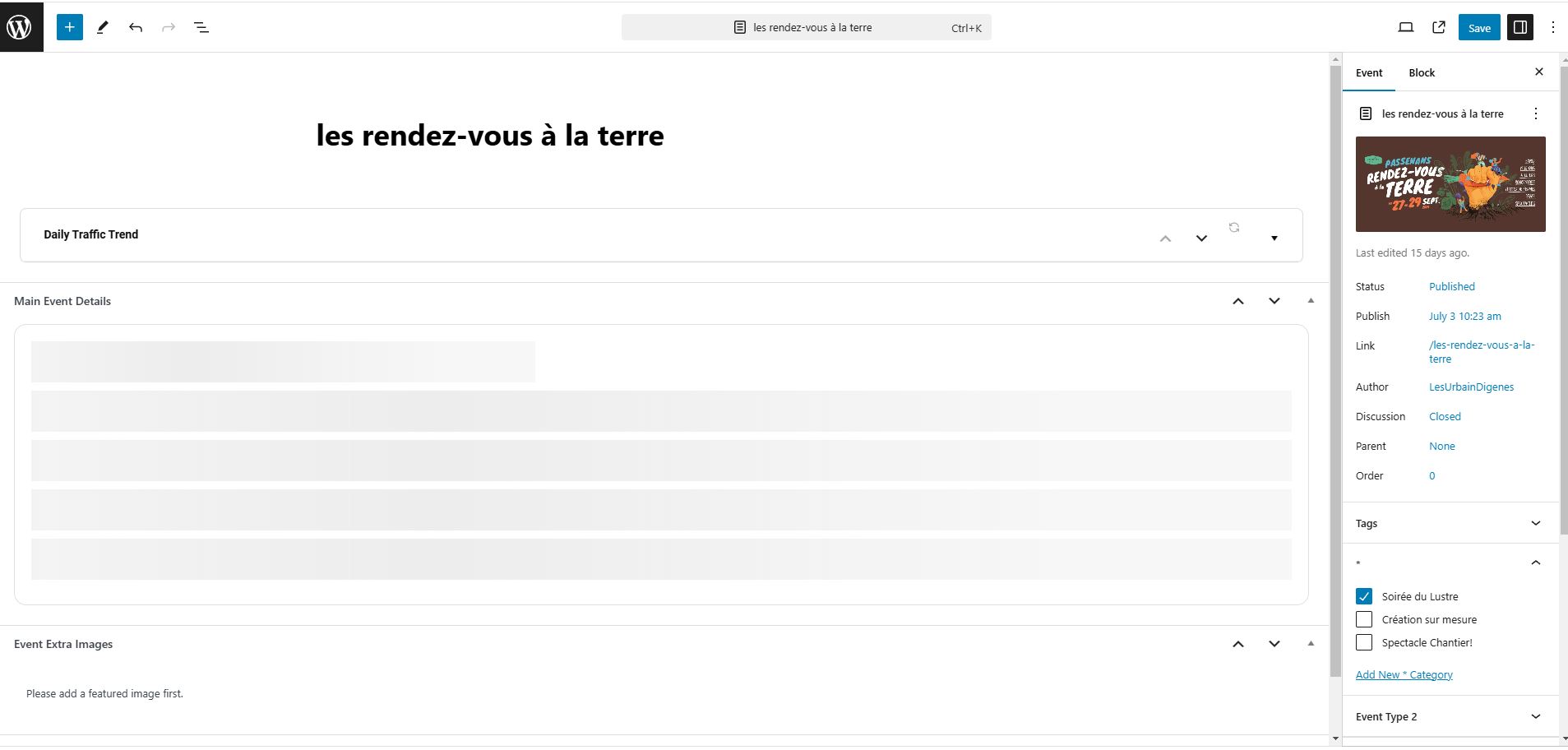
Je viens d’essayer et je n’arrive plus non plus à ajouter un nouvel événement, la section “Main Event Details” est indisponible.
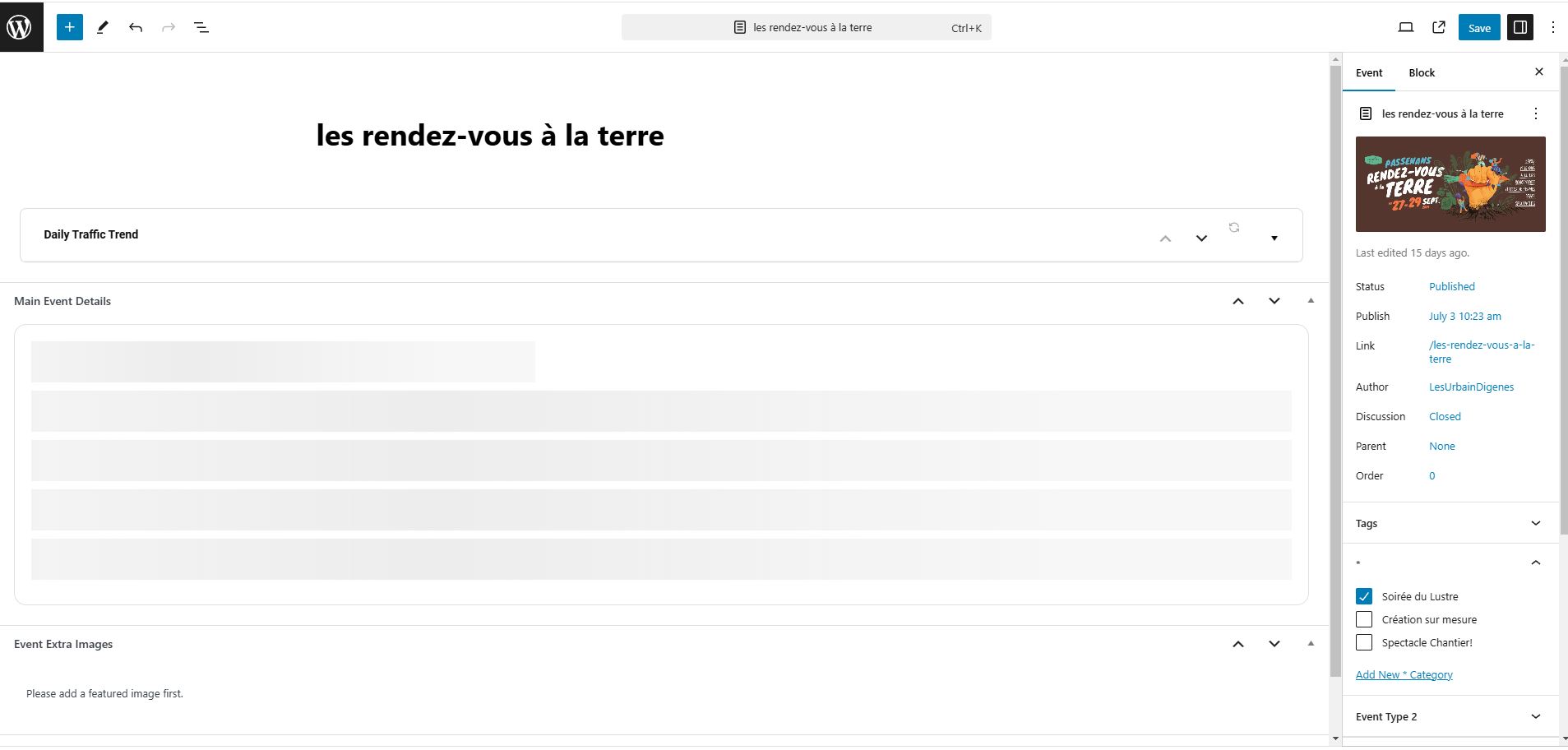
J’ai réussi à réactiver mon code CSS personnalisé en cliquant sur “Script & Styling” et en activant “Write dynamics styles to header”. Mais j’ai toujours une erreur sur mon événement du 28 sep 2024.
Dès lors que j’essaie de modifier un événement, celui-ci change de style.
De plus, la plupart des options sont indisponibles (voir image jointe). Je dois supprimer et recréer l’événement ce qui est très ennuyant.
Merci d’avance pour vos solutions.
OK, We have attempted to remedy the problem by applying a hook…
I have found the solution about Attendee name issue.
The issue is in the Eventon Ticket plugin.
We are trying a the hook
add_filter(‘eventon_attendee_name’, ‘customize_attendee_name’);
function customize_attendee_name($name, $attendee_id) {
// Modify $name as needed based on $attendee_id
return ‘Modified Name: ‘ . $name;
}
But this hook is not working and we don’t know why.
If this hook does work then we can achieve our goal without modify plugin file.
If you can send us the correct hook or send with priority hook that will be easy to fix it for all without a change to the plugin
My client just recorded a video of the journey until he received the error
It appears this happens when you try to assign a featured image or location. I checked the logs and can’t find anything
https://youtu.be/_vfddLfldns
Hi,
When we set the class up the date was set as 21st July 6:16pm, we had an order from a customer which confirmed the time.
Following this on the 17th June I amended the copy in the events, pressed update and thought everythings was OK, however the system changed the date and time of the event to when I made the amend.
The class was then ‘lost’ as it ended up being in the past so no longer showed on the website.
the issue is that when I make amends to class copy, the system changes the date and time to when I make the amends.
I hope that makes sense, I know it sounds impossible but it has happened a number of times – I can do a recording of what happens if that helps?
For references, it doesn’t always happen, it’s very random and changes the date and time on occation.
Thanks
Helen
De plus, j’ai un événement qui ne s’affiche pas comme les autres (28 septembre 2024)
Thank you very much
That’s waht I searched.
Best regards
Pascal
Thanks for the fast reply. Unfortunately I cannot send wp-admin access because it is against the contract I have with the client.
Is there another way for fixing this?
So here’s the bigger picture, we have at least 3 – 4 people working on this. One is our developer, one who adds in the events, one is our client, and another one is our boss.
We are all from different location. Just the other day, the one who adds in event encountered another issue where a certain repeating event is scheduled on MONDAY, after saving it also showed on the SUNDAY. Why did that happened?
They referred it to our developer and what our dev did is sort of “refresh” the event by changing the day to another day like TUESDAY and updated it. On front end, it’s no longer showing on SUNDAY nor MONDAY but only on TUESDAY as it should. Then put it back to MONDAY as the original schedule and it got fixed.
So disabling the CACHE plugin which by the way has some functions we also need to for the site, would fix issues like that?
Thank you! We hope to hear from you soon.