In order to remove the messages, you can either downgrade the PHP version or somehow apply the WP_DEBUG change from our guide.
Archives: Replies
Replies for tickets on suppota
Reply to: tickets(359688)
Hello,
Where do you see messages? Could you send us a screenshot?
Reply to: tickets(359691)
Hello,
I am sorry, the access information you have provided did not work for us. Please check them and post the correct login information as a private message, thank you!
Reply to: tickets(359642)
Ashan,
Please take a look at
…It would be useful if the form would indicate what the maximum RSVP value is since only stating that your party size exceeds the “maximum” is vague.
Reply to: tickets(359642)
Thank you for your messages, I am going to assign this ticket to Ashan and he will be able to take it from here and find you a solution. Please allow some time for him to get back to you, we greatly appreciate your patience and thank you for being a eventon customer!
Reply to: tickets(359693)
Hello,
Could you try going to EventON > Scripts & Styling > disable Write dynamic styles to header?
Also take a look at EventON > Appearance > EventTop Styles > make sure that Event Title font color and Event Sub Title font color are both white.
Reply to: tickets(359385)
I am very sorry, but I am not sure which part you are referring to: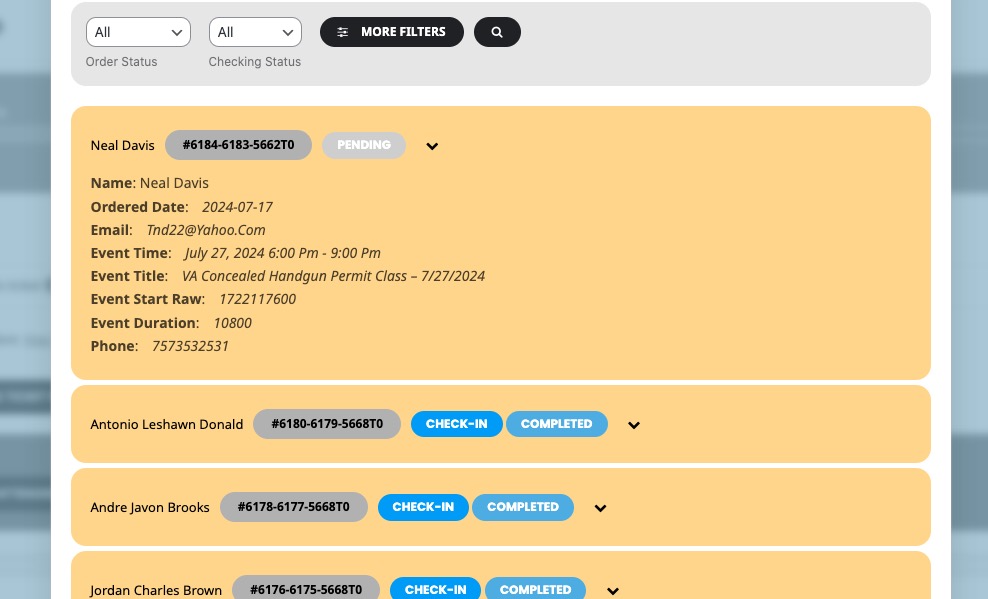
Could you send us a screenshot?
Reply to: tickets(359704)
Hello,
How did you add the fields? By following this guide:
https://docs.myeventon.com/documentations/how-to-add-additional-fields-at-checkout/
Reply to: tickets(356492)
Hi its been so long now. It it possibel to update please. I have been a loyal customer for years and think a deserve a response to finding the solution and the ticketing refund
Reply to: tickets(359695)
Hi Martin,
I went to EventON > EventCard > opened Designer and saved. Event Details are visible now. Please check and let me know.