I have to come back to this one again.
Followed your instructions to resolve:
1. IP address is validated. It is a static one.
2. Yes, I have ensured, I am using the given IP address from the website for restriction.
3. Test w/o restriction works as described
4. HTTP referrer restriction ends up in map is shown, long/lat creation not working.
We are at the beginning right now. Please specify how to do the settings in google. You still did not do this. just gave debugging advice.
Which IP address are we takling about by the way. I guess this is running via PHP (not JS), so I need to use the IP address of the website. Right?
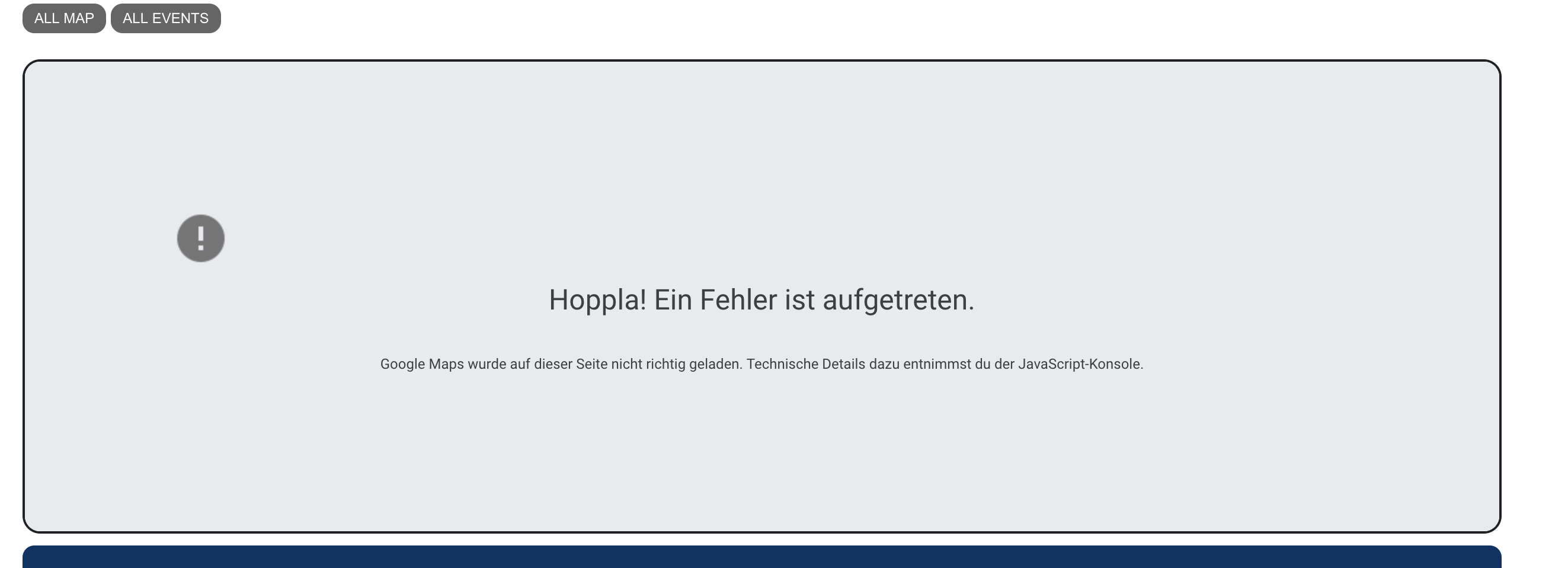
Testing with IP restriction gives the following error messages in the JS console:
Google Maps JavaScript API has been loaded directly without loading=async. This can result in suboptimal performance. For best-practice loading patterns please see https://goo.gle/js-api-loading
As of February 21st, 2024, google.maps.Marker is deprecated. Please use google.maps.marker.AdvancedMarkerElement instead. At this time, google.maps.Marker is not scheduled to be discontinued, but google.maps.marker.AdvancedMarkerElement is recommended over google.maps.Marker. While google.maps.Marker will continue to receive bug fixes for any major regressions, existing bugs in google.maps.Marker will not be addressed. At least 12 months notice will be given before support is discontinued. Please see https://developers.google.com/maps/deprecations for additional details and https://developers.google.com/maps/documentation/javascript/advanced-markers/migration for the migration guide.
While the map area shows the picture as attached.
Please advise.
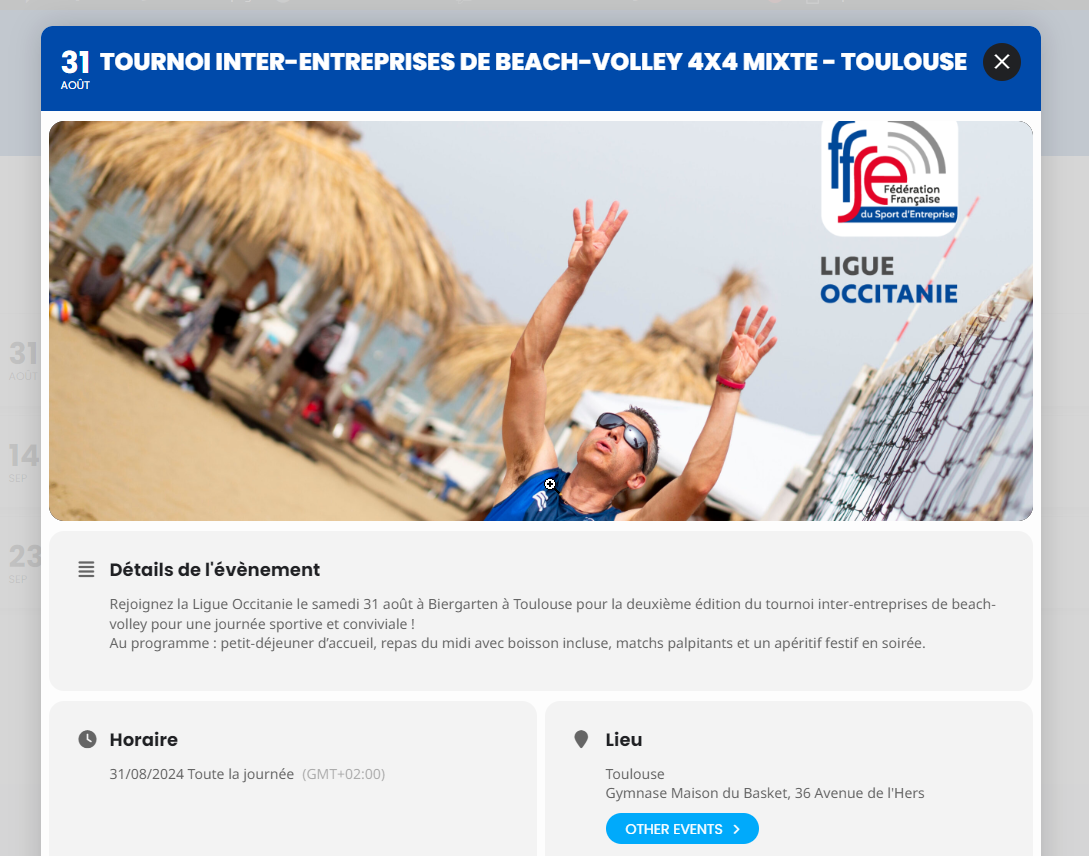
And here is what it’s supposed to look like
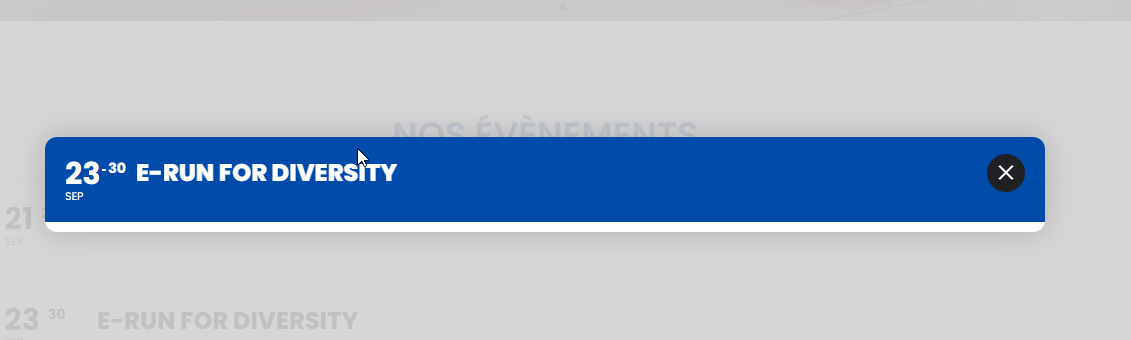
See attached picture for what it looks like
I locate the student to move to another class in the class they registered in, using View Attendees under Event Tickets
In the event ticket box I use the pull down next to “Move attendee to a different class”
Choose the class from the pull down
Click Update
This example I registered my self, tnd22@yahoo account, in the 7/1/24 class, then moved myself to the 7/27/24 class. This is the same procedure I used when the name change happened.
The only differences are I did not register thru the customer links but from the Business section of my admin log in, I have not paid, and I am a solo student vs registering myself and someone else. Let me know if there is something I can try differently.
Hi,
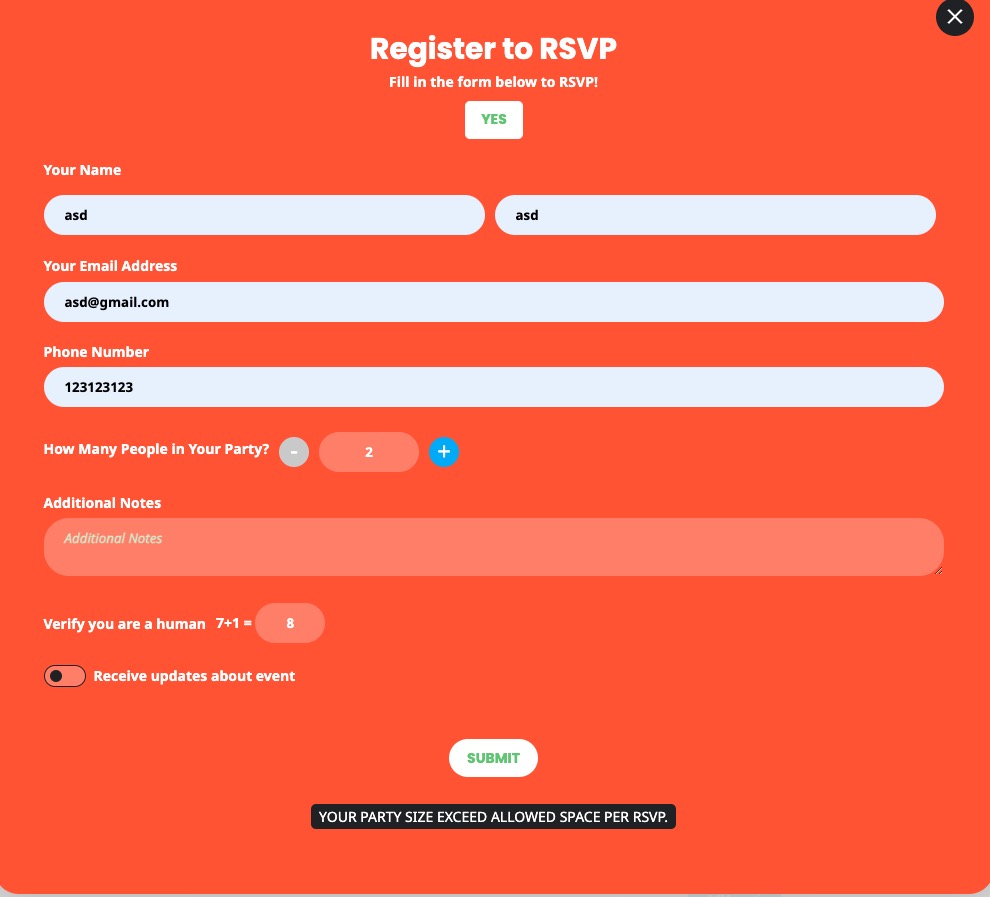
I’m not having an issue with the message coming up after I hit submit. I guess I’d assume that the + button wouldn’t allow me to exceed the RSVP max per user set for the event.
I guess that is not the case. It would be useful if the form would indicate what the maximum RSVP value is since only stating that your party size exceeds the “maximum” is vague.
I do have access to the FTP info and I did add the code that you suggested to the wp-config.php file and I uploaded it, but my host doesn’t allow it, so the file wasn’t changed. Isn’t there any other way around this? Why are the errors occurring? Please advise, as this back and forth has been going on for over a week now.
Any chance we can have an update. We have updated as requested and have given you access to our platform. Our client cannot sell ticket variations and this is affecting their operation. Please reply, we need to fix this. Melanie
Hello,
Seems to be working on our side:
https://dev2.myeventon.com/events/rsvp-47/

Can we somehow check your website?
Hello,
This CSS code changes the text to white:
a.evcal_evdata_row.evo_clik_row h3.evo_h3, a.evcal_evdata_row.evo_clik_row span.evcal_evdata_icons i {color: white}
What’s the initial state are you trying to achieve? White text, red background or black text and no background?
could you update tickets to the latest version
To update eventon addons: You can download latest eventon addons from myeventon > my account. Then you can go to your website, deactivate old addon and install new one and activate then delete the old addon. This link will further explain the process. Also you can follow us on twitter to get real-time announcements on updates!