there is a shortcode that allows you to open all events on a a single calendar- but its all or nothing- so iether every event is open or they are all closed
Brainstorm:
so these are ideas that you can play with
you could create a tab layout using your own theme/page builder Tab A TAB B TAB C
adding evc_open=”yes” to shortcodes A & B would have them open by default where as tab C would all be closed is about the only way I can think of
the weakness of that is 3 shortcodes on the one page
and put a calendar shortcode in each tab- each calendar would only show 1 event type
if you are making a feature request also add – make featured events open I can see that being a benefit.
Thank you… could I not use a code to do that ‘manually’?
Please send us wp-admin access to your site as a private message for us to further assist your situation.
we will have to play around with the css a little to test a few things as being a title if its changed- the other titles change as well which you probably found out and double check some existing css as theres a double up in the custom css which might be preventing some changes
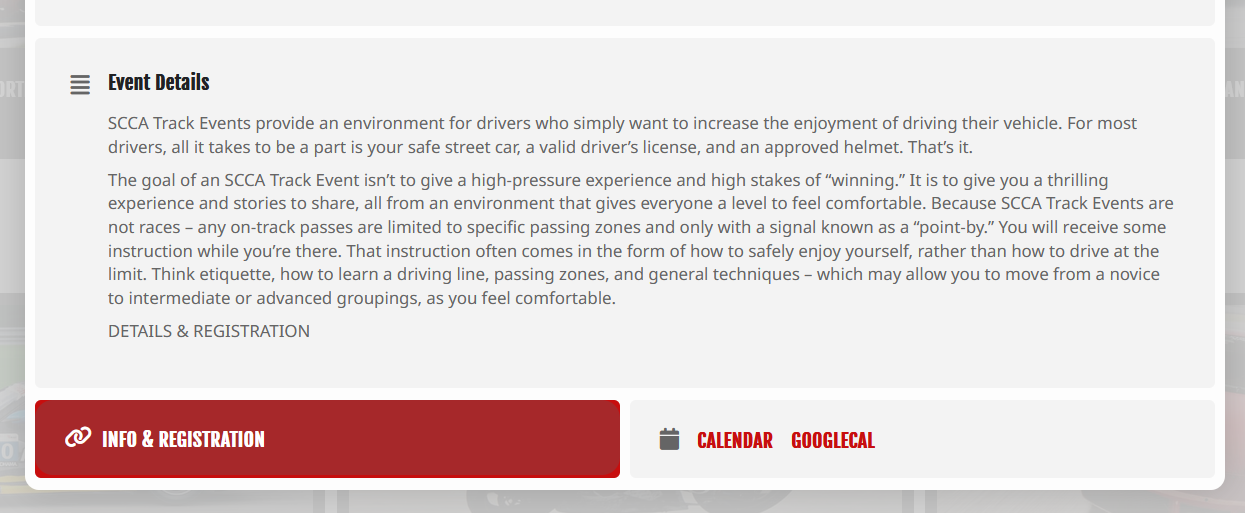
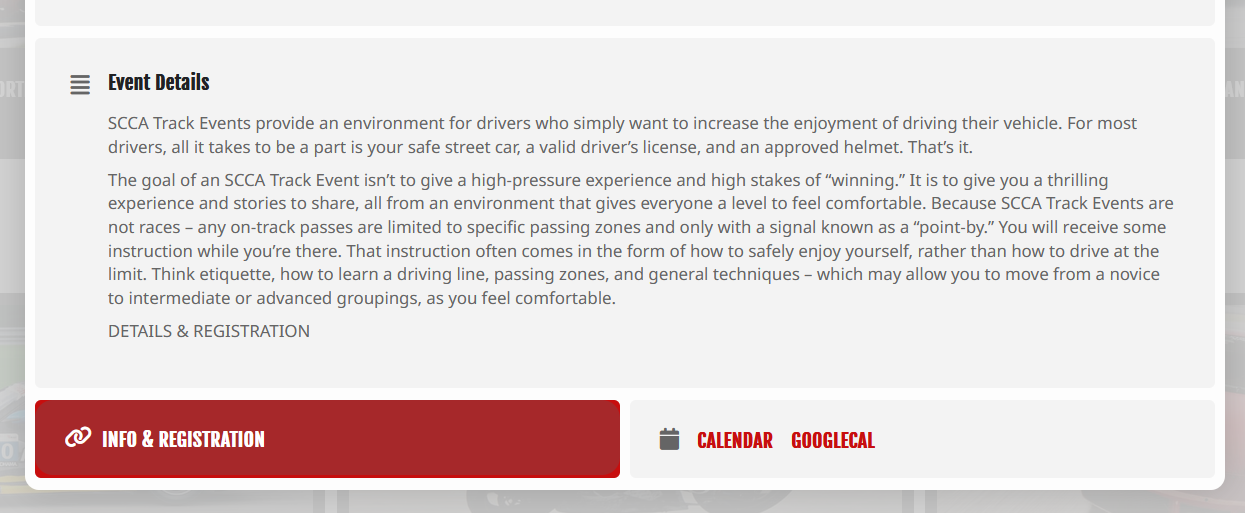
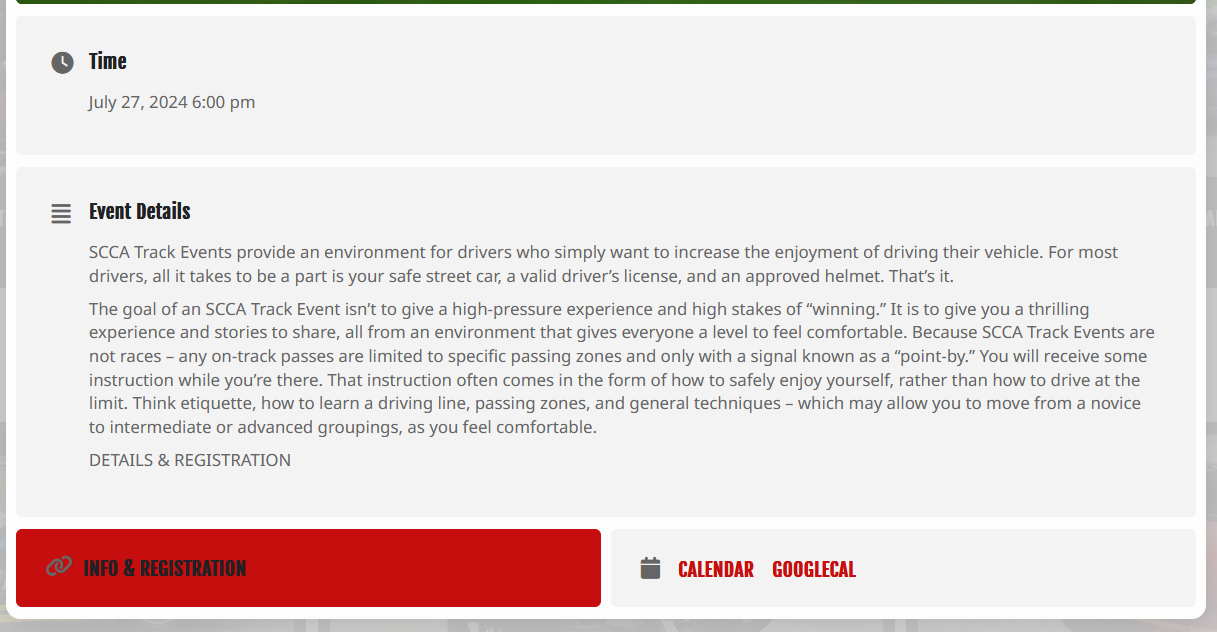
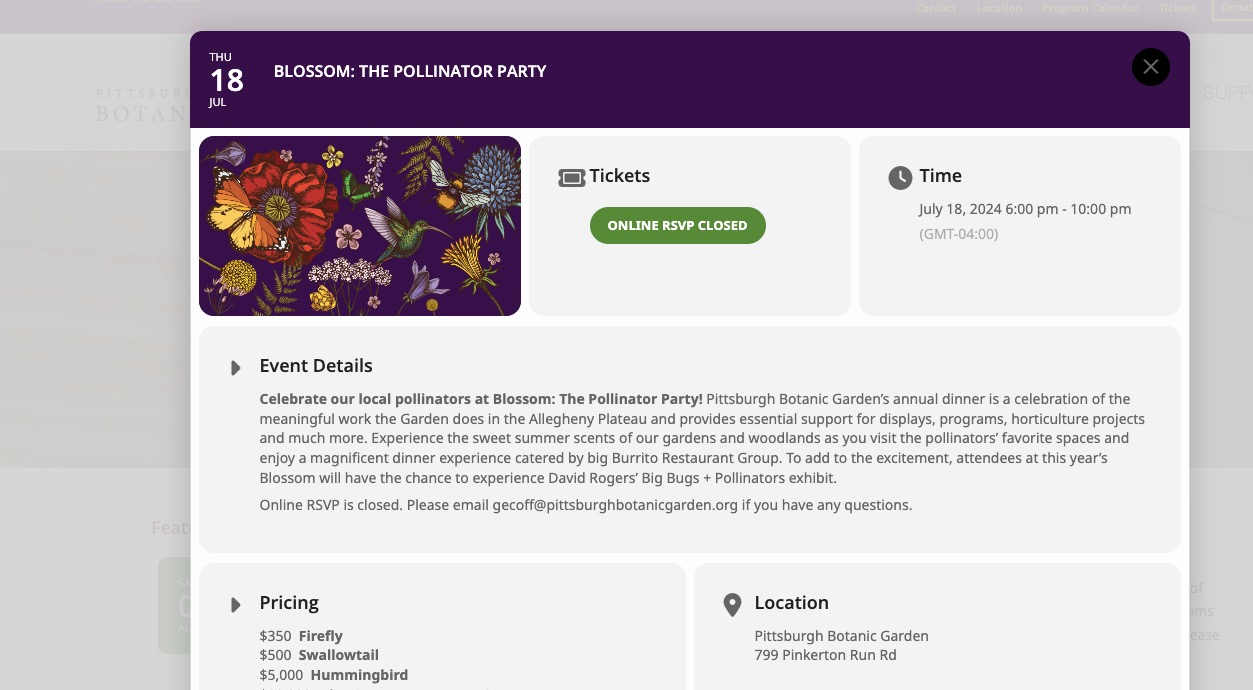
Another note, this is the popup event card when you select and event.
Could you clone your website, so we can update the plugin there to see if any issues will happen?
Hello,
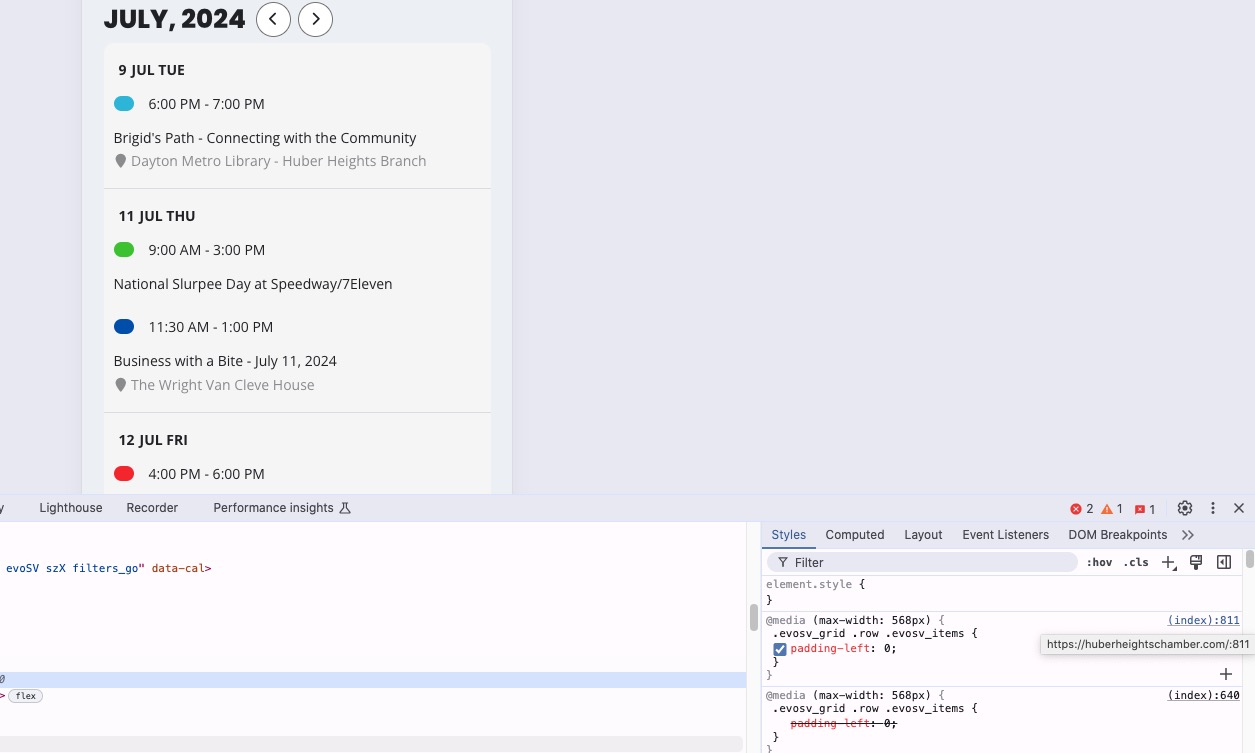
On my side:

Could you send us your shortcode?
It seems that my code is working:
I think that right now it uses the code but try adding this code to wp-admin > Appearance > Customize > Additional CSS to make sure that it will in use.
You only can open them all by default. No option to open each individual event even manually.