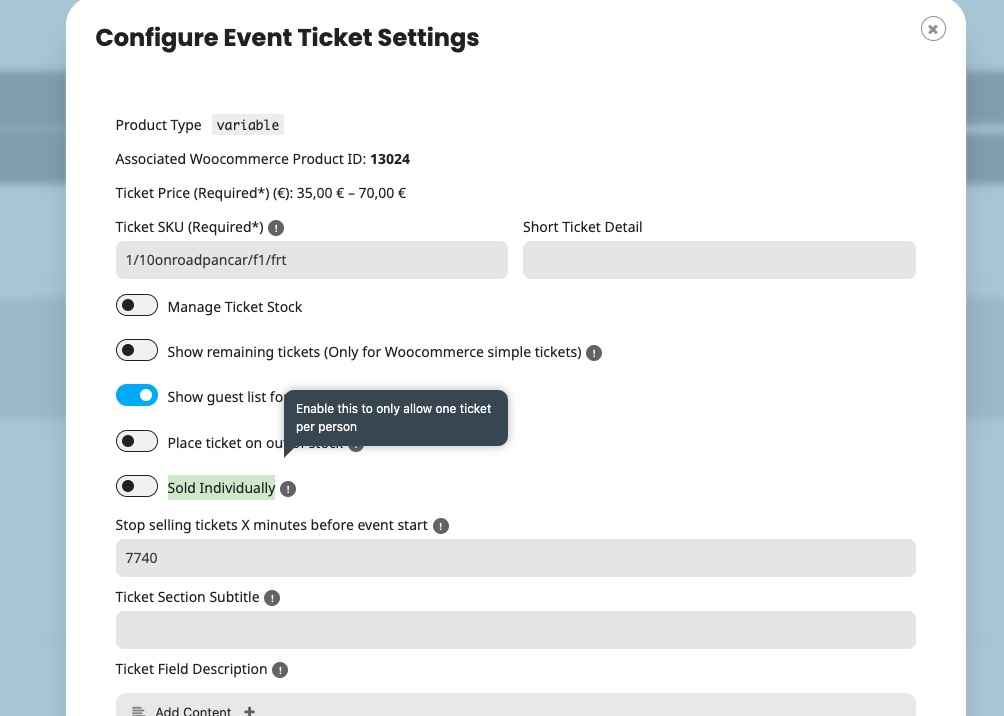
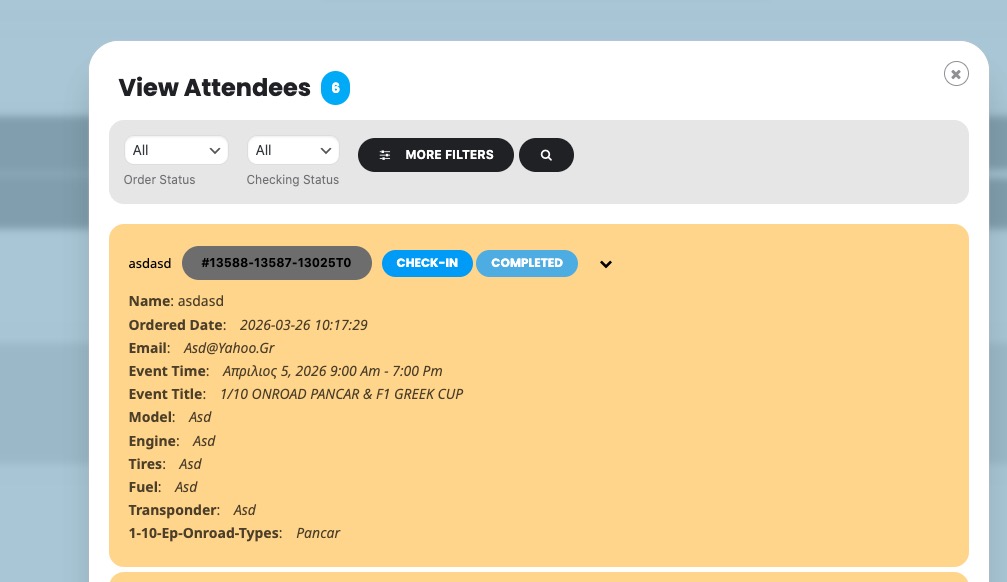
I disabled ”Sold Individually” and managed to create this order with completely random data:
https://el-me.gr/wp-admin/admin.php?page=wc-orders&action=edit&id=13587
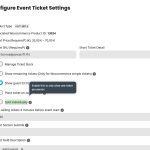
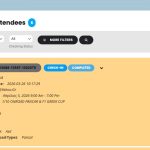
Could you check and let me know?
When you use ”Product Type: Variable”, most of options stop working since this change is mostly a hack.
We have an add-on to work with variations:
https://www.myeventon.com/addons/ticket-variations-options/
And it seems that the quantity section is missing on all events, not only on the events that have variations
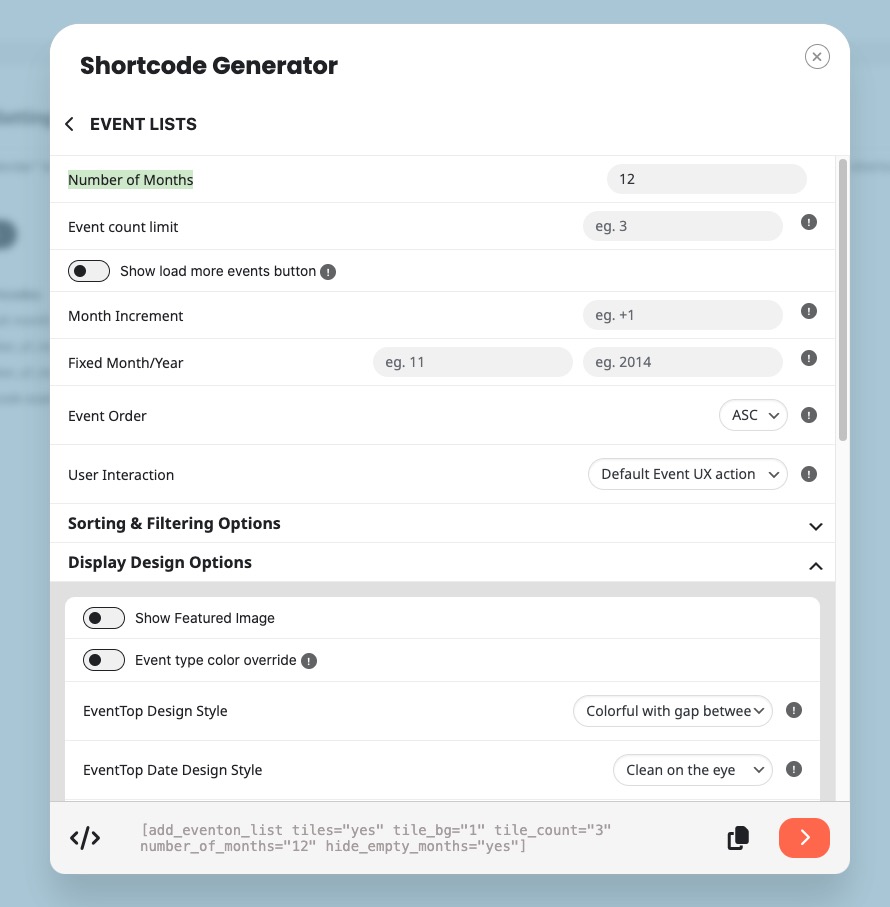
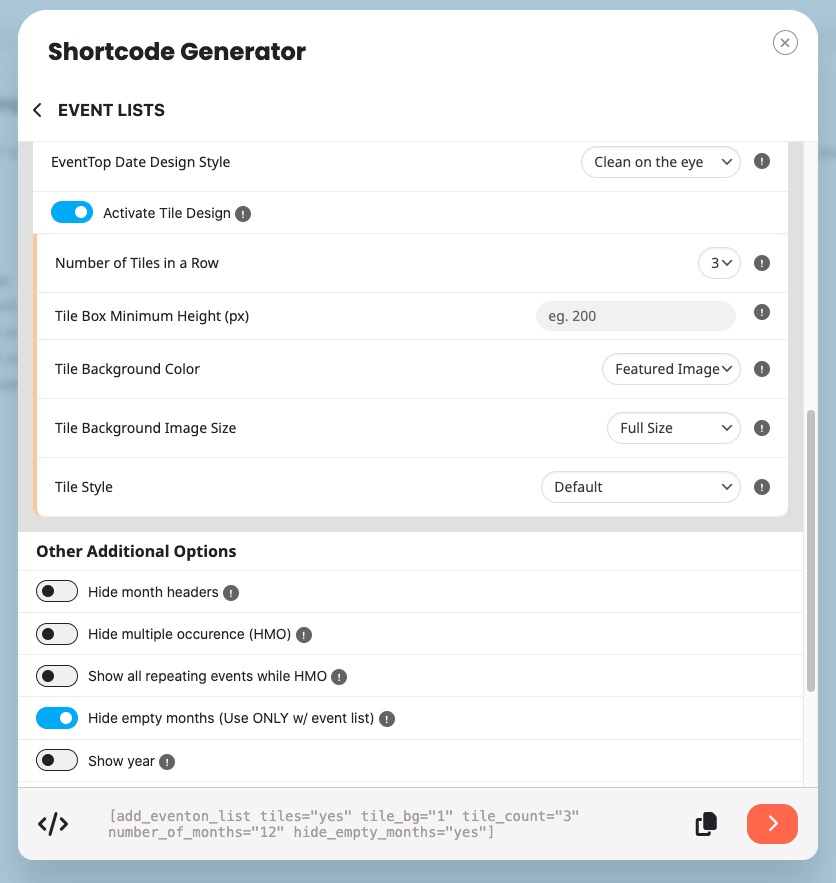
Please go to EventON > Shortcodes > open Configure Calendar > now click on Event Lists > select options and copy the shortcode:
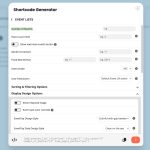
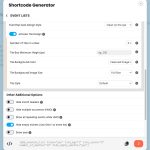
Now you can use it on any of your pages.
More info on how to use the generator:
https://docs.myeventon.com/documentations/shortcode-generator/
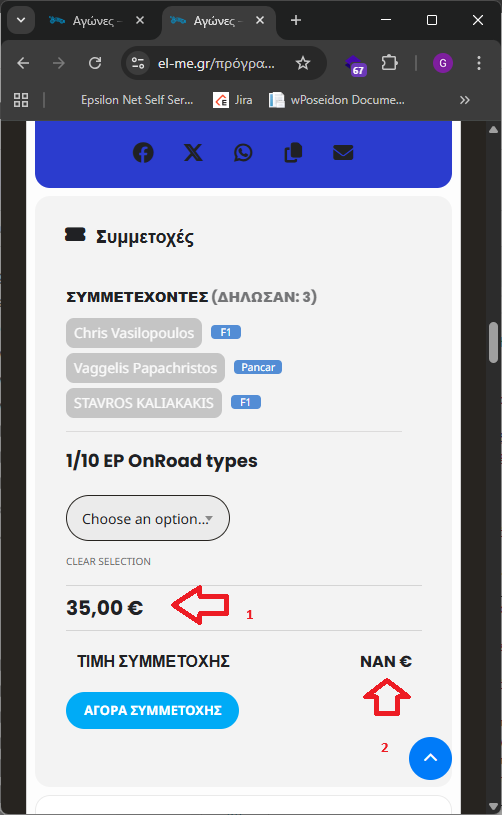
Looking at my previous pictures, seems that there is a section missing, of the quanity of the tickets, below 1 on the image
We are glad your issue is resolved, if you have any further questions or concerns please create a new ticket.
Hello,
Could you send us screenshots of how did you set up variations and also the error in the basket?
Please also note that you need to put 0.00 as Ticket Price if you want to make them free. You cannot just use 0.
If possible, please send us wp-admin access to your site from ”Access Info” box on right side menu, to further assist your situation.
Hello,
Thanks, that fixes the variation option. Somehow now the price is where the quantity of the tickets should be (on 1) and the price should be on 2 but it displays NAN.
Check image

Thanks in advance
Thanks. I did not realize this was enabled in the past an disabled on it self…
Hi Artem Thank you. The test calendar you made works well. Also my own calendar. I have checked this morning to see if it has gone out of sync again, and it didn’t. I like that the test calendar shows all the events on one page, so I would like to keep this design, so how can I use your test design?