Please give it a try in staging site it should be working 🙂
I had to make some coding changes. which we will push into next eventON version which we should be able to get out in few days.
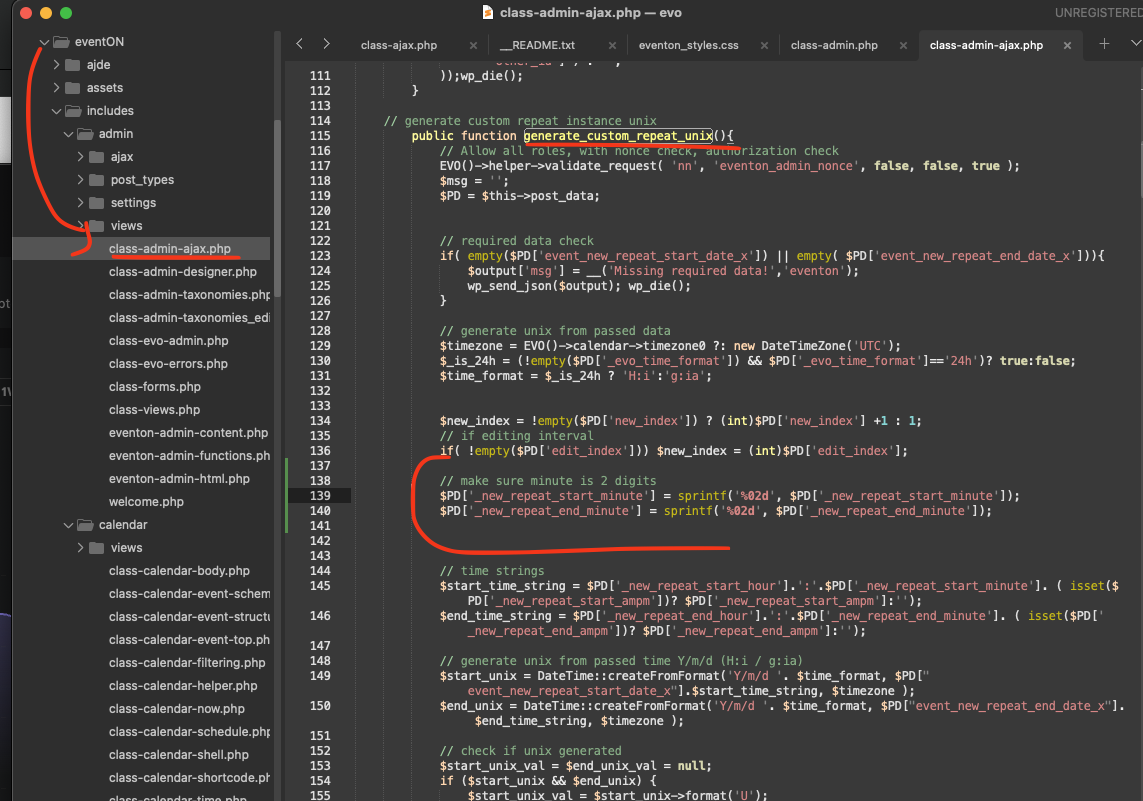
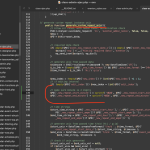
This is the code change we made.
code:
$PD[’_new_repeat_start_minute’] = sprintf(’%02d’, $PD[’_new_repeat_start_minute’]);
$PD[’_new_repeat_end_minute’] = sprintf(’%02d’, $PD[’_new_repeat_end_minute’]);
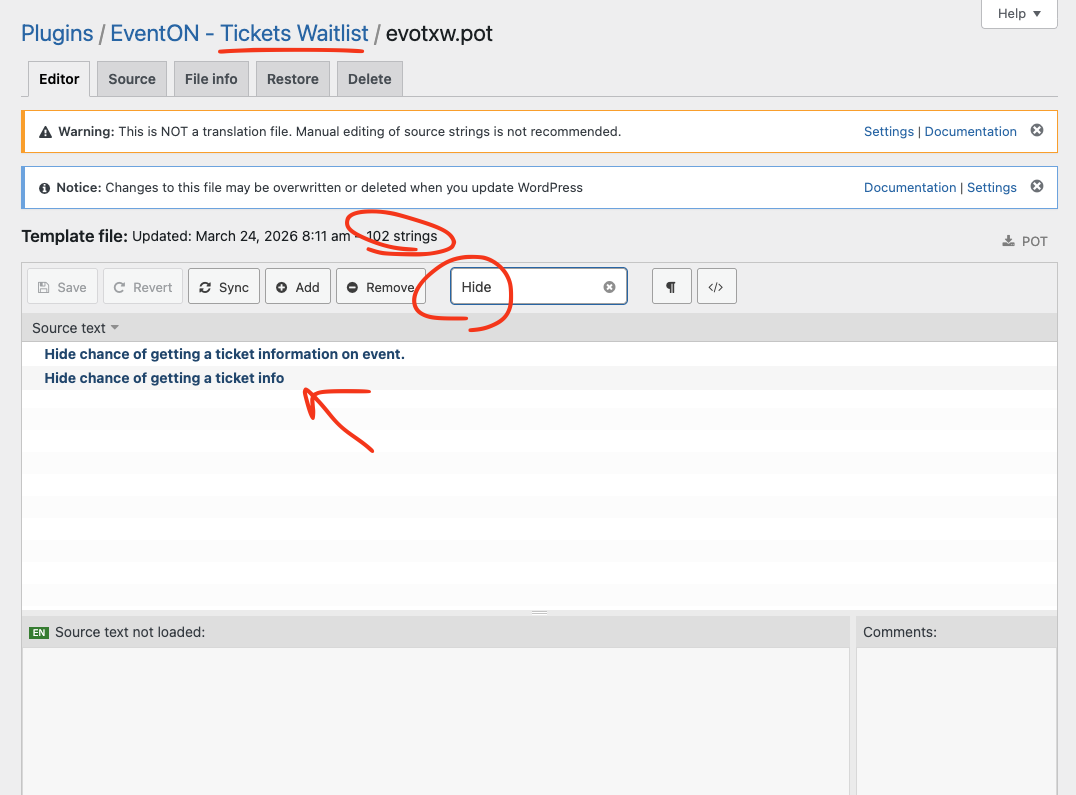
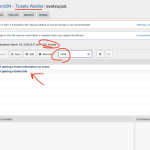
Hello Raphael, Kindly try going back to Loco Translate > Plugins > EventON Tickets Waitlist in there click edit template. And see if it shows 102 strings.
The actual plugin script itself, when added to the page via a script tag, has this url: ”“http://danceofliberation.co/wp-content/plugins/eventon-filters-plus/script.js?ver=0.3”, which is http not https and so its blocked. Here is the actual script tag that appears in my page: <script type=”text/javascript” src=”http://danceofliberation.co/wp-content/plugins/eventon-filters-plus/script.js?ver=0.3” id=”evofp_script-js”></script>
On your test site it’s displaying correctly
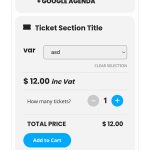
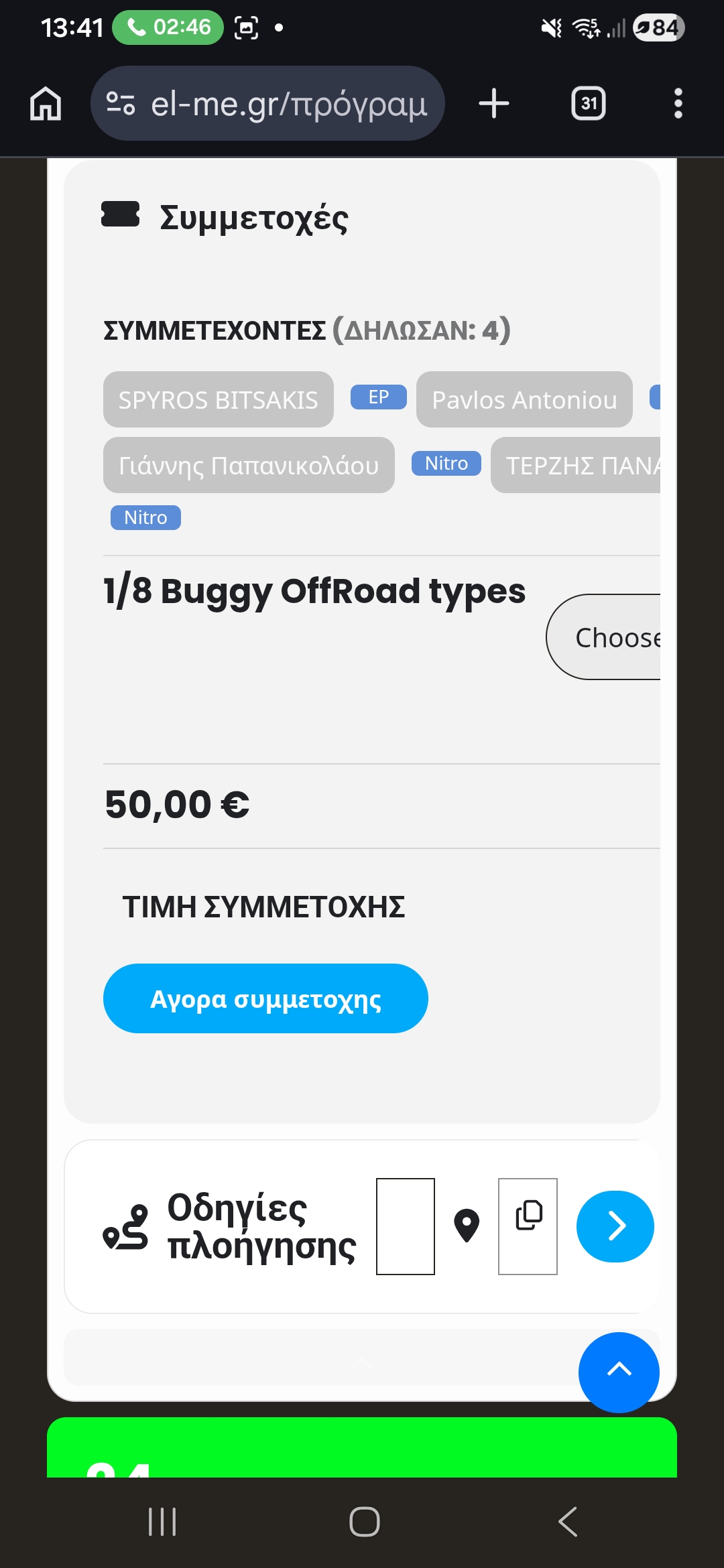
I updated event on from plug-ins page and things got a bit worse on the UI side so I reverted the change, I am attaching image
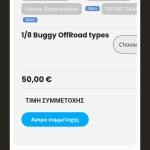
Please check again, restored it
I was testing on Event ID: 34471
https://stg.visitvarazdin.hr/wp-admin/post.php?post=34471&action=edit
Hi,
Thank you for quick response!
I’ve duplicated site to staging environment (because client is working on live site, and I don’t want to mess Live instance)
– I’ve also confirmed same issue on staging – new video: https://www.youtube.com/watch?v=mHDSRHnPkg8
Client told me that they are having this issue for a while (they ignored it for some time and they reported to me this issue yesterday)
– info I got from client – they didn’t have issue on all events (sometimes there wasn’t issue – maybe when repeat start/end time was identical to initial start/end time – client is not sure about this), when they have this issue it was both on newly created events and also on existing events (they are reusing some existing events from time to time)
On Live instance I have downgraded EventON to v5.0.2 and the issue is completely gone – no issue on v5.0.2 (confirmed by client)
– my best guess is that it’s something related to new UI component for choosing date/time (v5.0.2 which seems to be version without this issue have old UI component for choosing date/time)
Wp-admin details:
Login URL: https://stg.visitvarazdin.hr/tmp-adm/
User: eventon.debug
Pass: 3VeNToN#deBuG!2026
(Feel free to downgrade/upgrade eventon on staging)
Hope all this info helps and hope you’ll fix it soon
Thanks!
I was able to upload the screenshot after all
Thank you for your swift reply. How do I add cal_init_nonajax=”yes” to [add_eventon tiles=”yes” tile_count=”3” tile_bg=”1”] Could you please make the whole shortcode for me so I can copy it on the Calendar page.
I have tried to upload a screenshot but this function is not working. I have tried with the smallest file possible both jpeg and png.
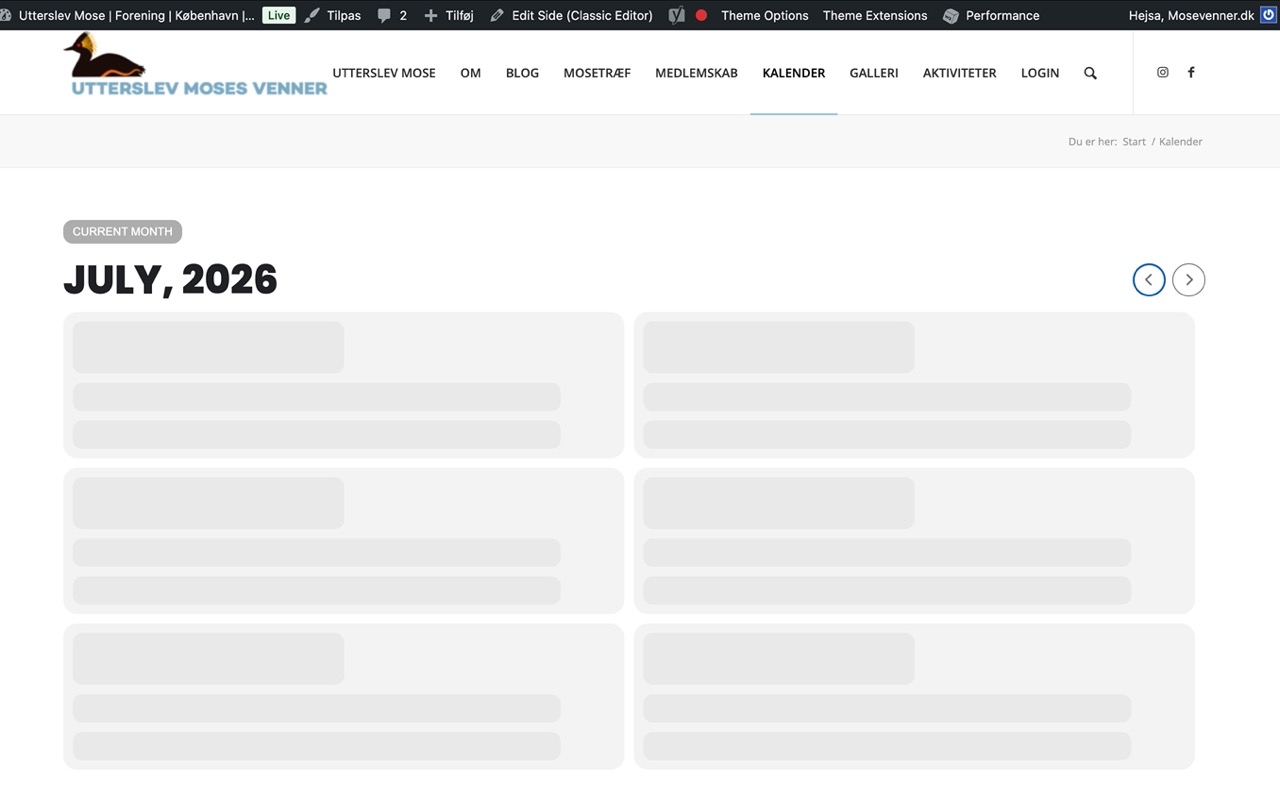
I have already shared access information and I would be grateful if you could find the debug.log file. I am really desperate because every morning I have to update the calendar page in order for the calendar to work.
Kind regards Merete Pedersen
We have made the necessary changes, to allow yearly view addon in your order instead of Fullcal.