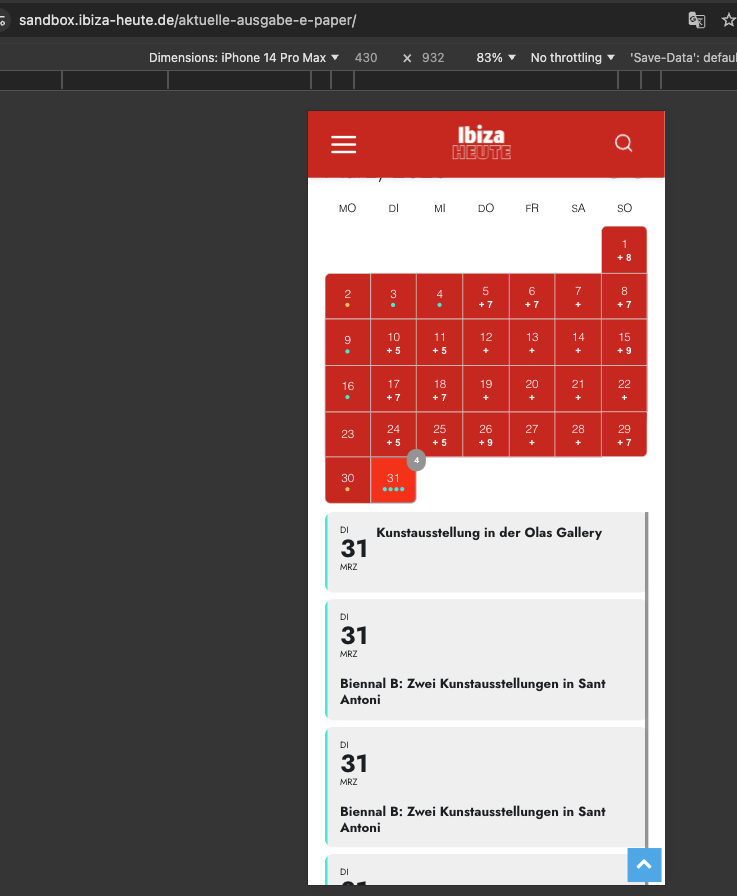
It seems that the only solution is to disable the autoscroll feature of the theme.
Is it possible with your theme?
Replies for tickets on suppota
It seems that the only solution is to disable the autoscroll feature of the theme.
Is it possible with your theme?
We are glad your issue is resolved, if you have any further questions or concerns please create a new ticket.
If you have a moment, we would greatly appreciate if you could kindly leave us a review at EventON WordPress Page OR EventON > My Account > Downloads. Your review helps us a lot in continuing EventON improvements!
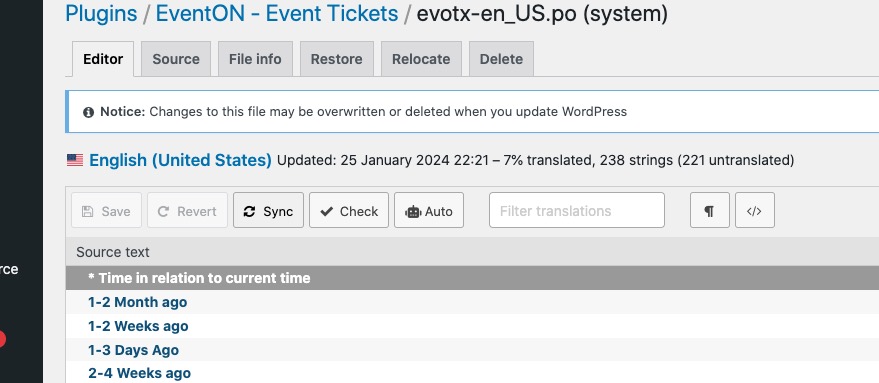
Could you try going to Loco Translate > EventON – Event Tickets > click Sync to get the latest strings of text:
Ashan,
The same on dev2:
https://dev2.myeventon.com/test-199/
Nothing happens when I click on the event.
Hello,
Thank you for your messages!
I am going to escalate this ticket to development to help in here. Please allow us some time to address this, and we truly appreciate your patience. Thank you for being a valued EventON customer!
Hello,
You purchased the full version from our website, but after you downloaded it, the archive cannot be opened or it cannot be installed?
https://www.myeventon.com/full/
Could you elaborate more?
Please take a look at this guide:
https://docs.myeventon.com/documentations/getting-started/
The problem is not the loading time and also not if one can see the FullCal calendar.
The problem is on mobile that when everything is loaded and you scroll up again the content is gone for a while. You see blank space.
Once you deactivate the FullCal-Plugin this is NOT the case.
I also contacted the Support of the Template, this is what they say:
Hi,
We checked the situation, and indeed, as long as the plugin is enabled, the mobile version does not work correctly. Once the plugin is disabled, the problem is resolved.
I reviewed the plugin settings and combinations: https://prnt.sc/9Dcg9NsdpsKi , but the issue remains the same.
At this point, I recommend contacting the plugin’s support. They may have encountered similar cases and can advise on the steps needed to fully resolve the problem.
Thank you!
Alex
Super that you found it!
Thank you very much
Hi,
I’ve already uploaded the new versions of the plugins.
However, I’m not sure where I can add the missing translations now, since they no longer appear in Loco Translator and I can’t find the “langue” option in the plugin either.
Thank you.
Testing your website on iPhone. It takes a long time to load and scroll is very slow — looks like you have some kind of a lazy load thing? I think tehre is some kind of loading effects on your website, may be came part of the theme?
That is really messing it up. Once everything loaded and settled in I can see the fullcal and it works fine.
Perhaps try removing the effects on page load? and install some cache plugins to load content via cache instead of fresh load everytime? see if that helps.
Apart from that as Artem mentioned I also have no issues seeing your website on iPhone as well as iPhone stimulator.