Hello,
1. Thank you for your messages, I am going to assign this ticket to Ashan and he will be able to take it from here and find you a solution. Please allow some time for him to get back to you, we greatly appreciate your patience and thank you for being a eventon customer! Also please disable any IP blocking on your site if there are any.
2. Please follow to filter by the town:
https://docs.myeventon.com/documentations/how-to-use-event-types-to-do-more/
I have also tried this way, but by inserting the code in the ‘script’ file I can no longer load the list of events and the plugin no longer seems to work
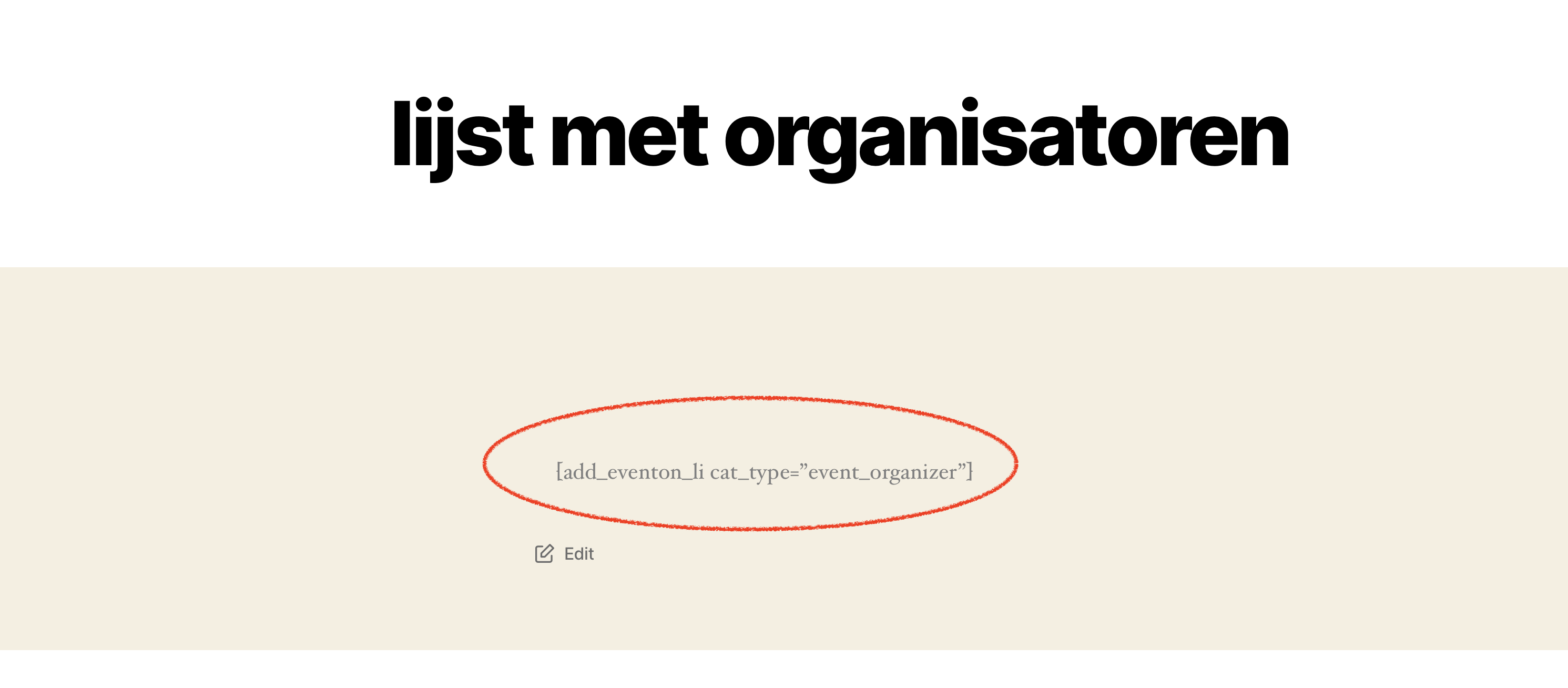
Now it works via the Event On short code generator.
Login info didn’t work for the staging site. Could you check?
https://helpdeskx.s3.amazonaws.com/wp-content/uploads/2024/04/10065230/Screenshot-2024-04-10-at-15.51.02.jpg
Does this change still apply to the code? It seems that the debug.log file is empty is because the patch fixes the issue.
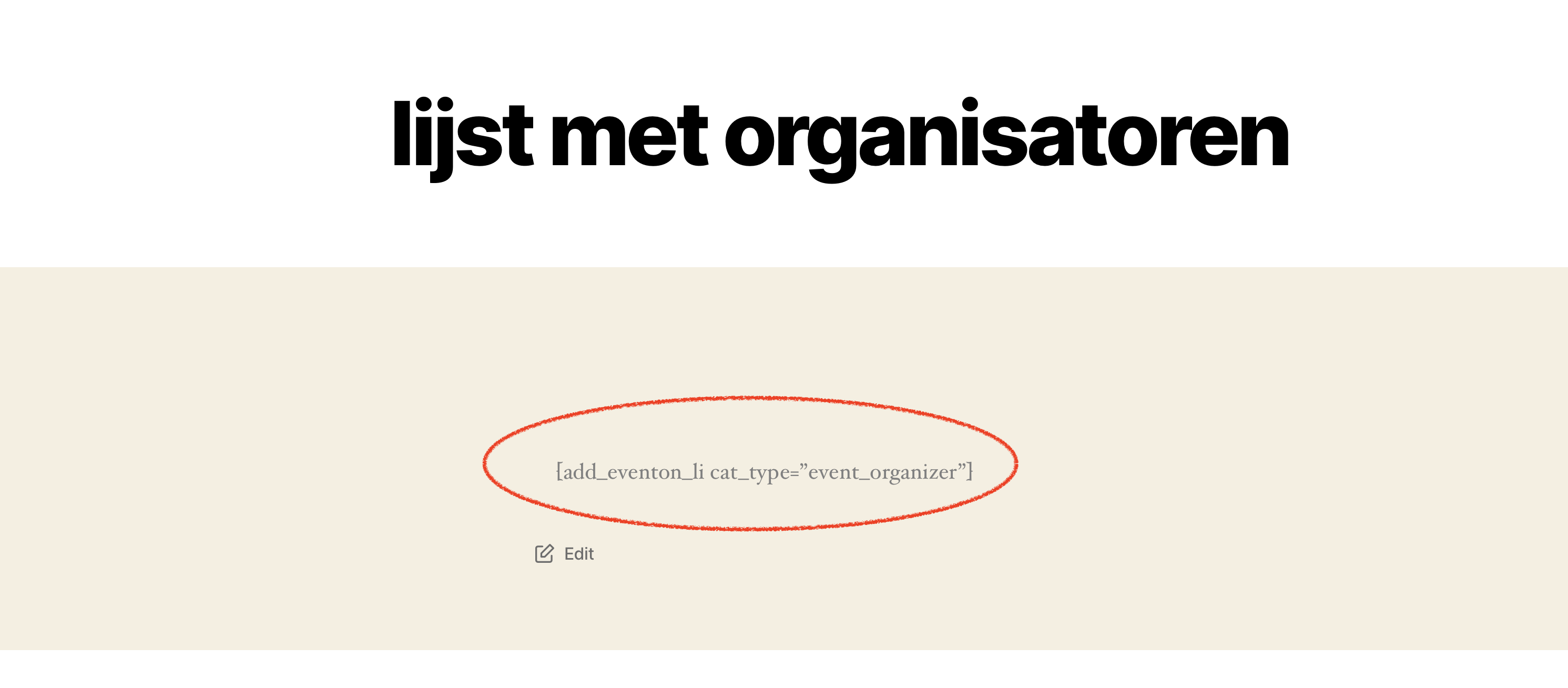
I have tried it. It only shows the short code itself not the result. I don’t know what I’m doing wrong but not used to the new editor. Only work with the classic page editor in WordPress.
Hello,
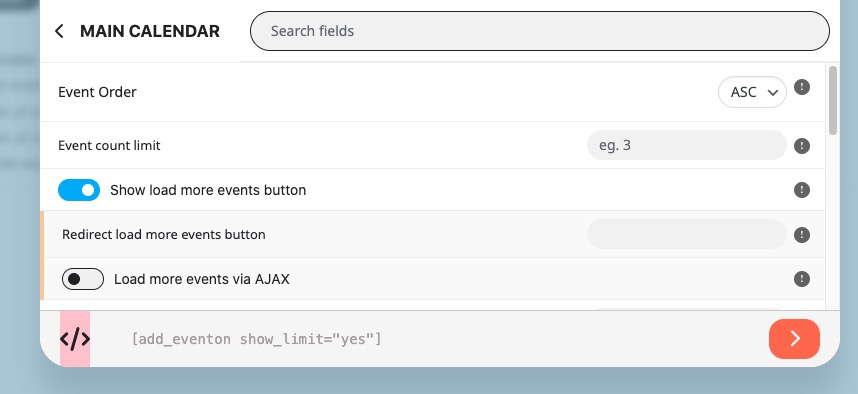
After you selected options, please click on this element at the bottom:
Then click on the shortcode to copy it.
If you have a moment, we would greatly appreciate if you could kindly leave us a review at Codecanyon. By going to your account > Downloads. We are very grateful for your kind review!
The product itself is the only connection to WooCommerce, variations are handled by EventON. The current functionality doesn’t let you to set a separate tax for each variation.
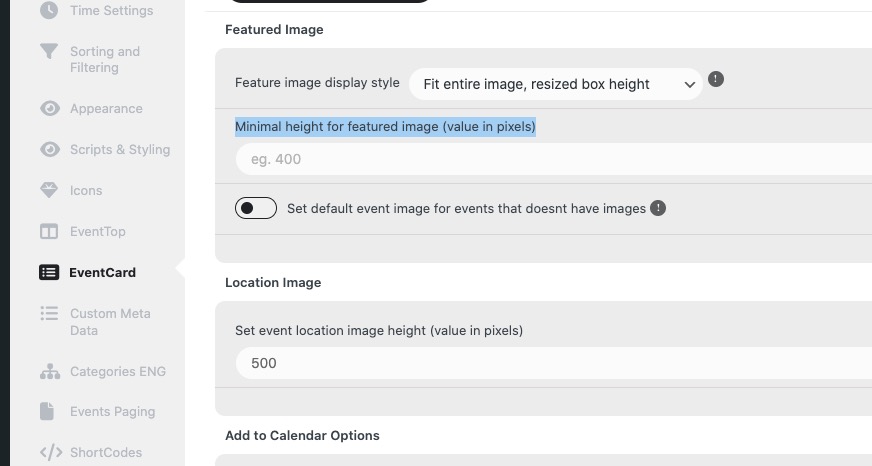
You can use “Minimal height for featured image (value in pixels)” to change this:
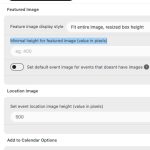
Please also go to EventON > EventCard > try a different Feature image display style. Try “Feature image display style: Fit entire image…”.
For Event Top you can follow this guide:
https://docs.myeventon.com/documentations/hook-eventtop/
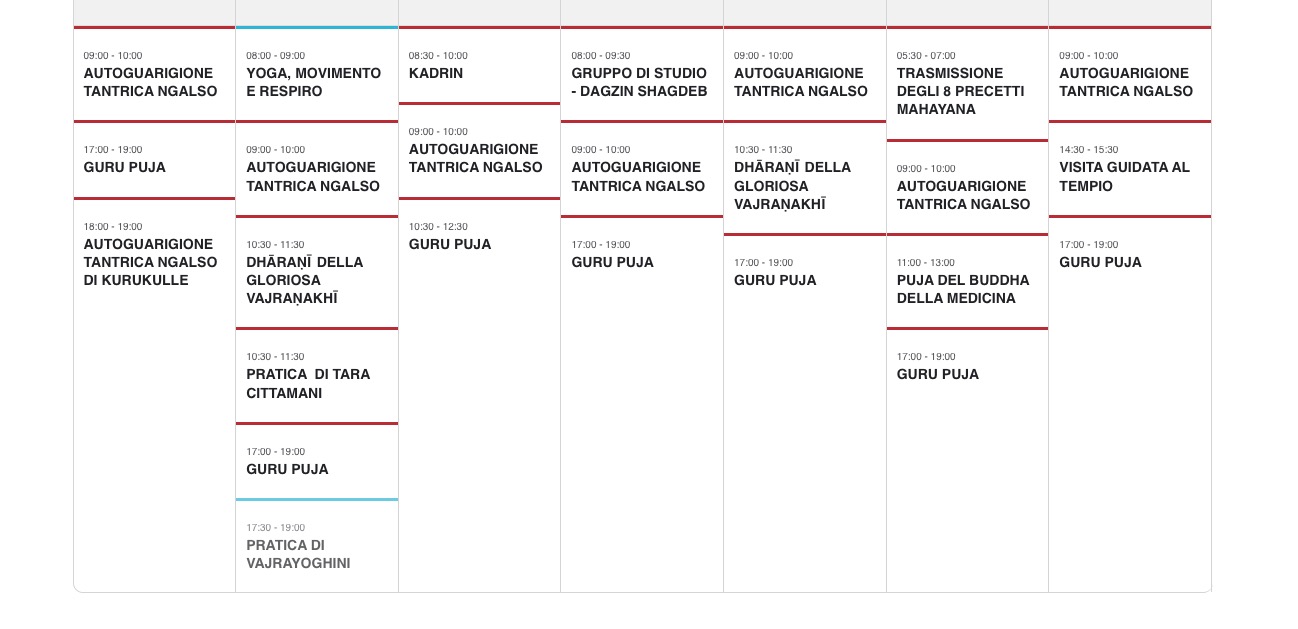
Not possible for this part: