It takes 23s to load Plugins page: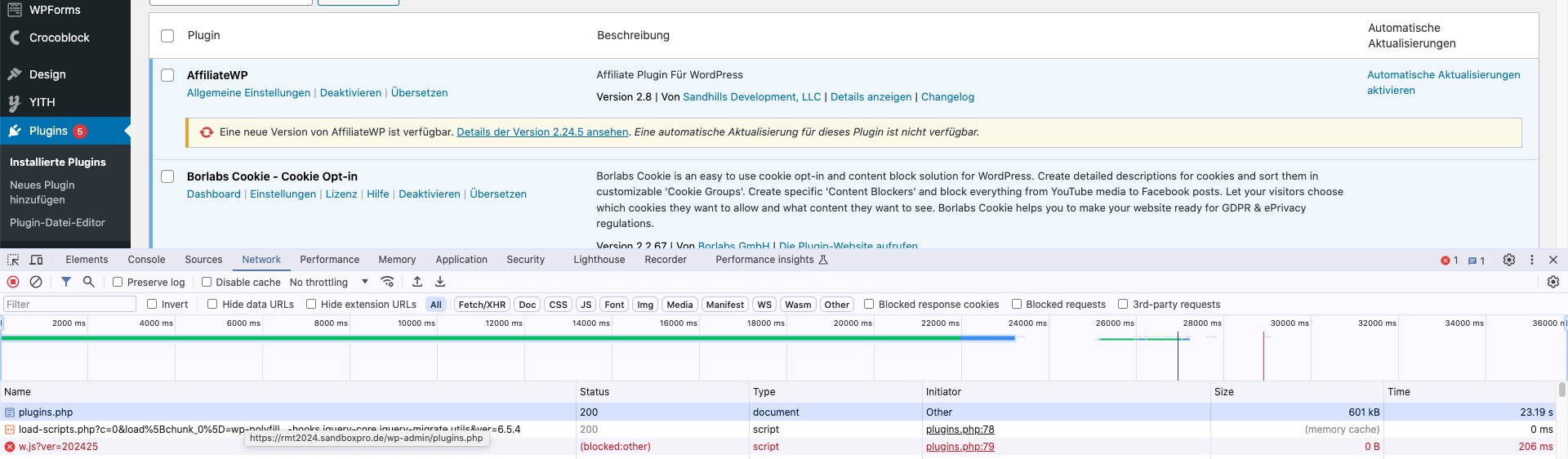 Could you please try the instructions mentioned in this documentation to make sure your issue is indeed coming from eventon.
Archives: Replies
Replies for tickets on suppota
Reply to: tickets(356299)
Thank you, looking forward to have this fixed.
Reply to: tickets(357135)
Hello,
Please send us wp-admin access to your site as a private message for us to further assist your situation.
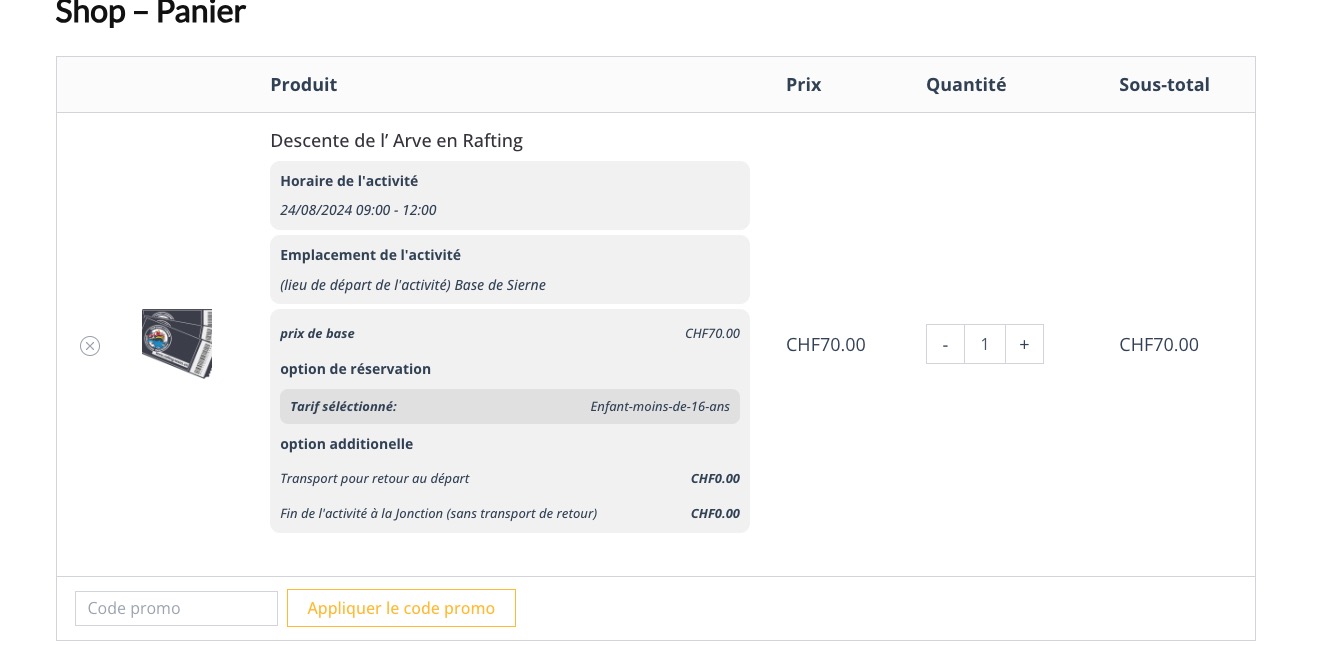
I was able to purchase:
Reply to: tickets(357131)
Hello,
Please update the plugin manually:
To update eventon to latest version: If you are unable to do autoupdate, you can go to codecanyon your account > download and get the latest eventon version as zip file. Then you can go to your website > make sure “Delete eventon settings & data when EventON is uninstalled” is Deslected from eventon settings, delete old eventon, install new one and activate. This link will further explain the process it. Also you can follow us on twitter to get real-time announcements on updates!
Reply to: tickets(324313)
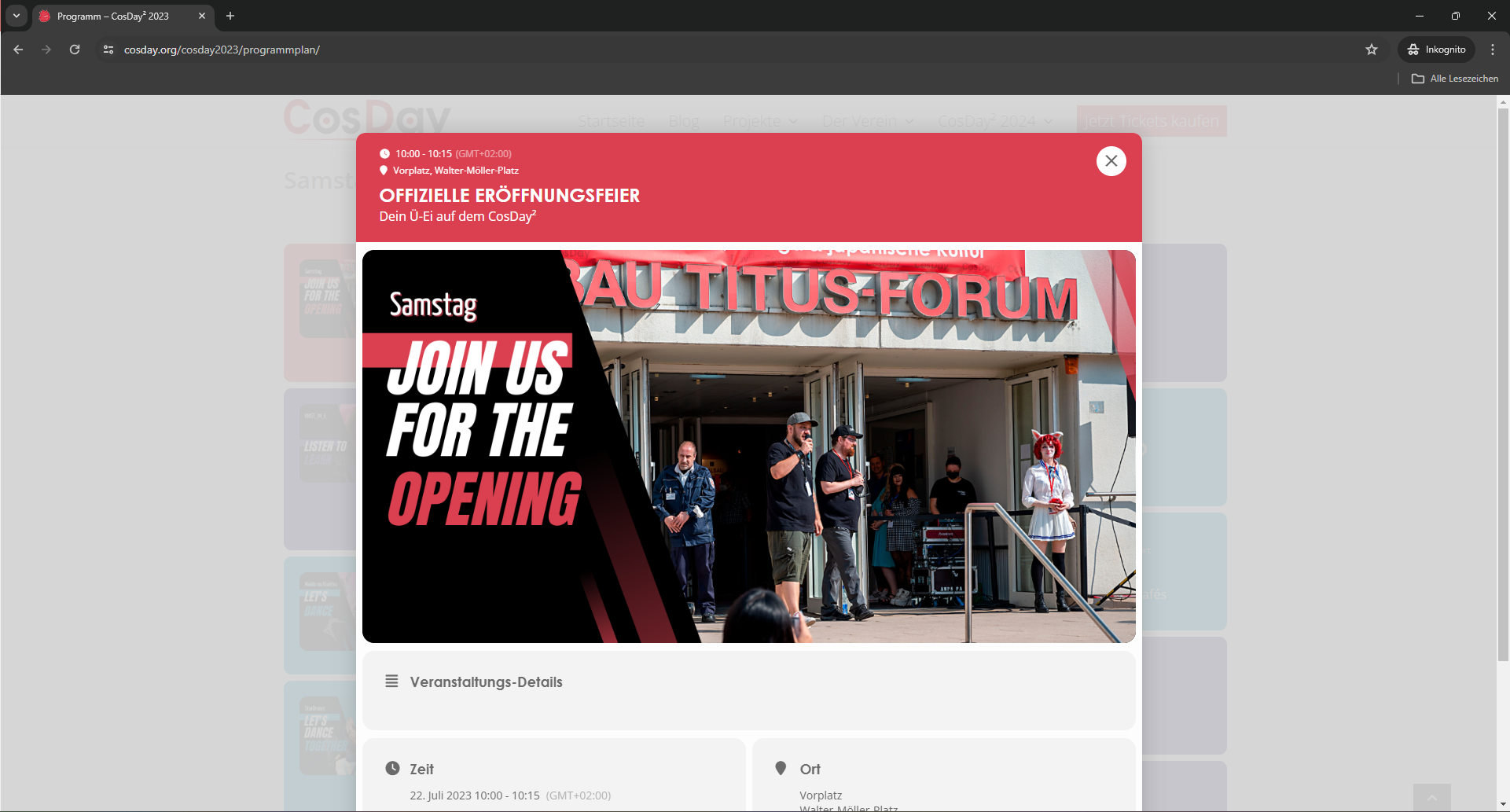
There is a calendar, just scroll down: https://cosday.org/cosday2023/programmplan/
I was able to fix the list styling, but my when opening the modal, at the top of the modal the day is missing, only the timeframe is displayed.
Reply to: tickets(356832)
Hi there, thanks for your reply.
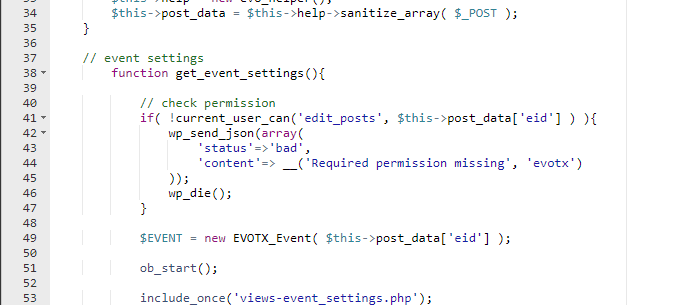
I’ve gone into that PHP file, (checking the live and staging) and they both show exactly as you’ve indicated above already. See screenshot.
All the available permissions for events, and event tickets for that user role are granted too. So they should have permission to use it. As I mentioned, prior to the updates, they did and it worked as expected. So I presume something else has changed since that update to 2.3 for Eventon Tickets.
Thanks
James
Reply to: tickets(356698)
Usually, when I find this problem with elementor and no plugin (i.e. elementor’s native popups). I am going to add this code in Elementor’s Custom Code (at the end of the body):
<script charset=”utf-8″ type=”text/javascript” src=”//js.hsforms.net/forms/v2.js”></script>
And then this code in the popup, or when i want to see it:
<script charset=”utf-8″ type=”text/javascript” src=”//js.hsforms.net/forms/v2.js”></script>
<script>
hbspt.forms.create({
region: “na1”,
portalId: “8073306”,
formId: “86a93efc-c515-4d76-a8ab-aef57df49818”
});
</script>
or somethimes also this code:
<script>
jQuery(window).load(function() {
jQuery.each( elementorFrontend.documentsManager.documents, ( id, document ) => {
if ( document.getModal ) { // It’s a popup document
document.getModal().on( ‘show’, () => {
hbspt.forms.create({
region: “na1”,
portalId: “8073306”,
formId: “86a93efc-c515-4d76-a8ab-aef57df49818”
});
} );
}
});
});
</script>
And in this way it works properly. But in this case with EventON it does not work. So exactly what should I do to solve it?
Because I added the first <script> code I sent, in the place you indicated. But it doesn’t work
Reply to: tickets(355022)
Hi, do you have a time forecast for the accessibility of the plugin? According to the European Accessibility Act, sites will have to be accessible by 2025 and we should understand how to proceed, wait or look for another solution.
Thank you very much
Reply to: tickets(357012)
Hello,
of course, here is the login:
https://rmt2024.sandboxpro.de/wp-admin
User: Eventon
Password: TXUqX%jeCE)2UQojj3Hd6r4Y
It’s a staging site, so feel free to disable plugins.
Thank you!
Reply to: tickets(357131)
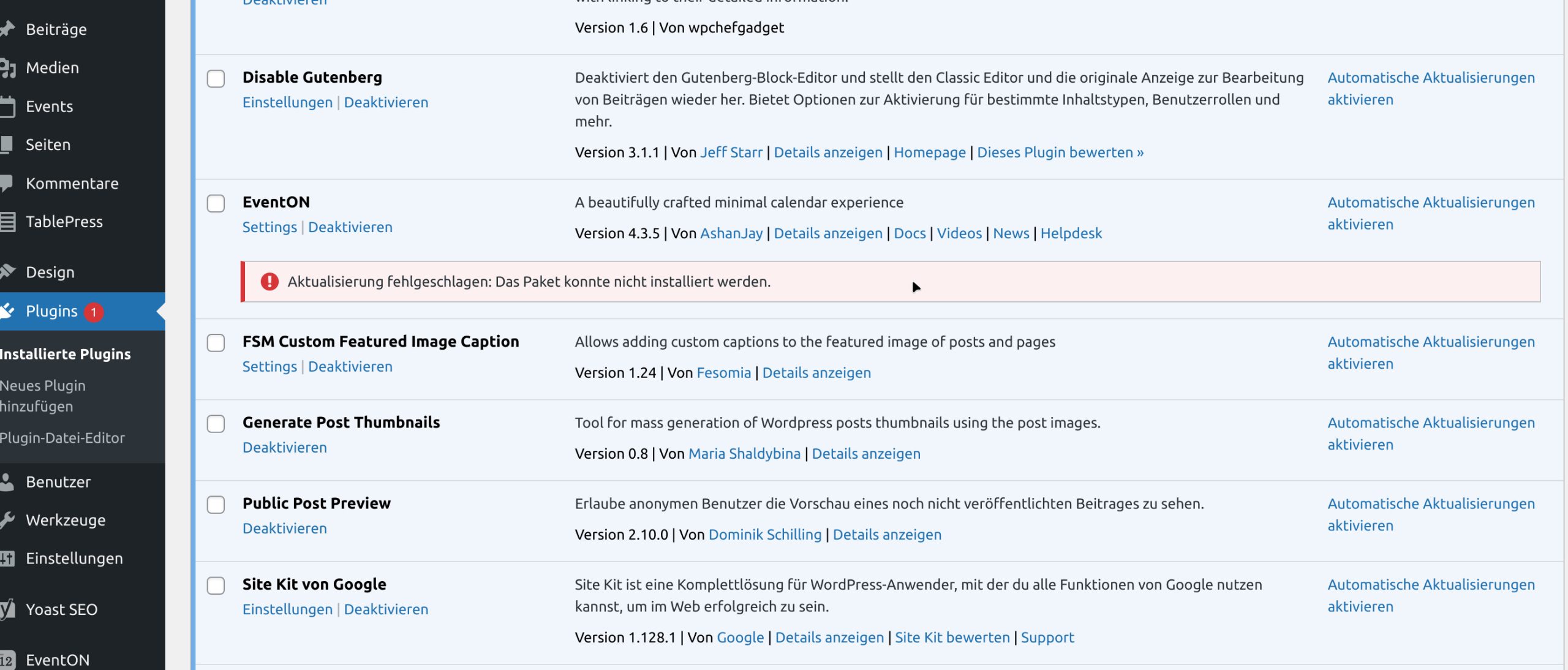
Please see the error on my screenshot