Hello,
Could you update RSVP add-on?
Seems to be working on our test site:
https://dev2.myeventon.com/events/rsvp-44/var/ri-1.l-L1/
This repeat show the message, the other two repeats don’t show it and allow RSVP.
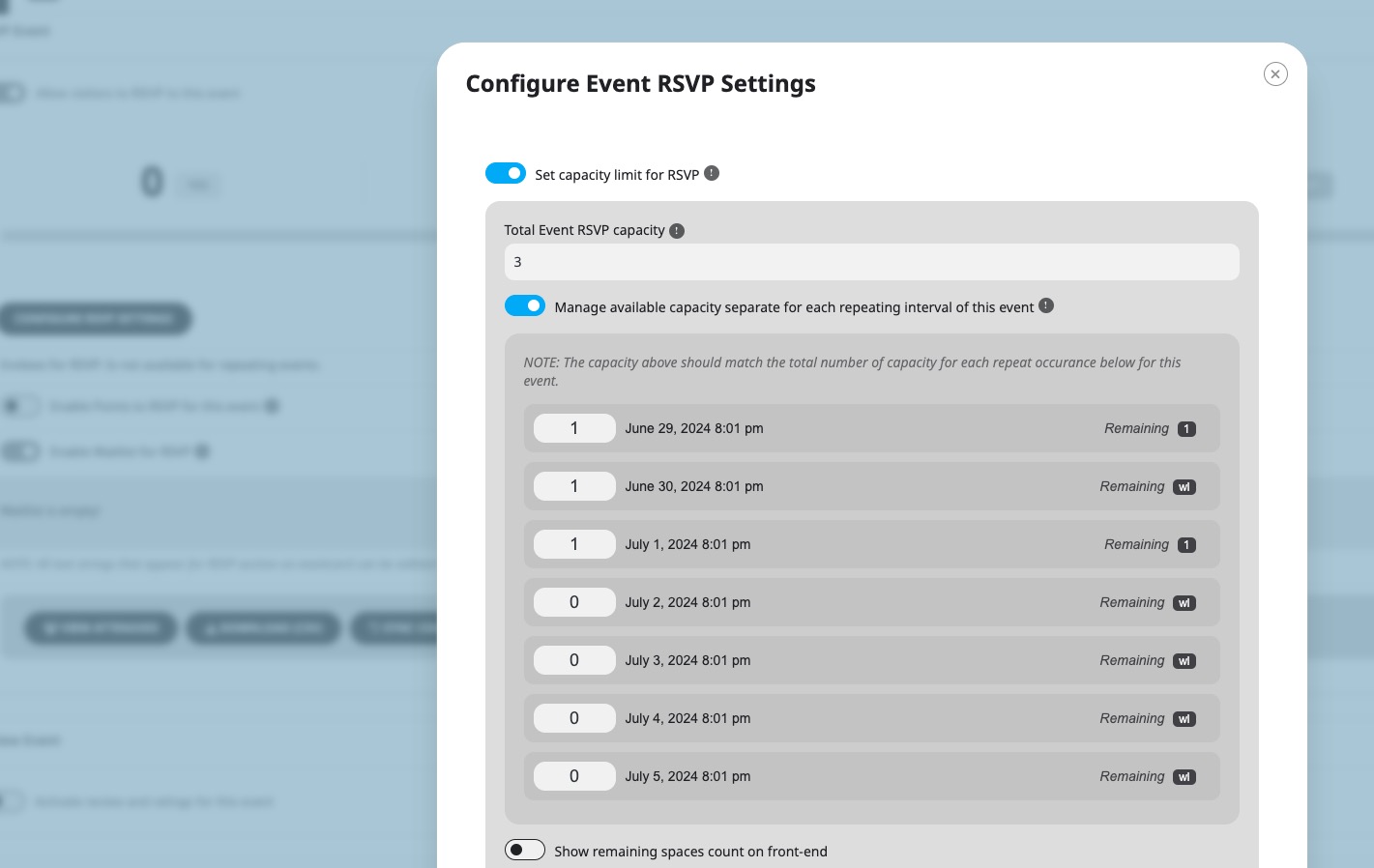
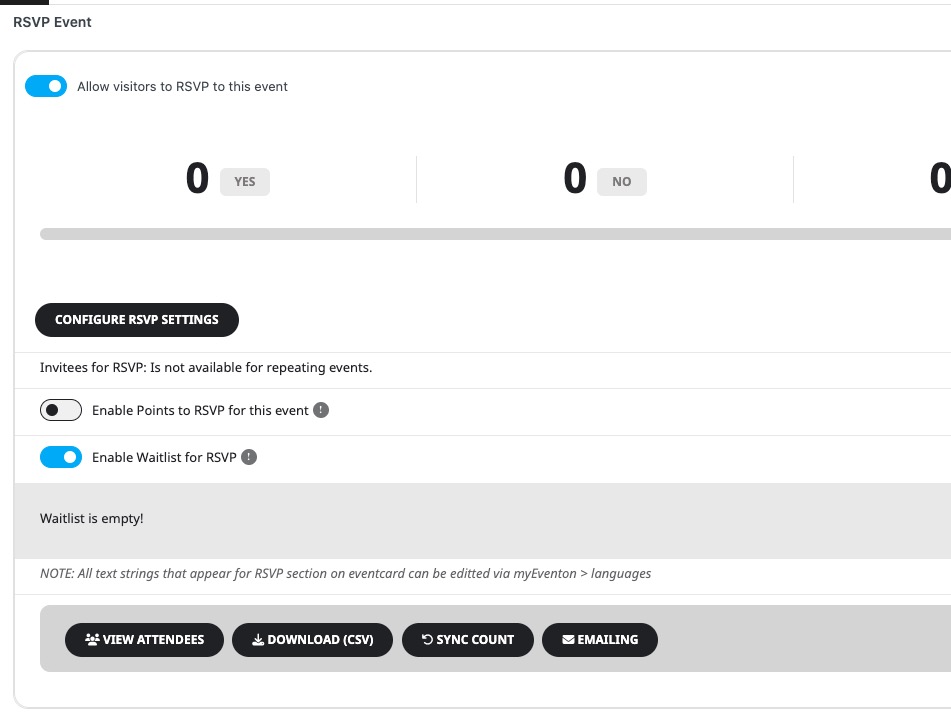
This is how the settings look like:
Replies for tickets on suppota
Hello,
Could you update RSVP add-on?
Seems to be working on our test site:
https://dev2.myeventon.com/events/rsvp-44/var/ri-1.l-L1/
This repeat show the message, the other two repeats don’t show it and allow RSVP.
This is how the settings look like:
Hello,
The best solution is to create two pages: with FullCal and Event Lists. Then use buttons to link both of pages to each other.
If you have some kind of Page Builder on your WordPress installation, it usually has Tabs element that you can use to switch between calendars.
Hello,
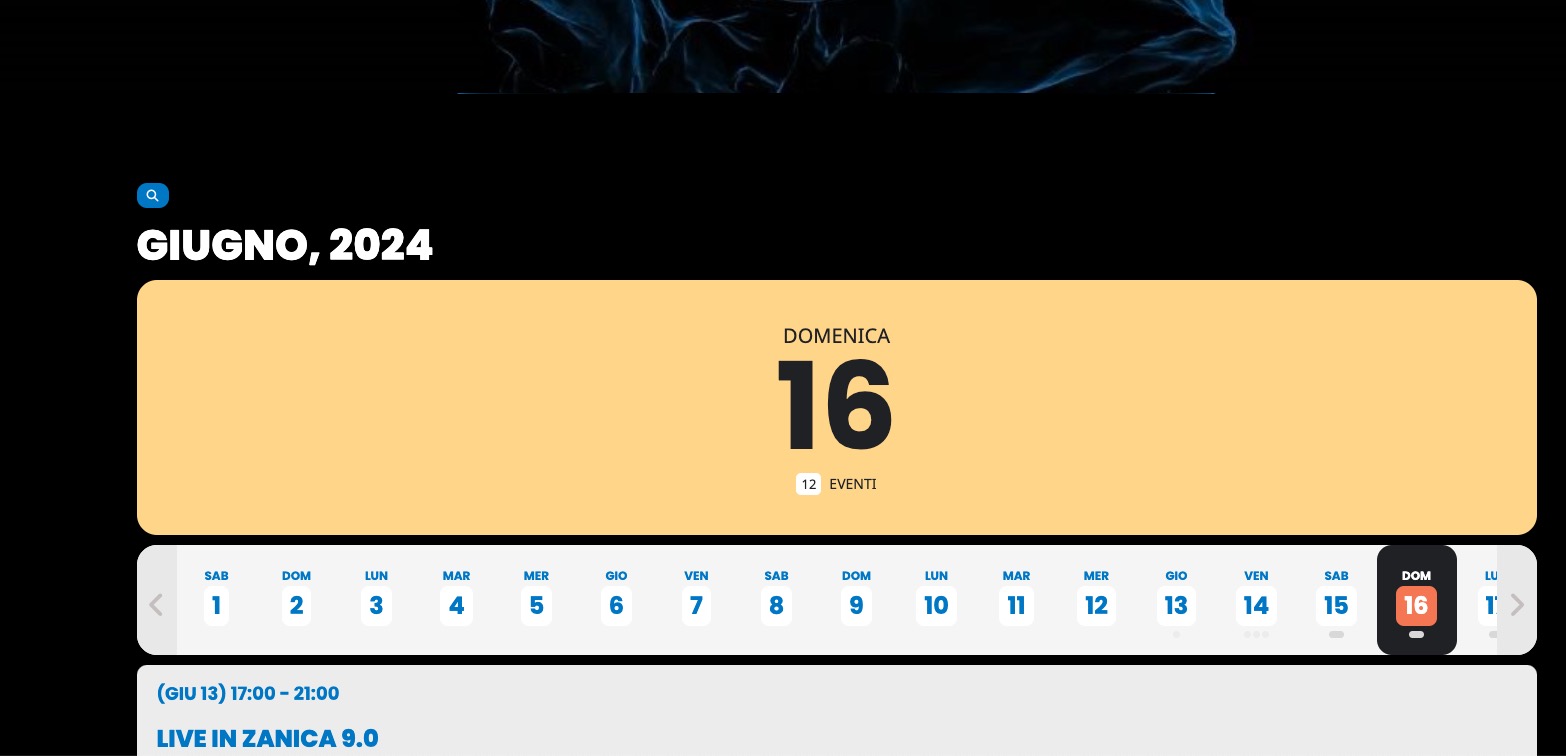
DailyView seems to be working on my side:
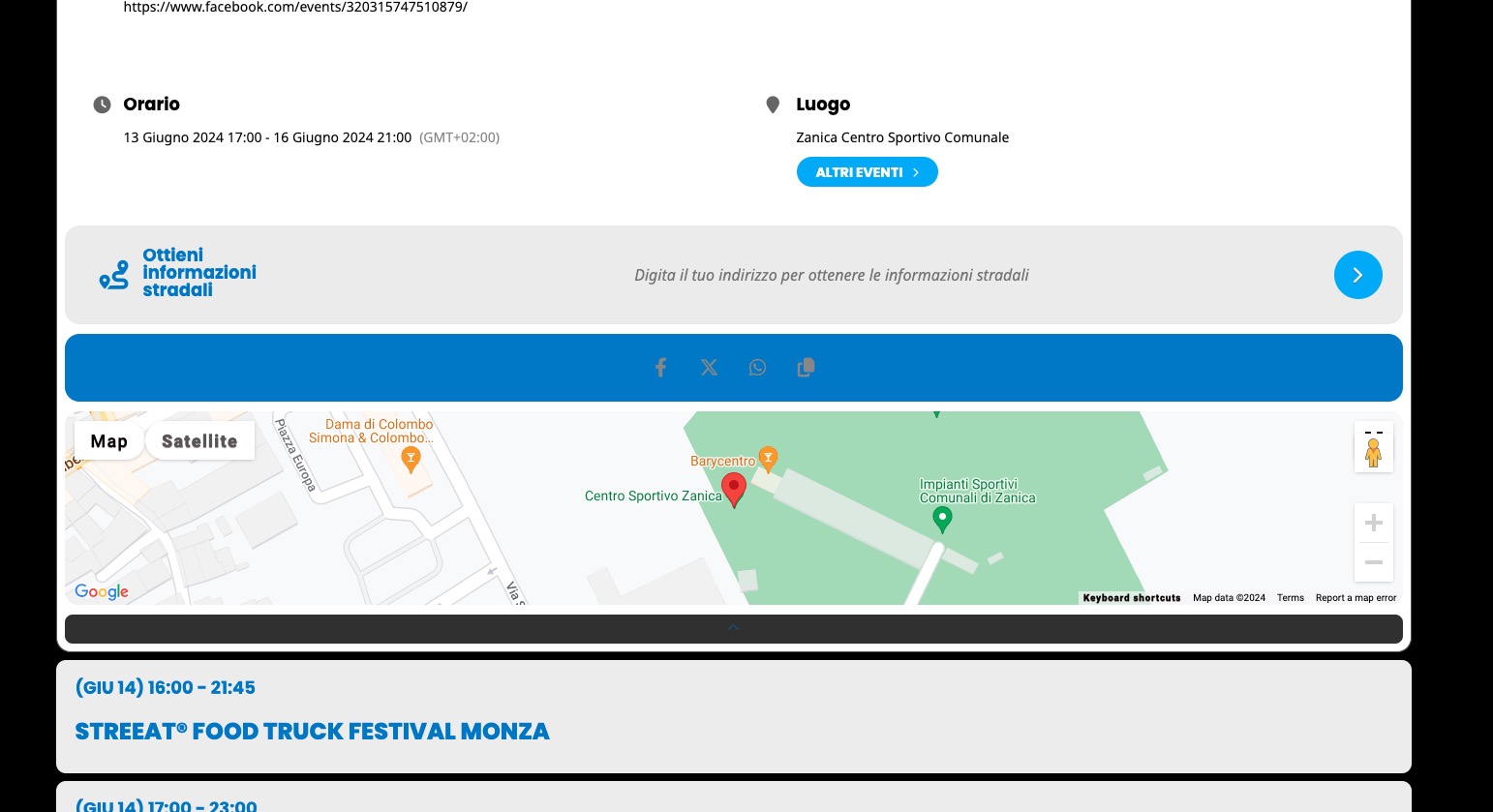
As well as Google Maps:
On mobile also works: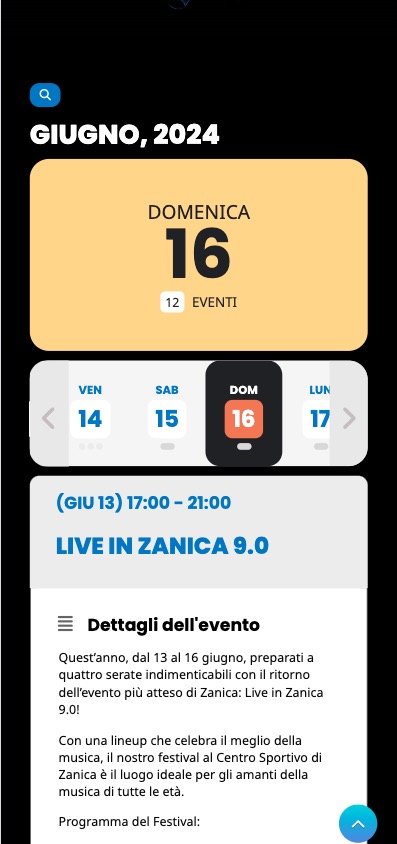
Could you send us a screenshot?
Hello,
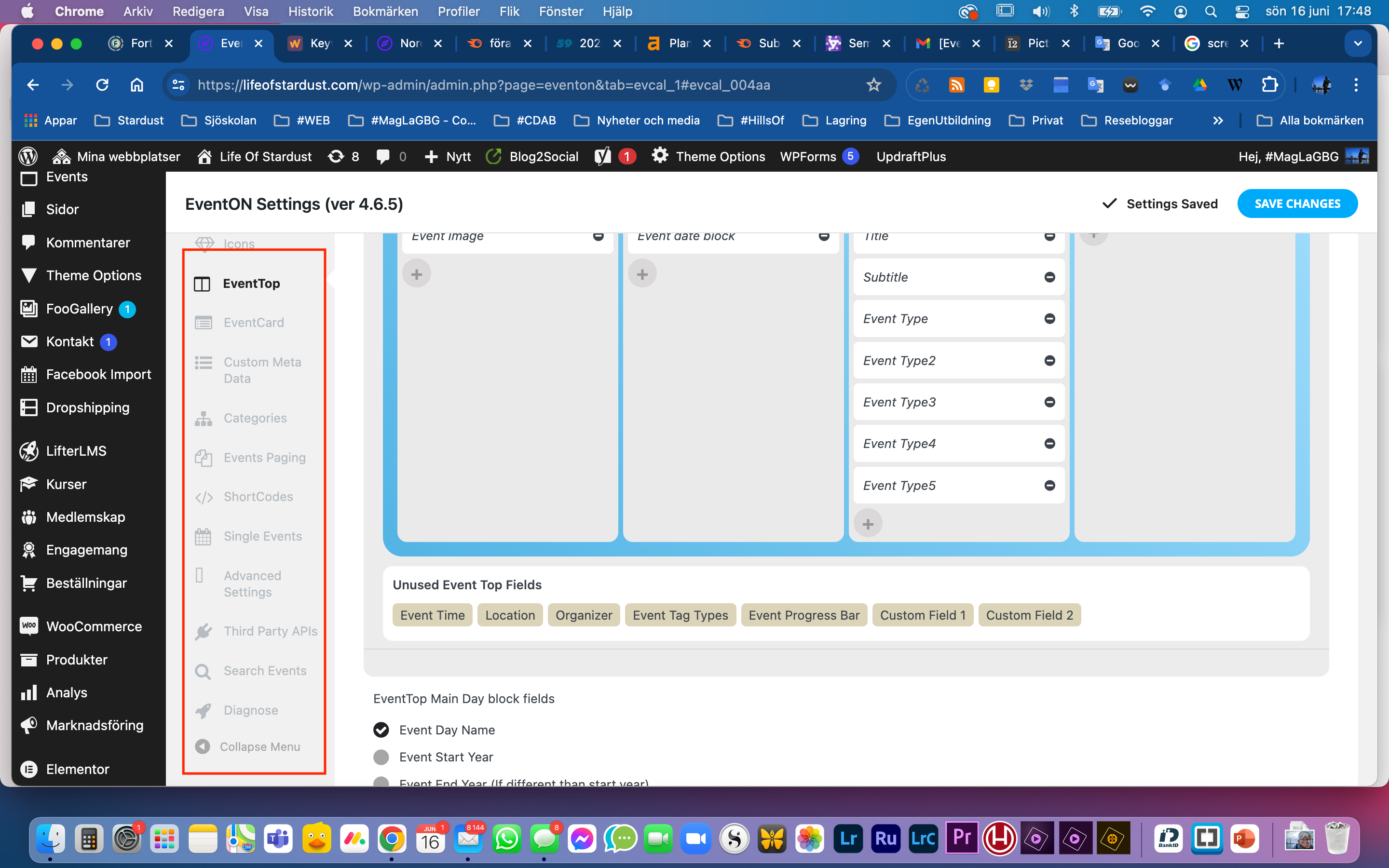
Please go to EventON > EventCard > click on “OPEN EVENTCARD DESIGNER”:
Hello,
You are welcome, if you have any further questions or concerns please feel free to create a new ticket.
It solved the picture issue.
But where is the heading for adjusting/building the eventcard design??
It is no longer visibel in backend?
/MagLa
Thanks Artem, I will have a look at it. Using this approach, will it show the translated fields for Cart, Checkout etc?
Hello Kenneth, thank You very much for the update of the settings of the event card. I do not understand why You should go through Designer and save to make it work, and I wouldn’t find it alone I think, but as long as it works, it is fine. Thank You very much. Best regards Christian
Hi Magnus,
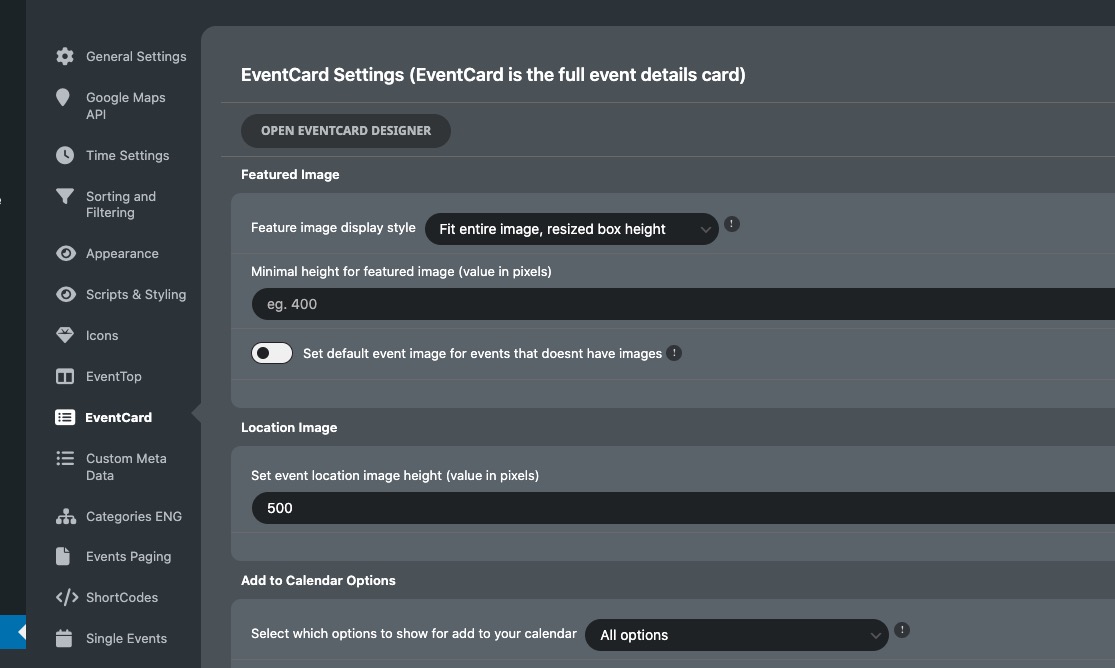
Please go to EventON > EventCard > try a different Feature image display style. Try “Feature image display style: Fit entire image, resized box height“.
Let us know if this works for you
Hello Christian,
I went to EventON > EventCard > opened Designer and saved. Event Details are visible now. Please check and let me know.