@Ashan: I already did. I commented twice. 😉
Archives: Replies
Replies for tickets on suppota
Reply to: tickets(356245)
Hi Artem. Please see below response from our developers. Is this correct?
I’ve done some testing and it appears that the majority of styling is still being stripped out from the emails. There are some minor things that can still be styled such as changing the background colour but this is very limited and only works with inline attributes rather than inline css styling as would be expected.
Reply to: tickets(356832)
Ashan,
Members plugin has granted all capabilities to “Commercial Training” user role (for Events, Event Tickets and the rest):
https://staging.wmfs.net/wp-admin/admin.php?page=roles&action=edit&role=commercial_training
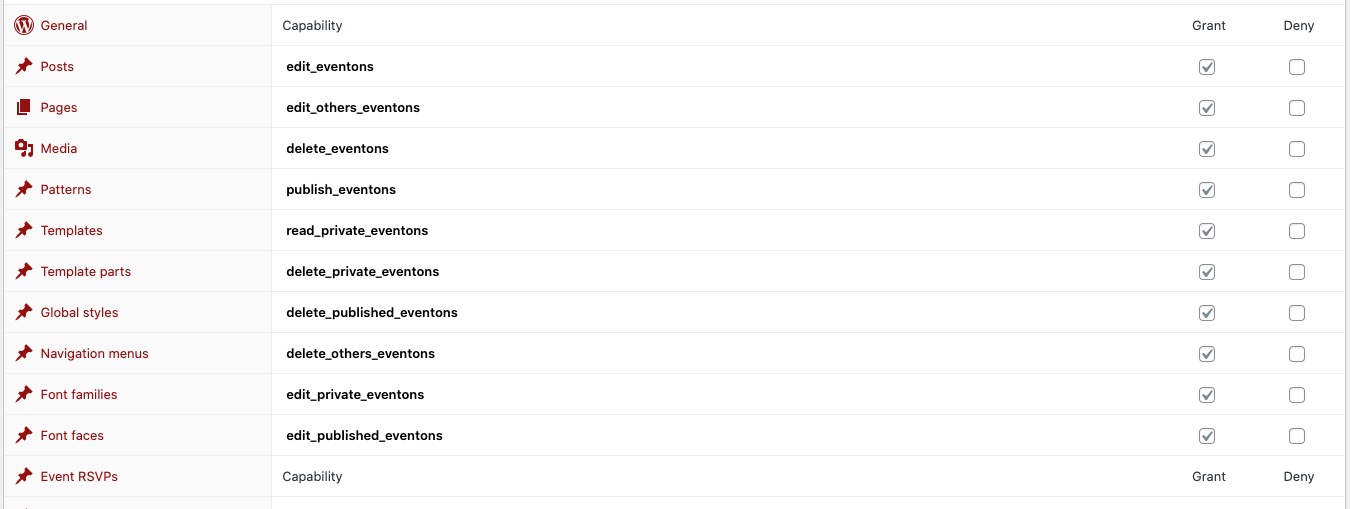
But you still can see this error:
https://helpdeskx.s3.amazonaws.com/wp-content/uploads/2024/06/13024152/Ticket-error.png
Modal window sign-in:
wmfsstaging
?Y>z^EiT2s.5WxKSowkF
Admin role:
Visit https://staging.wmfs.net/wp-admin/
Login with credentials: online@wmfs.net
Password: !N9WvmNj6sfy0Sd6)KA3A4#0
Commercial Training role:
Username: BrixlySupport
Password: 6x6f$rslF1m*Q#$4Qz63(Cuh
Reply to: tickets(356832)
Thank you for your messages, I am going to assign this ticket to Ashan and he will be able to take it from here and find you a solution. Please allow some time for him to get back to you, we greatly appreciate your patience and thank you for being a eventon customer! Also please disable any IP blocking on your site if there are any.
Reply to: tickets(356965)
Hello,
Did you select one of “Feature image display style: Fit entire image…” options?
Reply to: tickets(356979)
Hello,
Please go to EventON > EventCard > try a different Feature image display style.
Reply to: tickets(356478)
Not possible, I am afraid.
Reply to: tickets(356512)
Please take a look at
https://www.myeventon.com/addons/event-slider/
Reply to: tickets(356813)
Hello,
Thank you for your great suggestion, at the moment it is not supported. However please create a new ticket and select Feature Request as category so others can vote on your idea and get it moved into development faster.
The only available option to change Featured Image is EventON > Feature image display style.
Reply to: tickets(356965)
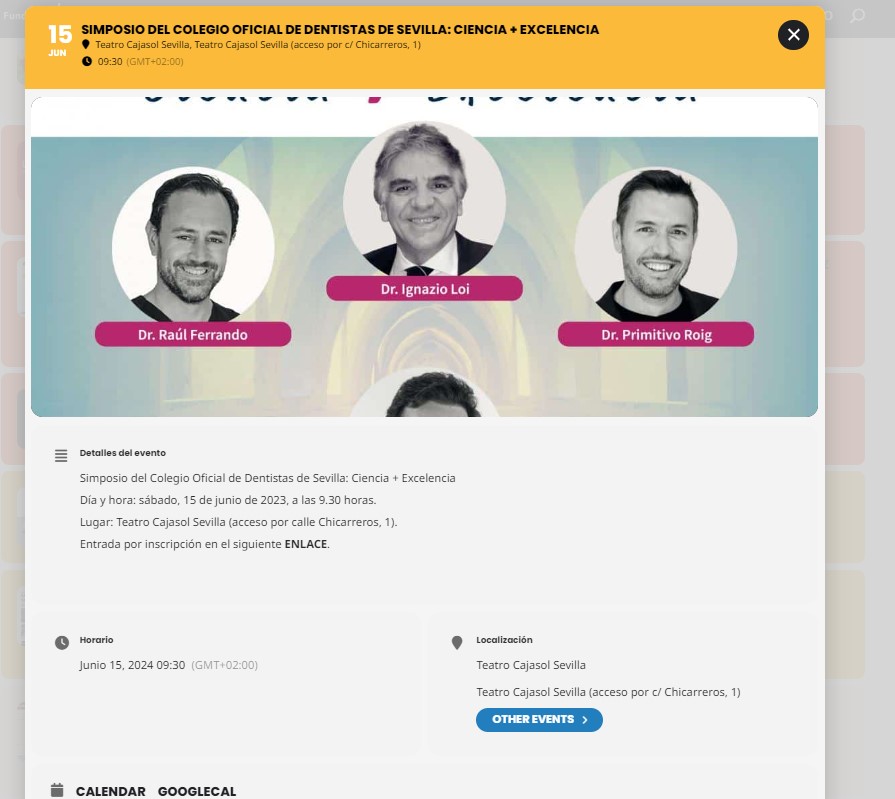
Hello, I have it on, but the image is displayed correctly when I click on it, but in the previous step it is cut off