Hello Helen. Sorry for the delay, you know we will get to you 🙂
Ok So it looks like from the order notes the order was completed and saying it was paid. Payments aspect of things are 100% handled from woocommerce side. So I wonder if there is some miscommunication between WC and Paypal in this case.
Maybe it seems failed orders are not communicated back to WC correctly? because based on order status change on WC side eventon tickets respond with certain actions. Might wanna check the payment gateway.
https://www.staging2.foodsorcery.co.uk/wp-admin/admin.php?page=wc-settings&tab=checkout§ion=paypal
You are using PayPal sandbox here.
As artem said keep us updated 🙂
Hi,
I have the same issue. with the lightbox image which is not shown correctly and makes no sense on my site.
Where can I disable it?
thanks.
Ok, I see that with the test event the qr-code is generated. But the problem is that I’ve been communicating about the June 15 event for a month now, preparing it, fine-tuning it, translating it. There have already been sales that have worked very well by generating the Qr-Code, in French and English, and for a week now it hasn’t worked.
When I invest several hundred Euros in a system, I’d like it to be stable and functional. In fact, there are many orders that haven’t generated a Qr-code, and I don’t know how our hostesses are going to manage on the evening of the reception and how to re-generate qr-codes to send to buyers.
On the other hand, last month I was able to generate ticket orders from the back office with qr-code, but now I see that I can’t, and that’s a shame because I need this function to send VIP tickets to winners of monthly competitions.
I’d be delighted if you could help me restore a working system for this major event in our organization.
Thank you for your help.
I import using Xylus Facebook import and also iCal import (I should have clarified as I know how I could resolved with CSV). But don’t know how to resolve since it’s a third party integration into EventOn. But ultimately I want them all to be Yes (instead of default no) so I felt like this should be something achievable in the code but haven’t been able to figure it out. Thanks for taking the time
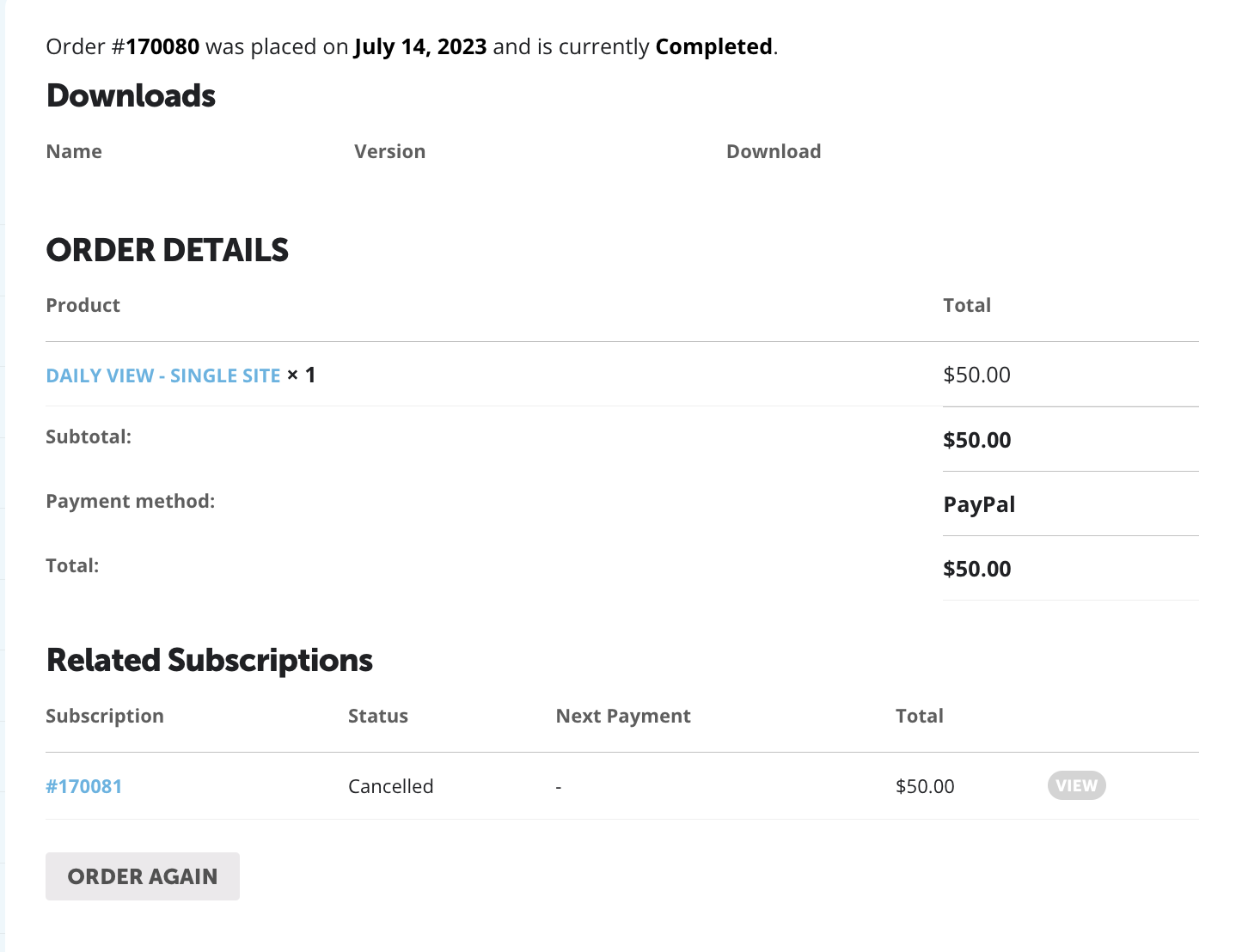
And here is the related order
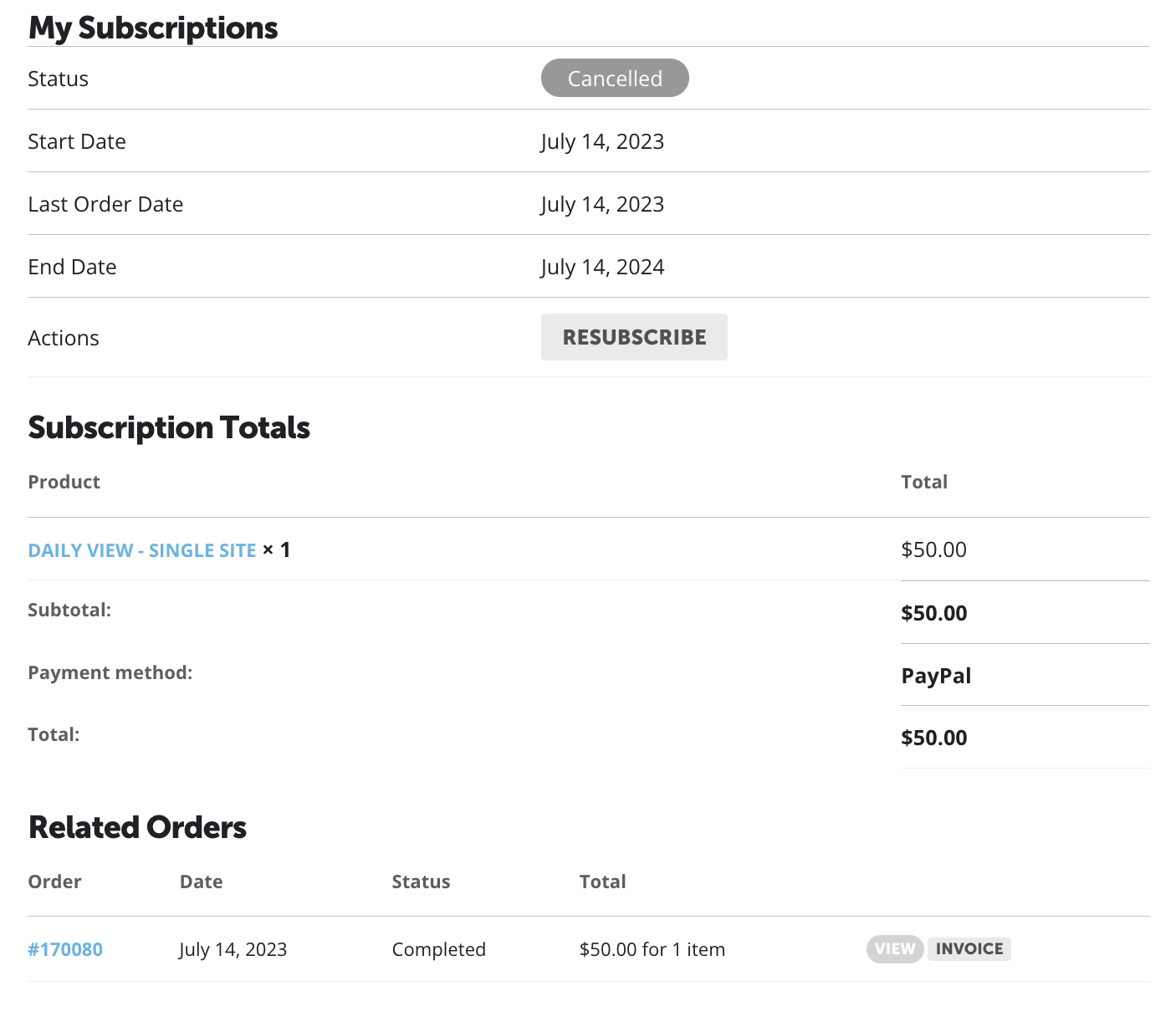
Here is My Subscription page
Hello,
Could you try applying this patch fix?

Thank you for your messages, I am going to assign this ticket to Ashan and he will be able to take it from here and find you a solution. Please allow some time for him to get back to you, we greatly appreciate your patience and thank you for being a eventon customer! Also please disable any IP blocking on your site if there are any.
Hello,
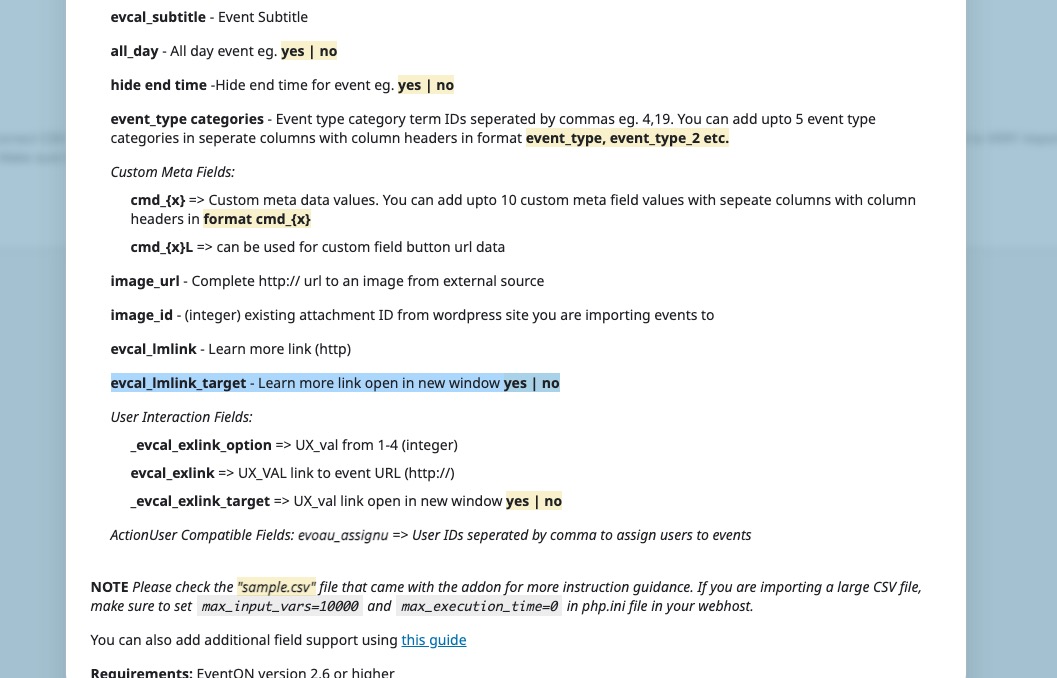
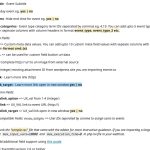
How do you import events? With CSV Import add-on you can use “Acceptable CSV file fields” to set the parameter on each event:
https://www.myeventon.com/addons/csv-event-importer/
evcal_lmlink_target – Learn more link open in new window yes | no
Try on
https://dev.myeventon.com/wp-admin/