Hello,
/wp-admin and /wp-login.php both lead to 404 page.
From your description. The thing is that EventON doesn’t have any access to images you put to Event Details. It simply saves URLs and then show them on the front-end. So EventON cannot delete images that aren’t attach to Edit Event > Featured Image.
Hello,
Please go to EventON > EventCard > open Designer and save > now save EventON Settings.
Hello,
Could you try adding hide_cancels=”yes” to the shortcode?
This should hide all the cancelled events from the calendar.
Hello,
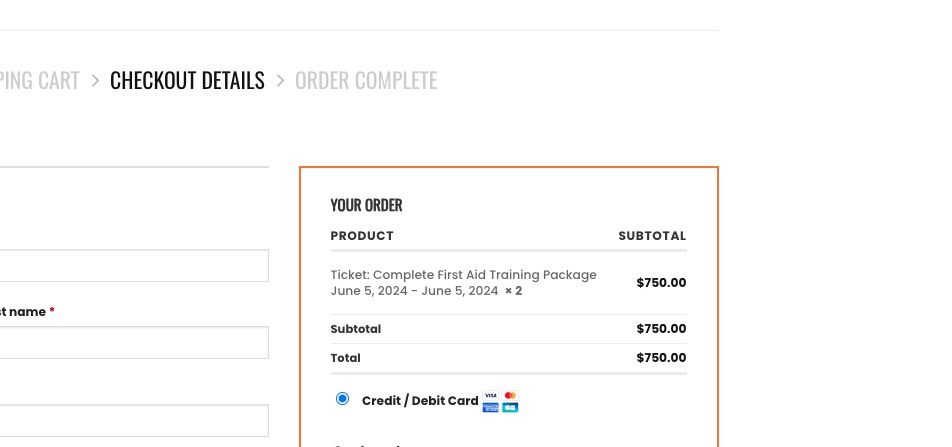
I was able to add tickets from this event:
https://starttrainingfirstaid.com.au/events/complete-first-aid-training-package-7/
Which event you have issues with?
1. Please go to EventON > Event Card > select Feature image display style: Fit entire image resized to min height.
2. I went to EventON > Time Settings > added H:i to Time Format (Still in work). Seems to be working now. Please check and let me know.
add
lightbox'”yes”
to the shortcode
for example:
[add_eventon_evmap lightbox=”yes” focusmap=”yes” map_type=”upcoming” map_title=”Upcoming Events” map_height=”700″ ux_val=”3a” hide_so=”yes” number_of_months=”12″]
that little pop up will show how many events are on at that location so if you had 2 events on at the same location- it really couldn’t show the date until you click it and with the above shortcode you’ll get a pop up of the event instead of it appearing underneath
in your security recomendations it says to deactivate debug
I am not sure if the debug is still running or its a general recomendation- but if its on can you let us know how to turn it on and off just so we can test things and test things with it off and on
Thank you, that solved our issues!
There are two issues left;
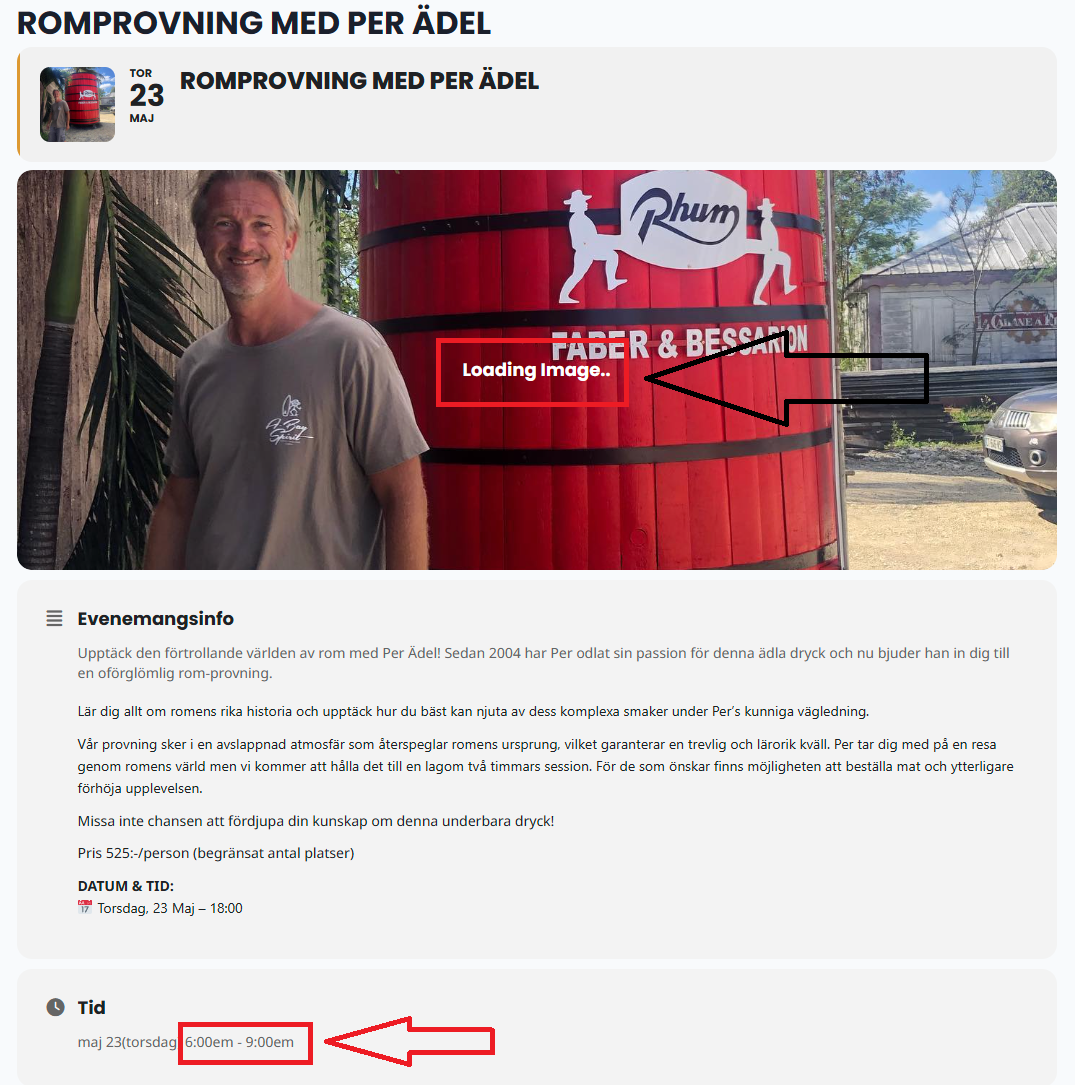
- The event image is stuck on ”Loading”
- The time format is wrong, it’s showing 0-12 hours, we want it to show 24 hours. So that instead of showing 06:00 – 09:00 as in the image attached, it should display 18:00-21:00.
Thank you!
Hi there. I tried those two options you sent. Both didn’t change anything.
More observations.
1. I put the Ful Cal on a separate page and it opens the same, slowly. So it’s not opening slowly because of a conflict with the slider on the same page.
2. When I click the ‘drop down’ details on the Ful Cal. The featured image opens very quickly. But if you open in on add_eventon_el the featured image opens with a snail pace.
I would to try something. I looked for it everywhere including shortcode generator, but I can’t find it. How can I turn off all the details of the calendar so it opens just as the box of dates (not opening with that day’s details)??
Thanks
Do you have some updates on that? We have an important event of 1st june