If you go to Edit Event and enable “Manage capacity seperate for each repeating event”: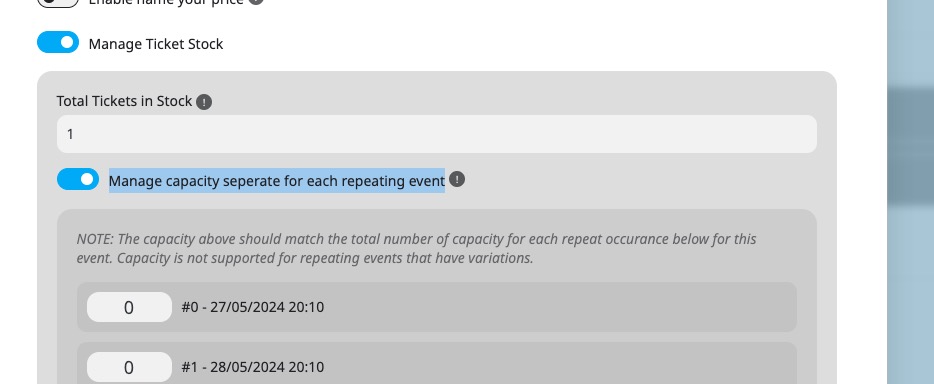
You’ll be able to set capacity for each repeat. And each repeat will be treated as an individual event.
Replies for tickets on suppota
If you go to Edit Event and enable “Manage capacity seperate for each repeating event”:
You’ll be able to set capacity for each repeat. And each repeat will be treated as an individual event.
We don’t provide customizations of this kind since it’s against CodeCanyon’s Support Policy.
Hello, can I also request a custom adjustment/modification to make this possible? My client really wants to export alle events to one file per month. he does not want to combine the excel files manually because it’s too much work or too complicated for him to do that every month.
Jeroen
Hello Fernando,
I went to EventON > EventCard > opened Designer and saved. Event Details are visible now.
Please check and let me know.
Hi, thank you for the reply.
I have updated all plugins and themes as well as the WordPress version. Also I have installed now the latest add-on version of RSVP.
website: https://driegang.nl/cursusaanbod/wp-admin/
user: eventon-servicedesk
passw: OZNi&EoBC%QeLDQ0!ZR*Ymj7
Thanks in advance for researching!
Thank you for investigating.
Now for Gastronomic adventure I see reduced number of tickets for the entire month. What the demand is, is that event is treated as a single day entity. So tickets have to be purchased for the single day and reduced accordingly. I assume that this should then be daily event and as many SKU’s as there is days? You probably are aware that this is not manageable at all and will not be accepted by the end customer.
So in this direction ti would be more of a question how to set up events by following limitations below:
Thank you, Aljaz
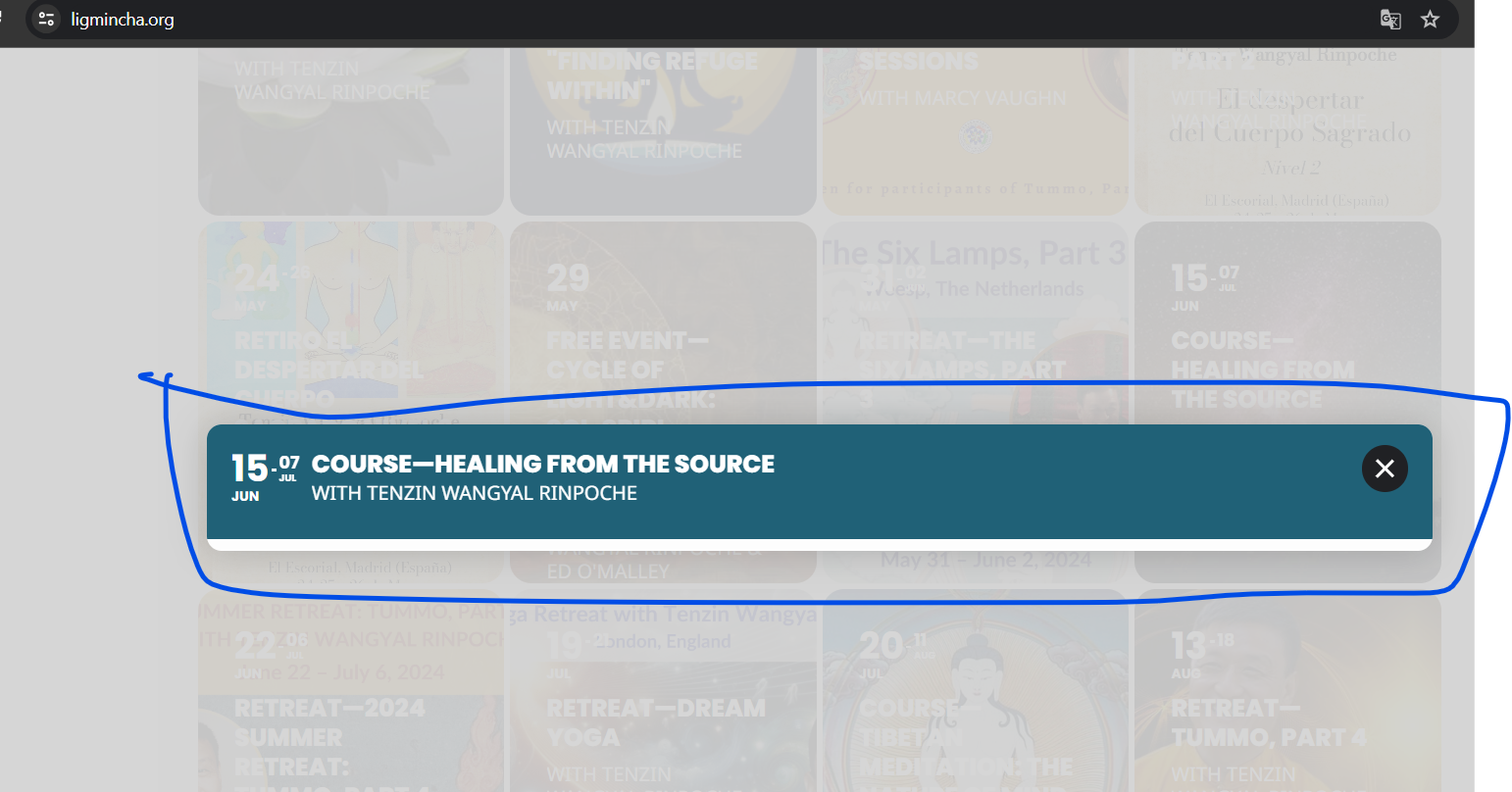
Hello, I made the indicated change but now the event or the image does not appear,
That is useful to know, thank you, but it does not solve the problem.
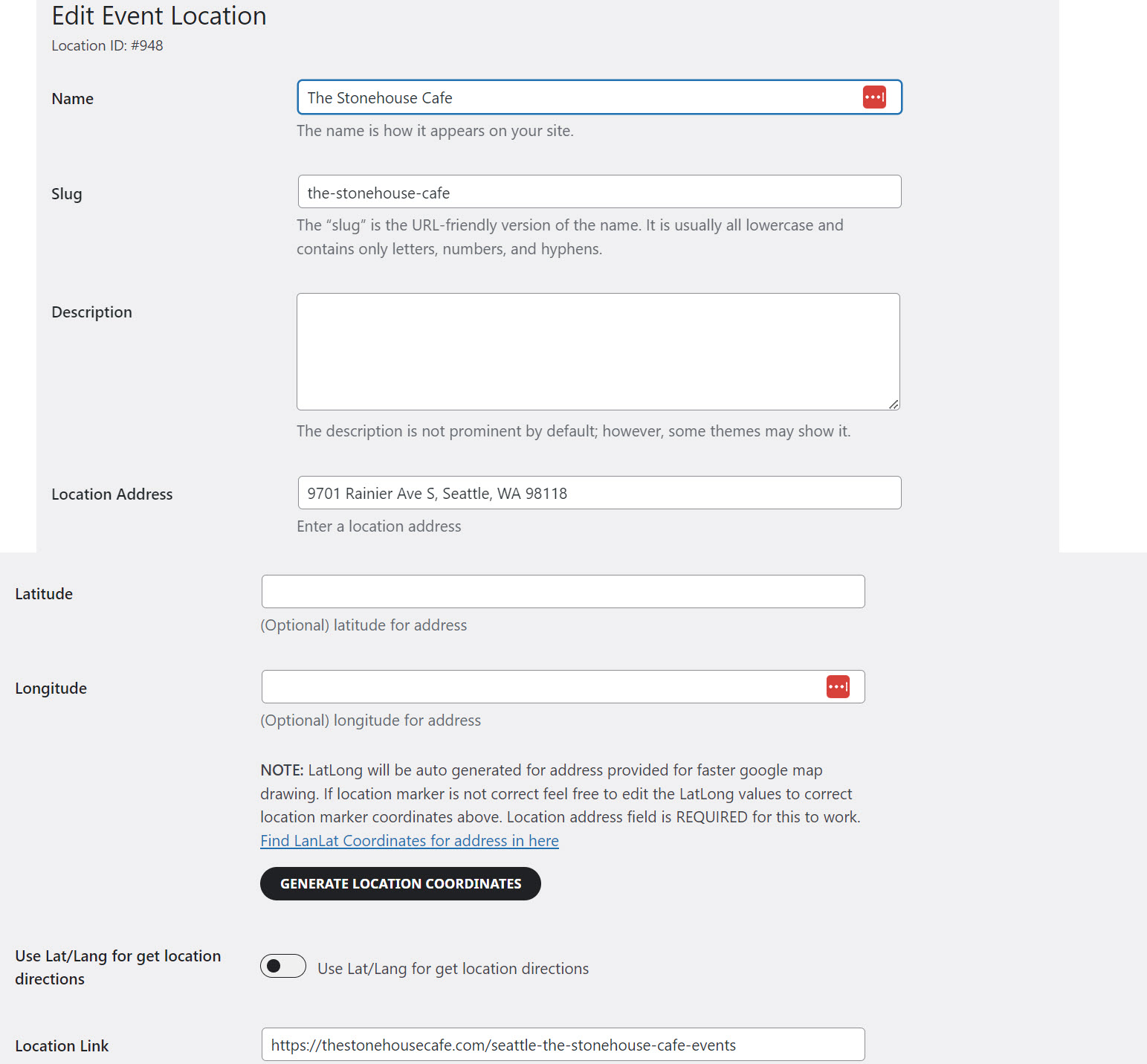
The event was submitted by a user via Action User add-on. When I look in the location in WP Admin, there are no lat or long listed. When I click on generate coordinates, nothing happens or at least it does not produce lat/long in the record that I can see (attached screenshot).
I deleted the location and re-entered it, as shown. The address for the location is correct, copied directly from Google Maps. Same result. Can you help? Thank you.
Ok Artem, thank you very much for the details.
Looking forward to his reply.
omg of course, i will try and update, thank you