Hello John,
Please go to EventON > EventCard > try a different Feature image display style.
We are working on fixing this.
Replies for tickets on suppota
Hello John,
Please go to EventON > EventCard > try a different Feature image display style.
We are working on fixing this.
Thank you so much. This will get me in the right direction hopefully.
Please take a look at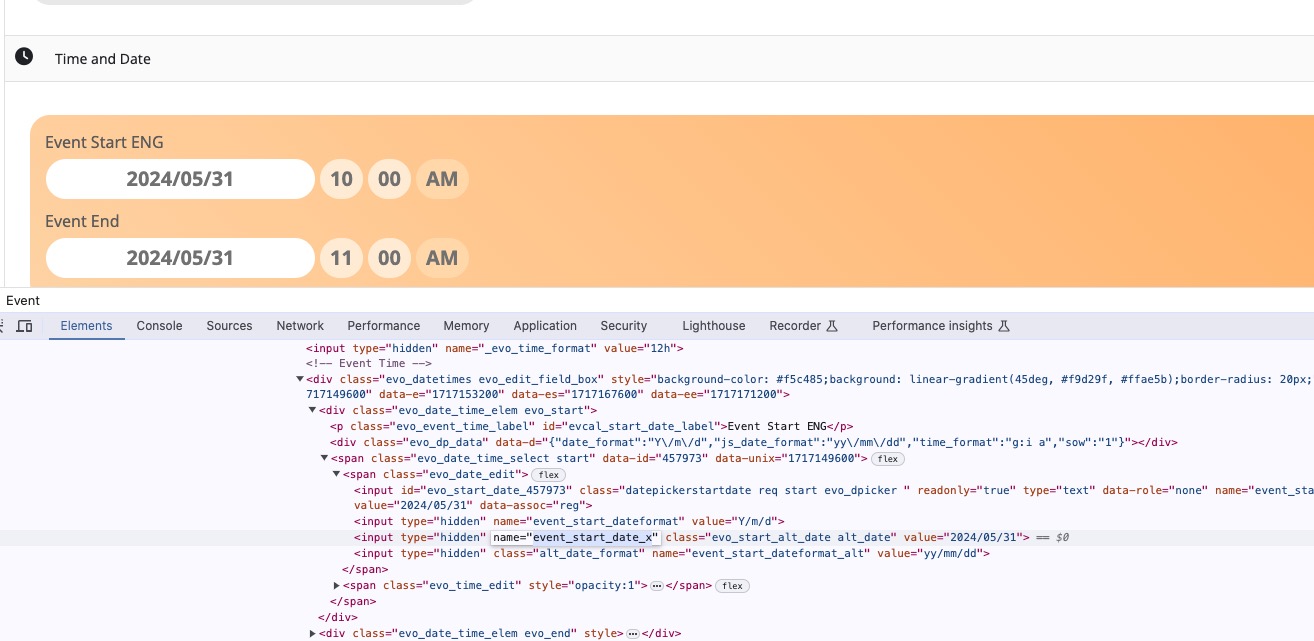
Also check
https://docs.myeventon.com/documentations/event-post-meta-variables/
evcal_srow UNIX event start value
evcal_erow UNIX event end value
Hello,
I went to EventON > Styles and commented this line:
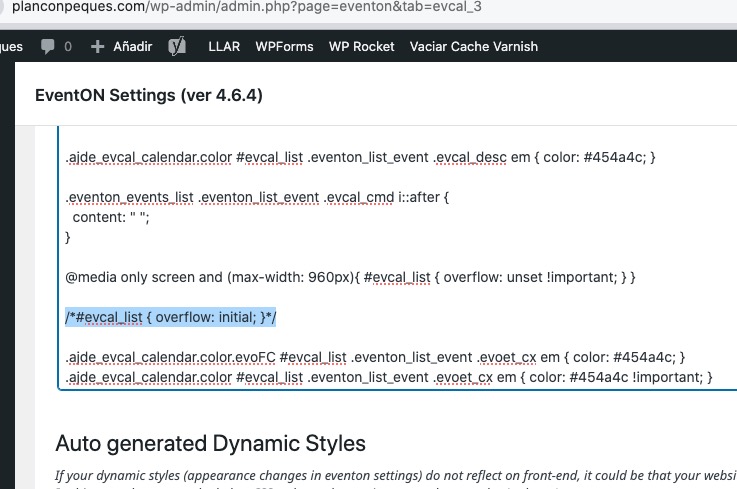
All events are the same size, but short.
If you want to make they 100% width, please remove this code:
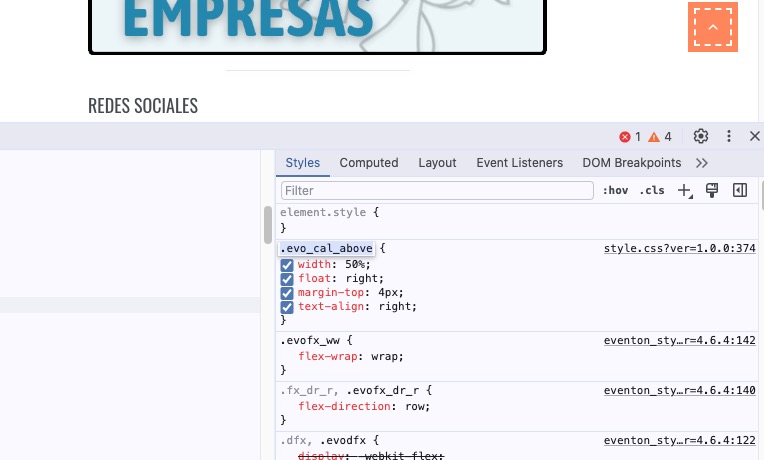
did you make changes as it looks OK to me on both mobile and desktop- on mobile the text is displayed on the right of the heart
add iether this to appearance>>>.customize>>>>additional css
.evocard_row .evocard_main_image:before {
display: none;
}
or try this instead
.evocard_row .evocard_main_image:before {
display: none !important;
}
Hello,
Did you customize any of EventON’s templates? For example, Single Event Page:
https://docs.myeventon.com/documentations/customize-single-events-page/
Please also follow the instructions in this documentation to activate debug in your site to see any PHP errors recorded that can provide insight on to whats going on. Please reply with a link to debug.log file. If you are not able to do this please send us FTP access to your site so we can do this for you.
We are glad your issue is resolved, if you have any further questions or concerns please create a new ticket. If you have a moment, we would greatly appreciate if you could kindly leave us a review at Codecanyon. By going to your account > Downloads. We are very grateful for your kind review!
Thank you for explanation! If you have any further questions or concerns please create a new ticket.
Hello,
I went to EventON > Time Settings > enabled “Enable custom event time format on eventCard”, so it seems to be working now. Please check and let me know.