1.0.1
Archives: Replies
Replies for tickets on suppota
Reply to: tickets(405285)
Hello,
I’ve managed to add the custom repeat:
https://defiancelibrary.org/events/dino-storytime/var/ri-1.l-L1/
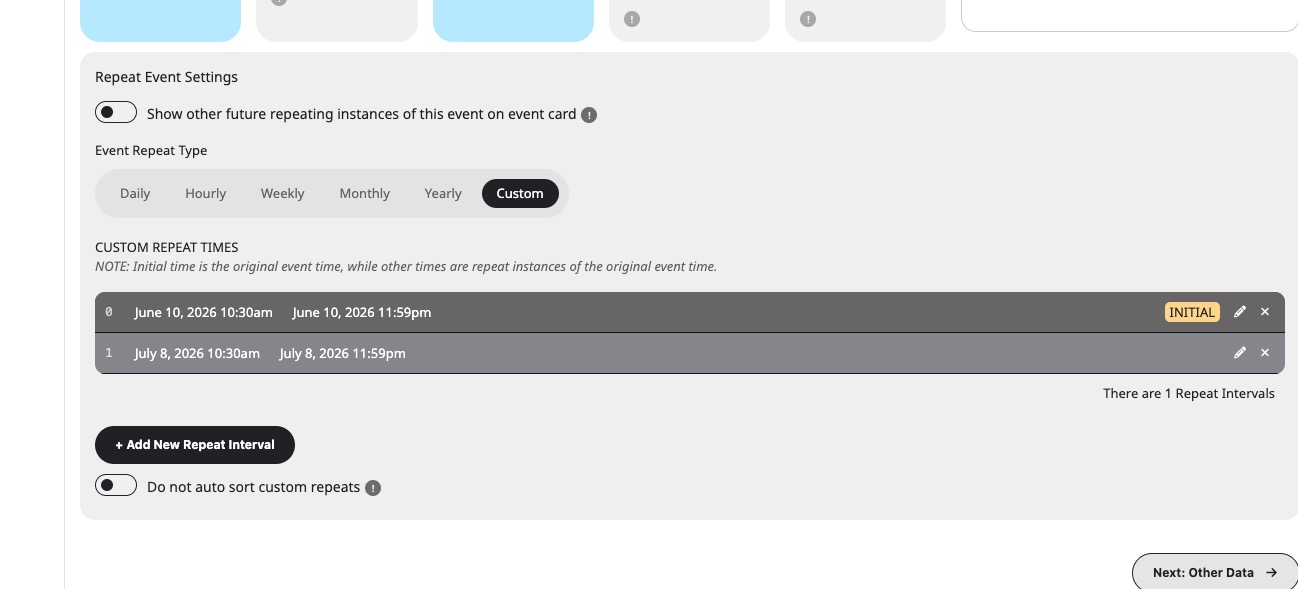
Could you check and let me know?
Reply to: tickets(405284)
Hello,
Could you tell us what’s your current version of Tickets add-on as well as Dynamic Pricing?
Reply to: tickets(405278)
Hello,
Please ignore my reply in your other ticket.
Unfortunately, at the moment what you are trying to achieve is not supported. However please create a new ticket and select Feature Request as category so others can vote on your idea and get it moved into development faster.
Reply to: tickets(405279)
Hello,
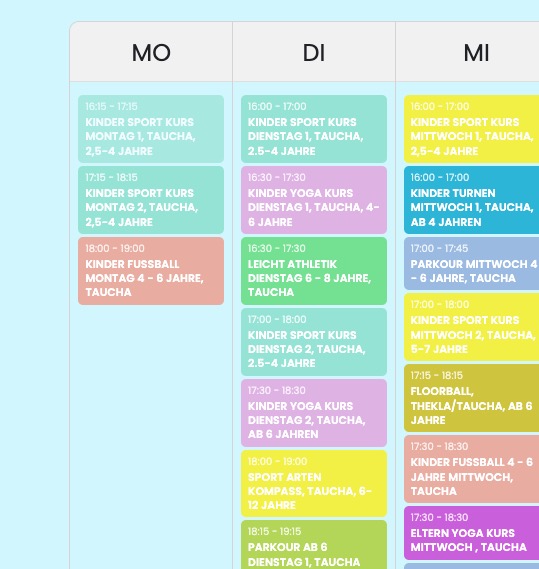
Do you mean to add it here:
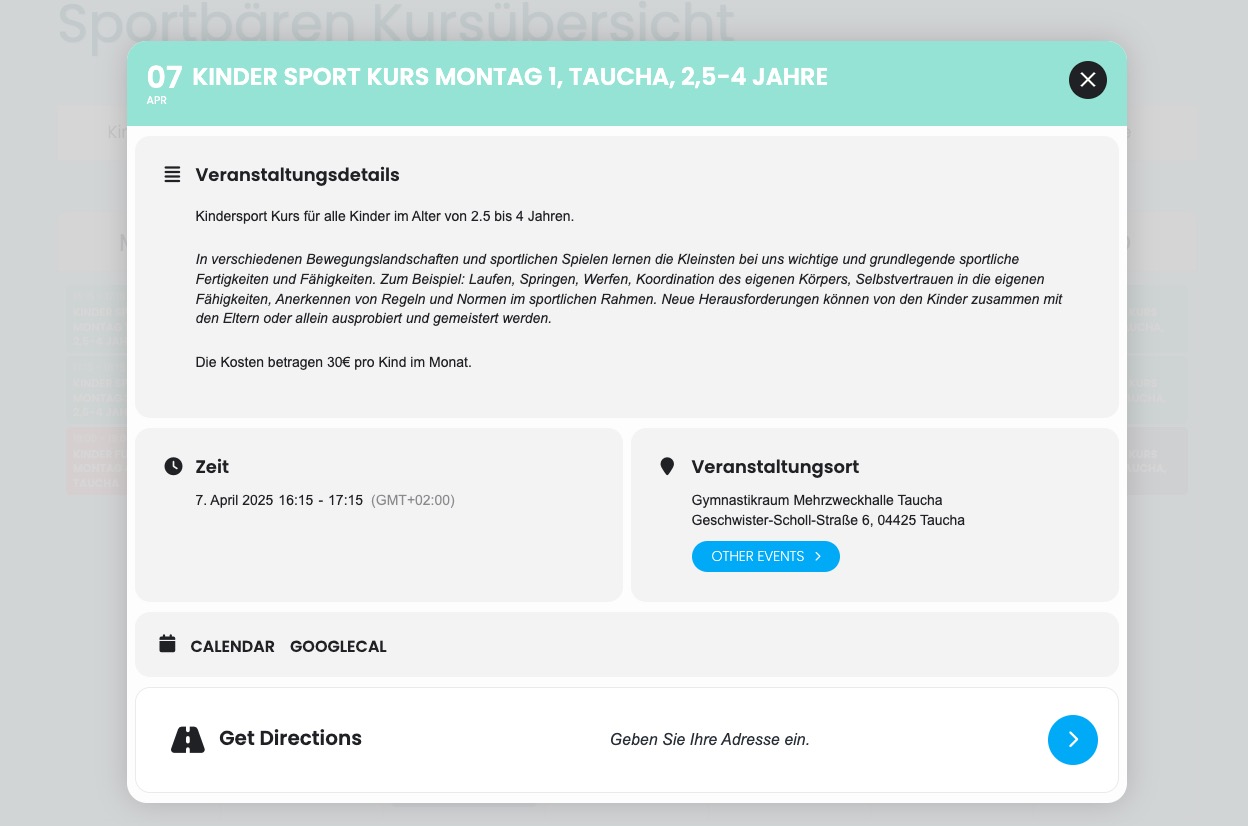
Or Event Cards:
Reply to: tickets(394070)
The Calendar is not importing anything again. What is the best solution to import from https://www.fotball.no/footballapi/Calendar/GetCalendarForArena?arenaId=10131 and other sites into EventOn?
Reply to: tickets(405165)
I tried, but for example, the pop-up disappears when I go to Action User -> ”User Capabilities Manager” and disable the ”Edit Published Events” flag for the LNDC 2018 Members user (which is the user role for the reserved area). But without that flag enabled, I can’t seem to allow users to update their events.
Reply to: tickets(405278)
I hope this helps to understand what I’m aiming at.
Best regards,
Bodo Schütze

Reply to: tickets(405138)
Hello Team,
my client has now ordered the suggested renewable add-on ’Virtual Plus’ and the order ID is 224393. Our client asks that you please refund both Order 224393 and 224275. Pleae confirm once transfer and refunds are complete. Thank you.
Reply to: tickets(404690)
No worries, I’m glad you’re helping! 🙂
In general all the price options are not shown from orders before the update. In this case I can see from the pricing that she had chosen the ”Optionales Einzelzimmer eigenes Bad” option.
This should be shown in the attendees list, in the order and in the CSV export. New orders show those info there.
