Thanks for the response.
The addon isn’t what I was looking for, but fortunately, I did find another plugin that supports the automatic importing and is compatible with eventon.
Is there there anyway I could get a refund for this purchase?
Replies for tickets on suppota
Thanks for the response.
The addon isn’t what I was looking for, but fortunately, I did find another plugin that supports the automatic importing and is compatible with eventon.
Is there there anyway I could get a refund for this purchase?
Hello,
The best and easiest solution is to follow “2.1 – FTP Way”:
https://docs.myeventon.com/documentations/update-eventon/
Seems to be working on our test site: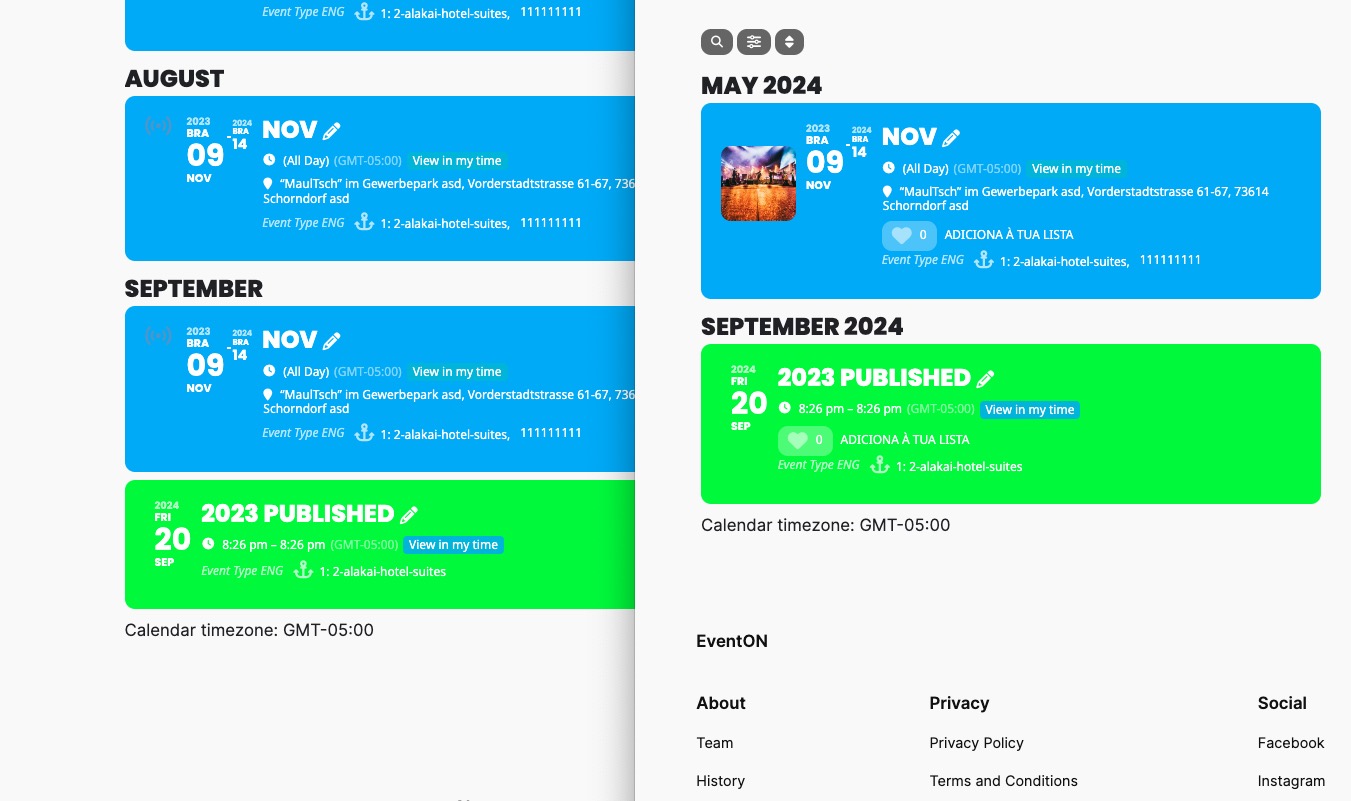
The event https://dev2.myeventon.com/events/2023-published/ is visible on both Event Type page
https://dev2.myeventon.com/event-type/2-alakai-hotel-suites/
and your shortcode on our test site:
https://dev2.myeventon.com/54039-2/
I want to try this
https://wordpress.org/plugins/health-check/
Can I?
Hello,
There is something wrong with your custom template:
https://quo.47media.co.uk/wp-admin/theme-editor.php?file=eventon%2Fsingle-ajde_events.php&theme=hello-elementor
Could you fix the issue or remove the file so EventON can use the default file?
The image issue. Please go to EventON > EventCard > try a different Feature image display style. We are working to fix this.
It is still saying “loading image” on the event page…
Please go to EventON > EventCard > try a different Feature image display style. We are working on fixing this.
However, we are still not able to see the list of events on our…
Did you enable WP_DEBUG?
Unfortunately, wrong code.
Image issue. Do you see the text on this event:
https://dev2.myeventon.com/events/test-152/
Please also note that if you enabled but your server didn’t create the debug.log file, there is something wrong with the server configuration. Clearly there is a critical error, so the server must create the file.
Thank you for your messages, I am going to assign this ticket to Ashan and he will be able to take it from here and find you a solution. Please allow some time for him to get back to you, we greatly appreciate your patience and thank you for being a eventon customer!
Please also send us the email you are trying to use.
Hello,
Please follow the instructions in this documentation to activate debug in your site to see any PHP errors recorded that can provide insight on to whats going on. Please reply with a link to debug.log file.
If you are not able to do this please send us FTP access to your site so we can do this for you.
Could you follow:
https://docs.myeventon.com/documentations/how-to-debug-for-php-code-errors/
It will hide any warnings and starts adding them to the debug.log file instead of showing them on the front-end.