@Artem – The code was sent to the email that is registered to your account. That email is info@myeventon.com
Also – I clearly stated in my ticket that we already followed the instructions to try to create a debug.log. When the critical error is displayed, no debug.log is created. We followed the instructions that you link to exactly.
Also – the problem with the images not displaying does NOT have to do with clearing a browser cache. We were able to see the issue across multiple computers using both Chrome and Firefox in both regular, Incognito, and Private browser modes. This means the browser cache is not an issue. The issue only started happening after updating to the newest version of EventOn.
Please advise on next steps.
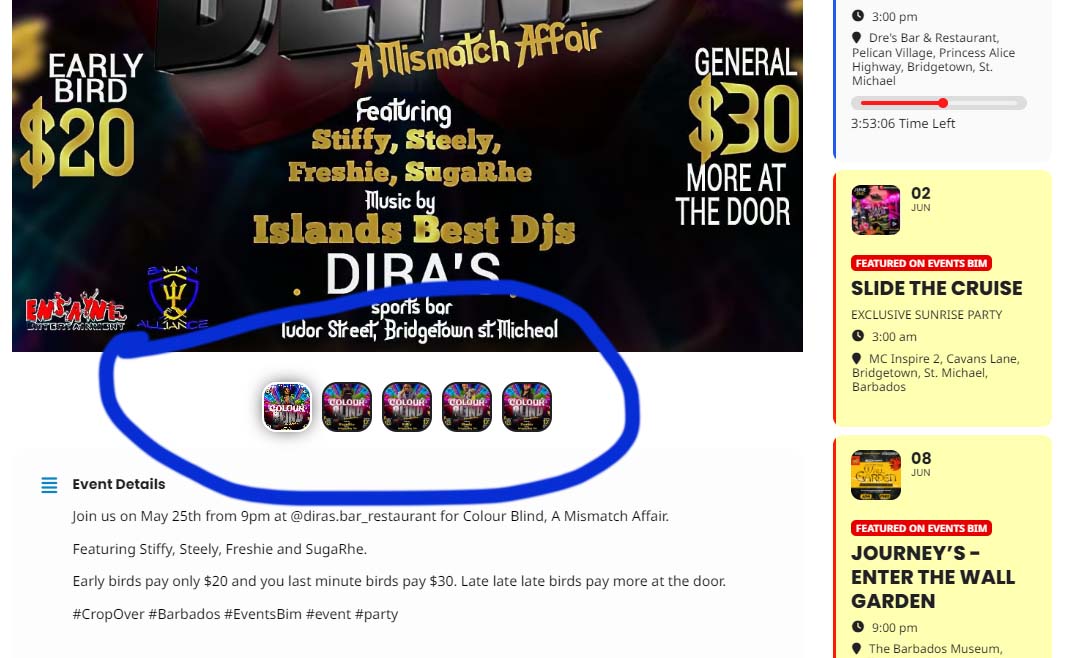
Right, so as I said, the link you sent, that works on the site fine, but the secondary image gallery like the image below doesn’t.
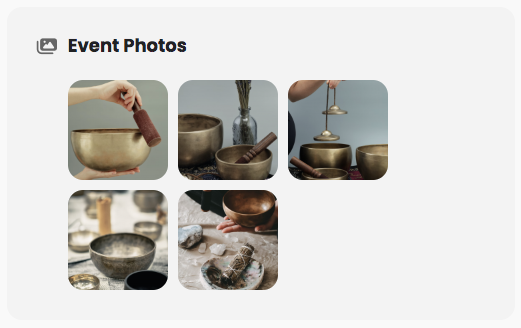
I’ve managed to get the thumbnails from this link https://dev2.myeventon.com/events/test-152/ to fit at the bottom of the featured image, instead of on top of it.
Below is how I’ve managed to set it up, although I would have preferred the secondary image gallery
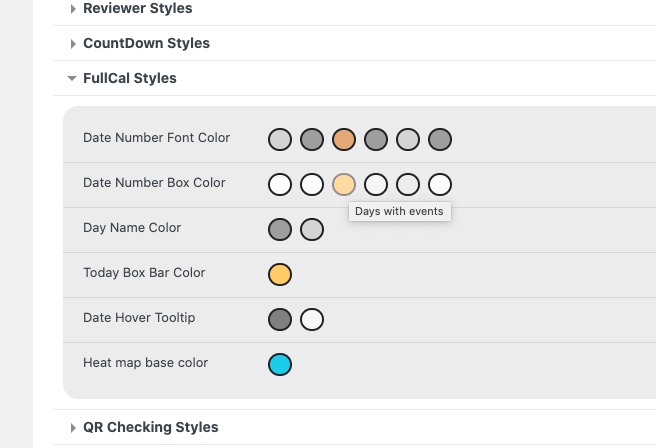
Sorry for the delay. I went to EventON > Appearance > FullCal Styles > set the color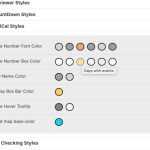
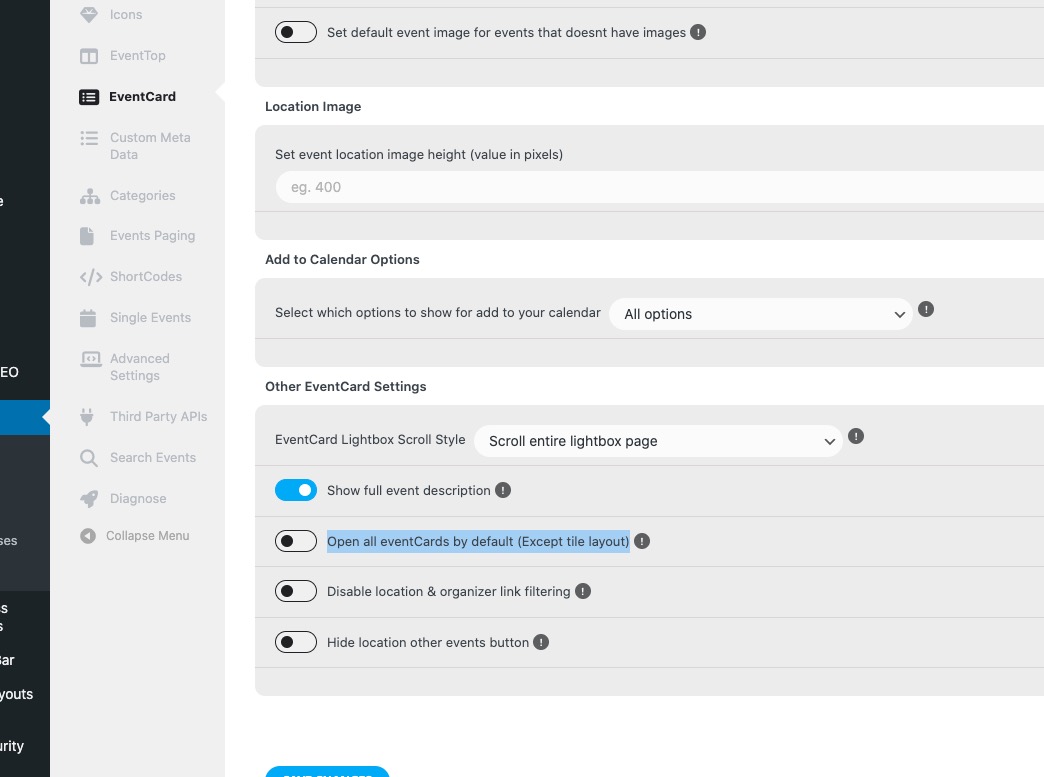
After made sure that “Write dynamic styles to header” is enabled. Seems to be working:
https://dev2.myeventon.com/test-550/
Please try adding this to the shortcode:
hide_mult_occur=”yes”
Hello,
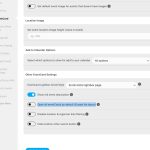
Please take a look at this screenshot:
Thank you for your messages, I am going to assign this ticket to Ashan and he will be able to take it from here and find you a solution. Please allow some time for him to get back to you, we greatly appreciate your patience and thank you for being a eventon customer!
Hello,
Could you manually clear your browser cache and cookies and then try to login again?