Thank you!
Archives: Replies
Replies for tickets on suppota
Reply to: tickets(353386)
Hello,
Could you manually clear your browser cache?
Reply to: tickets(352812)
The plugin you purchased from CodeCanyon is one thing, but for add-ons you need to login https://www.myeventon.com/my-account/ with info@freadalsgard.se where you can download all latest versions of add-ons.
Reply to: tickets(353224)
This code should remove the text:
.evocard_row .evocard_main_image:before { content: none !important; }
Try adding this code to wp-admin > Appearance > Customize > Additional CSS.
Reply to: tickets(353212)
Hello,
Also please try manually clearing your browser cache. It should remove the text as well.
Reply to: tickets(353293)
We are glad your issue is resolved, if you have any further questions or concerns please create a new ticket.
If you have a moment, we would greatly appreciate if you could kindly leave us a review at Codecanyon. By going to your account > Downloads. We are very grateful for your kind review!
Reply to: tickets(353306)
Usually this type of issues can be solved with
https://docs.myeventon.com/documentations/increasing-wordpress-memory-limit/
Reply to: tickets(353306)
Ah, I thought you were referring to EventCard not showing.
Please follow the instructions in this documentation to activate debug in your site to see any PHP errors recorded that can provide insight on to whats going on. Please reply with a link to debug.log file. If you are not able to do this please send us FTP access to your site so we can do this for you.
Reply to: tickets(353290)
Unfortunately, we have limitations when it comes to customizations because of CodeCanyon’s Support Policy.
However, I think that https://docs.myeventon.com/documentations/show-additional-custom-data-eventcard/ should work. Just add it the same way as <script>.
Reply to: tickets(353246)
Hello,
I cannot access the page:
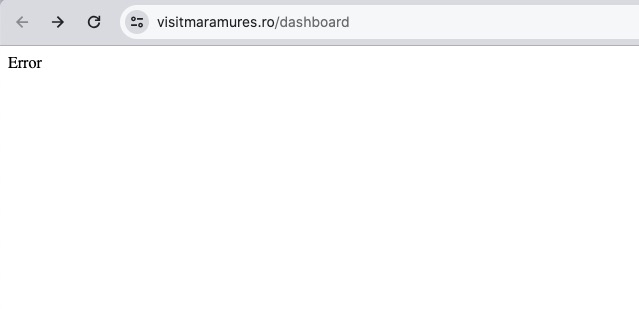
Could you check?