ALso what is the order ID for speaker addon I can fix the email in there as well.
Archives: Replies
Replies for tickets on suppota
Reply to: tickets(352441)
It is indeed related to the email with + sign in there. For some reason our system does not process it correctly.
Please use this email instead and it will activate the license with that. “saaseventon@bidpath.com”
Reply to: tickets(352122)
Could you take the zoom link that is shown on the screenshot and put it to Edit Event > https://helpdeskx.s3.amazonaws.com/wp-content/uploads/2024/04/30110416/Screenshot-2024-04-30-at-20.03.59.jpg and save the event again?
Reply to: tickets(352693)
Hello,
Could you try following this guide:
https://docs.myeventon.com/documentations/how-to-add-custom-event-statuses/
Reply to: tickets(349390)
Strange but I cannot find orders with these ids. Which email did you use to purchase them?
Reply to: tickets(352333)
We are glad your issue is resolved, if you have any further questions or concerns please create a new ticket.
Reply to: tickets(352581)
Great thanks!
Reply to: tickets(352250)
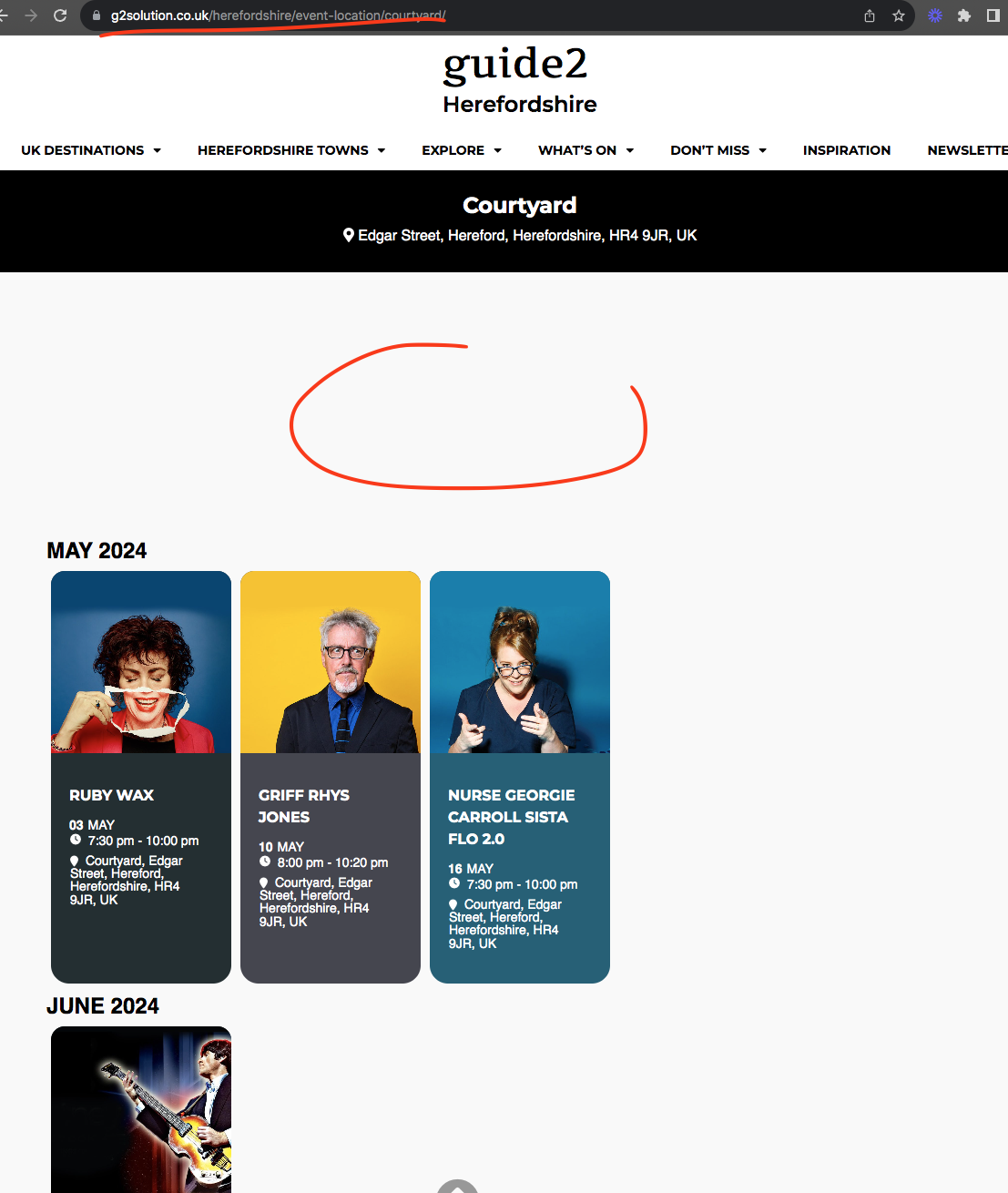
Looks like you are using a custom location and organizer templates. As artem mentioned, it should not look like this.
You mentioned doing updates on it. Let us know when those are done.
Reply to: tickets(351647)
Here is the link to download 4.6 — https://tinyurl.com/3w6bptke
Reply to: tickets(352579)
Thank you, Artem. Our versions were out of date because the latest Tickets update created a conflict with an important feature of our site. it looks like that conflict has been resolved and we were able to update to 2.2.9 and now the problem is solved. Thank you for your quick response!
Alyson