Thank you for your help!
Archives: Replies
Replies for tickets on suppota
Reply to: tickets(351252)
Thank you very much!
Reply to: tickets(348021)
Hi David,
Please go to EventON > EventCard > try a different Feature image display style.
Let us know if this works for you.
Reply to: tickets(351647)
Hi Nikolay,
Please go to EventON > EventCard > try a different Feature image display style.
Let us know if this works for you.
Reply to: tickets(350981)
Bonjour, je viens ce jour de refaire la demande de remboursement donc vous devriez le voir dans votre espace développeur ce jour
Reply to: tickets(351761)
For me it only works when I hit the button “Generate Google Map from the address” on every singel event. I have more than 100 events.
Can I make it work on all my other events with the same location at once?
Reply to: tickets(351647)
Hi Artem,
Here is updated to version 4.6.3 https://staging.splitthemountain.com/events/ bur after the popup appears, then picture of the event is not visualizing and stays black. That’s way I try to find solution for now and stay with latest version that works for me.
Reply to: tickets(348021)
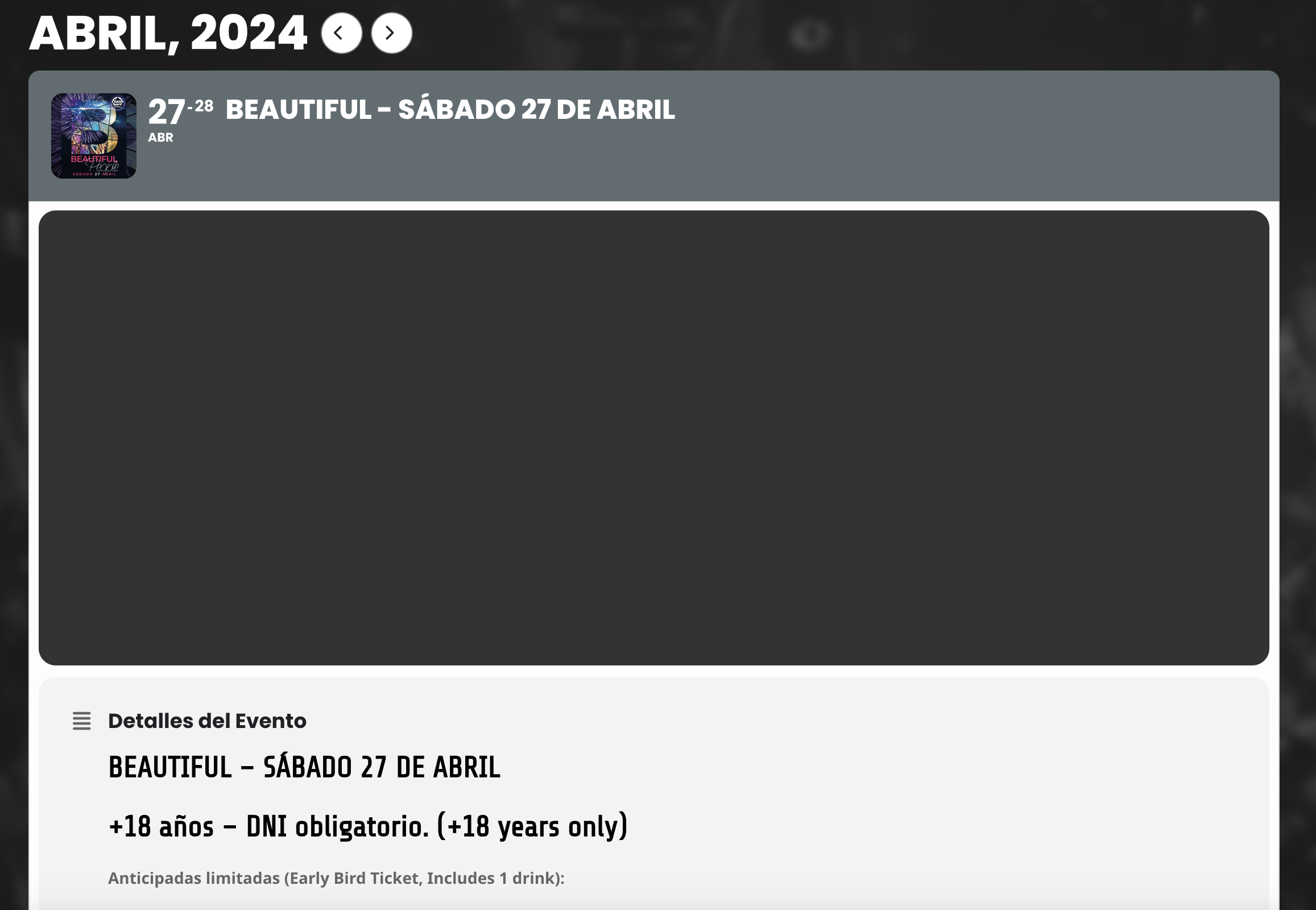
Hello,
All plugin are up to date.
Please have a look because now featured images are not showing up in events. I have not messed around much but I hope it’s the only thing not working.
This should be sorted asap as well.
Many thanks,
David
Reply to: tickets(351791)
Hi there
this worked thank you.
Is there any way to show the event filters not in the wee toggle?
I’m trying to replicate the calendar on the home page of the site
thanks!
Reply to: tickets(351103)
This is how long the featured image takes to appear. Before 4.6 it was not like that