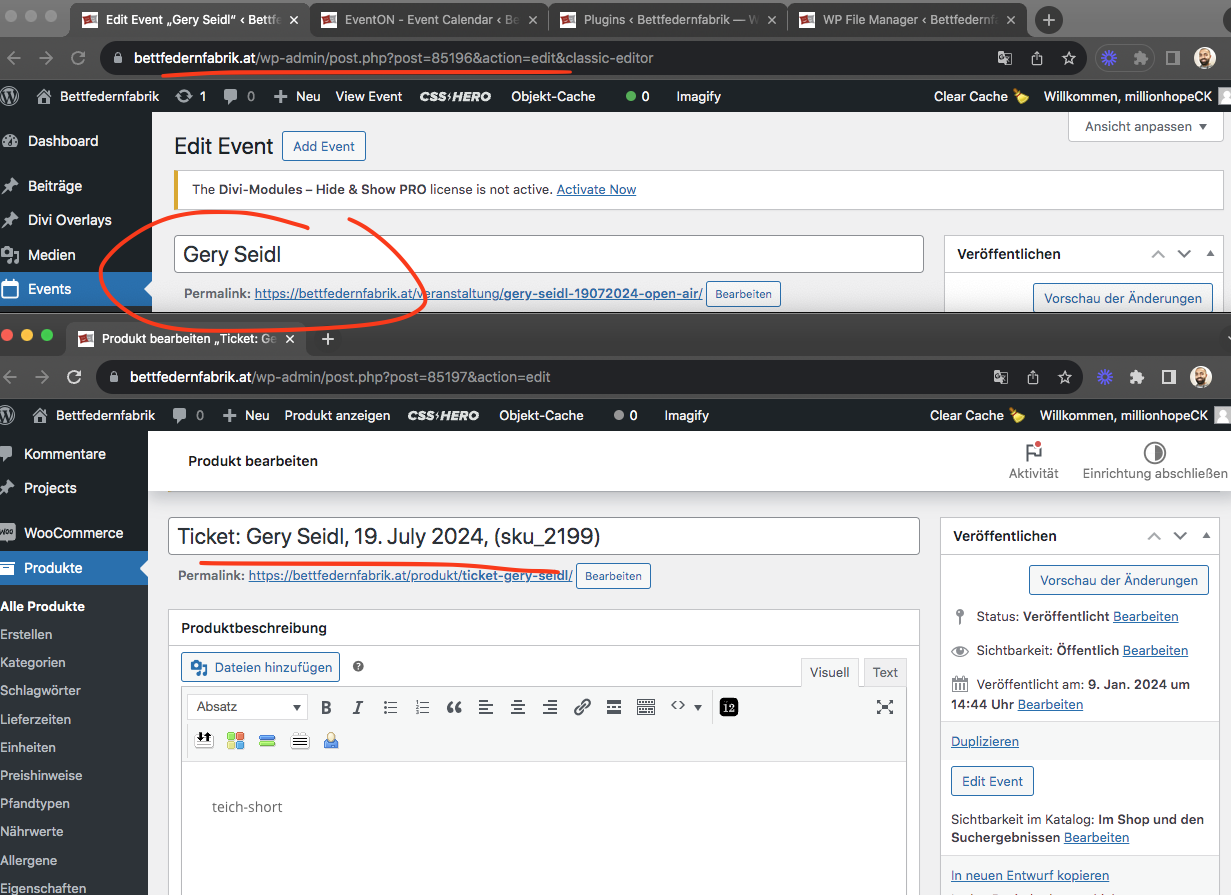
Katrin please refer to this ticket: https://helpdesk.ashanjay.com/ticket/google-maps-disappaers-after-a-few-moments-and-is-not-showing-the-location/
You also have the same issue as that. Kindly apply that same solution we suggested in there.
Replies for tickets on suppota
Katrin please refer to this ticket: https://helpdesk.ashanjay.com/ticket/google-maps-disappaers-after-a-few-moments-and-is-not-showing-the-location/
You also have the same issue as that. Kindly apply that same solution we suggested in there.
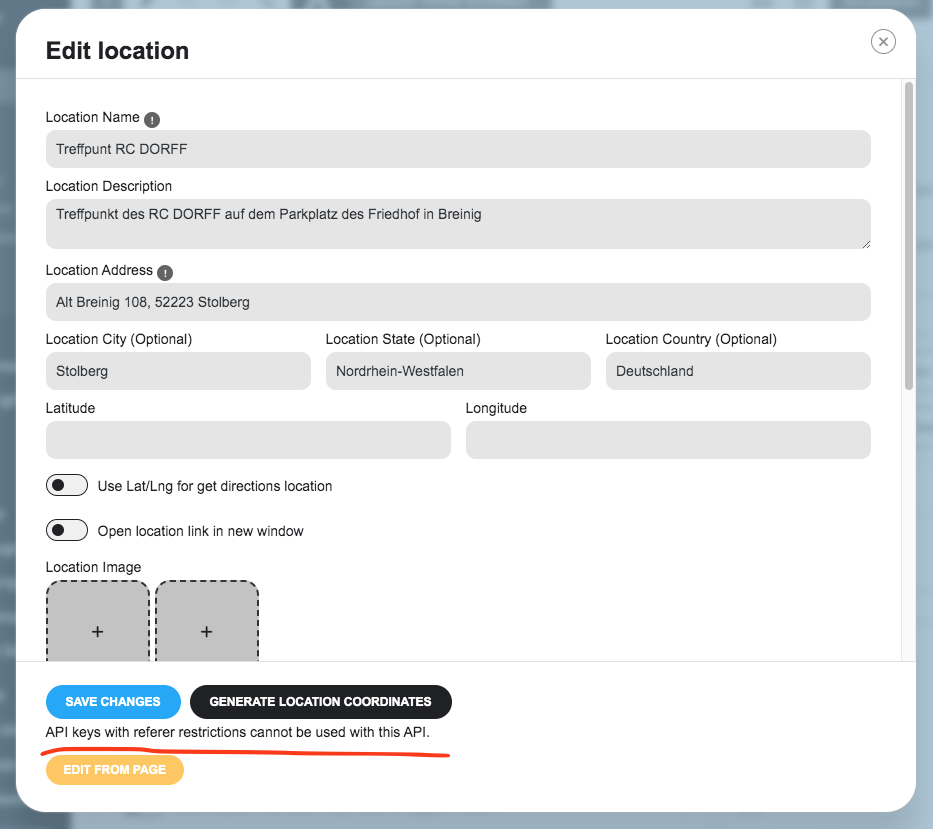
Found some information that might help resolve the API issue.
https://wpstorelocator.co/document/create-google-api-keys/#:~:text=will%20be%20different.-,API%20keys%20with%20referer%20restrictions%20cannot%20be%20used%20with%20this,Address’%20for%20the%20server%20key.
Found the issue, so your google maps API key has referer restrictions, and it seems that is blocking the API from allowing the plugin to use it to get lat/lon values for the event location which is used to create the map/.
check now- just needed to save the myeventon>>>settings>>>>event card page
Actually wanted to confirm you, if you are using eventON variations and options addon, it should restock for refund and other orders types.
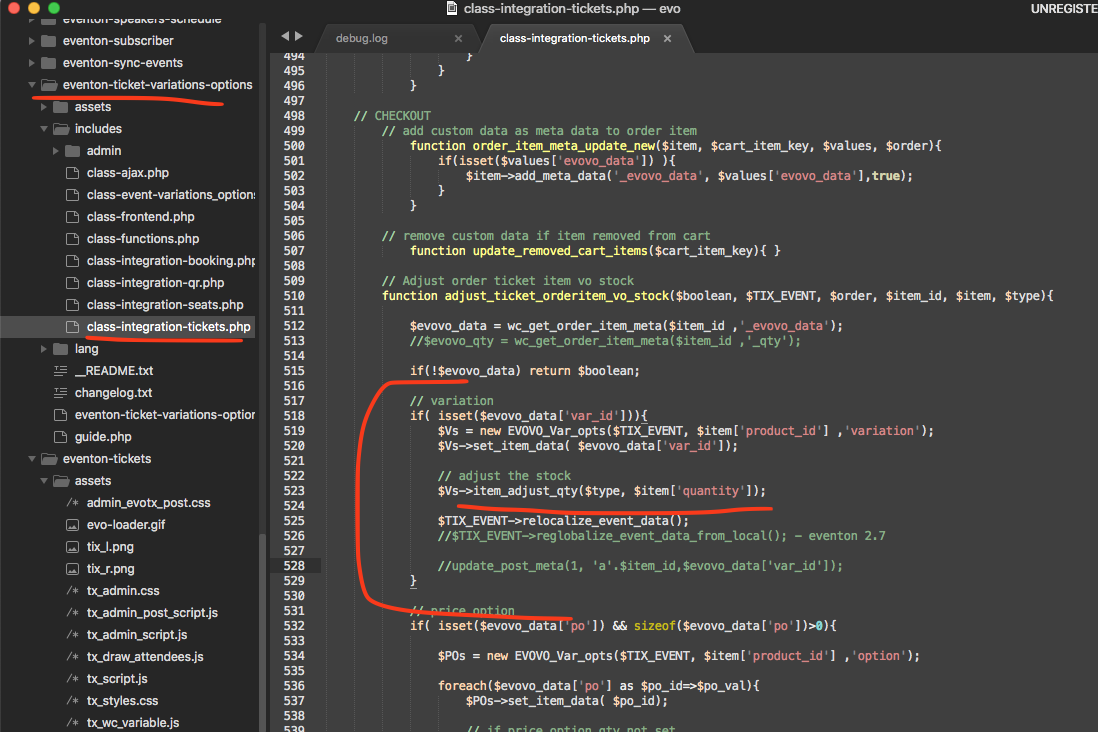
Hello David, just wanted to make sure, Are you using EventON variations and options or WC based variations?
And you are wanting the tickets to be restocked for fail/refuned/cancelled orders?
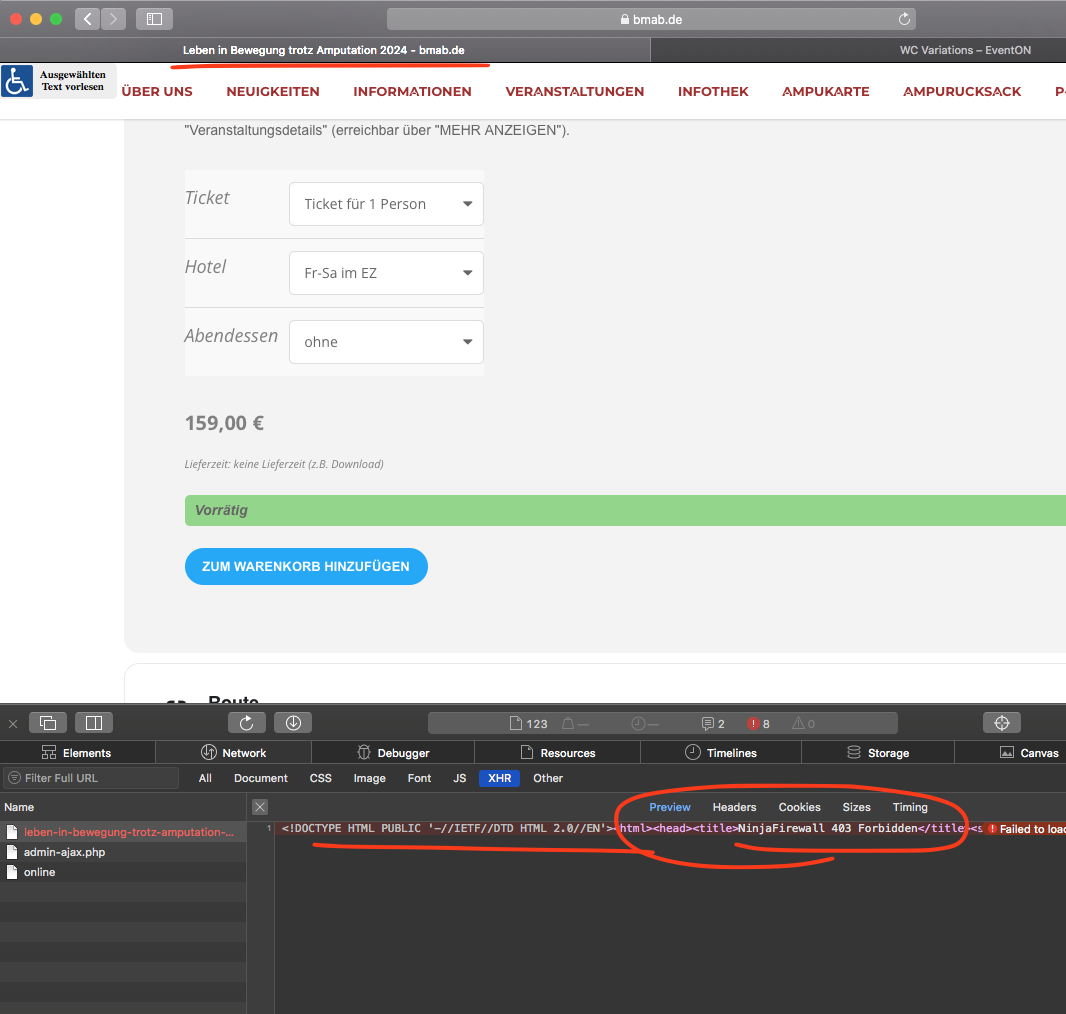
Ok I can replicate this issue on safari on my PC. Our dev site on safari works fine. But not yours, it seems like this link, which adds the variations to cart is blocked by firewall only when accessed via safari.
https://www.bmab.de/events/leben-in-bewegung-trotz-amputation-2024/?add-to-cart=50540&variation_id=50545&attribute_ticket=Ticket%20f%C3%BCr%201%20Person&attribute_hotel=Fr-Sa%20im%20EZ&attribute_abendessen=ohne&quantity=1&ri=&eid=50509&eloc=%3Ca%20target%3D%22_blank%22%20href%3D%22https%3A%2F%2Fwww.bg-kliniken.de%2Fklinikum-bergmannstrost-halle%2F%22%3EBG%20Klinikum%20Bergmannstrost%3C%2Fa%3E
At the moment the way the plugin is created, this URL must be allowed to access to add WC based variations to cart.
Couple of options we can do:
1. See if you can remove this firewall block
2. Use EventON Variations and options addon instead of WC based one. I do not like asking clients to buy addons just to do simple things. You can use coupon code EVO20T at the checkout on myeventon.com and that will get you 20% off on that addon sale for 1st year of the subscription.
Let us know how you want to proceed.
So you know what was updated and which versions it was that made everything stop working?
Also I think your checkout page does not have the necessary ticket information. That might also be a reason why it is not working.
Are you using a custom plugin to create this special check out page?
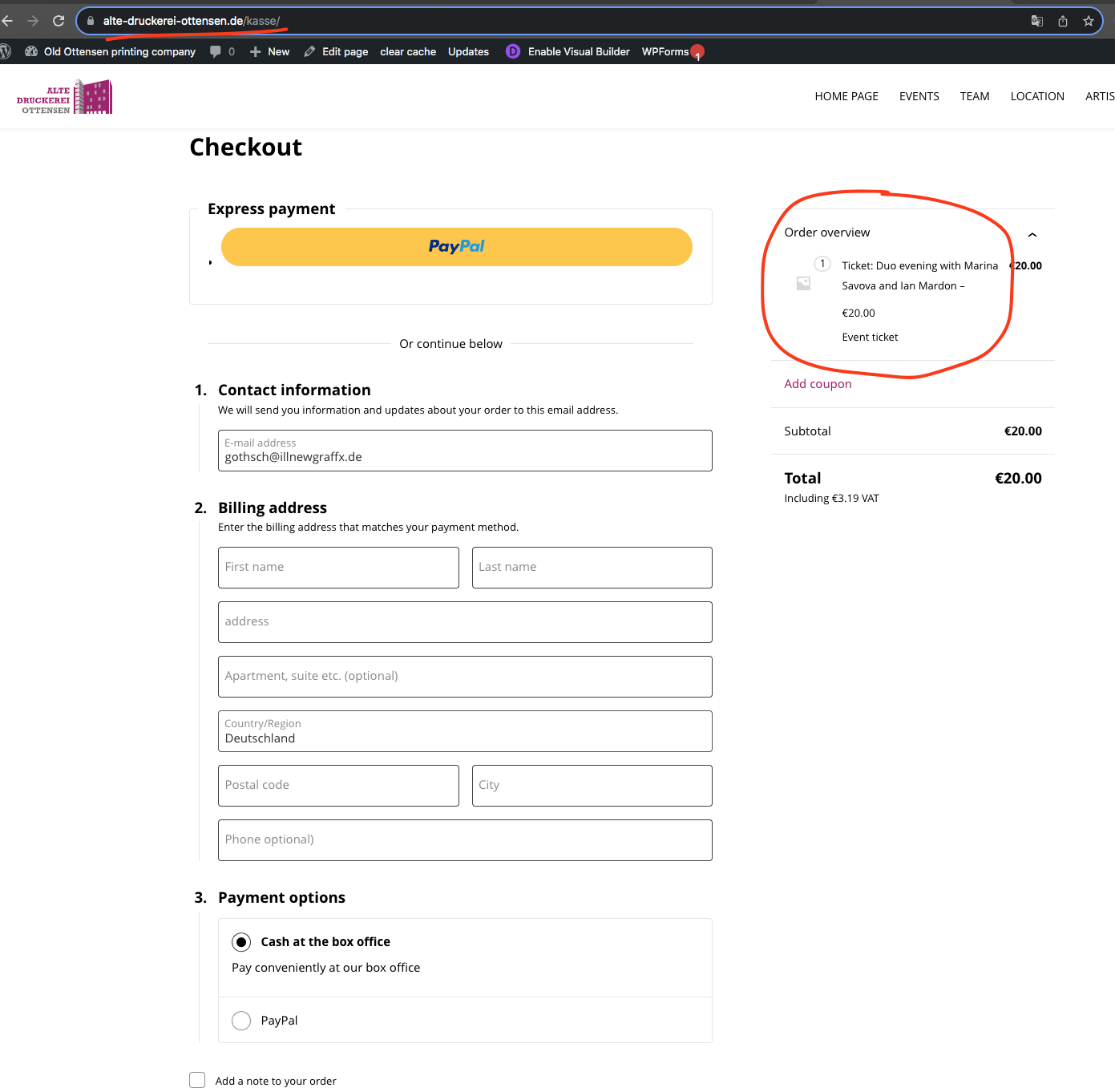
Doesnt look like I can edit the wp-config.php file can you please enable the wp debug —
https://docs.myeventon.com/documentations/how-to-debug-for-php-code-errors/
Also this ticket is private, if you can also share FTP access that might help us do this faster.
Latest tickets addon version 2.2.9 actually resolves this issue. I just copied this part of the code that resolved it. You can go ahead and update the tickets addon to latest version as well. Should be working from now on 🙂