Hello,
We are sorry for the inconvenience! Our devs are working on fixing this ASAP.
The update will be available promptly.
Replies for tickets on suppota
Hello,
We are sorry for the inconvenience! Our devs are working on fixing this ASAP.
The update will be available promptly.
Before updating the live website, it’s recommended to have your dev website updated first to see if any of such issues will appear.
Thank you for sharing your solution with us!
If you have any further questions or concerns please create a new ticket.
Hi Artem,
I just wanted to follow up on this ticket and check if there have been any updates from the development team.
Regarding the earlier note about security restrictions — the site is membership-based, so most content is restricted to logged-in users. However, I’ve created a separate public page where the countdown issue is visible, so your team should be able to review it without needing login access.
There are no intentional IP blocks set for your team specifically, though the site does use server-level and plugin-based security/caching (SiteGround security and caching layers).
Please let me know if there’s anything further required from my side.
Looking forward to your update.
Hello,
Could you send us a screenshot of the issue?
I did check your and our websites and they both only show L2 language:
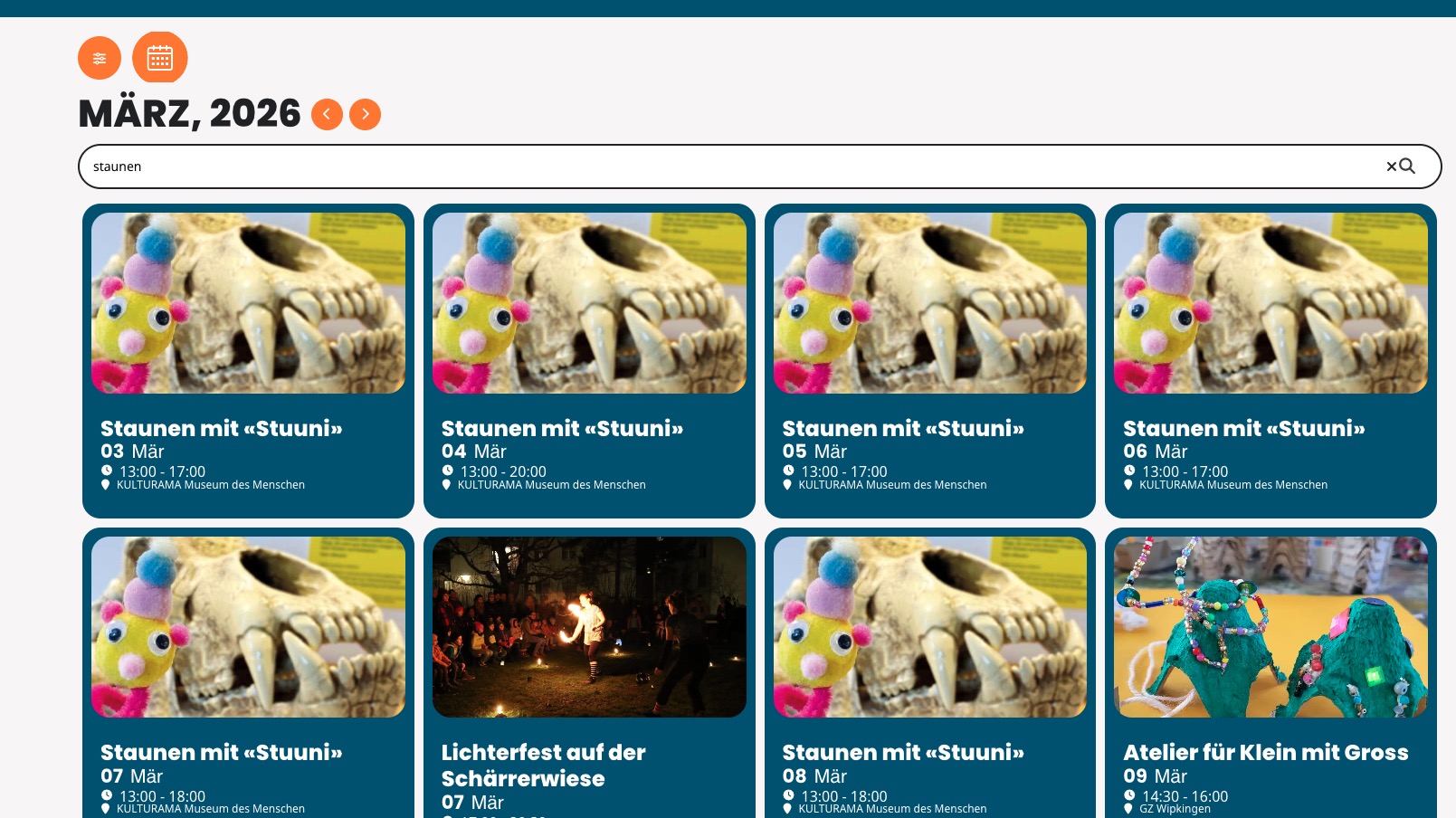
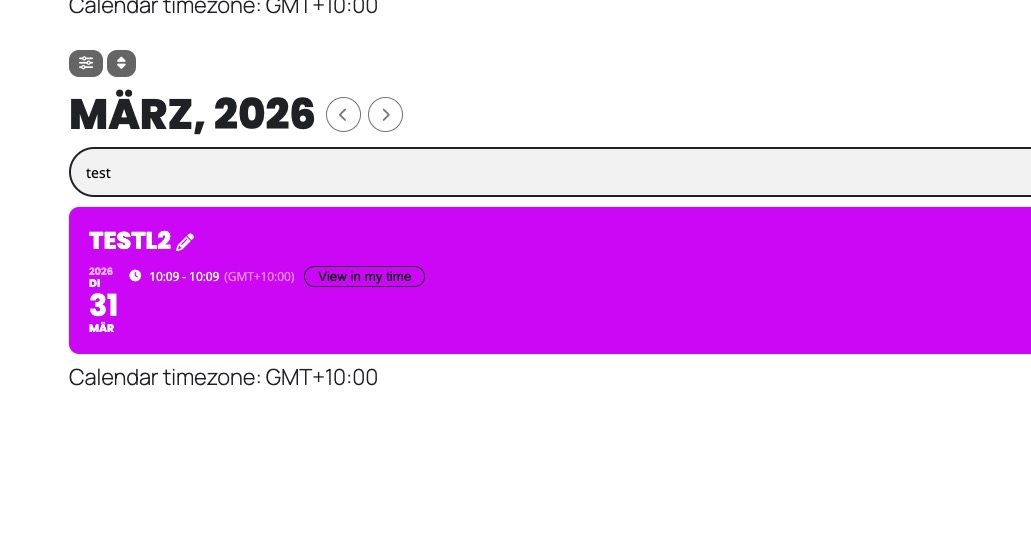
PS: This short code solved my problem.
[add_eventon_el el_type=”dr” start_range=”2020/01/01” end_range=”today” month_order=”ASC” event_order=”ASC” number_of_months=”60” hide_empty_months=”yes” event_count=”8” event_count_list=”yes” show_limit=”yes” show_limit_ajax=”yes” tiles=”yes” tile_bg=”1”]
But of course it would be great if I could update the plugins without losing design choices and functions.
Hello Artem (please excuse me for misspelling your name twice)
I was able now to follow your instructions. I did deactivate and delete the old EventOn-Plugin an reinstalled the new one. I was also able to update Event Lists: Ext add-on as well. The result was unfortunately a bit of a mess. Many of the design choices were gone. The site https://grabenhalle.diexperten.ch/test-programm-archiv/ didn’t work anymore. I had to roll back to the old versions.
I’m quite at a loss as to how to proceed. I hope you can help me to make EventOn running on the new version.
Kind Regards, Oliver
Hello Arthem
I’ve tried to verify my purchase but there is only a popup with ”loading” for minutes.
Kind Regards, Oliver
Hello Arthem
Thank you for the instructions! After the last update, we had some problems getting EventOn working again. That’s why I avoided updating the plugin. I think I’ll have to do the update now and hope that everything looks the same as before 🙂
Kind Regards, Oliver
Hi, the site with the credentials I added is: https://centerofinnovationnm.org/505login
Replace wp-admin with /505login.
I can setup login for that temp cloudways address if needed, but the main site is above and that is the credentials added user for.
There are now a total of 4 total Patchstack reports, all are listed below for convenience:
Vulnerable to Cross-Site Scripting (XSS)
Low: https://patchstack.com/database/wordpress/plugin/eventon/vulnerability/wordpress-eventon-plugin-4-9-12-cross-site-scripting-xss-vulnerability
Medium: https://patchstack.com/database/wordpress/plugin/eventon/vulnerability/wordpress-eventon-plugin-4-9-12-reflected-cross-site-scripting-xss-vulnerability (ADDED TODAY)
Vulnerable to Access Controls
Low: https://patchstack.com/database/wordpress/plugin/eventon/vulnerability/wordpress-eventon-plugin-4-9-9-broken-access-control-vulnerability
Medium: https://patchstack.com/database/wordpress/plugin/eventon/vulnerability/wordpress-eventon-plugin-4-9-9-broken-access-control-vulnerability-2