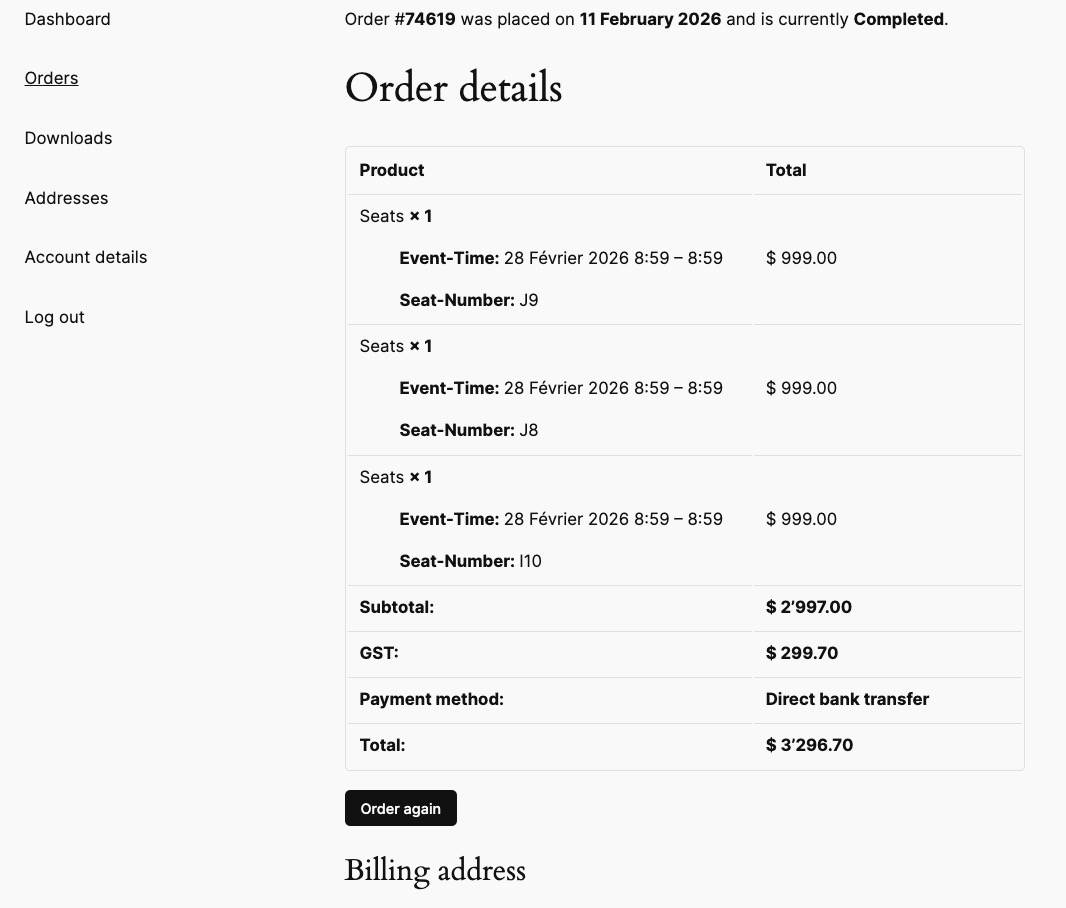
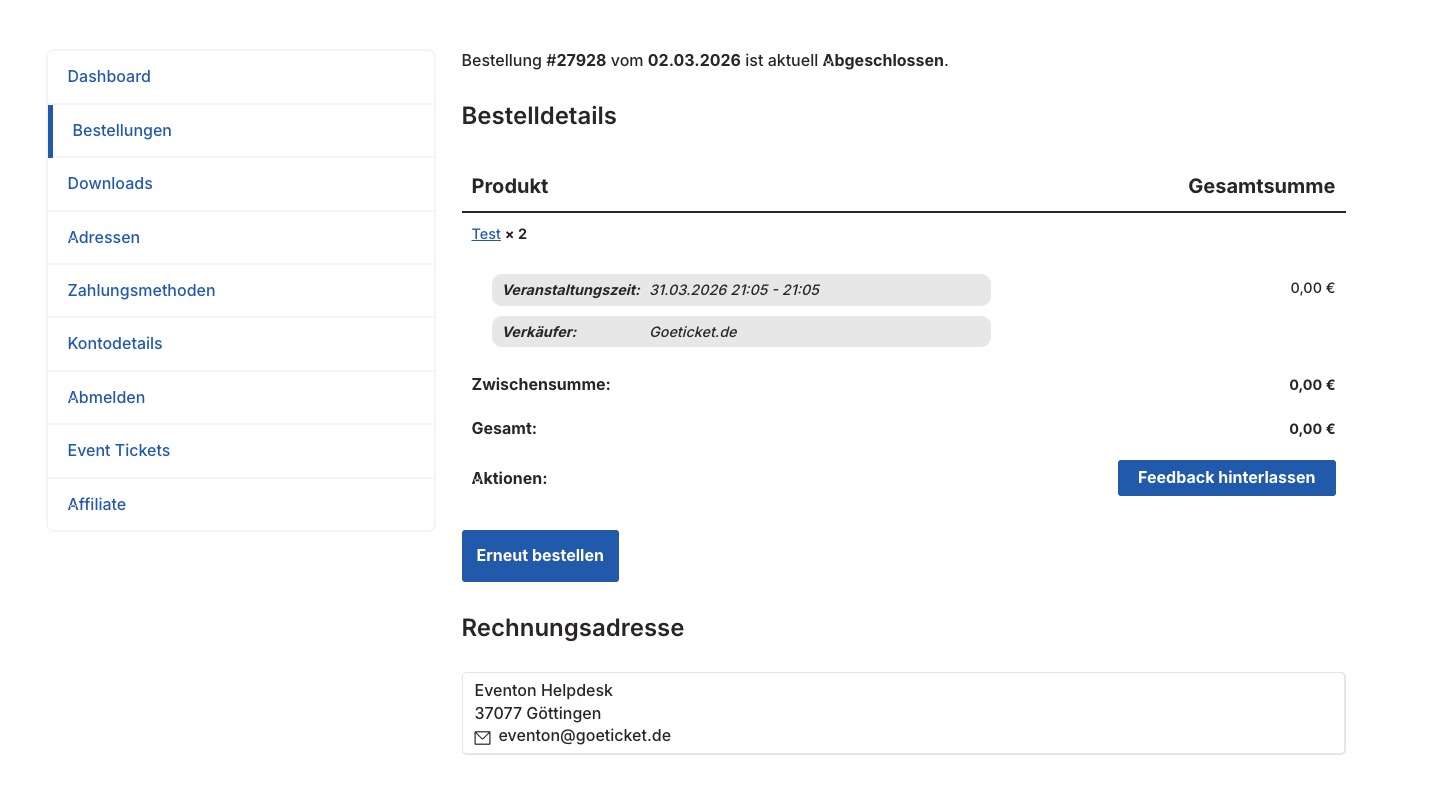
I think the problem is that in preview view it shows as a list, however when looking at the page without preview it shows as a calendar. I was obviously working in preview using the eye button to check my changes.
Is there anyway of speeding up the load time?
Thanks
Helen

Hello
You can view here: https://irace.vn/su-kien/tien-phong-half-marathon/
Or Video here: https://drive.google.com/file/d/1p7yN9R0dFM3FrDqHDBUBFN6L2DkPwvx8/view?usp=sharing
Thanks
Where can we see the yearlyview calendar not working? the link you provided has yearlyview calendar, although it does take quite some time to load the calendar. but it does comes up.

Perhaps you didnt understand my question. i never said i couldn’t see events. i said i could see the events listed within the ”Events Manager” page. plus, i dont want historic events to appear on future which is why i had previous events disabled.
Next, i followed your request and was able to generate the ”debug log” . Here is what was contained:
[19-Nov-2025 20:39:31 UTC] PHP Notice: Function _load_textdomain_just_in_time was called <strong>incorrectly</strong>. Translation loading for the <code>woocommerce-payments</code> domain was triggered too early. This is usually an indicator for some code in the plugin or theme running too early. Translations should be loaded at the <code>init</code> action or later. Please see <a href=”https://developer.wordpress.org/advanced-administration/debug/debug-wordpress/”>Debugging in WordPress</a> for more information. (This message was added in version 6.7.0.) in /home/emavioco/public_html/tankworldwide.com/wp-includes/functions.php on line 6121

i’ll wait for your prompt feedback.
Thank you for your reply. We discontinued all of our subscriptions earlier this year. The Bookings add-on cancellation is scheduled for 11/30/25, and we would like to re-purchase it before the cancellation date and retain the same license key.
We’ve also had issues with automatic renewals from Stripe-based services after cancellation. Can you guarantee this will not happen in this case?
Thank you!
Hello,
Since you enabled EventON > Time > Hide past events for default calendar(s), past events are hidden.
However, future events are visible on my side:

About the purchase issue, please follow the instructions in this
” target=”_blank” style=”font-family: var(–sup_font_2);”>documentation to activate debug in your site to see any PHP errors recorded that can provide insight on to whats going on. Please reply with a link to debug.log file. If you are not able to do this please send us FTP access to your site so we can do this for you.
Ashan,
The same on dev2:
Post.php
I changed ”Activate Additional Field #3 Test (Custom Field #3)”, but it’s empty:

Hello,
Thank you for your messages!
I am going to escalate this ticket to development to help in here. Please allow us some time to address this, and we truly appreciate your patience. Thank you for being a valued EventON customer!
Additionally, if your site has any IP blocking or security restrictions in place, kindly disable them temporarily to facilitate our support process.
Hello,
1. Please take a look at DailyView add-on:
Daily View
You can also take a look at ”Live Now Calendar View” shortcode that is available without add-ons required:

2. Please try using
[add_eventon_el el_type=”ue” number_of_months=”12” hide_empty_months=”yes” event_past_future=”future”]
I selected these in Shortcode Generator:
Select Event List Type: Upcoming Events;
Hide empty months (Use ONLY w/ event list);
Past/Future Events Filter: Only Future Events.
3. Please use
[add_eventon_el el_type=”pe” number_of_months=”12” hide_empty_months=”yes” event_past_future=”past”]
I selected:
Select Event List Type: Past Events;
Past/Future Events Filter: Only Past Events.
Could you show us an example of an event with the issue?
I don’t see anything unusual with ”Tiền Phong Half Marathon 2025” event.