Could you try manually clearing your browser cache?
I just checked it and it’s working on my side:
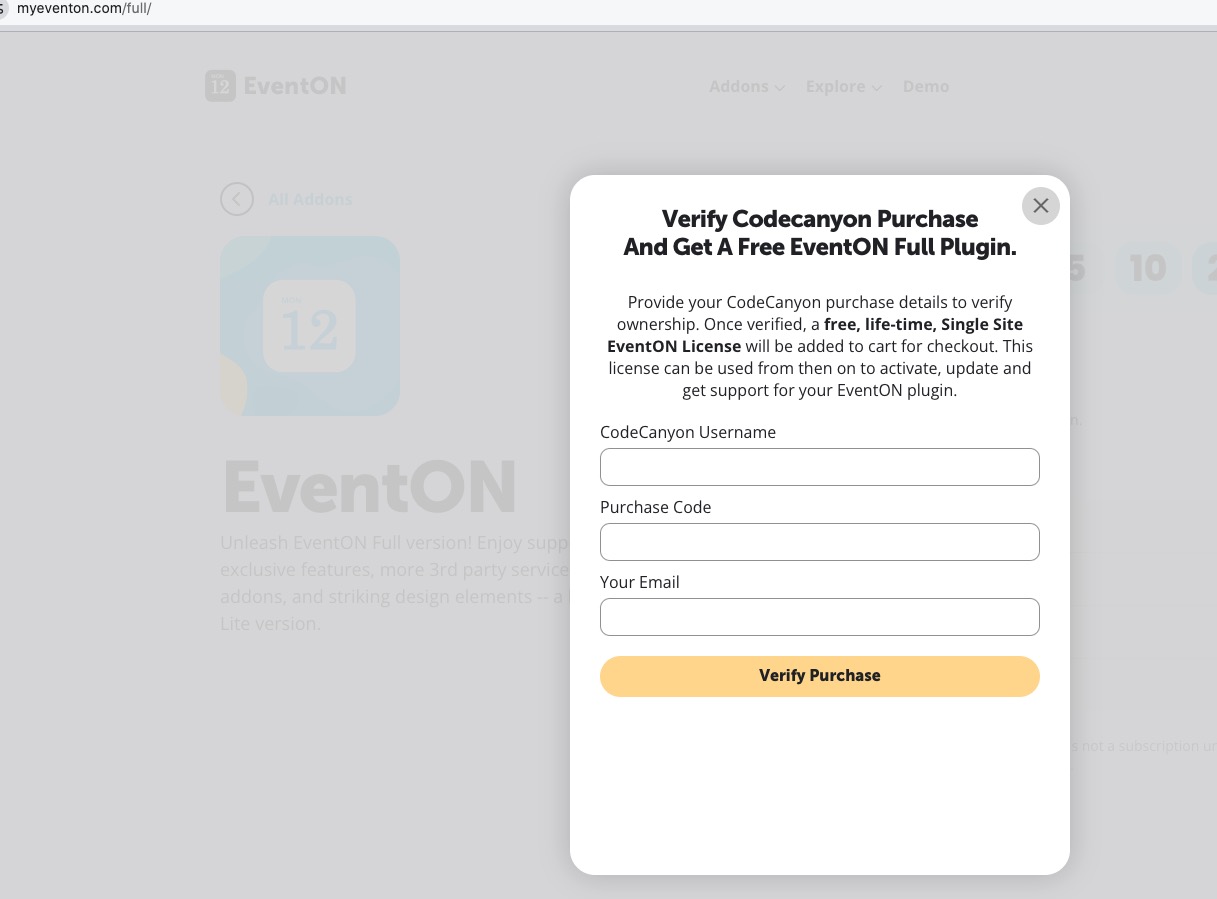
Replies for tickets on suppota
Could you try manually clearing your browser cache?
I just checked it and it’s working on my side:
Hello,
Please take a look at 8. Refund Policy:
https://docs.myeventon.com/documentations/terms-and-conditions-and-refund-policy/
8.1 Eligibility conditions for a refund request:
You are within the first 30 days of the original purchase of the plugin.
We cannot grant refunds after the first 30 days of the original purchase.
If you want to use our products on a different website, please deactivate it by going to EventON > Addons & Licenses.
After the deactivation, please disable EventON and addons, delete them and install/activate on your new website.
We are glad your issue is resolved, if you have any further questions or concerns please create a new ticket.
If you have a moment, we would greatly appreciate if you could kindly leave us a review at EventON WordPress Page OR EventON > My Account > Downloads. Your review helps us a lot in continuing EventON improvements!
Please follow the instructions in this documentation to activate debug in your site to see any PHP errors recorded that can provide insight on to whats going on. Please reply with a link to debug.log file. If you are not able to do this please send us FTP access to your site so we can do this for you.
Thank you for sharing the solution with us!
We are glad your issue is resolved, if you have any further questions or concerns please create a new ticket.
Hello Michel, thank you for catching that and we got a new version update out that will resolve this issue 🙂
changelog:
Kind Regards!
Ashan
Looked like it was an update with an other plugin that was the culprit.
This plugin was updated a day before i updated the daily view and everything was working fine, so thats why i thought the problem was with daily view.
Im not sure why at this point but the MP3 Pro from sonaar with daily view is the problem.
Yes, and the individual events also. I appreciate any assistance you can provide. It is currently doing it again.
Now fixed. Thank you.