It just stays on this screen ….with Loading Content…
Replies for tickets on suppota
It just stays on this screen ….with Loading Content…
Hello,
Could you allow us to access wp-admin > Settings > Permalinks?
On my side seems to be working correctly:
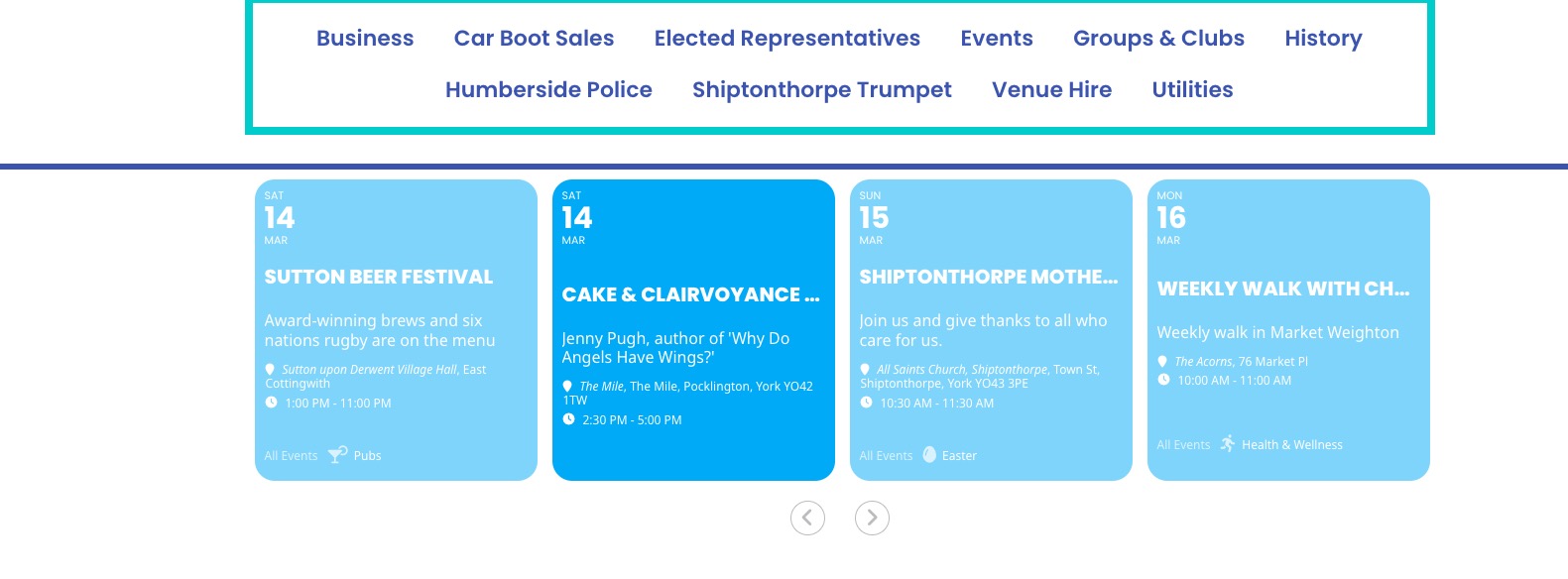
Could you check and let me know?
Hello,
Thank you for your messages!
I am going to escalate this ticket to our account manager to help in here. Please allow us some time to address this, and we truly appreciate your patience. Thank you for being a valued EventON customer!
Please also take a look at the tutorial below on the info we need for you to transfer a license to another account.
https://www.myeventon.com/my-account/license-transfer/
By default all links are replaced with /var/event_access.
If you want to change it, then you need to use Disable redirecting and hiding virtual event link.
So the functionality is correct.
We are glad your issue is resolved, if you have any further questions or concerns please create a new ticket.
Hello,
I went to EventON > Appearance > set Configure text color for colorful & Image eventtops to Use all text color for eventtop text from below.
Now the text is white and can be read. Could you check and let me know?
Hello,
Could you tell us more about what’s happening when you go to and click on ”Verify Codecanyon Purchase”:
https://www.myeventon.com/full/
Hello,
I am sorry, the access information you have provided did not work for us. Please check them and post the correct login information as a private message, thank you!
Errore: il nome utente bellunolanotte non è registrato su questo sito. Se non sei sicuro del tuo nome utente, prova invece il tuo indirizzo email.