Hi Kelly,
Please try adding ux_val to your shortcode. You can find it here:
https://pastebin.com/VECjaeHj
Let us know if this works for you.
Replies for tickets on suppota
Hi Kelly,
Please try adding ux_val to your shortcode. You can find it here:
https://pastebin.com/VECjaeHj
Let us know if this works for you.
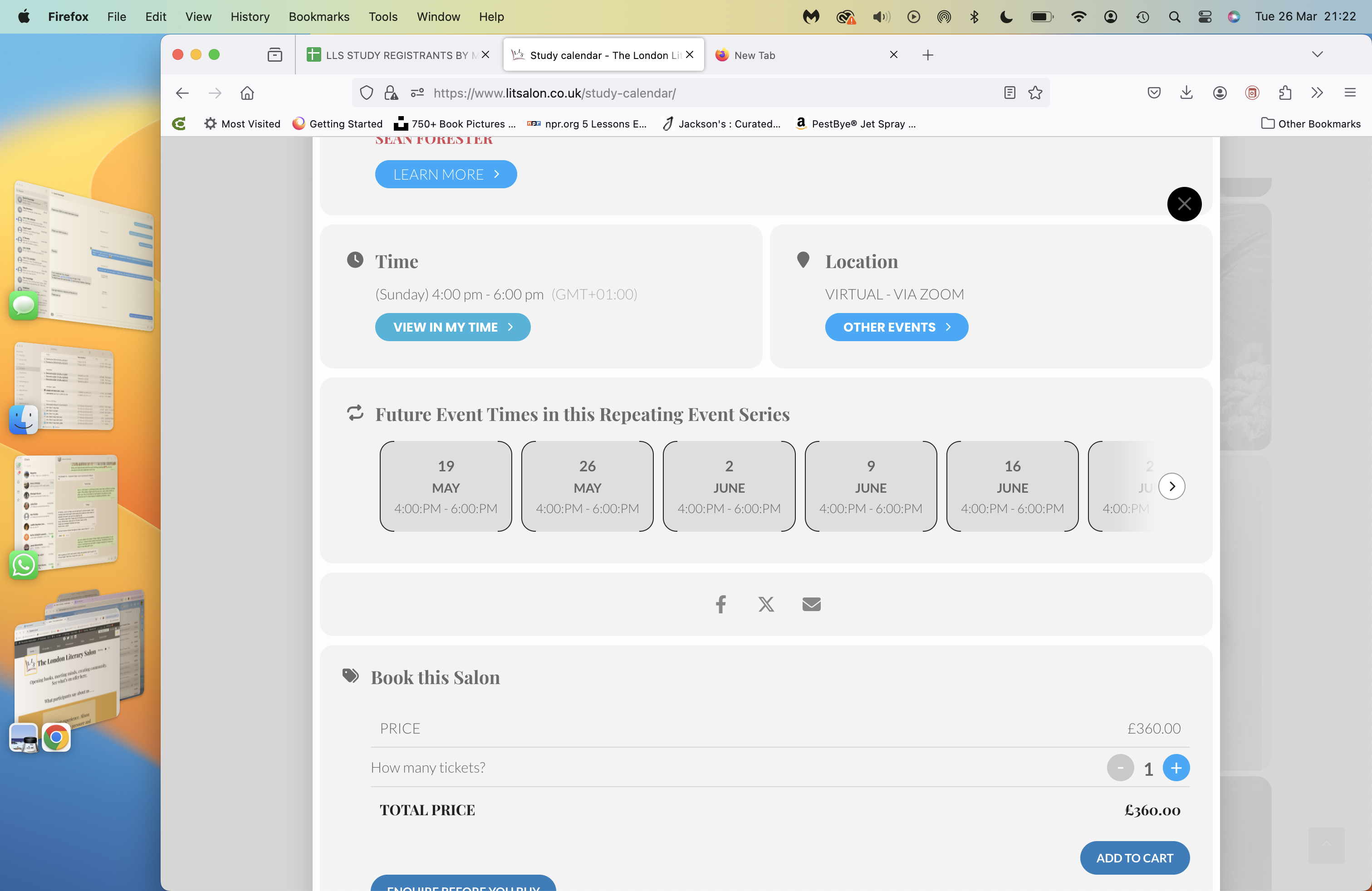
Hi, first of all THANK YOU for sorting out the problems so far.
Where there are repeating occurrences of an event (e.g. on https://www.litsalon.co.uk/Studies/dantes-purgatorio/) the repeats are not showing as they should do. See the attached screenshot.
Thank you!
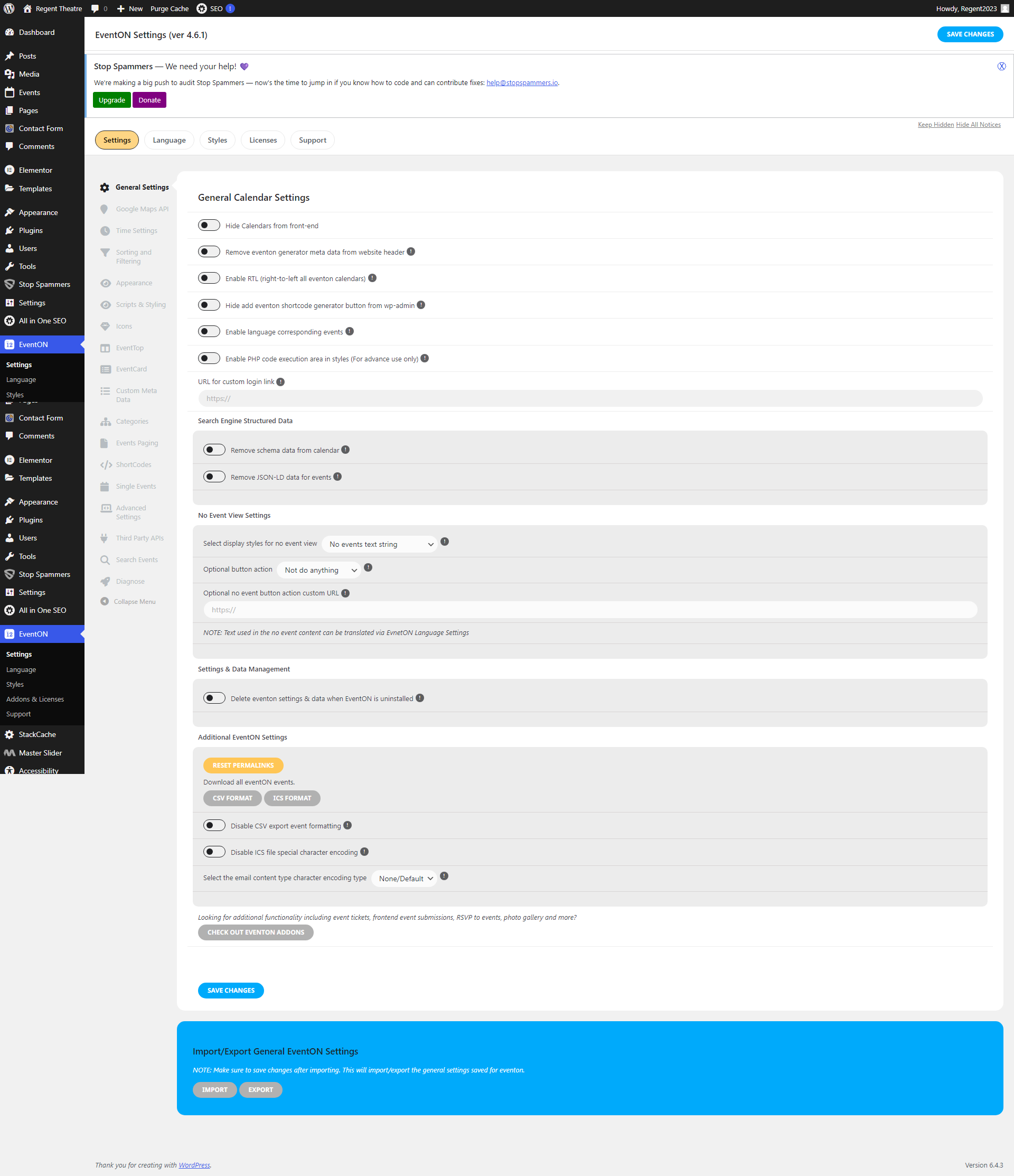
Trying to add the Full Calendar but I keep getting this message below. And I’m unable to use it (see attached image) Pretty frustrating.
Could not reach remote server for validation, however your license is activated locally. You can attempt to remote validate your license later
All right! Thanks!
Thank you very much, in the end it works, I have managed to generate the shortcode again.
I also asked my web developers to look into this and this was their reply…
I’m unsure if there is a plugin affecting images. By images do you mean emojis?
Is there any way to revert back to previous version of eventon? We weren’t having issues with that and this is a lot for me to look into.
I hope that you find the time to solve this because we get RSVPs for our events every day. We would be happy to find a fast solution.
Hello,
Could you send us a screenshot? Not sure which part you are referring to.
Thanks Artem!
It appears that when I click on the “calendar tab” when I advance to the next month and click on an event it comes up with a notification “no events”. I have the Full Calendar plugin. Is it working from what you can see. It seems to be the only reason why the calendar is not working properly.
-Greg
| Order | Product | License Key |
|---|---|---|
| #162955 | Full Cal |
EVOc36e3cb0-c6e4-4fe9-a17f-0aa751da6a30
Subscription Status ACTIVENext Payment In 3 daysLicense Expire Date Not yet endedWebsite Activation Limit 1Email gblag@mindspring.com |