Hello,
Thank you for your messages!
I am going to escalate this ticket to development to help in here. Please allow us some time to address this, and we truly appreciate your patience. Thank you for being a valued EventON customer!
Additionally, if your site has any IP blocking or security restrictions in place, kindly disable them temporarily to facilitate our support process.
It was updated from 0.11.
Hello,
Did you purchase from CodeCanyon or our website?
https://www.myeventon.com/full/
Please check this instruction:
To update eventon to latest version: (If auto update works, please try that from with your website plugins page)
1. If you purchased eventON from codecanyon > Go to EventON Full page and verify your purchase to get a free copy of eventON latest version and move your purchase over to myeventon.com.
2. If you already purchased eventON from myeventon.com go to My Account > Downloads and get the latest version copy.
Once you have the latest version zip file. Then you can go to your website > make sure ”Delete eventon settings & data when EventON is uninstalled” is De-slected from eventon settings, delete old eventon, install new one and activate. This link will further explain the process it. Follow us on X to get real-time announcements on updates!
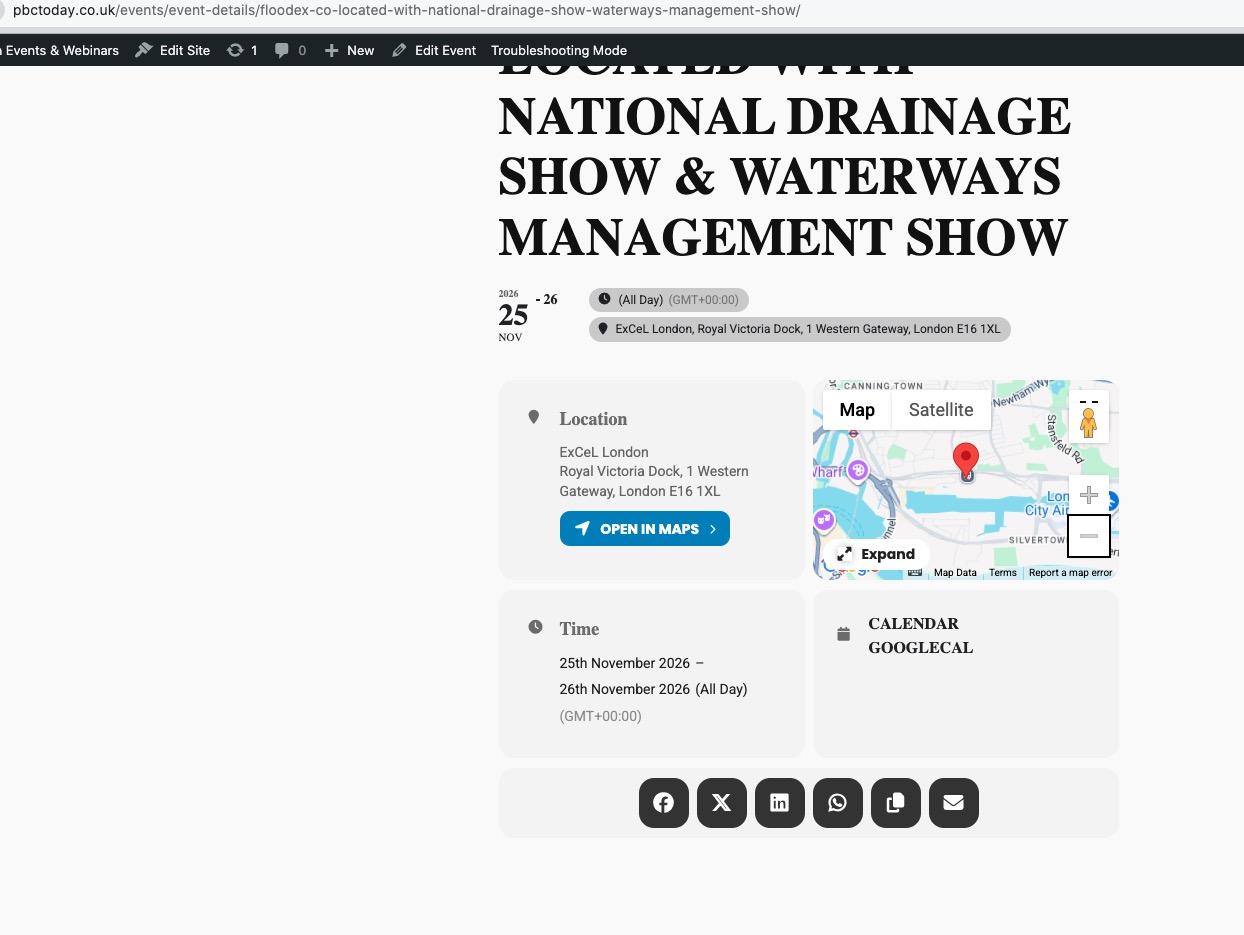
Seems to be working in Troubleshooting Mode:
Could you please try the instructions mentioned in this documentation to make sure your issue is indeed coming from eventon.
I have logged into my server host StackCP and manually cleared the cache again.
Access https://www.stackcp.com/services/c4aaf07e08f2a209/service-overview
Login:
And as I wrote I think it is unneccessary to have a ”Read more” trigger button AND a ”Learn More” lightbox with nearly the same content, but I can solve this via css.
We are going to add the option to hide the button in the next update.
Do you need our help with anything else or can I close the ticket?
Perfect! If you have any further questions or concerns please create a new ticket.
Hi, thank you for that. It seems to work right now correctly, probably due to other updates I made in the meantime.
So we can close here.
Thank you.
Hi Guys, details provided.
Apologies for the delay in following up.
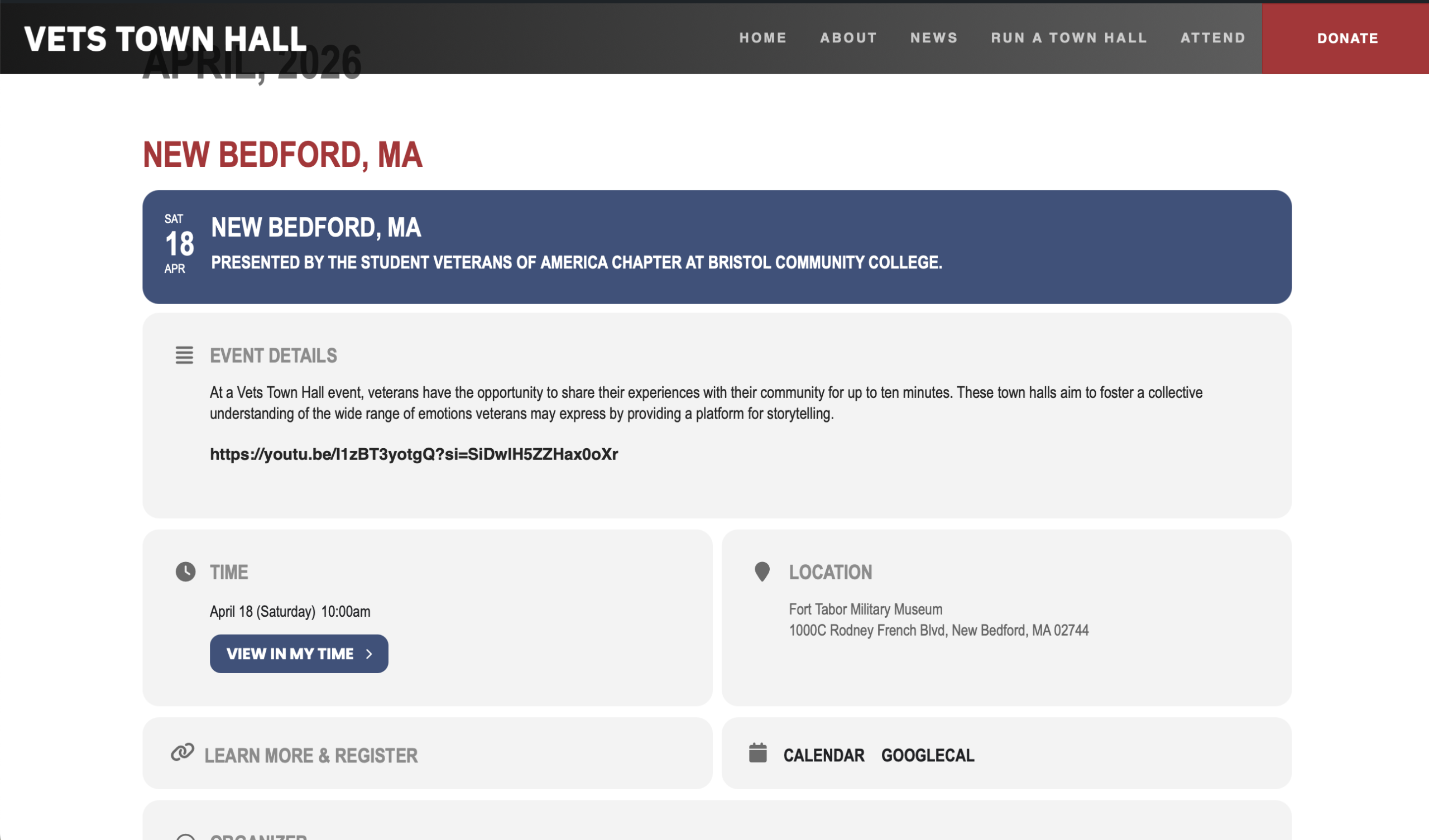
I discovered that a Beaver Builder ”basic post” template was being applied to ”all singular” things, so I made an exclusion for events. But the image below is now what a single event page looks like. It certainly has more information, but it’s just the expanded event card, and the month heading is partly hidden by the header. Is this what it’s supposed to look like?
Thank you for your help, and all the best.