There is no “Other events” in EventON > Language > General Calendar
Only available in 4.6.1.
You are right, I think I misunderstood you. Sorry.
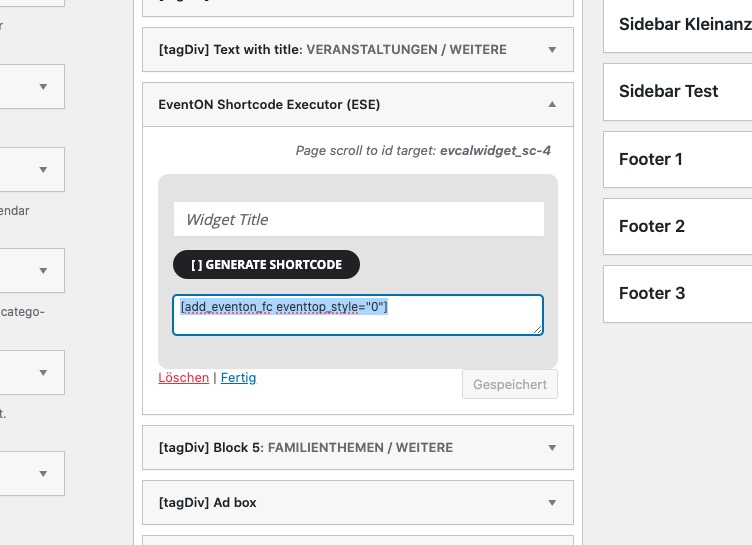
Your shortcode is
Could you try adding ux_val=”3″?
[add_eventon_fc eventtop_style=”0″ ux_val=”3″]
Seems to be working on our test site:
https://dev2.myeventon.com/test-462/
Yes, that one and all the rest are translated into English.
Hello,
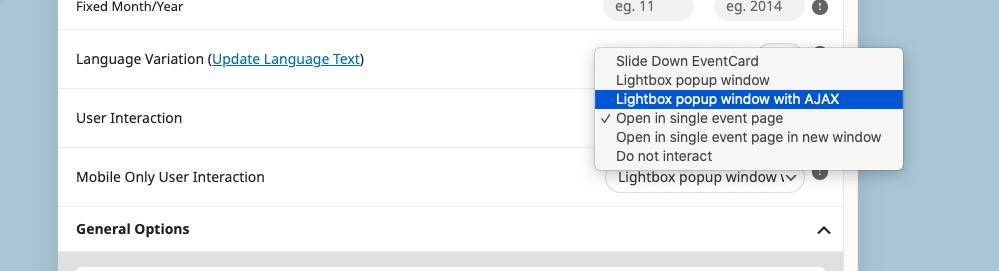
Are you referring to User Interaction?
It should be
ux_val=”3″
Ashan,
The same on dev2:
https://dev2.myeventon.com/test-461/
Hello,
Thank you for your messages, I am going to assign this ticket to Ashan and he will be able to take it from here and find you a solution. Please allow some time for him to get back to you, we greatly appreciate your patience and thank you for being a eventon customer! Also please disable any IP blocking on your site if there are any.
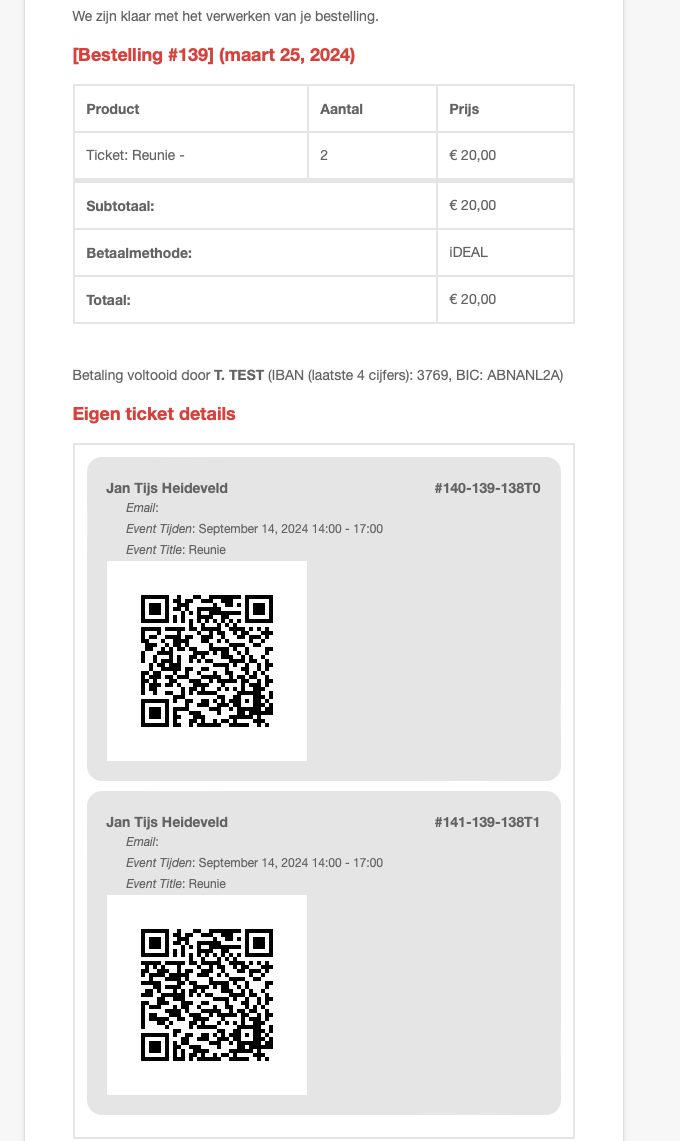
Which QR Code are you trying to scan? Could you also send us a screenshot of what you see on your side?
it shows a maximum of 4 events in total
You need to use Event Lists: Ext add-on for this:
https://www.myeventon.com/addons/event-lists-extended/
Try this on https://dev.myeventon.com/wp-admin/
[add_eventon_el number_of_months=”12″ event_count=”4″ event_count_list=”yes” hide_empty_months=”yes”]
Hello,
This only available in 4.6.1.

So at some point yesterday, the huge white space between the months row and the search box disappeared – so yay for that!
I’ve attached a screenshot sample of an image that’s being cropped – – plus you can also see that the text isn’t showing because it’s white text on a white background – when I highlight in the white area, it shows in reverse the text that should be displayed. So I’d like to fix that also. I had this problem in the past and was given code to fix it, but the update apparently wiped that out.
I have not updated to the 4.6.1 version – – I’m a little afraid to. Will that fix the image and white text on white background problems?
Please let me know.
Thanks.